
Your own account settings explained
Choose how Offlico looks, talks and keeps in touch with you.
Updated 17 November 2026
Part 1 Your details, language and look
Step 1 Personal details
Go to Settings › Personal details. To sign in with another email, click Edit beside Email, then Change email.
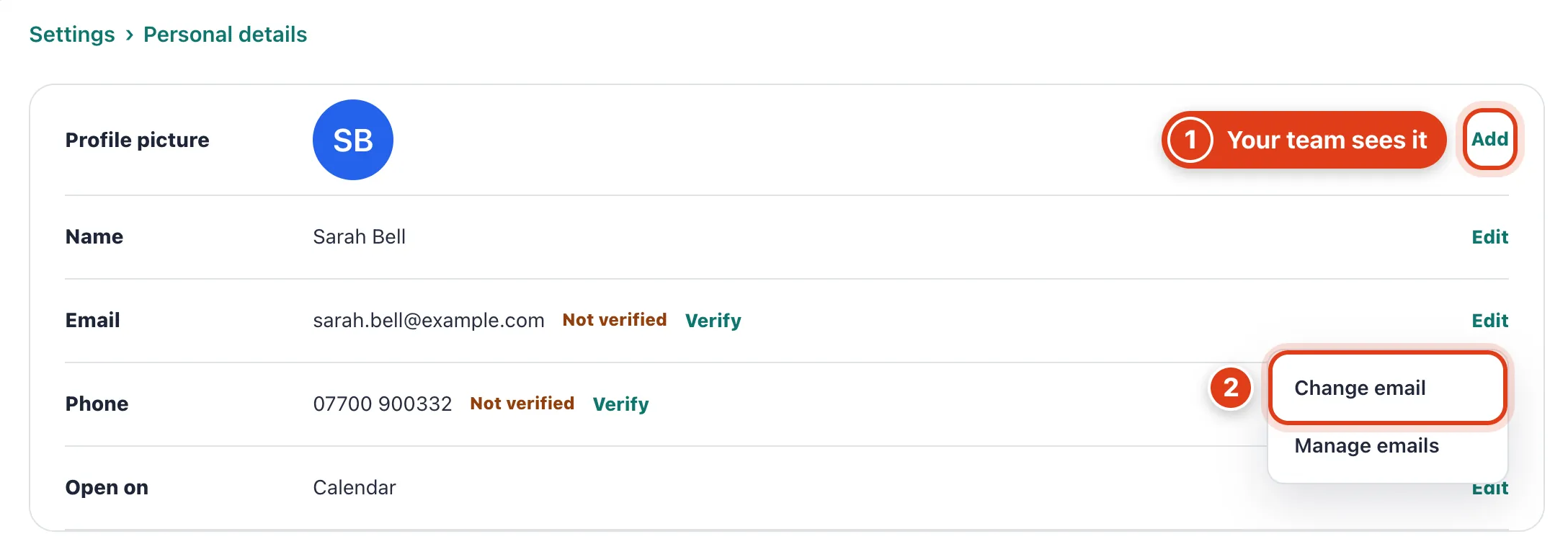
- Your Profile picture shows beside your name to your team, for example on the team calendar Priya Shah sees; clients never see it.
- Change email makes the new address the one you sign in with once you enter the code sent to it, and emails your old address a link to report a change you didn't make.
Step 2 Language
Go to Settings › Language, choose yours, then Save.
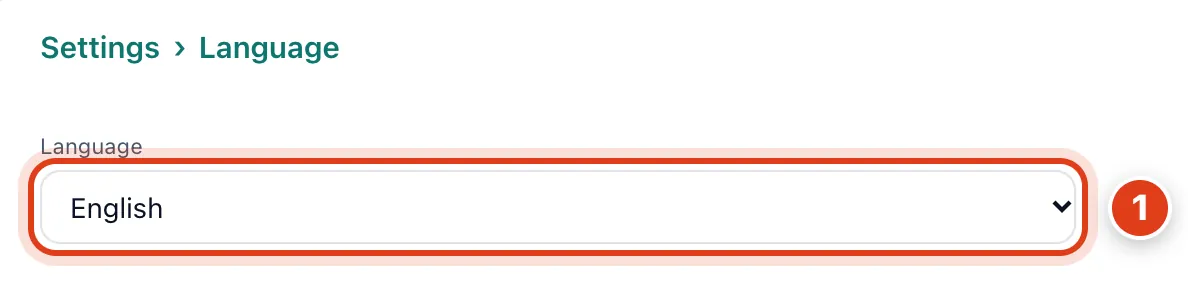
- As the account owner, your Language also sets Offlico's wording in clients' reminders and emails. For example, with Deutsch, Linda Evans's reminder email comes in German, unless you wrote its text yourself.
Step 3 Appearance
Go to Settings › Appearance, pick a Style, Mode and Accent colour, then Save.
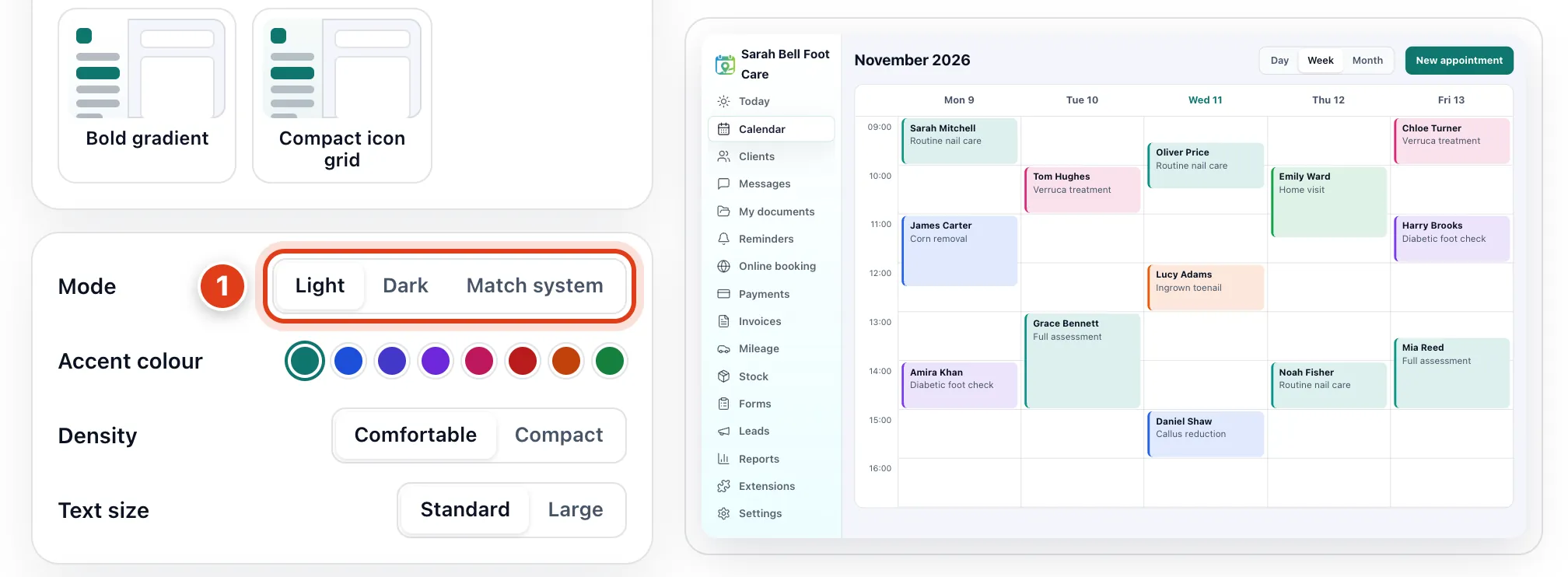
- Mode, Accent colour and the rest change only your own Offlico, on every device you sign in on. For example, with Dark, Priya Shah's screens and your booking page stay light.
Part 2 Emails and notices
Step 4 Email preferences
Go to Settings › Email preferences and turn on the emails you want from Offlico, then Save. Password resets, security alerts and failed plan payments always come.

- Set up tips and check ins starts off. On, it also sends the welcome, a monthly summary and, with no plan chosen, a warning 5 days before your trial ends: for example, on 11 December after a 16 November sign up.
- Offers and news starts off too. On, it adds Offlico's offers and product news, and one request to review Offlico after 30 days and 10 appointments: for example, not before 16 December after a 16 November sign up.
Step 5 My notifications
Go to Settings › My notifications and choose, for each notice, In app, Email or both, then Save. In app notices show on your Message board on Today.
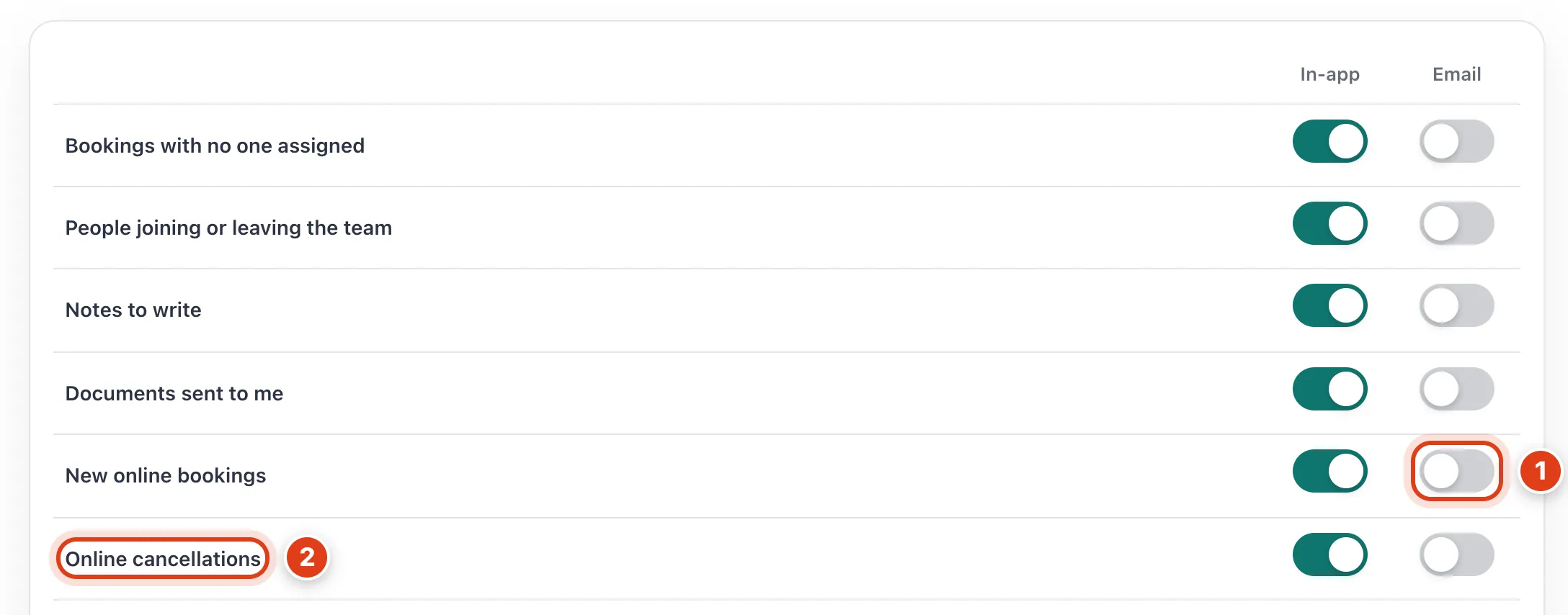
- Every Email switch starts off and every In app one on. For example, turn on New online bookings › Email and you're emailed as soon as Linda Evans books online.
- Online cancellations also covers clients who reply to a reminder to cancel. For example, Linda Evans replying inside your Cancellation notice shows as Asked to cancel too late.
Part 3 Your password and referrals
Step 6 Security
Go to Settings › Security, click Change and Send reset link to email, then set your new password from the email.

- A new password set from Send reset link to email signs you out on every other device, stops your API keys and changes your Calendar feed link. For example, add the new link to Google Calendar again.
Step 7 Referrals
Go to Settings › Referrals and share your code with Copy code, or your link with Copy link or Share.
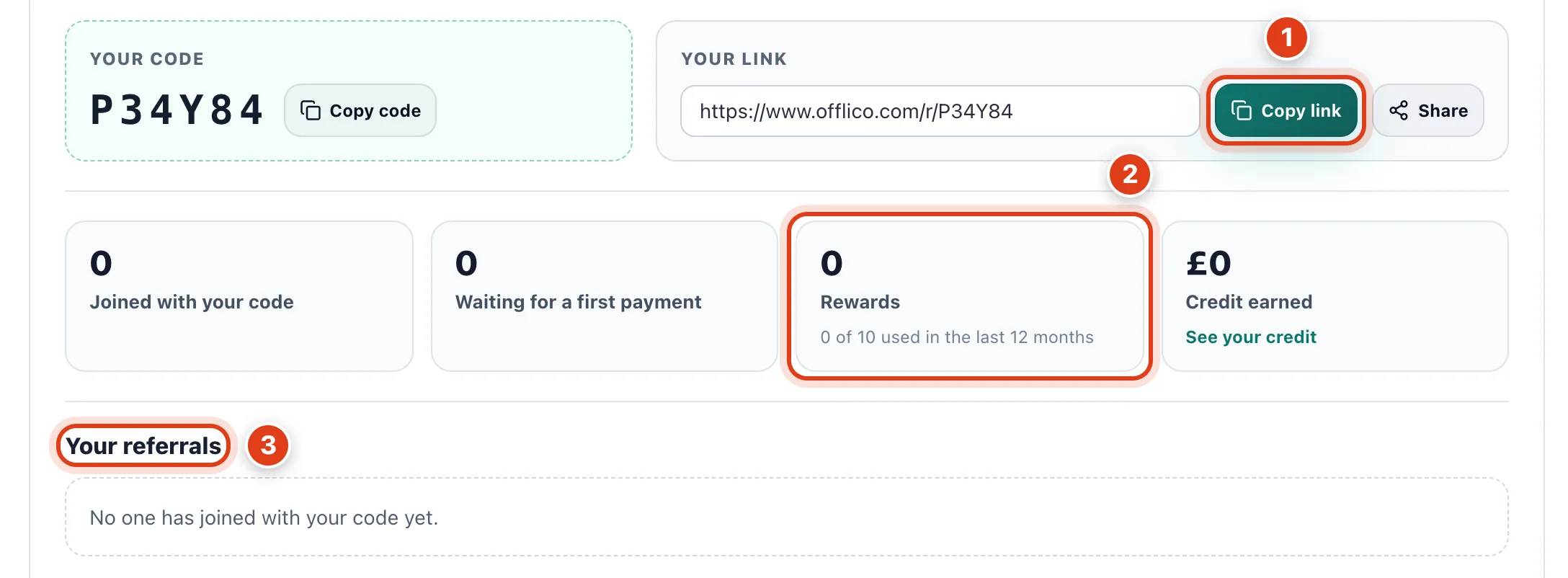
- Copy link: a business that signs up with your link or code and pays for its first plan within 90 days gets you both £10 of Offlico credit. For example, one joining on 17 November must pay by 15 February.
- Rewards stops at 10 in 12 months, and you only earn while you have a plan or trial; the business you referred gets its £10 either way. For example, your 11th referral in 12 months earns only theirs.
- Your referrals shows each one by date and status, never by name: for example, Waiting until its first payment, Expired if none comes within 90 days.