
ROUTE PLANNING
The best route planning software for mobile professionals
Keep locations, visit order and working time visible before the day fills up.
BUILT FOR HOME VISITS
Less guesswork between appointments
From postcode planning to a working day that makes sense on the road.Compare plans and pricesTrusted by mobile professionals


★★★★★5 star reviews
Features
Appointment locations
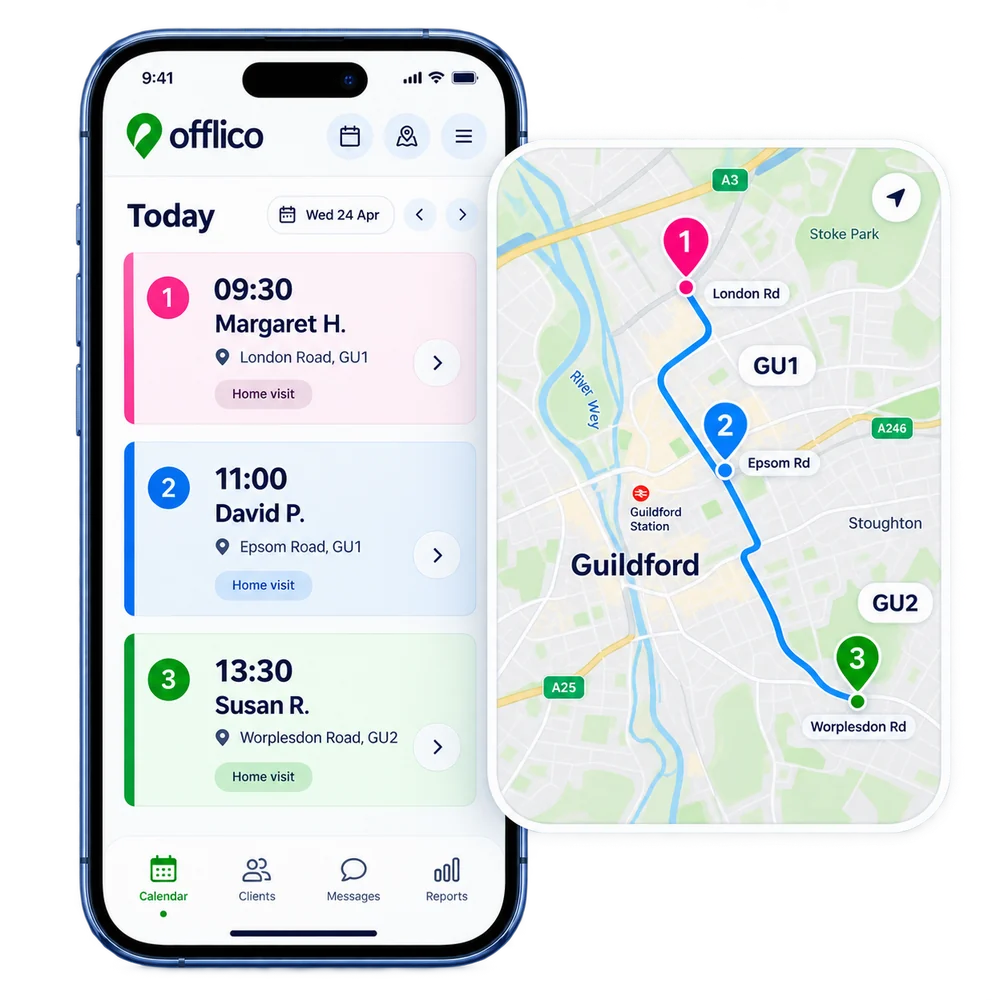
Keep appointment locations visible in the diarySee where each visit takes place while planning the working day.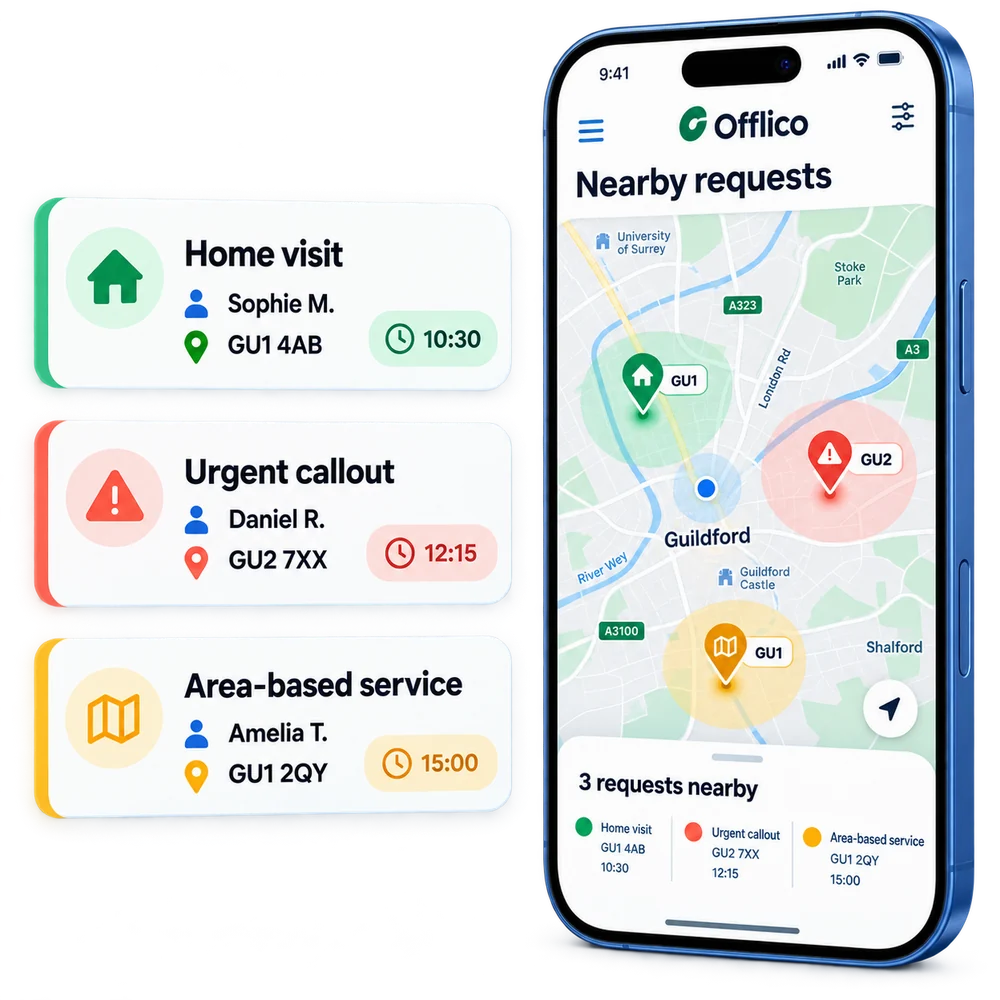
Area planning
Plan home visits around the area you workGroup home visits and callouts into a route that makes practical sense.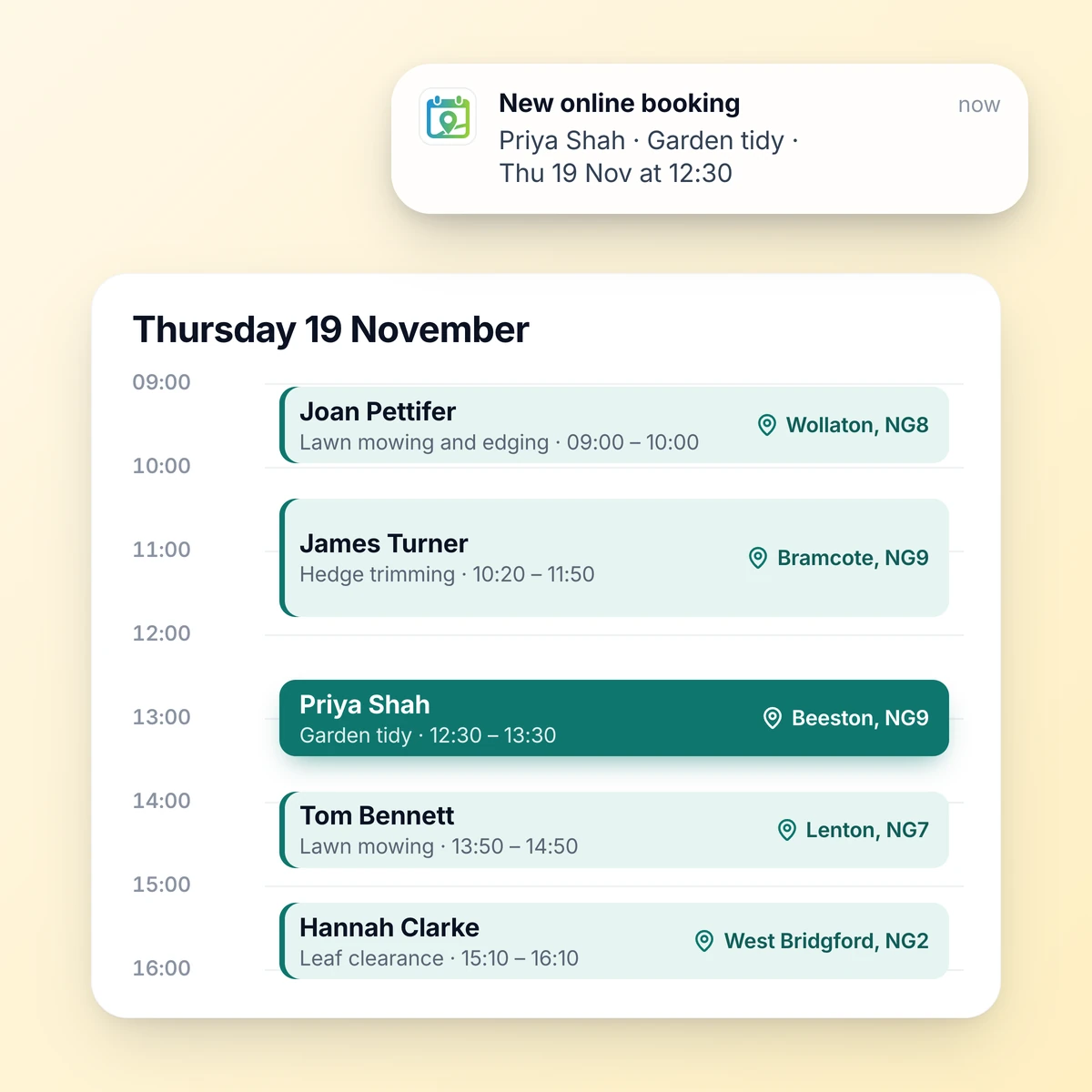
Connected bookings
Keep online booking and the calendar connectedNew booking details flow into the same calendar used to plan the route.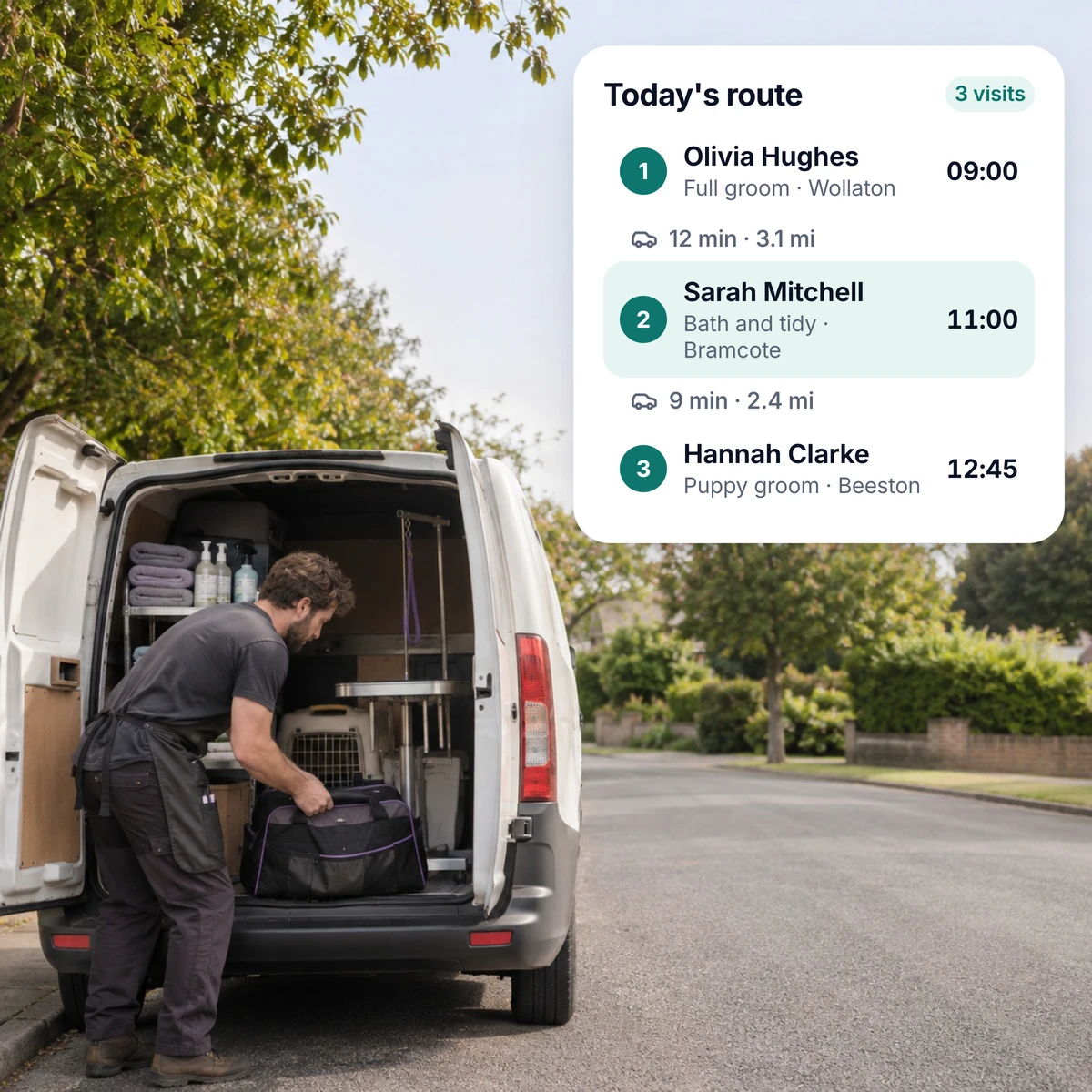
Travel blocks
Build a realistic day with travel time visibleLeave enough time between visits before the diary becomes too crowded.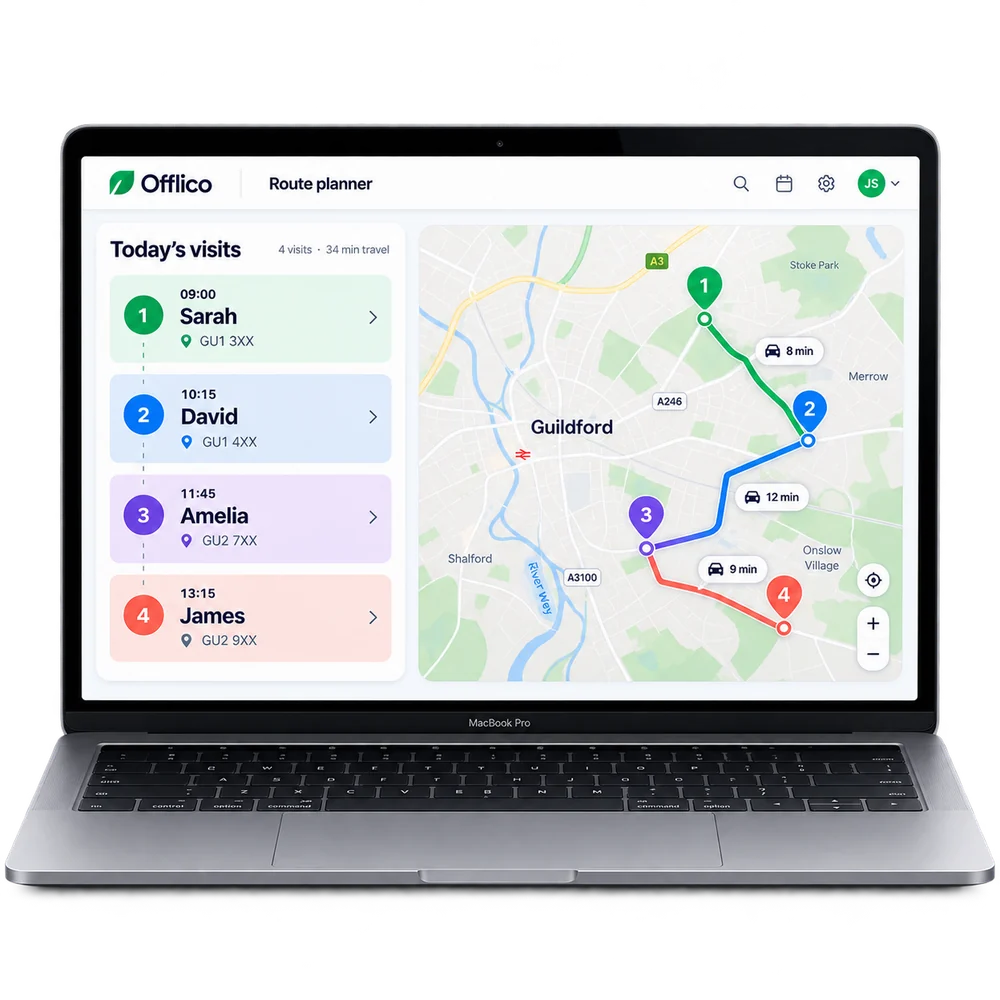
Visit order
See visit order and travel times togetherReview the sequence of appointments and the journey between each stop....or explore everything Offlico can do
Smart routing questions
Frequently asked questions
What does this feature help me manage?
Offlico helps mobile and home visit businesses think about appointments as a real working route, not just a list of times. Location, client addresses, nearby work, and the shape of the day can sit together so the business can make better scheduling decisions.
How does it fit into the working day?
Offlico helps the business plan appointments with location and travel in mind before the working day becomes unrealistic.
Which main capabilities are covered?
The main capabilities include: See appointment locations alongside the diary; Plan work with travel and visit order in mind; Keep mobile days more realistic and organised.
What does the usual workflow look like?
First, keep client addresses and appointment areas connected to the booking. Then, see whether the route makes sense before adding more work around it. Finally, use the route view to avoid unnecessary travel and protect time between visits.
Why is it useful for mobile professionals?
Offlico makes route aware scheduling part of the normal booking workflow. For mobile professionals, the wrong order of appointments can waste hours. Smart routing helps the business plan around travel instead of discovering the problem on the day.
Does it connect with the rest of Offlico?
Yes. It sits in the same Offlico workspace as bookings, clients, appointments, payments and day to day admin, so the information stays close to the job instead of becoming a separate record.
Smart routing is included in every plan.
Try Professional free for 30 days.