

CLIENT RECORDS
The best client record software for mobile professionals
Keep details, notes, documents and appointment history together for repeat clients.
BUILT FOR TRUSTED WORK
Know what matters before you arrive
From contact details to previous notes and follow up actions.Compare plans and pricesTrusted by mobile professionals


★★★★★5 star reviews
Features
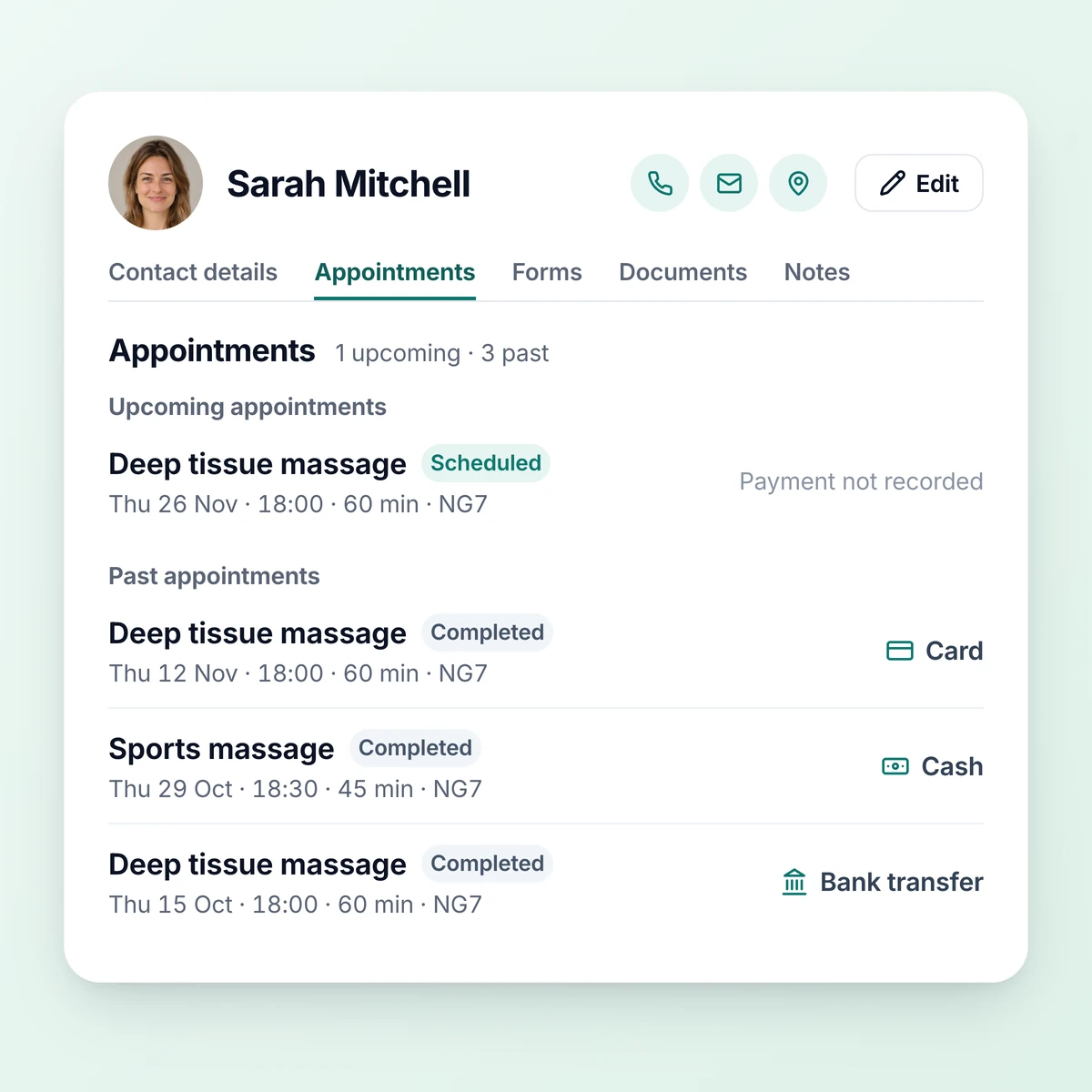
Client history
See appointment and payment history togetherReview previous visits and payment records before the next appointment.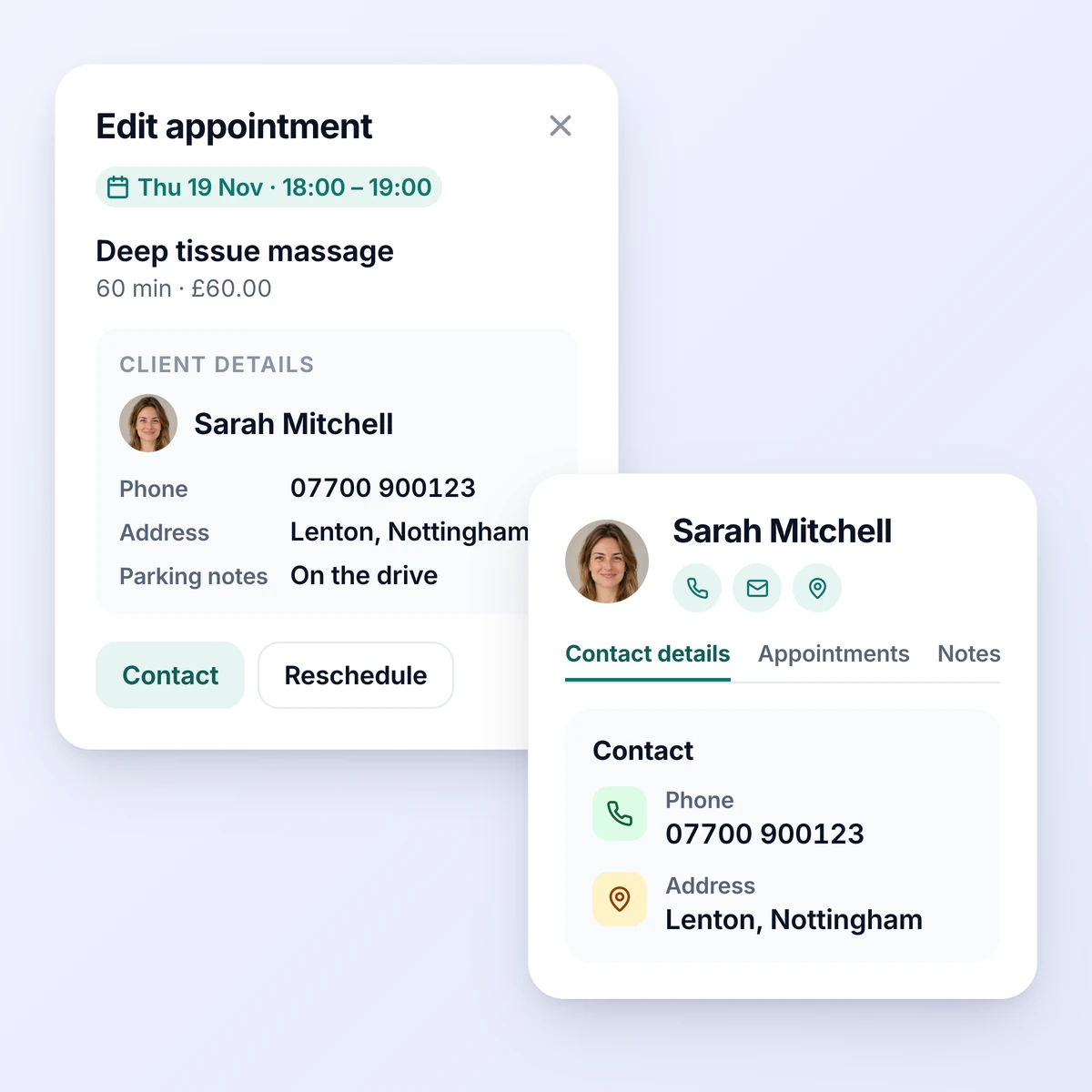
Quick access
Open the client record from the appointmentGo from the visit in front of you to the right client without searching.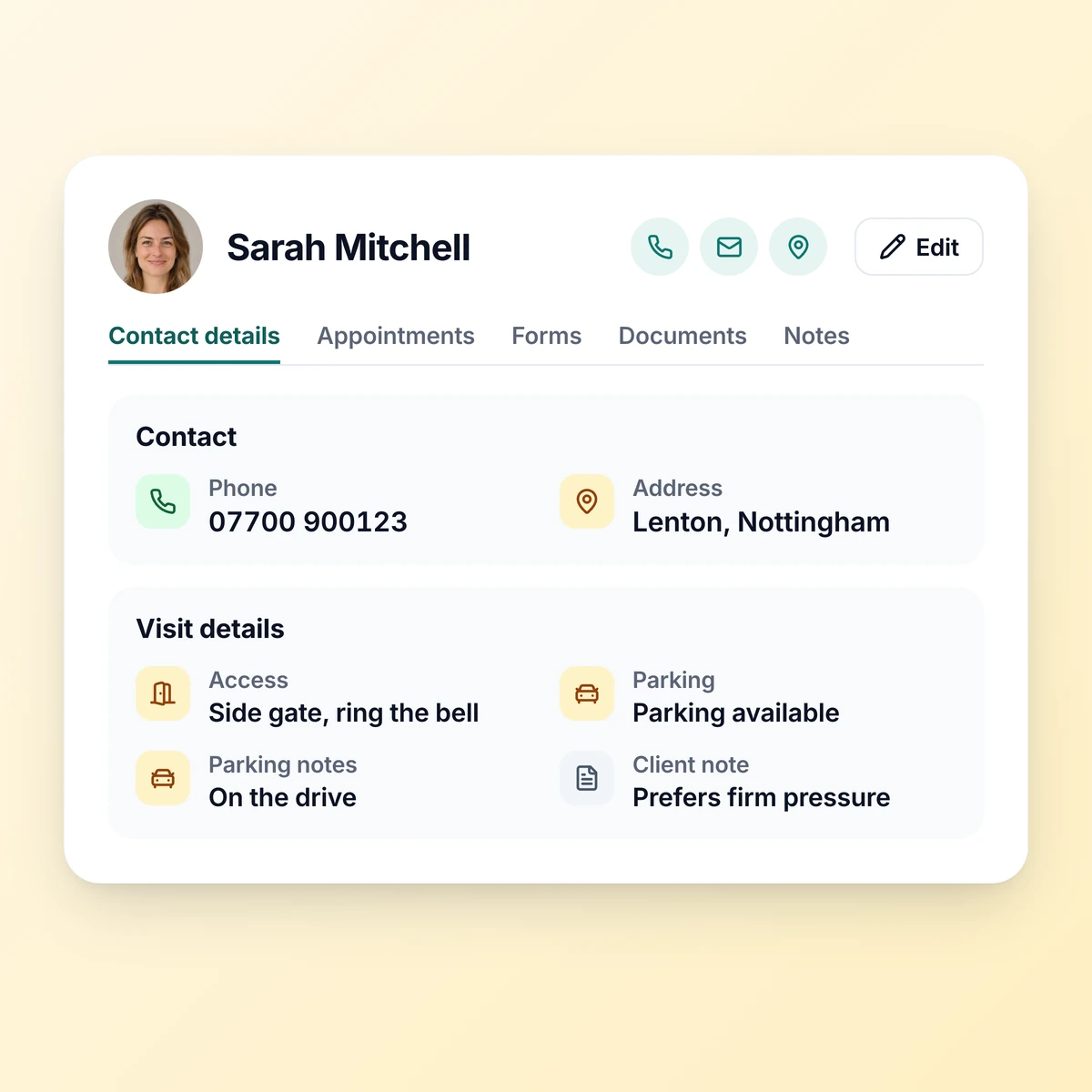
Contact details
Keep addresses and key details in one placeStore the information needed to contact the client and reach the visit.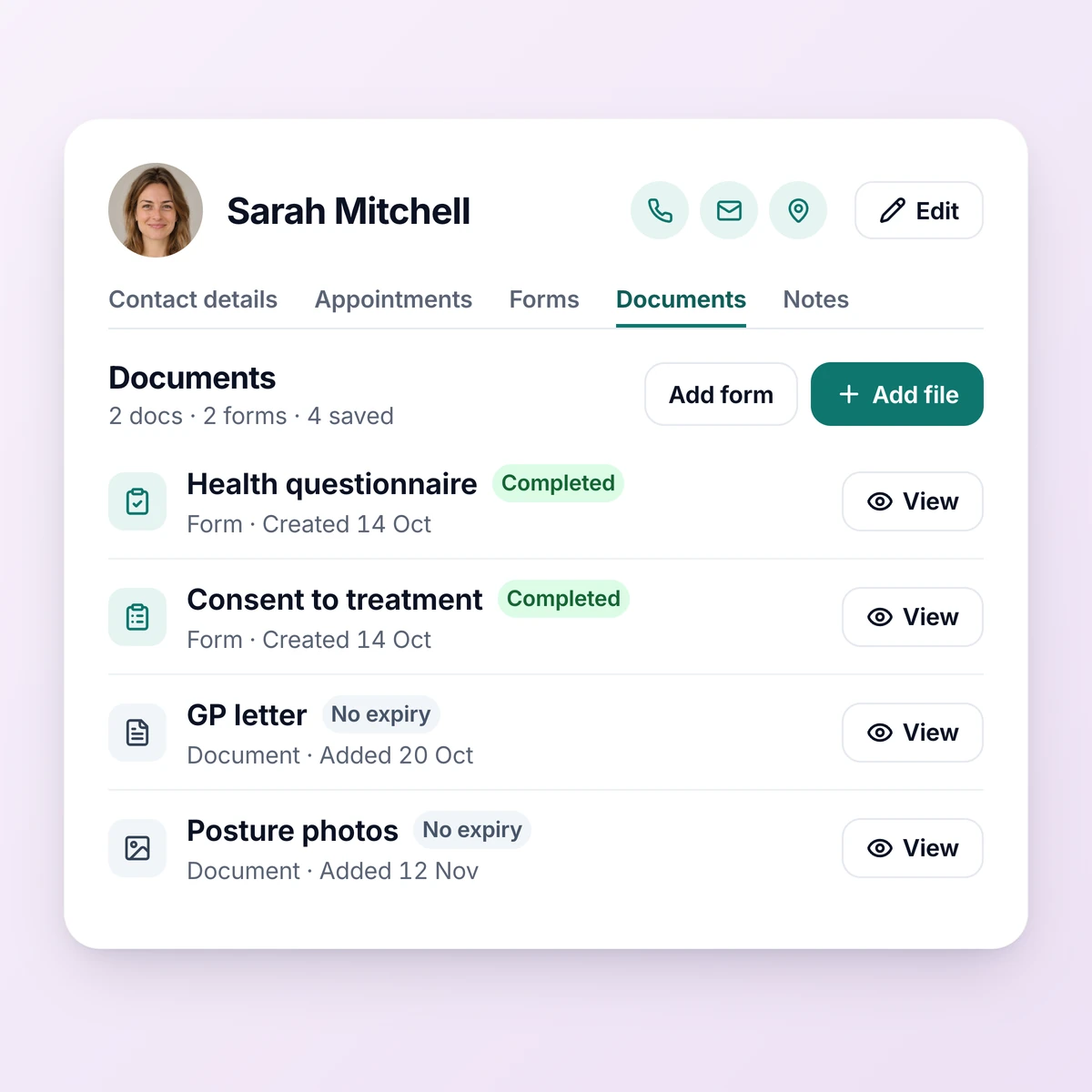
Documents
Store forms and files against the clientKeep supporting documents close to the client history they belong to.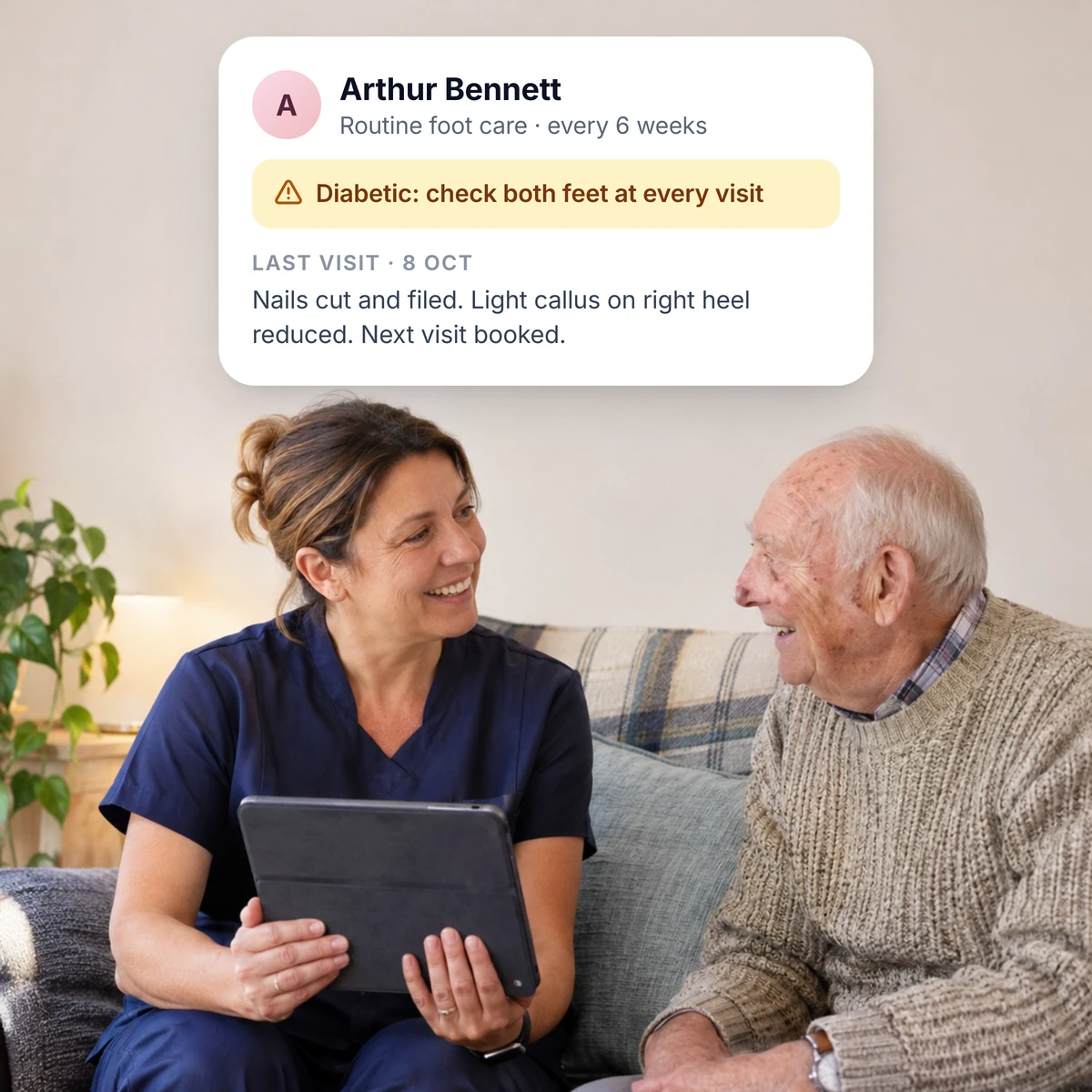
Notes and flags
Keep visit notes and important details visibleAdd useful context that helps prepare for the next appointment....or explore everything Offlico can do
Client records questions
Frequently asked questions
What does this feature help me manage?
Offlico creates a complete record for each client. The business can store contact details, addresses, appointment history, notes, documents, files, and useful repeat visit information. This means the professional does not have to search through WhatsApp, contacts, paper notes, and old calendar entries to understand the client.
How does it fit into the working day?
Offlico keeps each client’s details, notes, appointment history and documents together so the professional can arrive prepared.
Which main capabilities are covered?
The main capabilities include: Contact details, address, and key client information; Full appointment and payment history per client; Notes, flags, and visit specific detail.
What does the usual workflow look like?
First, store contact details, addresses and useful context against the right person. Then, appointments, notes, documents and payments stay connected to the client. Finally, open the record before a visit and see what matters without digging.
Why is it useful for mobile professionals?
Offlico keeps each client's information, history, and records together, connected to their bookings. For professionals who see clients regularly, especially those with care needs or treatment histories, having everything in one place is the difference between scrambling and being prepared.
Does it connect with the rest of Offlico?
Yes. It sits in the same Offlico workspace as bookings, clients, appointments, payments and day to day admin, so the information stays close to the job instead of becoming a separate record.
Client records is included, like every other feature.
Try every feature free for 30 days.