TEAM ACCESS
The best team management software for mobile professionals
Filter shared appointments by staff member, check workloads, and keep the owner view clear as the business grows.
Start freeBUILT FOR GROWING TEAMS
Give people access to the right work
From staff calendars to owner visibility and controlled permissions.Trusted by mobile professionals

5 star reviews
Features
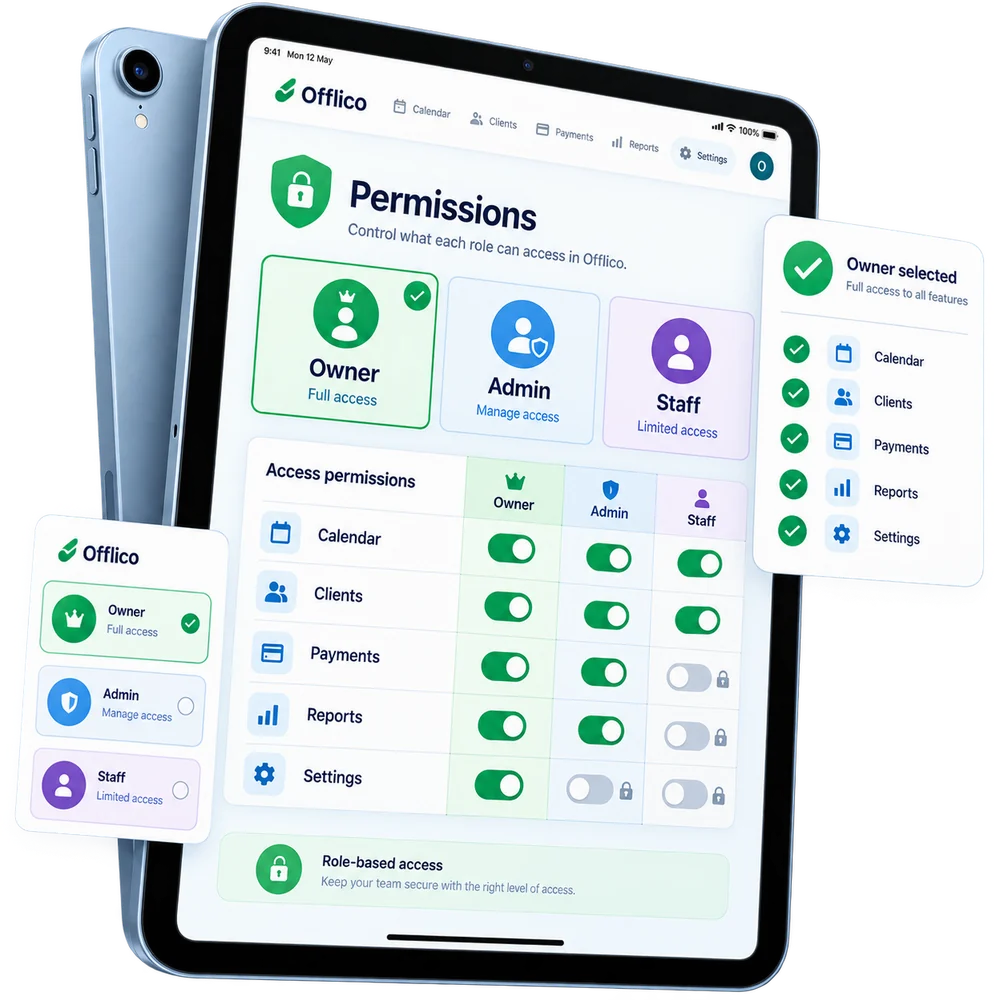
Access levels
Set access levels and permissions Keep team access aligned with the work each person needs to manage.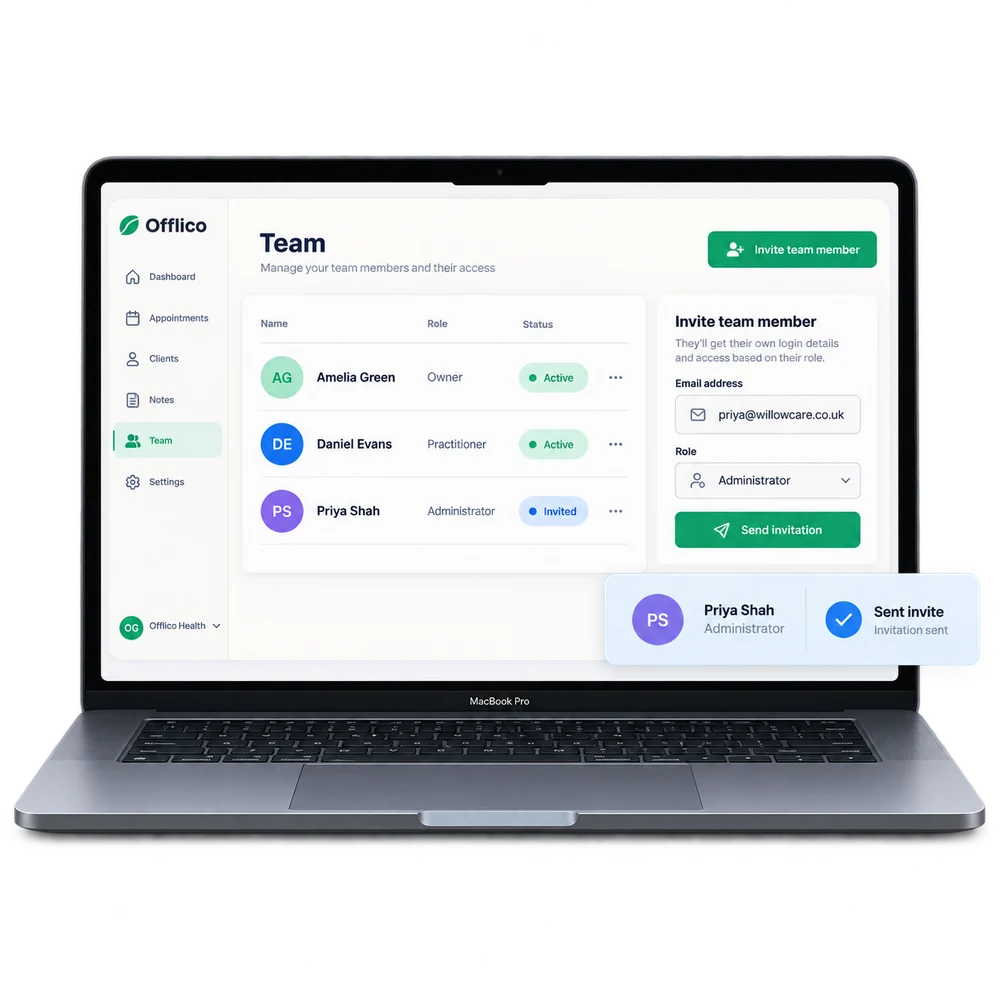
Team invites
Invite team members with separate logins Give each team member their own way into the shared business workspace.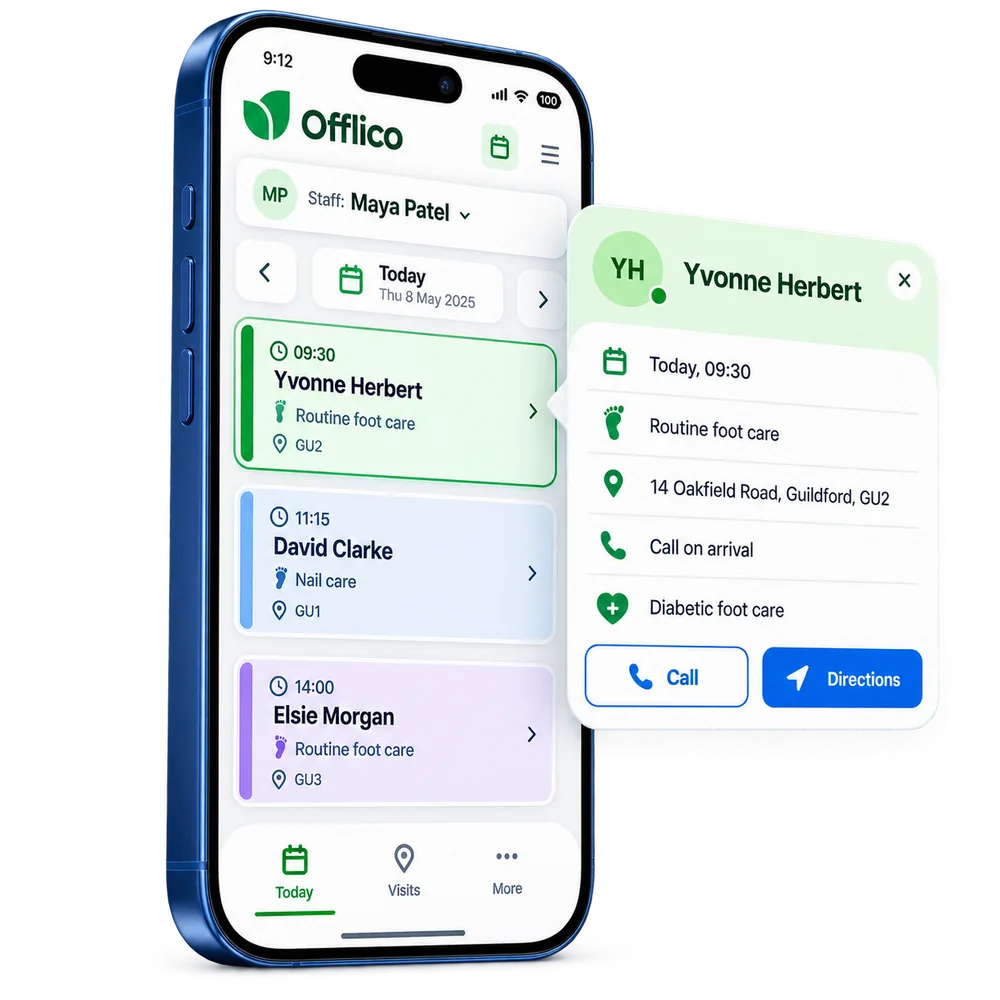
Staff workspace
Give staff their own calendar and client context Keep each person focused on the appointments and useful details assigned to them.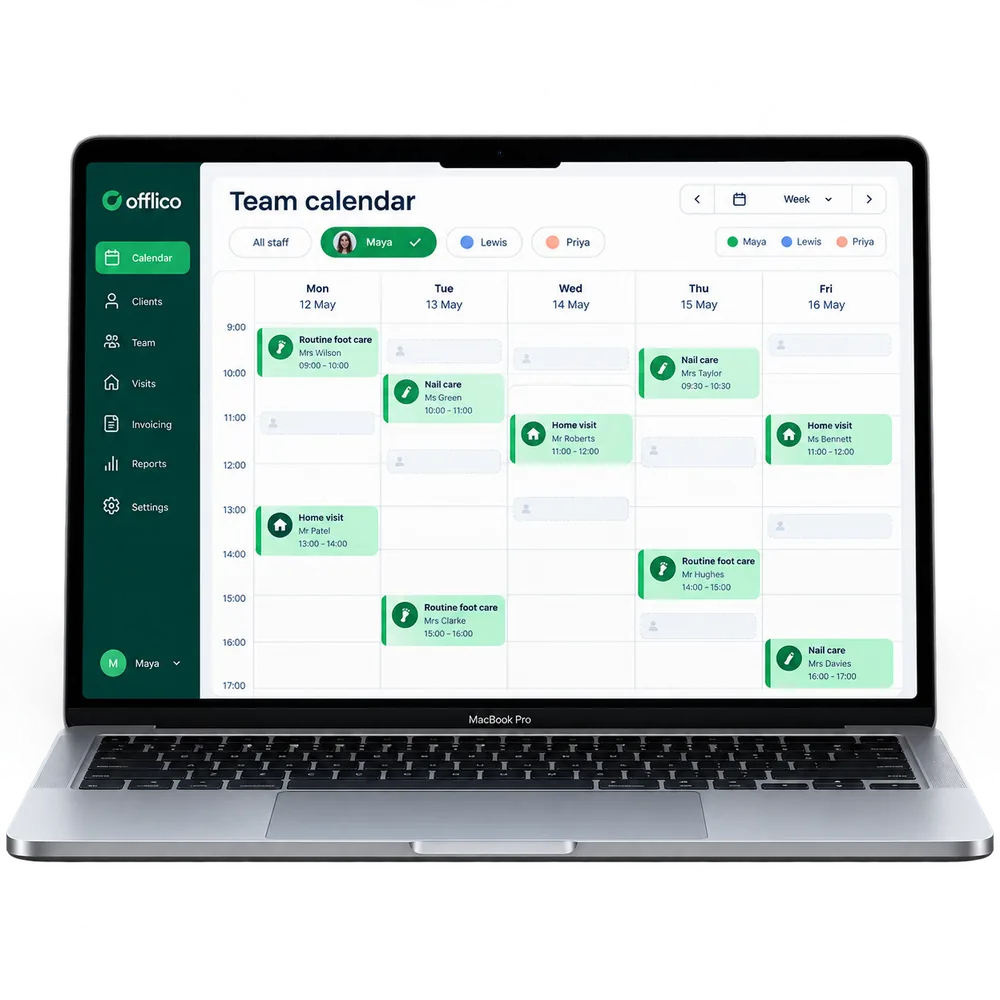
Owner calendar
Filter the shared calendar by team member Move between the whole team schedule and one person’s working week.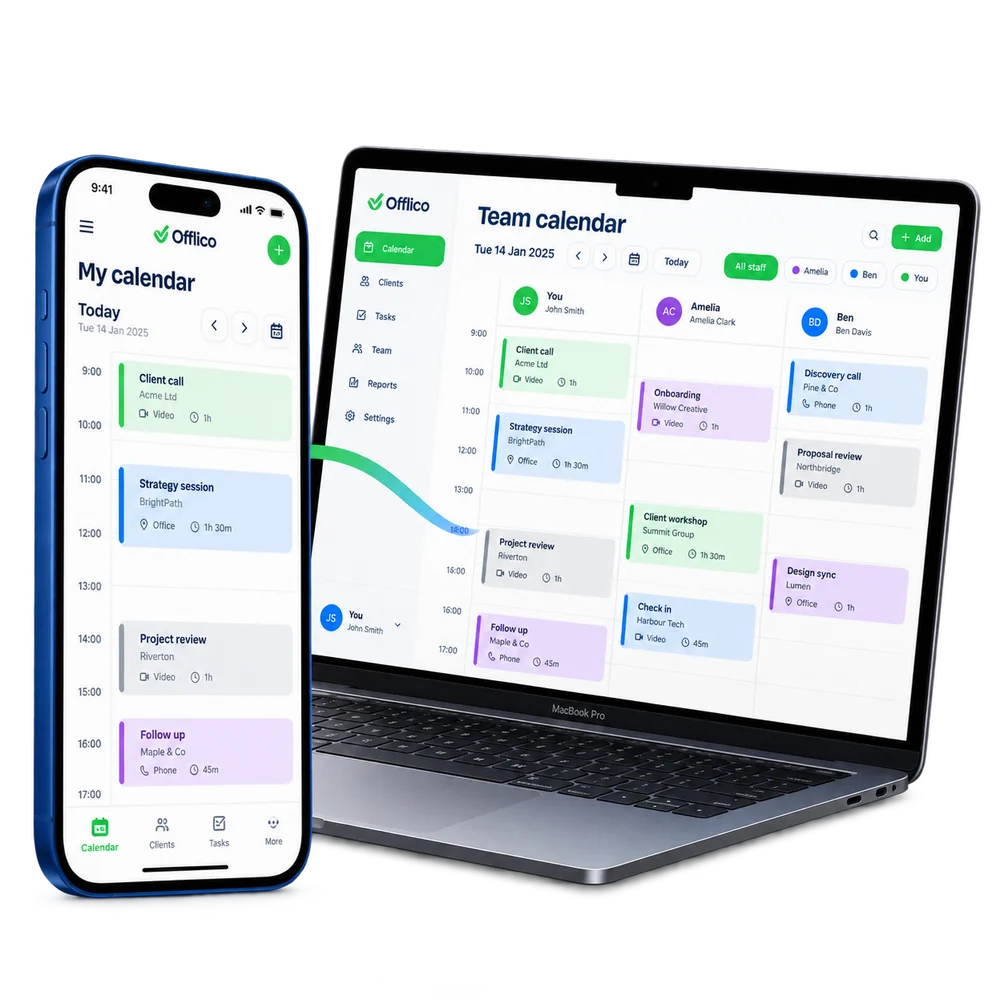
Built to grow
Add team controls when the business needs them Keep the solo workflow clear while making room for shared working....or explore everything Offlico can do
Calendar & scheduling Smart routing Online booking AI receptionist Client records Automated reminders Services & prices Invoices Payments Tap to Pay Mileage tracking Bookkeeping Documents & notes Reports & insights Offline mode Stock management Customer leads Booking forms Business dashboard
Team access questions
Frequently asked questions
What does this feature help me manage?
Offlico lets a business owner see a shared team calendar and filter appointments by staff member. The full owner view shows the whole day across the team, while staff filtering makes it easier to check one person’s workload, visits, and gaps without digging through a crowded diary.
How does it fit into the working day?
Offlico lets owners keep the full team view while giving staff access to the work and calendar details they need.
Which main capabilities are covered?
The main capabilities include: Invite team members with their own login; Set access levels per person; Staff see their own calendar and relevant clients.
What does the usual workflow look like?
First, give staff their own access rather than sharing one account. Then, move between the whole team diary and an individual staff member’s appointments. Finally, use access levels so people see the right parts of the business workflow.
Why is it useful for mobile professionals?
When a business grows beyond one person, calendar visibility becomes harder. Owners need the full team picture, but they also need to isolate one staff member’s day quickly. Team access keeps appointments, staff calendars, and owner visibility organised without everyone sharing the same login or muddling the diary.
Does it connect with the rest of Offlico?
Yes. It sits in the same Offlico workspace as bookings, clients, appointments, payments and day to day admin, so the information stays close to the job instead of becoming a separate record.
Team access is included in every plan.
Choose free Starter and start taking bookings.
Start free ← All features