
Share your export
Send us your data export from your current system.
MIGRATION SERVICE
We migrate your clients, appointments, services, notes, and pricing, so you can start fresh, without starting from scratch.
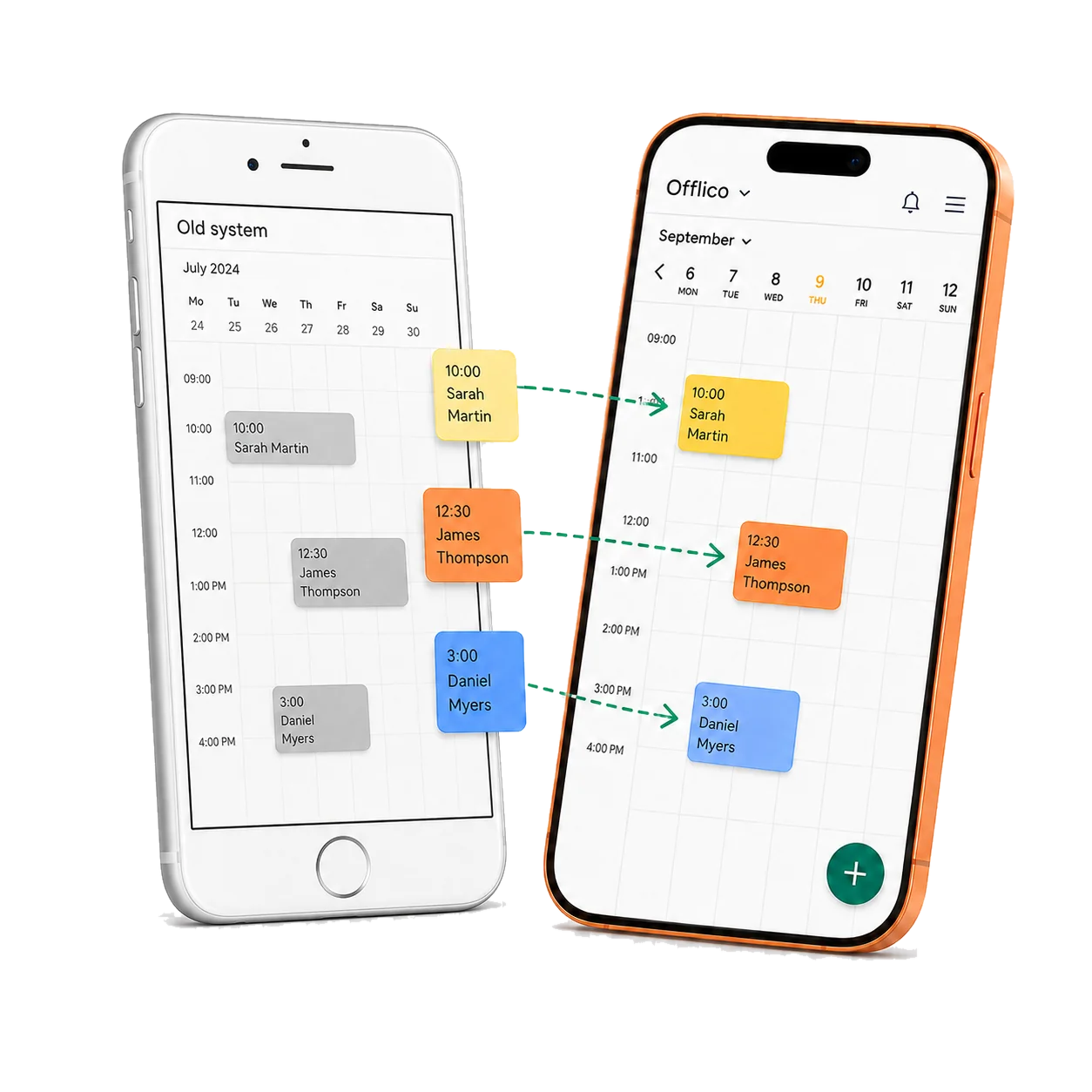
Send us your data export from your current system.
We migrate and validate your information in Offlico.
You review everything, and we help you launch with confidence.
How switching works
Sign up with the email address you will use on the form. We import your data into the Offlico account with that address.
Download a CSV export of your clients, services or appointments from your current booking software, or save your spreadsheet as a CSV file.
Add your details, the name of your current software and the export. You get an email confirming the request and its reference number, and we reply within 1 business day.
We match the columns in your file to the fields in Offlico and check the rows for problems before anything is imported.
Your clients, services and appointments appear in your Offlico account, ready for you to check.
What we can move
Names, email addresses, phone numbers, postcodes and client notes.
Each client’s address, town or city, postcode and access notes.
Service names, descriptions, lengths, prices and categories.
Dates, start times, lengths, postcodes, services, status and notes, linked to the right client.
Send a CSV export if your software has one: it is the format our import tool reads. The form also takes ICS and ZIP files of up to 10 MB. Have more than one export? Reply to the confirmation email with the other files attached.
Questions
A CSV export from your current booking software, or a spreadsheet saved as a CSV file. CSV is the format our import tool reads. The form takes one file of up to 10 MB in CSV, ICS or ZIP format.
You can send the form before you sign up. We import into the Offlico account that uses the same email address as your request, so sign up with that address.
You get an email confirming the request with its reference number, and we reply within 1 business day. We then match your columns to the fields in Offlico and check the data before we import it.
Yes. Reply to the confirmation email with the other exports attached.
A date, a start time, a length and a postcode. A row without them is not imported as an appointment, but the client and service on that row can still be added.