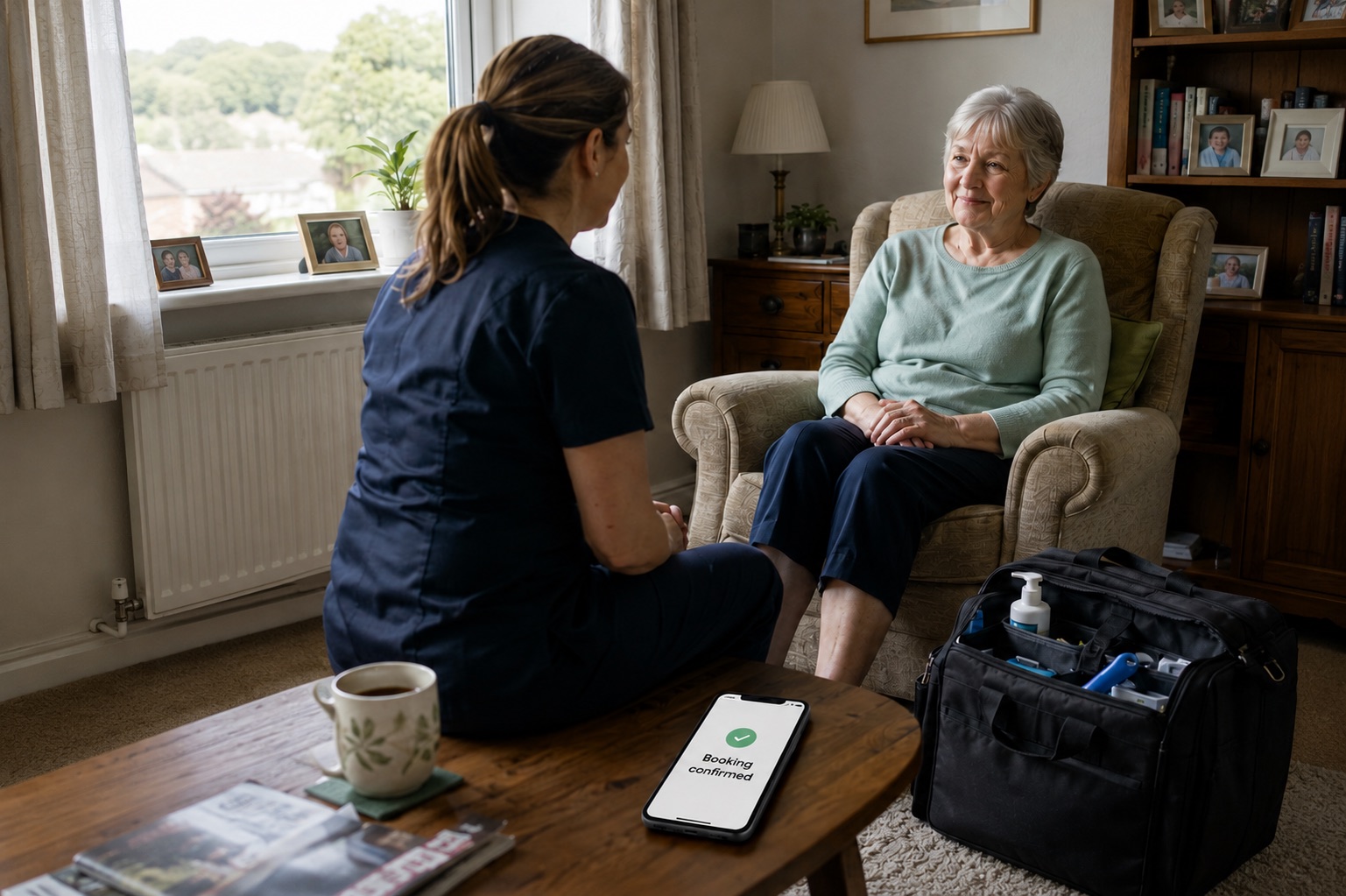
The best software for mobile chiropodists
Run home visits, client records, payments, mileage and bookkeeping in one connected system.
Get started
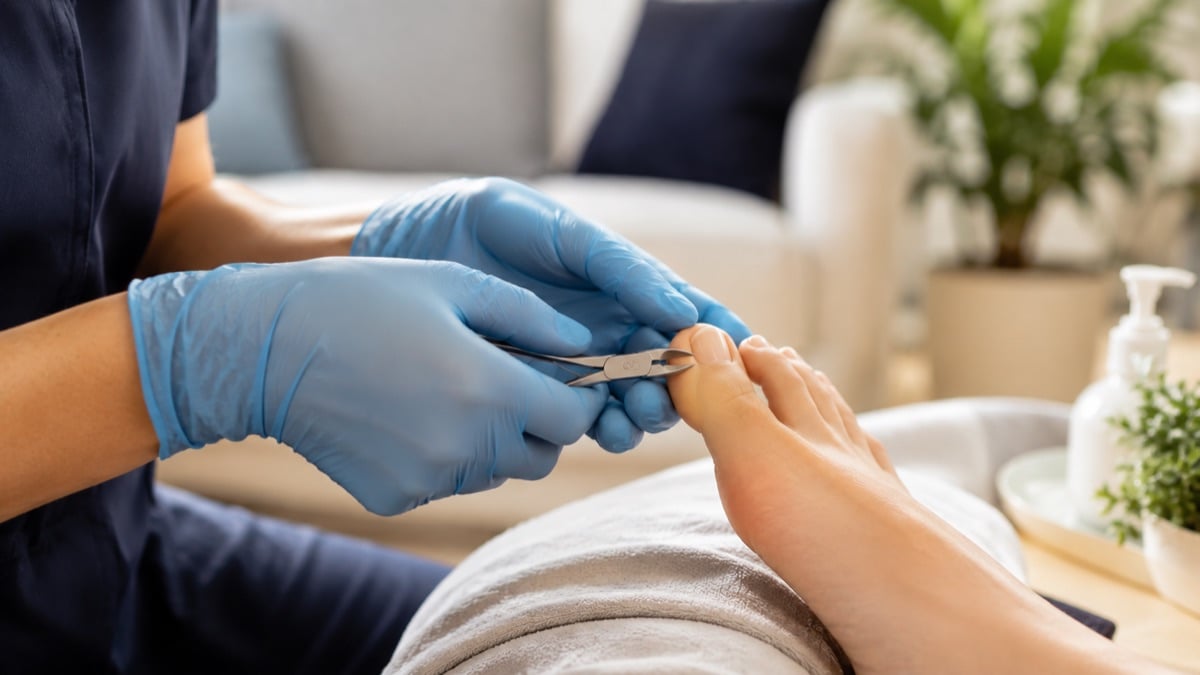

Features
Calendar Keep appointments, client details and visit notes together in one diary. 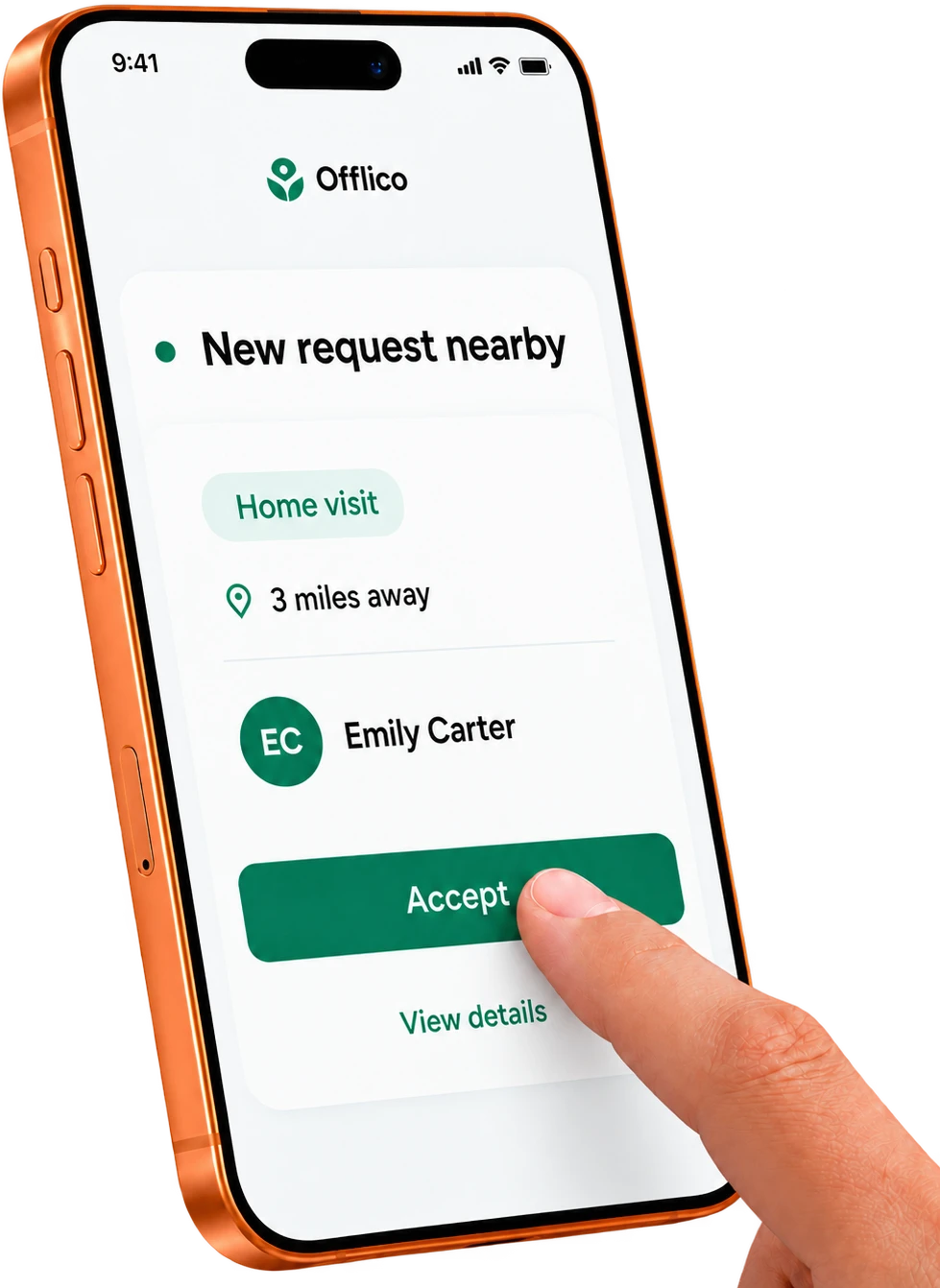 Local customer requests Review nearby foot care requests and accept the work that suits your diary.
 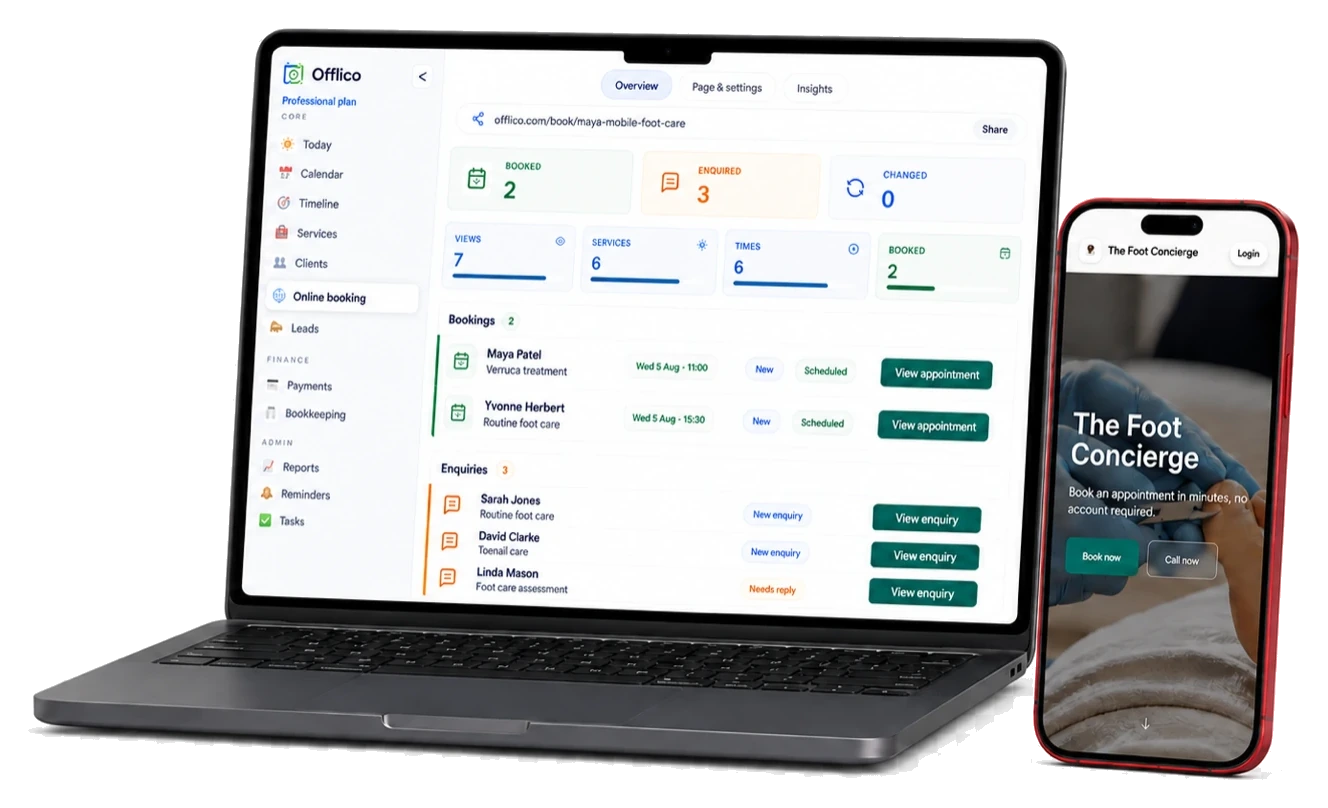 Online booking Let clients book online, with every appointment arriving in Offlico.
 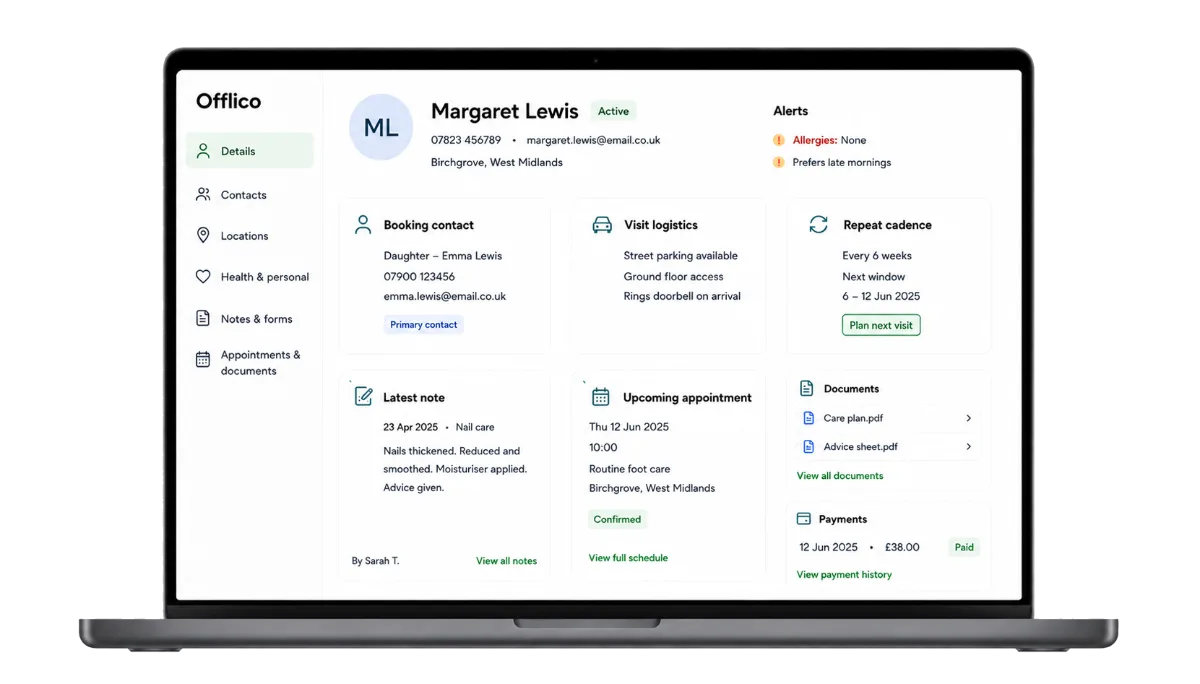 Client records Keep contact details, treatment notes and visit history in one profile.
 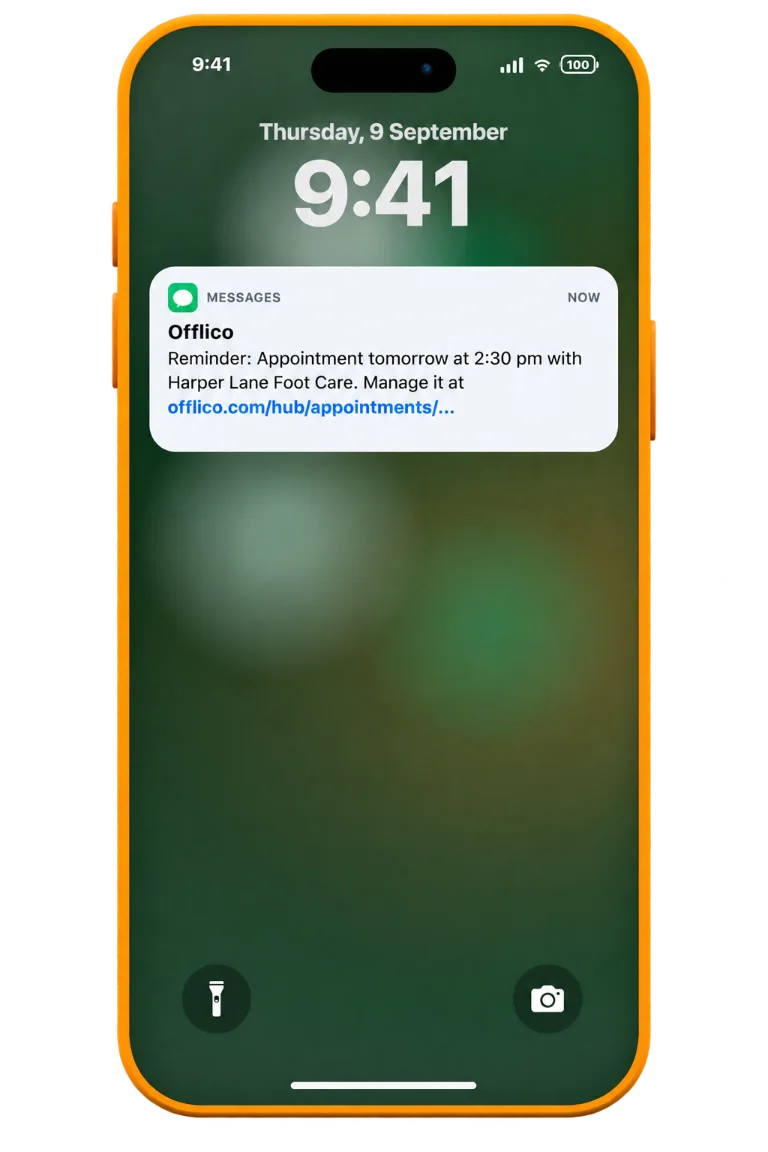 Automatic reminders Send timely SMS reminders automatically before each appointment.
 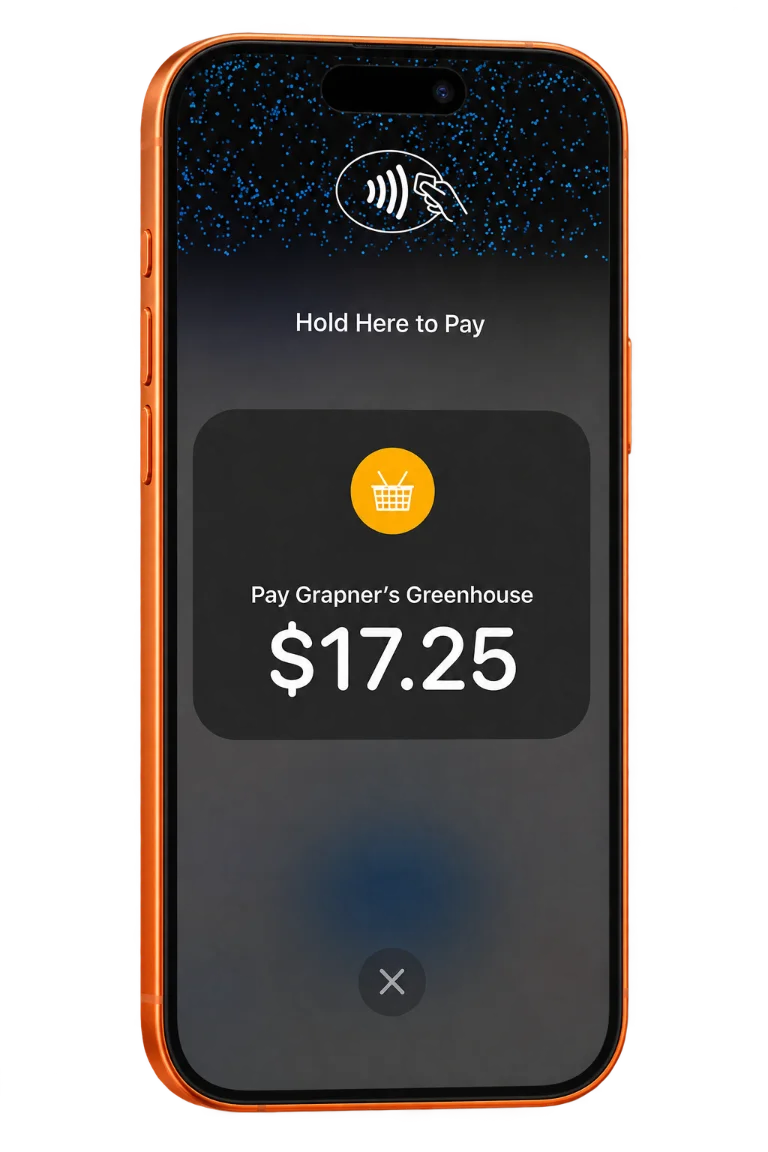 Tap to Pay Take contactless payments on a supported phone, without a card reader.
Local customer requests Review nearby foot care requests and accept the work that suits your diary. Online booking Let clients book online, with every appointment arriving in Offlico. Client records Keep contact details, treatment notes and visit history in one profile. Automatic reminders Send timely SMS reminders automatically before each appointment. Tap to Pay Take contactless payments on a supported phone, without a card reader.Start free Explore all features
Trusted by mobile professionals
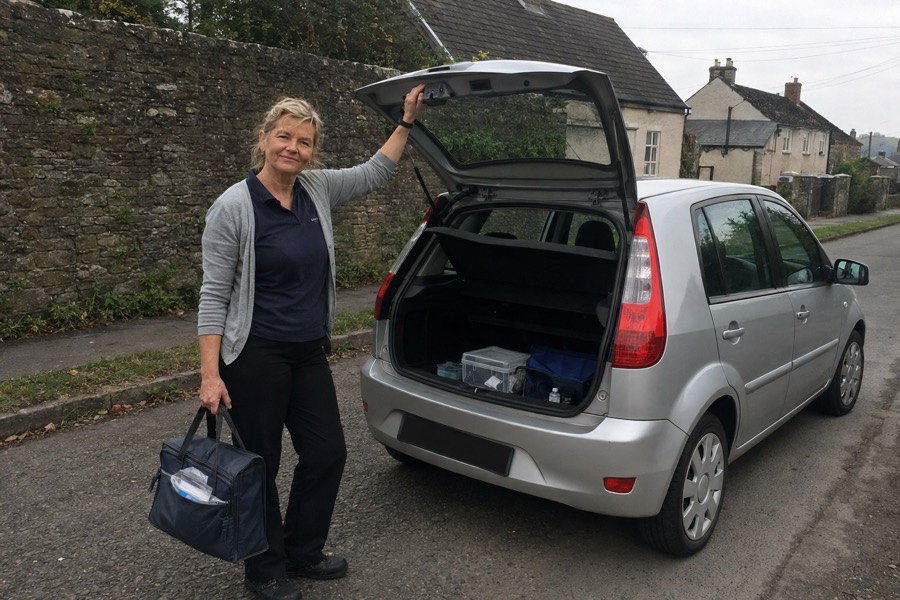
5 star review
"Bookings, payments and client notes finally feel like one workflow instead of three different jobs."
Helen Surrey Footcare Home Visits
5 star review
"The diary is clearer and I spend less time piecing together messages after appointments."
Raj Peak Podiatry Care

5 star review
"It has made home visits easier to plan because the client, address and payment details stay together."
Naomi Harbour Chiropody
5 star review
"Reminders and invoices are much tidier now. It feels more professional for repeat clients."
Peter Willow Foot Health
5 star review
"The biggest difference is finishing the day without a pile of little admin jobs waiting at home."
Grace Cotswold Foot Care
5 star review
"Client records, notes and booking details are much easier to find before each visit."
Daniel Northway Podiatry
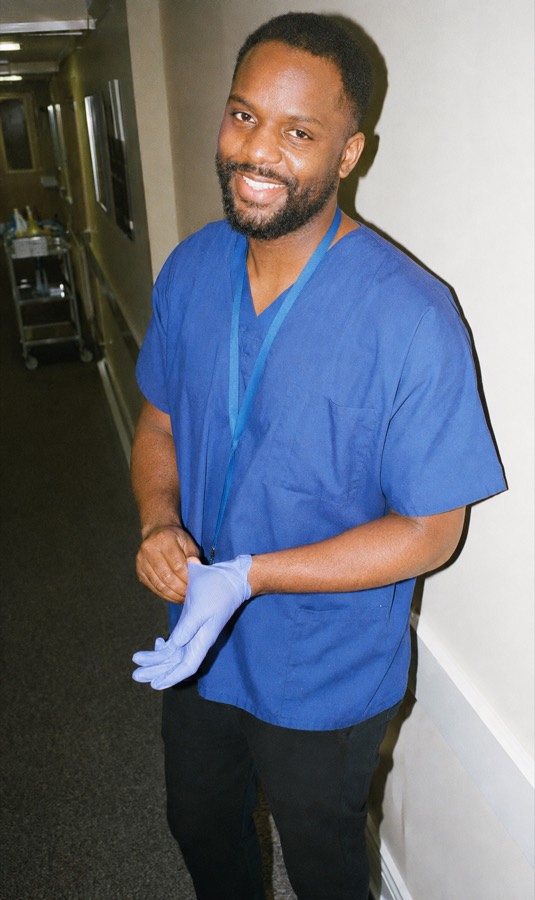
5 star review
"I can see what has been paid, what needs following up, and what is next in the diary."
Marcus Bluebell Chiropody
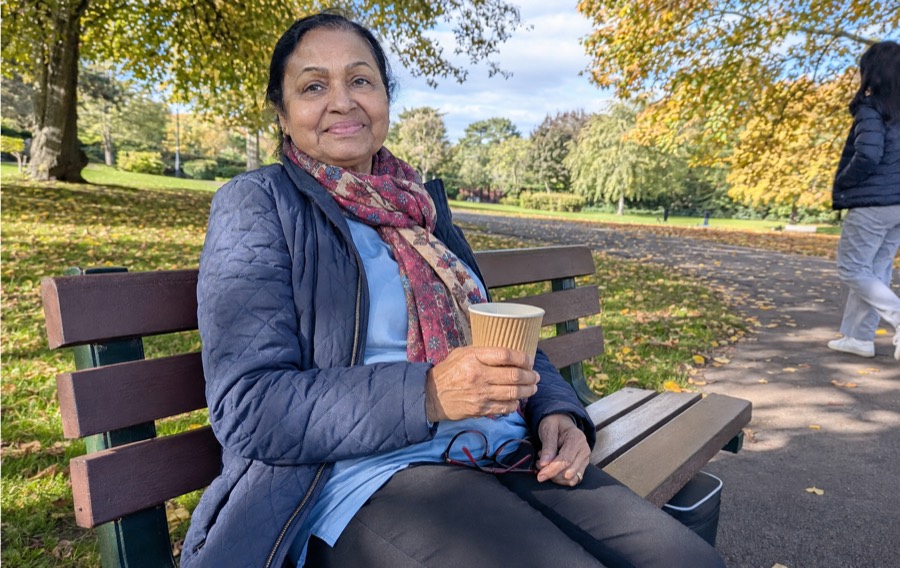
5 star review
"Offlico makes the business feel calmer, especially when appointments move around during the week."
Asha HomeStep Footcare
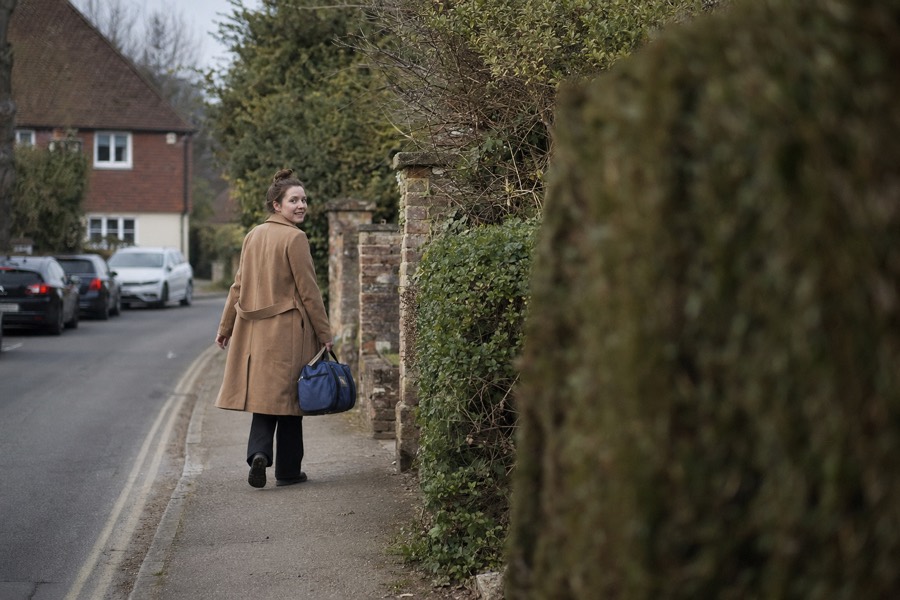
5 star review
"It is much better than trying to run a full day from paper notes, WhatsApp and a separate invoice app."
Laura Meadow Lane Foot Health
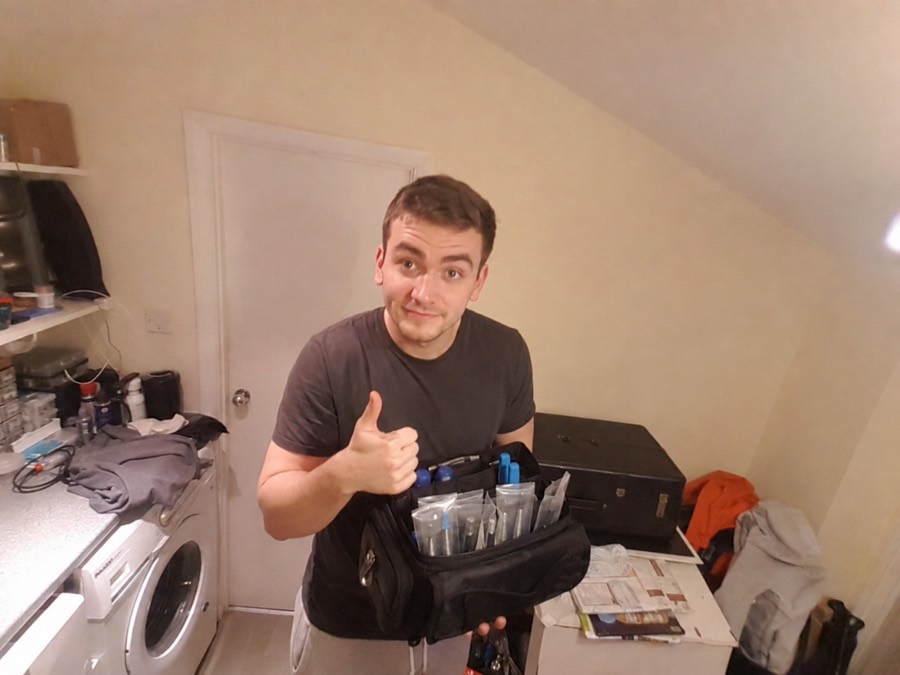
5 star review
"The whole appointment flow feels cleaner, from first booking to the follow up note."
Tom Coastline Chiropody
Start free
The Offlico effect
Save more time. Earn more money
Start free
...or explore everything Offlico can do
Calendar & scheduling Smart routing Online booking Client records Automated reminders Services & prices Invoices Payments Tap to Pay Mileage tracking Bookkeeping Documents & notes Reports & insights Offline mode Stock management Customer leads Booking forms Business dashboard
Practice management questions
Questions before you bring everything together?
Can existing clients book online?
Yes. You can send repeat clients to the same booking page so they can request the right service without starting another phone chain.
Can someone book for an elderly relative?
Yes. The request can collect contact details, address, access notes, mobility notes and visit context before you confirm the appointment.
Will bookings appear in my calendar?
Yes. Accepted bookings sit with your Offlico calendar, reminders, client records, invoices, payments and mileage workflow.
Can I still take bookings over the phone?
Yes. Online booking reduces routine back and forth, but you can still add phone bookings manually whenever that suits the client.
When are appointment reminders sent?
Offlico uses the appointment details in your calendar so reminders can go out before the visit without you writing each message manually.
Do reminders work by SMS and email?
Offlico can send reminder details by SMS or email, so clients get the message in a familiar place before the appointment.
Can I check the last visit before I arrive?
Yes. Open the client record before a repeat visit to see useful context such as the previous appointment, notes, documents, access details and follow up plan.
Can documents and forms stay with the client?
Yes. You can keep documents, uploaded files and structured notes closer to the client and appointment, instead of leaving them split between paper, messages and laptop folders.
Is this useful if I work from a paper diary now?
Yes. The main shift is simple: each visit has somewhere to live. Over time, repeat clients, notes, documents, payments and future bookings become easier to find.
PRACTICE MANAGEMENT FOR MOBILE CHIROPODISTS
Ready to run your whole working day from one place?
Bring bookings, records, reminders, payments, mileage and follow ups together.Start free Explore all features
Simple setup Built for mobile work Core admin connected