

Payments
The best payment software for mobile professionals
Keep paid, pending and overdue appointment payments connected to the right client.
BUILT FOR GETTING PAID
Know who has paid before the day moves on
From visit payment to cleaner records and follow up.Compare plans and pricesTrusted by mobile professionals

★★★★★5 star reviews
Features
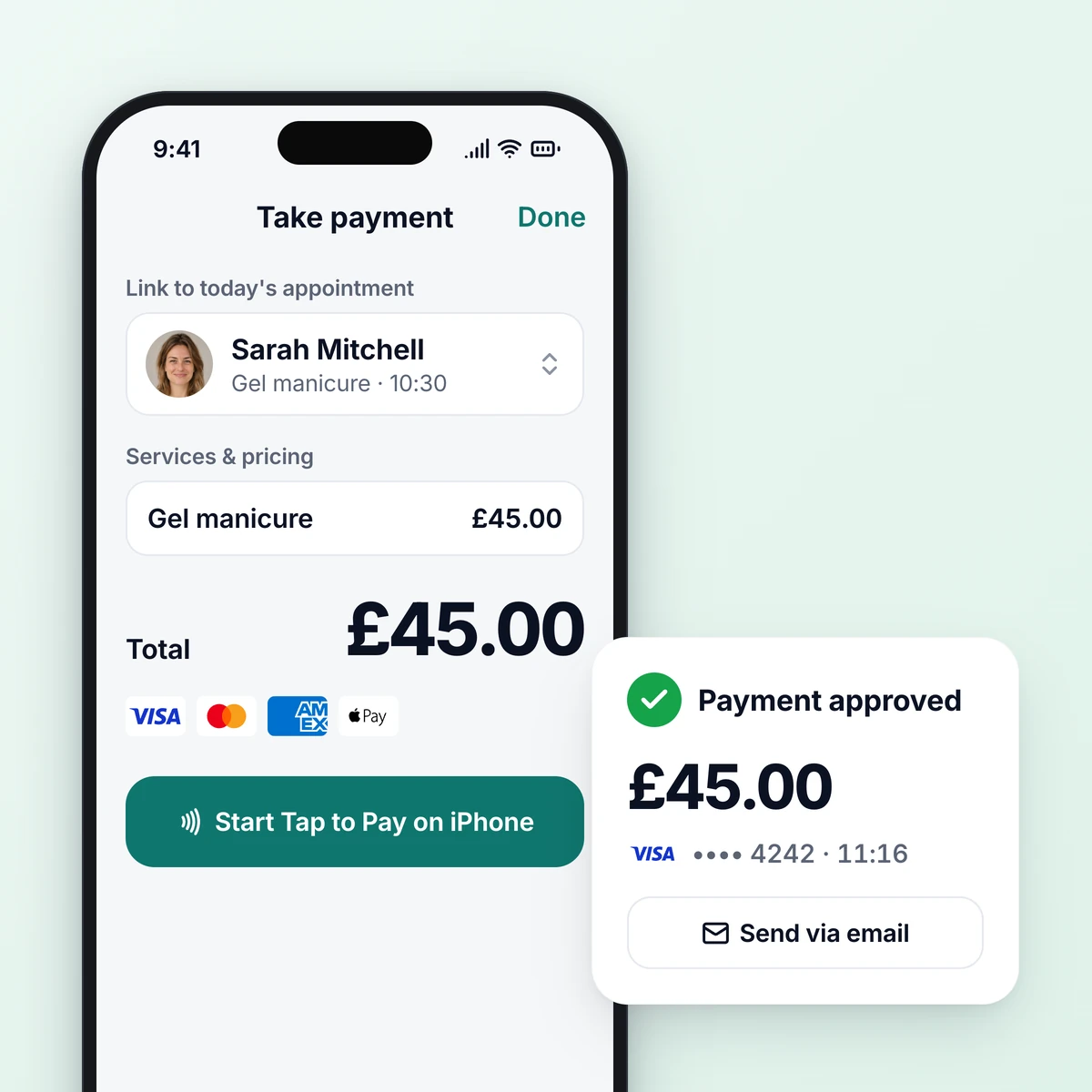
Card payments
Accept a card payment through the Offlico appKeep checkout close to the appointment instead of switching systems.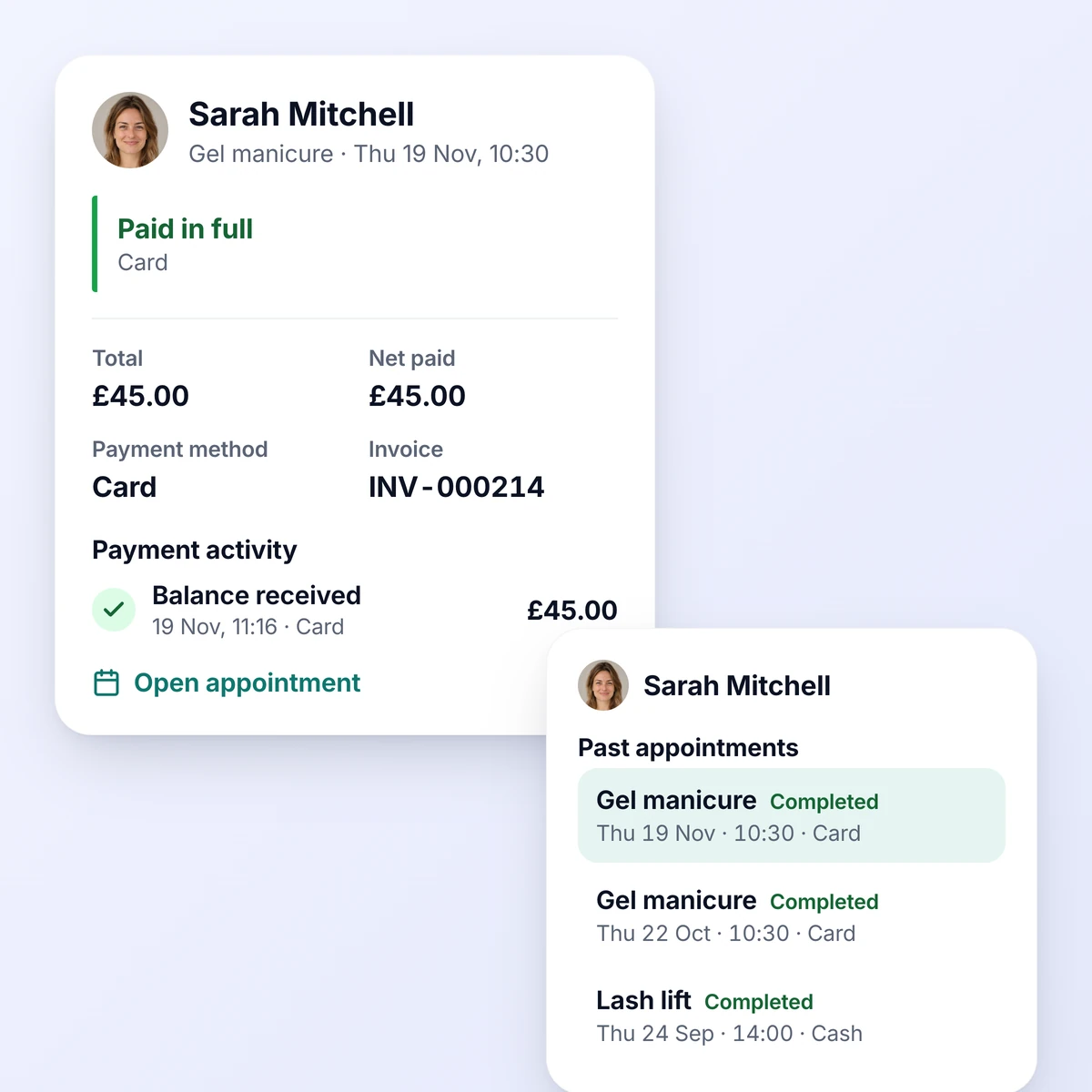
Connected records
Link every payment to the client and appointmentKeep a clear record of what the payment covered and who made it.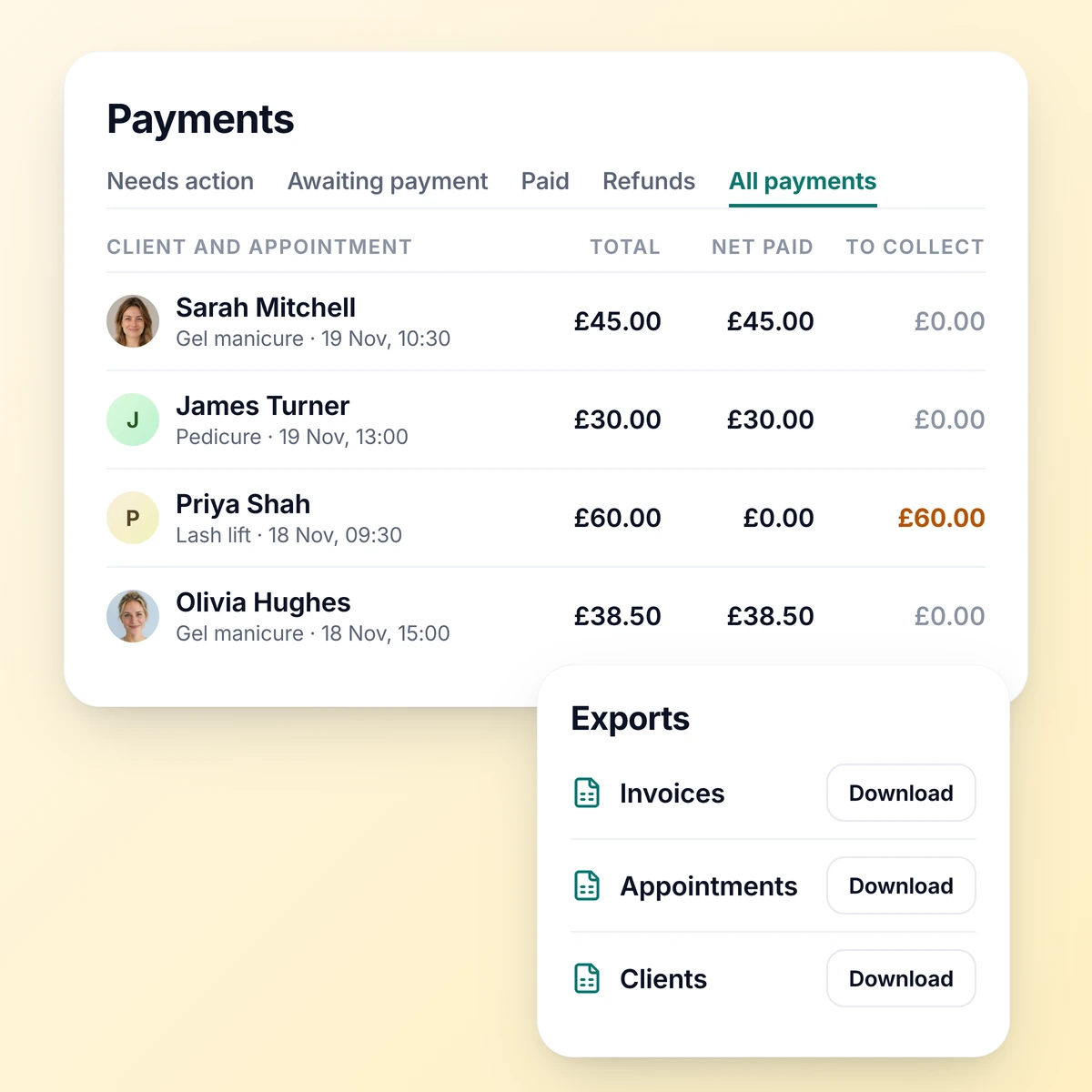
Bookkeeping export
Keep a clean payment record for bookkeepingReview and export payment details when the accounts need attention.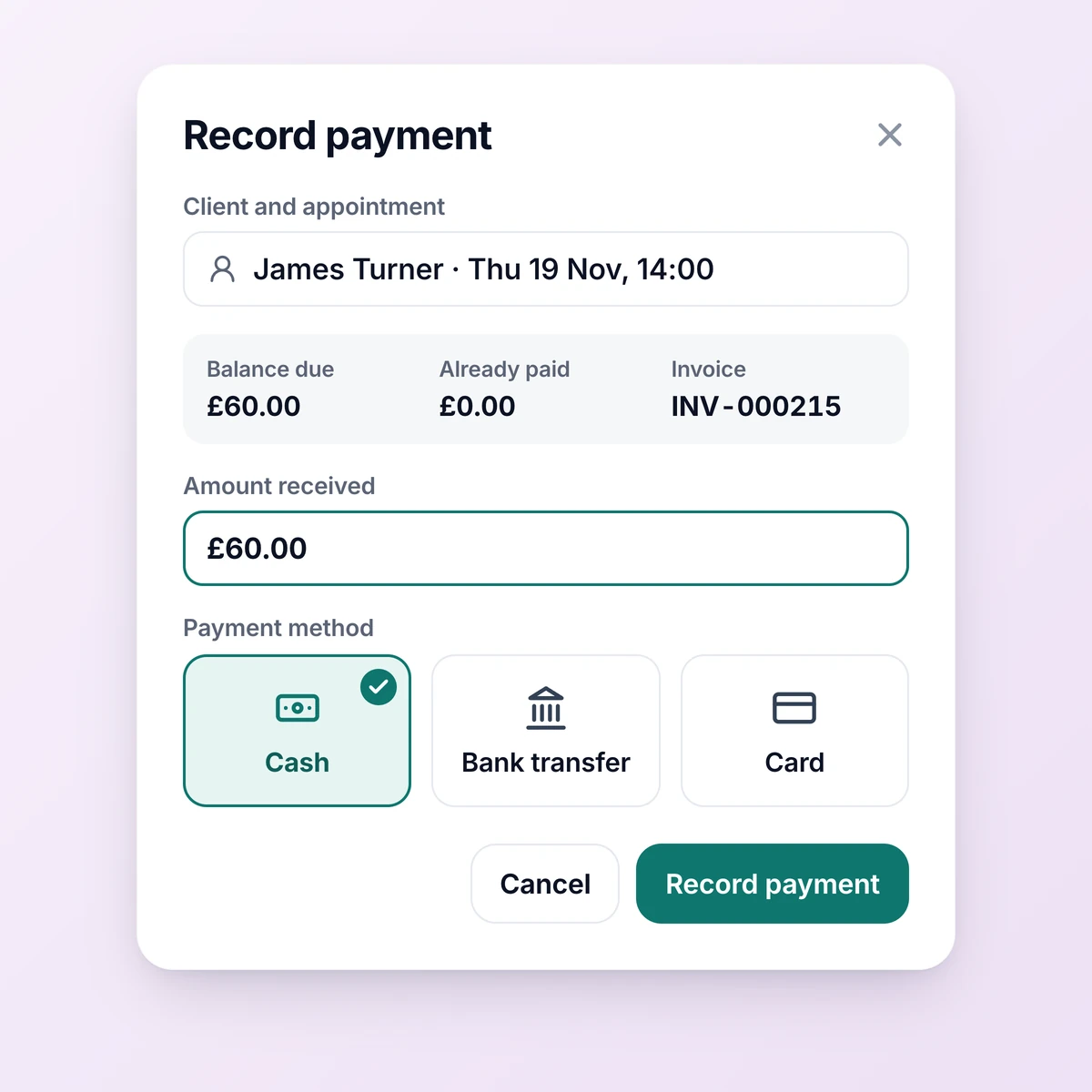
Payment methods
Record cash, bank transfer and card paymentsUse the payment method that matches how the client actually paid.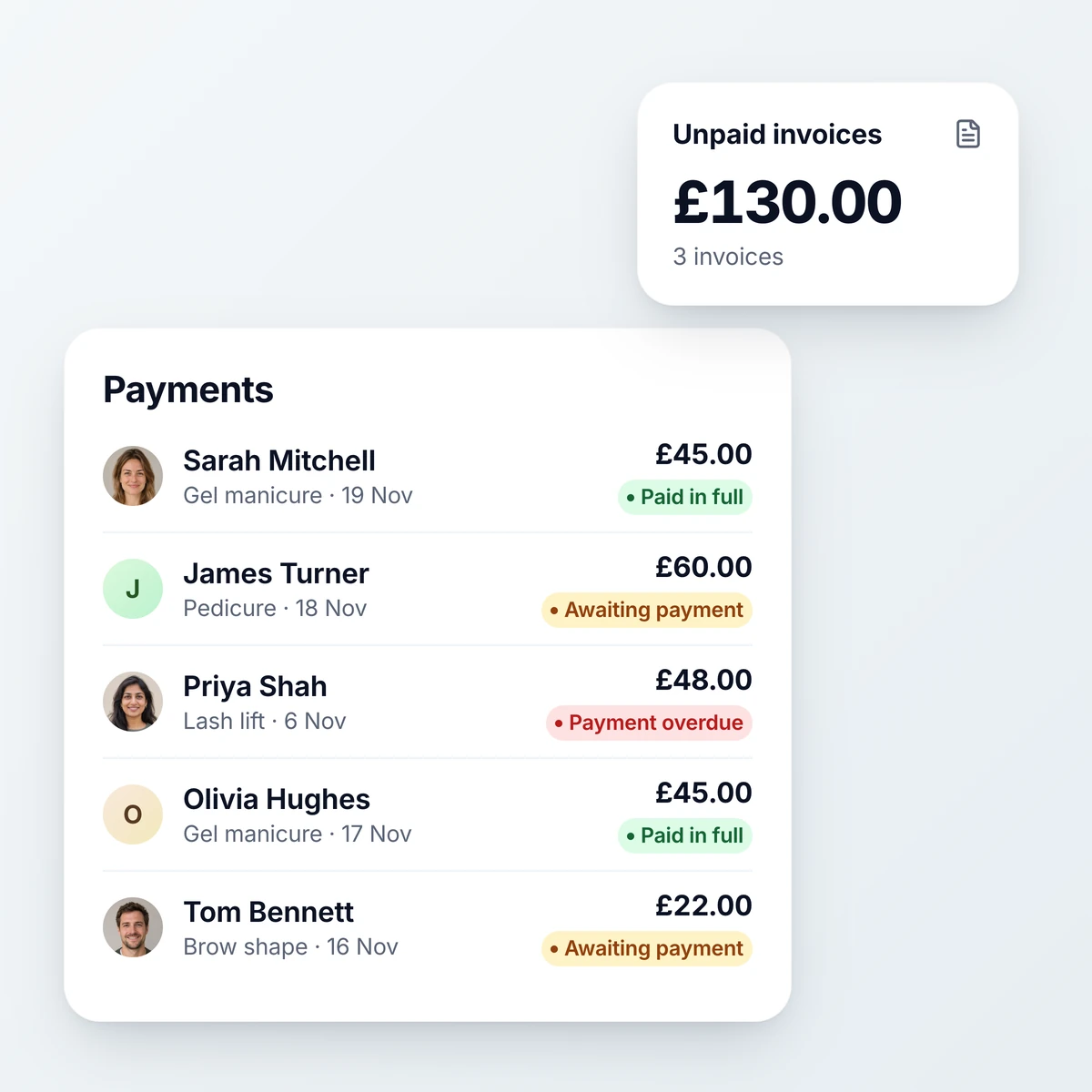
Payment overview
Know what is paid, pending or overdueSee which appointments are complete and which payments need follow up....or explore everything Offlico can do
Payments questions
Frequently asked questions
What does this feature help me manage?
Offlico helps the business accept card payments and track the payment status of appointments. The professional can see what has been paid, what is pending, and what is overdue. Payment information stays connected to the appointment and client, instead of being split across a card reader, bank app, notebook, or memory.
How does it fit into the working day?
Offlico keeps payment status tied to the right client and booking, so the business can see what has been paid and what still needs follow up.
Which main capabilities are covered?
The main capabilities include: Accept card payments through the app; Record cash, bank transfer, and other methods; See paid, pending, and overdue at a glance.
What does the usual workflow look like?
First, track card, cash, transfer or pending payment against the visit. Then, keep paid, pending and overdue states visible in the workflow. Finally, carry payment records into invoices, receipts and bookkeeping.
Why is it useful for mobile professionals?
Offlico connects payments to bookings, so the business can track money without separating it from the work. Knowing exactly who owes what, and having it linked to the right booking, removes one of the most common sources of admin headache for mobile professionals.
Does it connect with the rest of Offlico?
Yes. It sits in the same Offlico workspace as bookings, clients, appointments, payments and day to day admin, so the information stays close to the job instead of becoming a separate record.
Payments is available on Professional.
Try Professional free for 30 days.