
STOCK AND PRODUCTS
The best stock management software for mobile professionals
Keep stock levels, products and used items visible beside appointments and services.
Start freeBUILT FOR PRACTICAL STOCK
Know what is running low before it becomes a problem
From appointment supplies to low stock checks.Trusted by mobile professionals

5 star reviews
Features
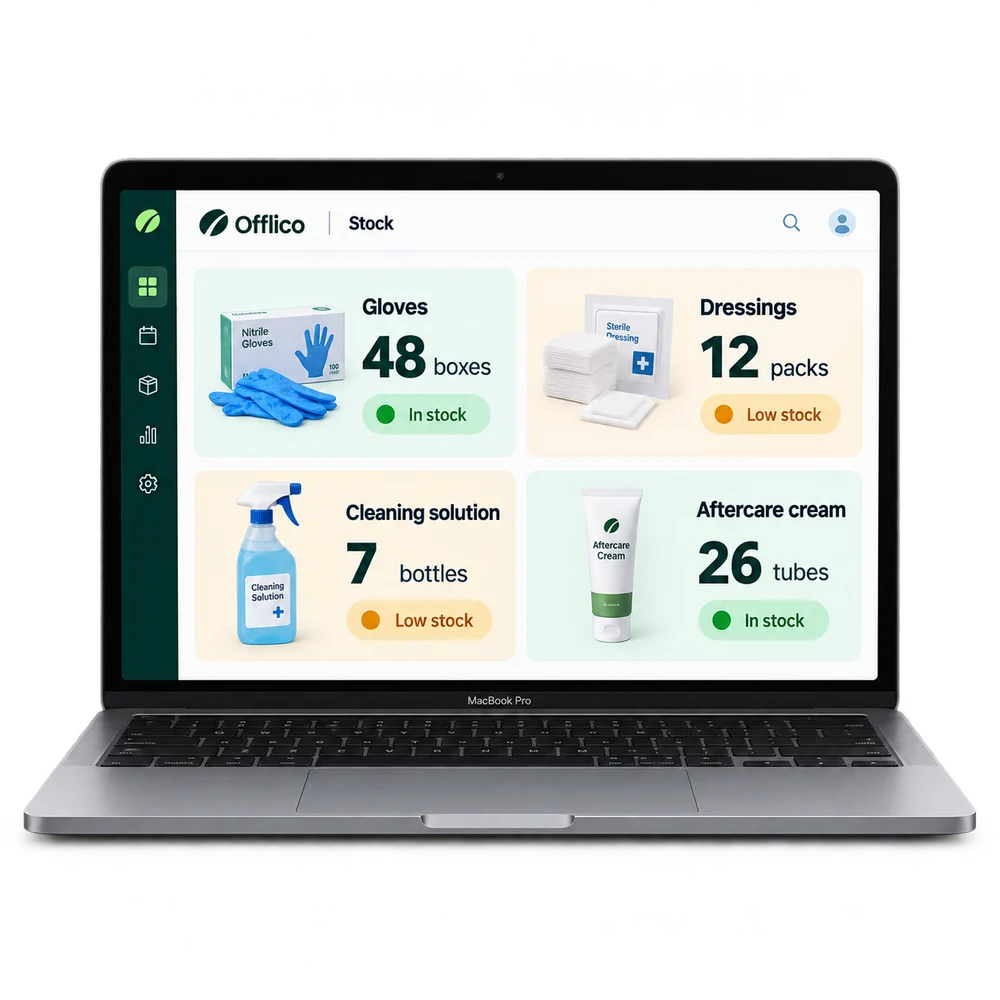
Stock levels
Track products and materials See the current quantity for the supplies used by the business.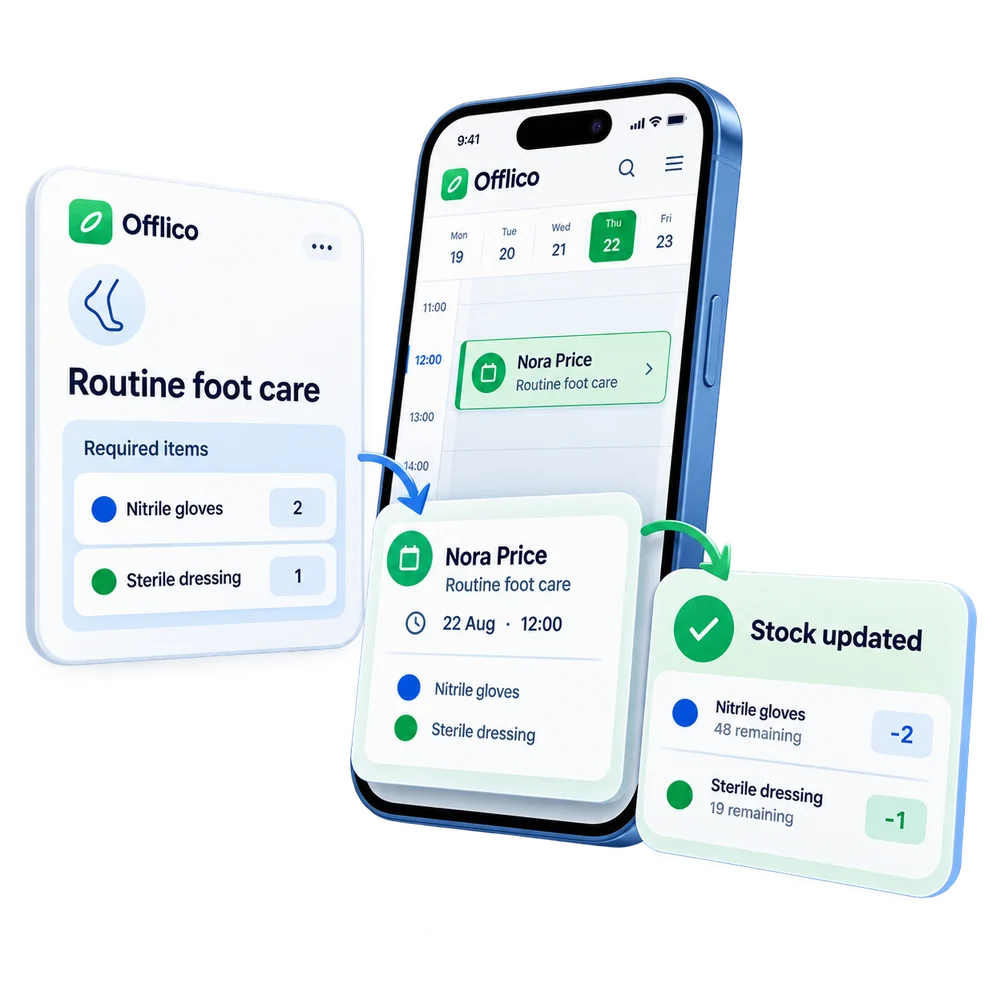
Linked stock
Connect stock items to services and appointments Keep product use close to the work that caused it.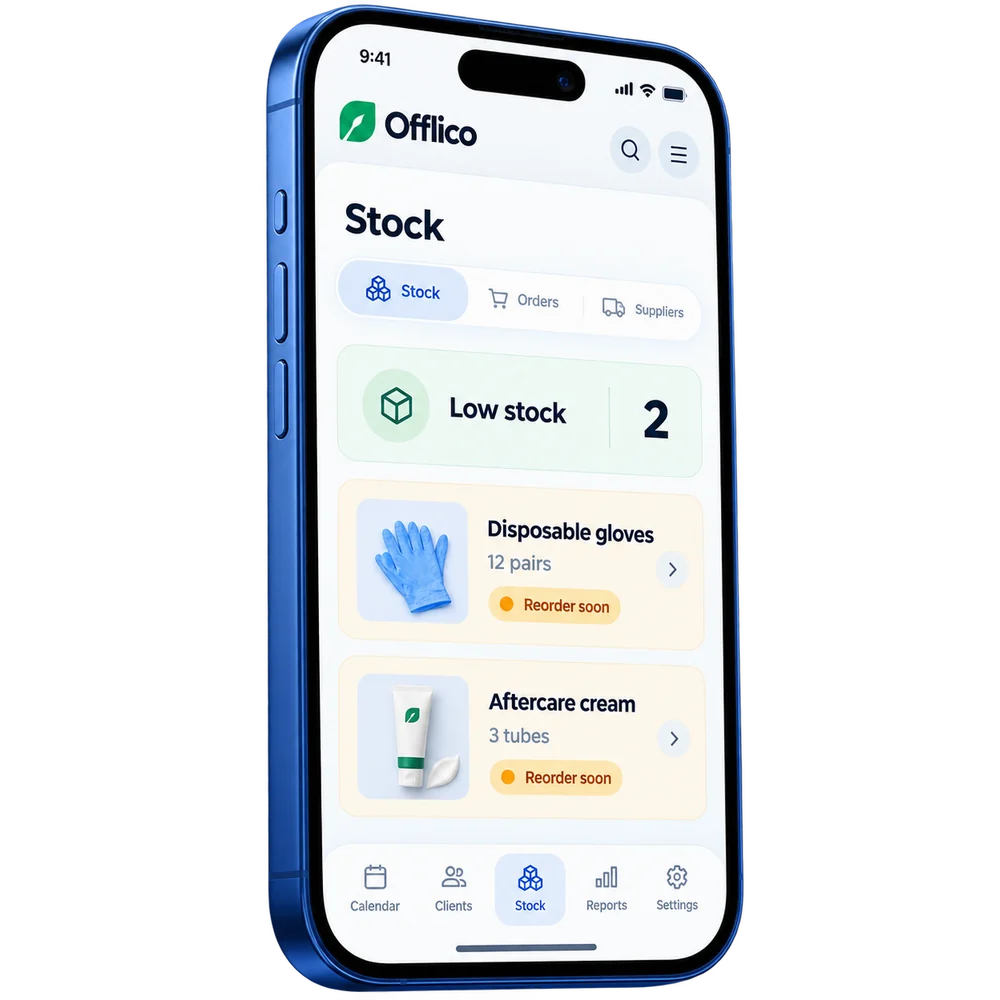
Low stock alert
See what is running low Spot supplies that need attention before the next busy day.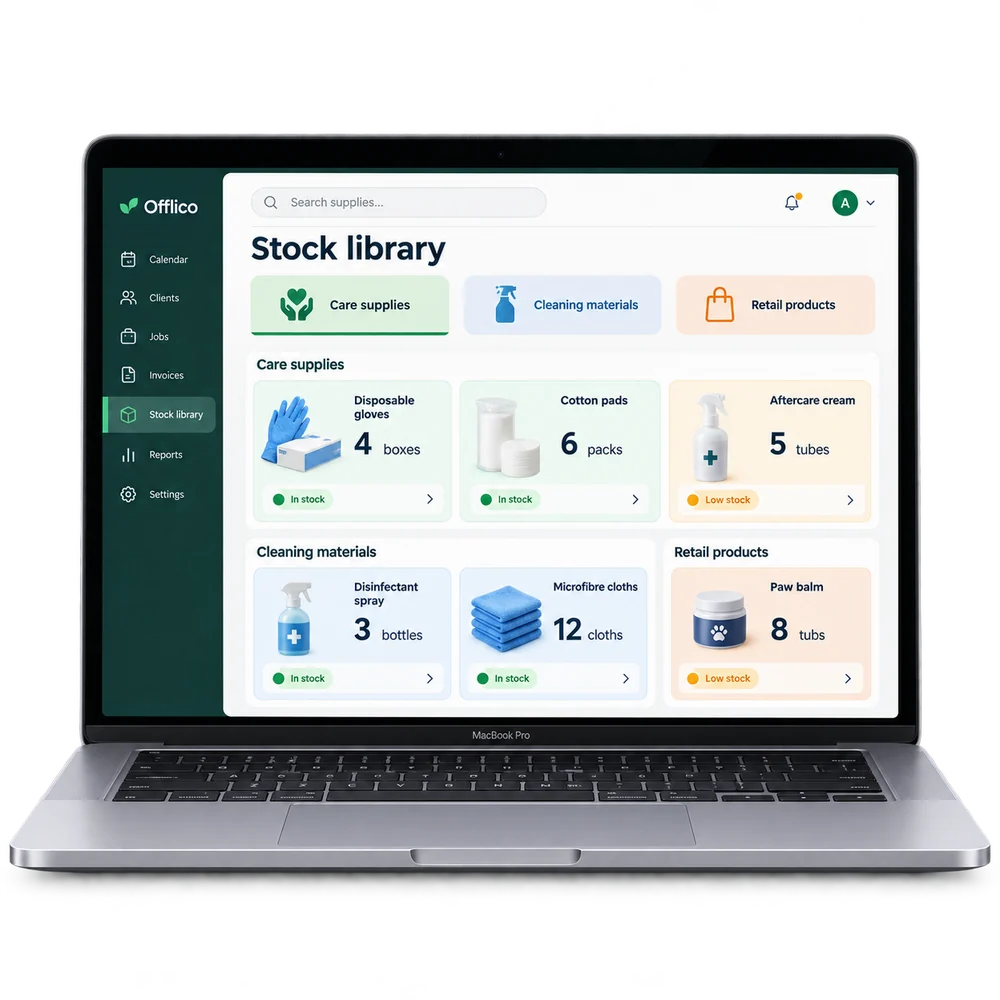
Product list
Organise the supplies the business carries Keep different products and materials in one manageable list.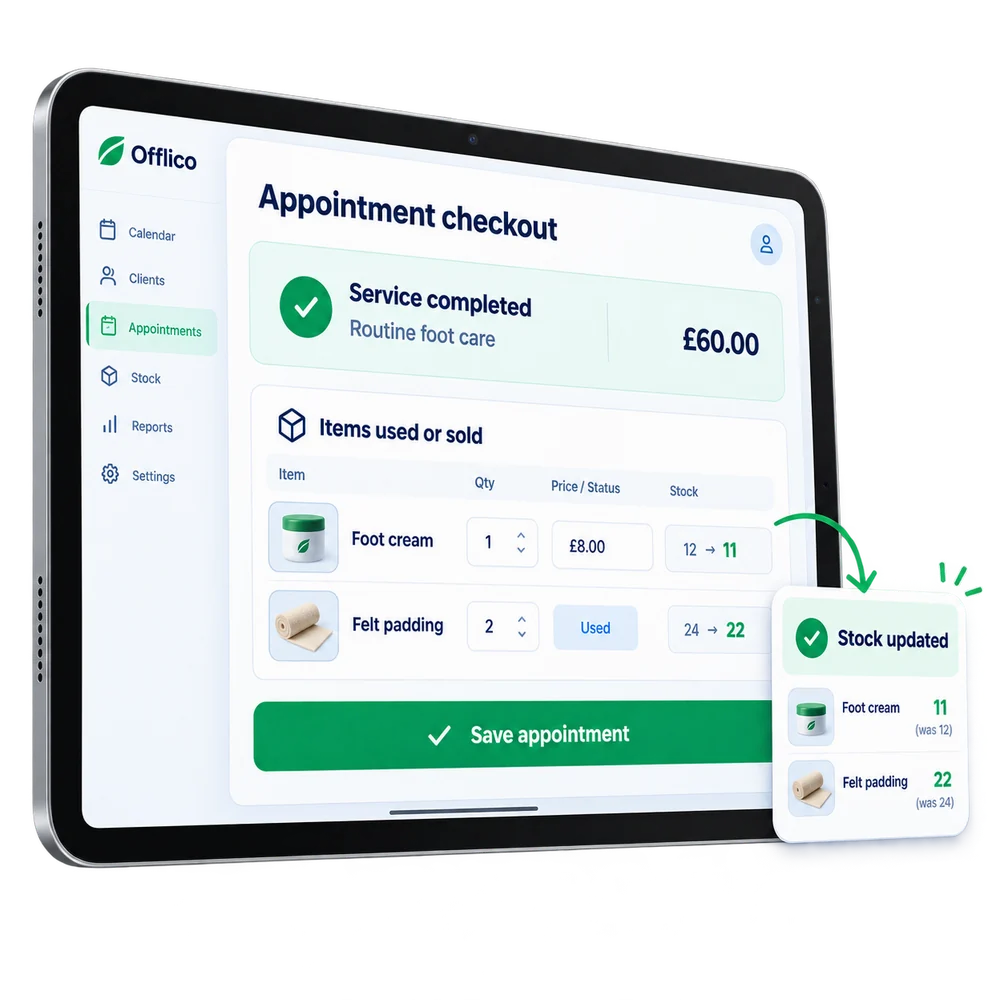
Used or sold
Record items used during an appointment Update stock when a product is used or sold as part of the visit....or explore everything Offlico can do
Calendar & scheduling Smart routing Online booking AI receptionist Client records Automated reminders Services & prices Invoices Payments Tap to Pay Mileage tracking Bookkeeping Documents & notes Reports & insights Offline mode Stock management Customer leads Booking forms Business dashboard
Stock & products questions
Frequently asked questions
What does this feature help me manage?
Offlico helps the business log and track products, stock, or materials used or sold through its work. This is useful for professionals who carry treatment items, cleaning supplies, retail products, consumables, or service materials.
How does it fit into the working day?
Offlico keeps products and materials closer to appointments so the business can see what is used, sold and running low.
Which main capabilities are covered?
The main capabilities include: Track stock levels for products and materials; Log items used or sold at each appointment; Low stock alerts when levels run down.
What does the usual workflow look like?
First, store the items the business sells, uses or needs to keep in stock. Then, log what was used or sold as part of normal appointment admin. Finally, use stock visibility to reorder before the next visit is affected.
Why is it useful for mobile professionals?
Offlico keeps stock and product records closer to appointments, services, and business admin. For professionals who supply or use products as part of their service, foot care supplies, grooming products, cleaning materials, tracking these separately from appointments creates extra work. Offlico keeps it in the same system.
Does it connect with the rest of Offlico?
Yes. It sits in the same Offlico workspace as bookings, clients, appointments, payments and day to day admin, so the information stays close to the job instead of becoming a separate record.
Stock & products is included in every plan.
Choose free Starter and start taking bookings.
Start free ← All features