
DOCUMENTS AND NOTES
The best document management software for mobile professionals
Store files, forms, photos and appointment notes where you can find them later.
Start freeBUILT FOR RECORD KEEPING
Less searching through scattered files
From signed forms to visit notes and repeat care details.Trusted by mobile professionals

5 star reviews
Features
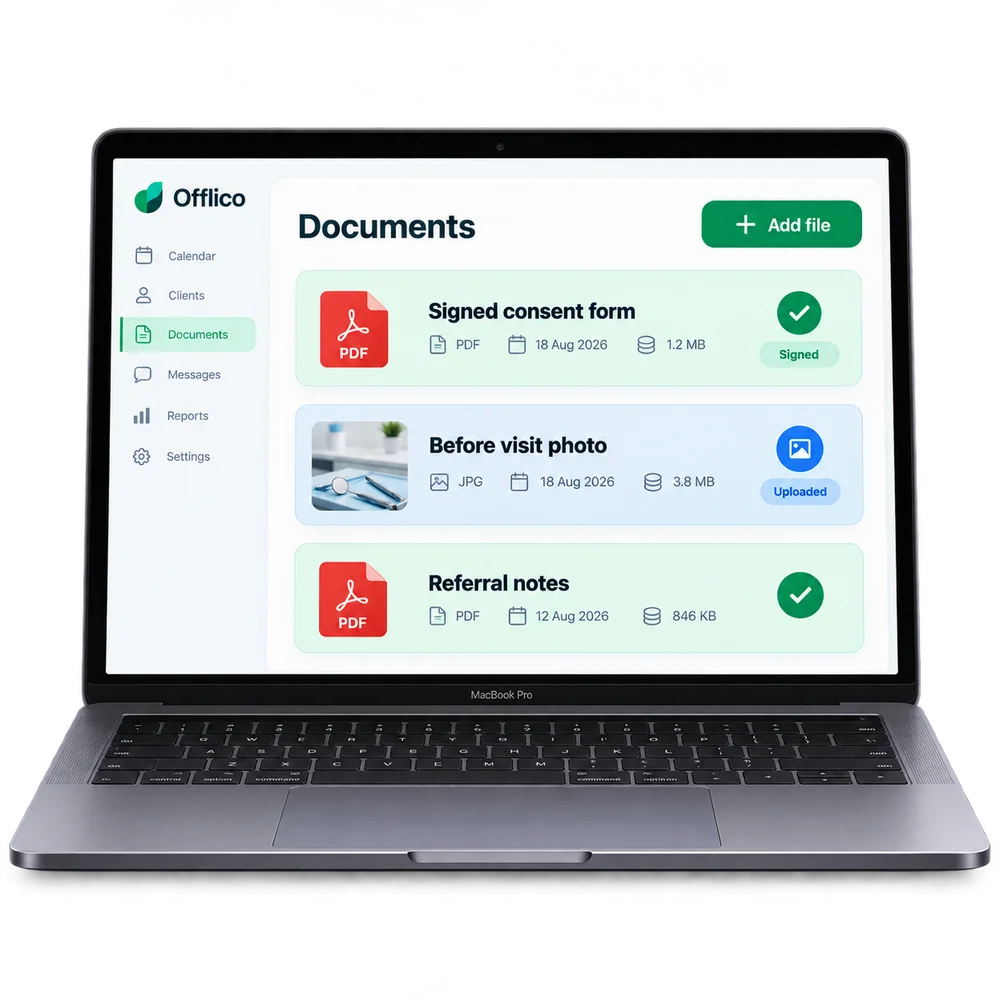
File attachments
Attach consent forms, photos and PDFs Keep supporting files with the client or appointment they relate to.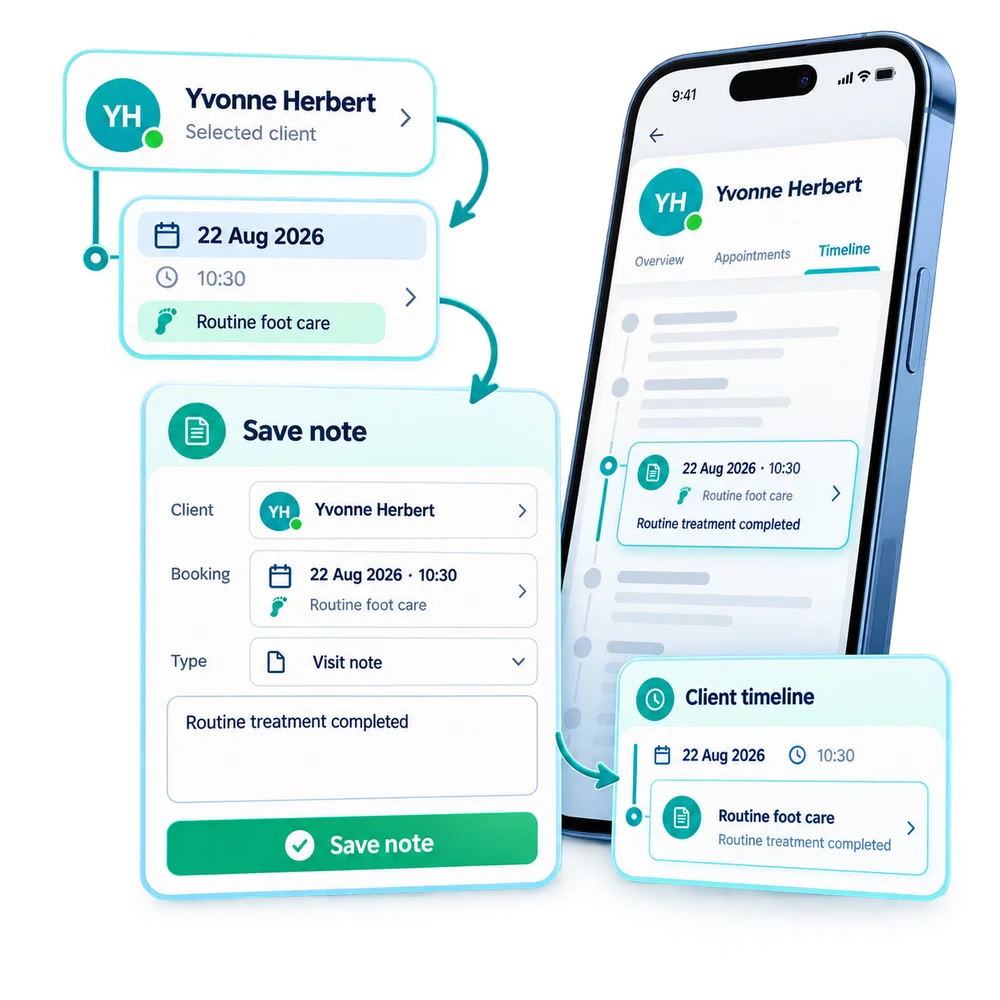
Correct record
Save each file against the right client and booking Give every note and document a clear place inside the workflow.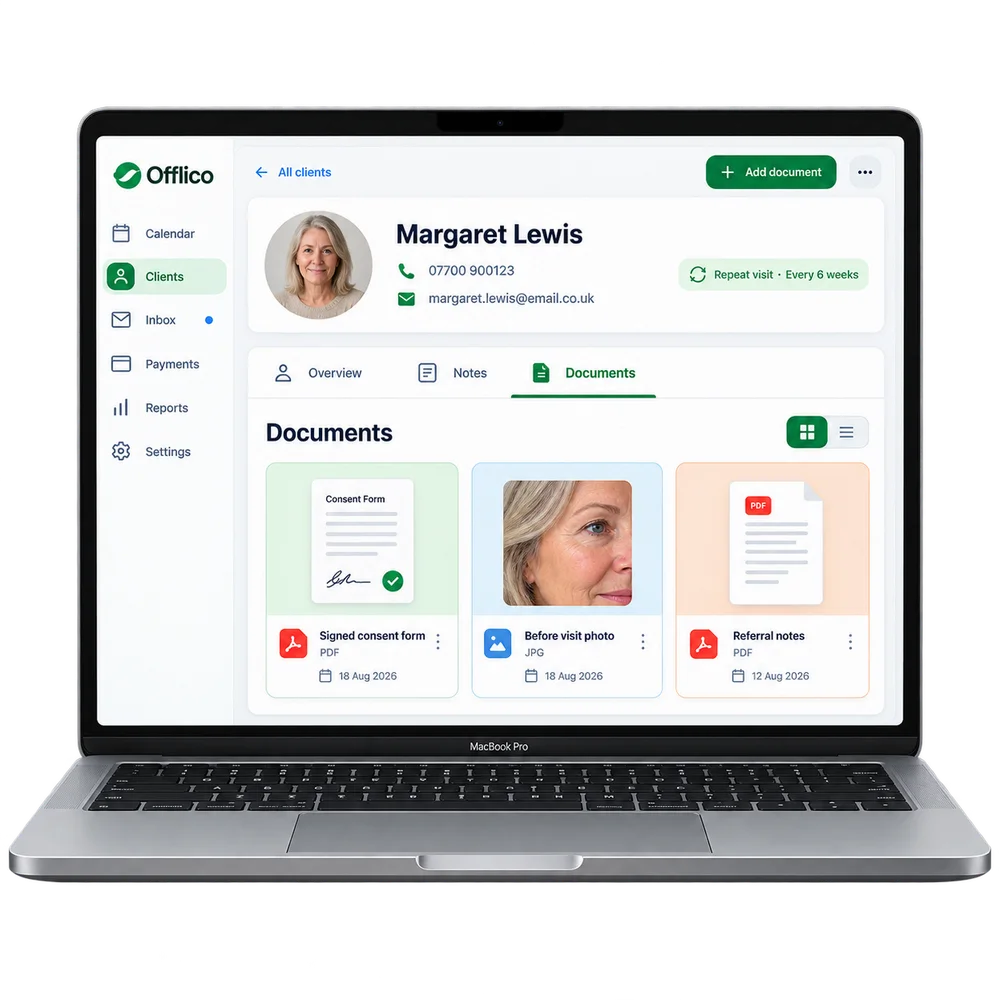
Client access
Open saved files from the client record Find previous notes and documents without searching separate folders.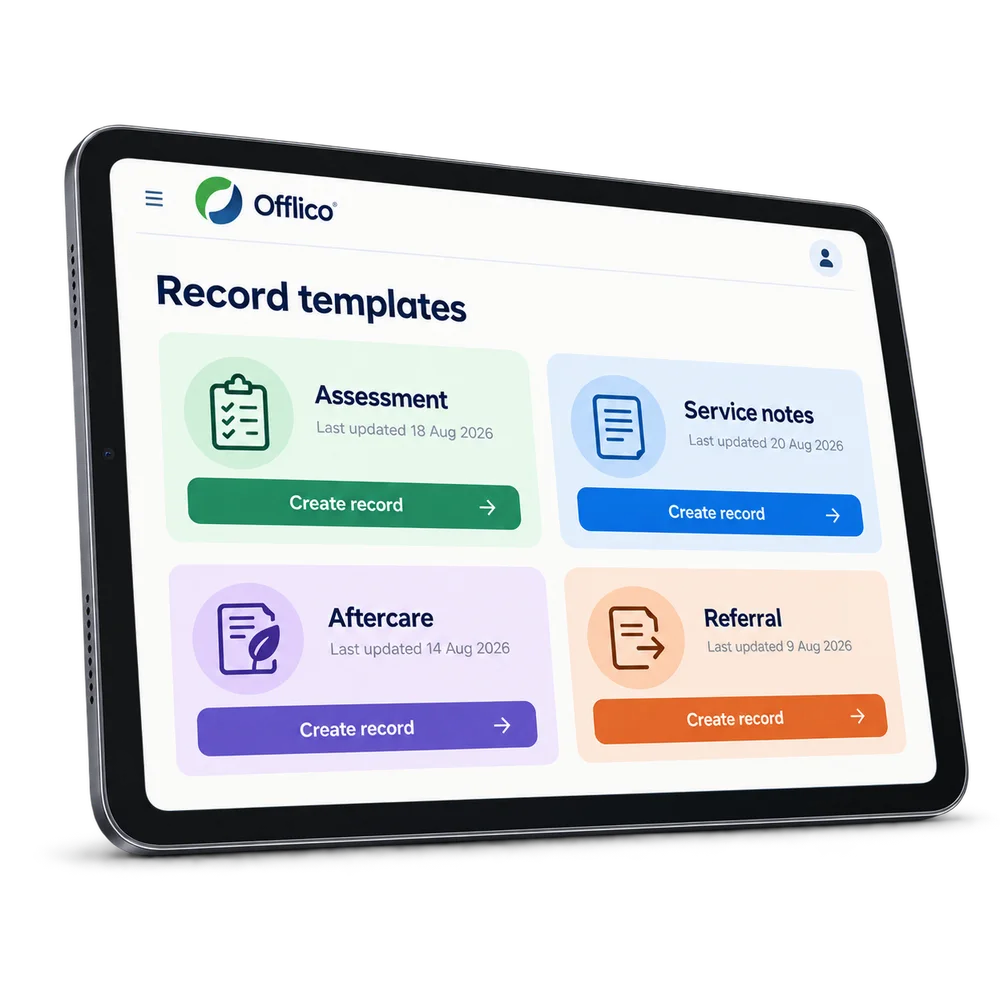
Service records
Keep practical service records together Store assessments, treatment notes, referrals and other useful documents.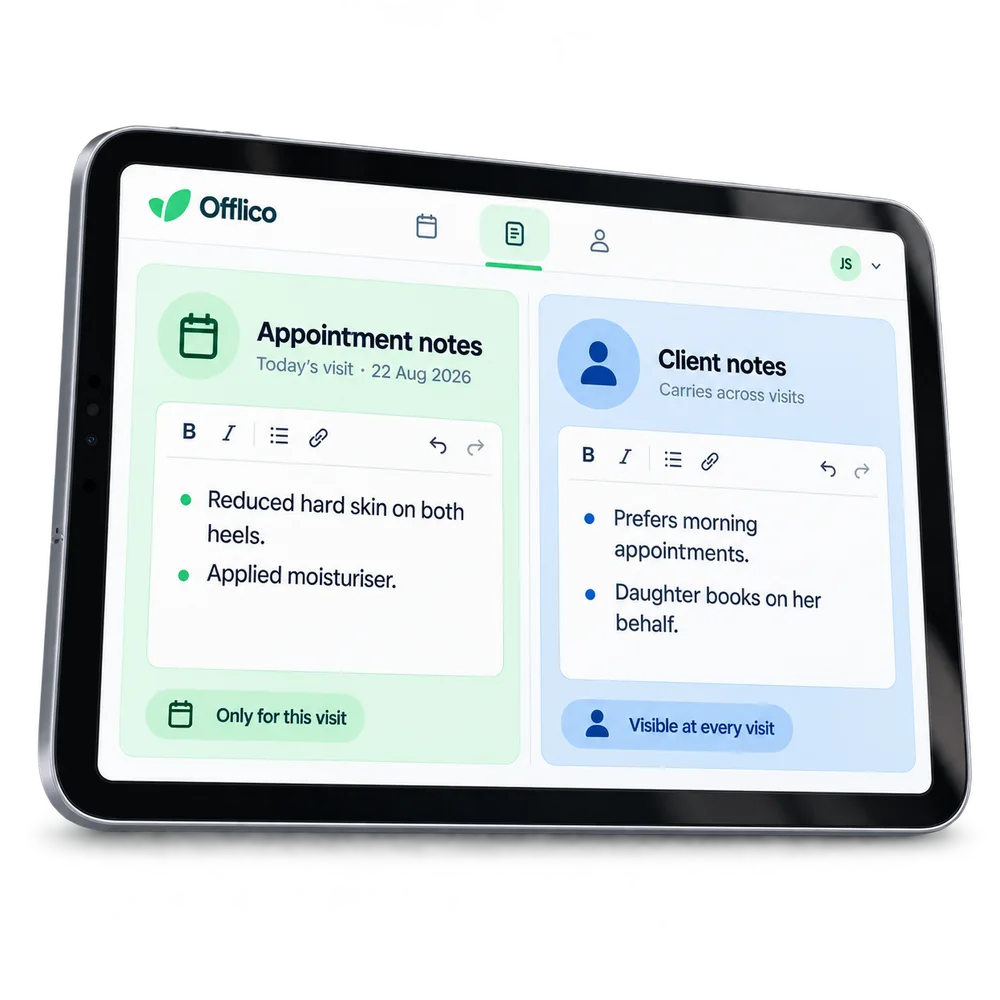
Clear note types
Separate appointment notes from client notes Keep visit specific detail distinct from longer term client information....or explore everything Offlico can do
Calendar & scheduling Smart routing Online booking AI receptionist Client records Automated reminders Services & prices Invoices Payments Tap to Pay Mileage tracking Bookkeeping Documents & notes Reports & insights Offline mode Stock management Customer leads Booking forms Business dashboard
Documents & notes questions
Frequently asked questions
What does this feature help me manage?
Offlico lets the business attach notes, consent forms, photos, files, and documents to client records and appointments. This is useful for businesses that need records over time, treatment notes, service notes, before and after photos, signed forms, or appointment specific details.
How does it fit into the working day?
Offlico keeps documents and notes attached to the right client or appointment so records are easier to find when they matter.
Which main capabilities are covered?
The main capabilities include: Notes per appointment or per client; Attach consent forms, photos, PDFs, and other files; Stored against the correct client or booking.
What does the usual workflow look like?
First, write appointment notes or client notes where the work already sits. Then, store forms, photos, PDFs and other documents against the right record. Finally, return to the client or appointment and see the relevant history in context.
Why is it useful for mobile professionals?
Offlico keeps documents and notes attached to the correct client or appointment, so important records are easy to find later. For professionals who need to refer back to previous visits, or where client records matter for care or compliance, having them connected rather than scattered makes a real difference.
Does it connect with the rest of Offlico?
Yes. It sits in the same Offlico workspace as bookings, clients, appointments, payments and day to day admin, so the information stays close to the job instead of becoming a separate record.
Documents & notes is included in every plan.
Choose free Starter and start taking bookings.
Start free ← All features