

APPOINTMENT REMINDERS
The best appointment reminder software for mobile professionals
Send reminders automatically so clients are less likely to forget, miss or muddle visits.
BUILT FOR FEWER NO SHOWS
Less chasing before every appointment
From reminder timing to clearer client follow up.Compare plans and pricesTrusted by mobile professionals

★★★★★5 star reviews
Features
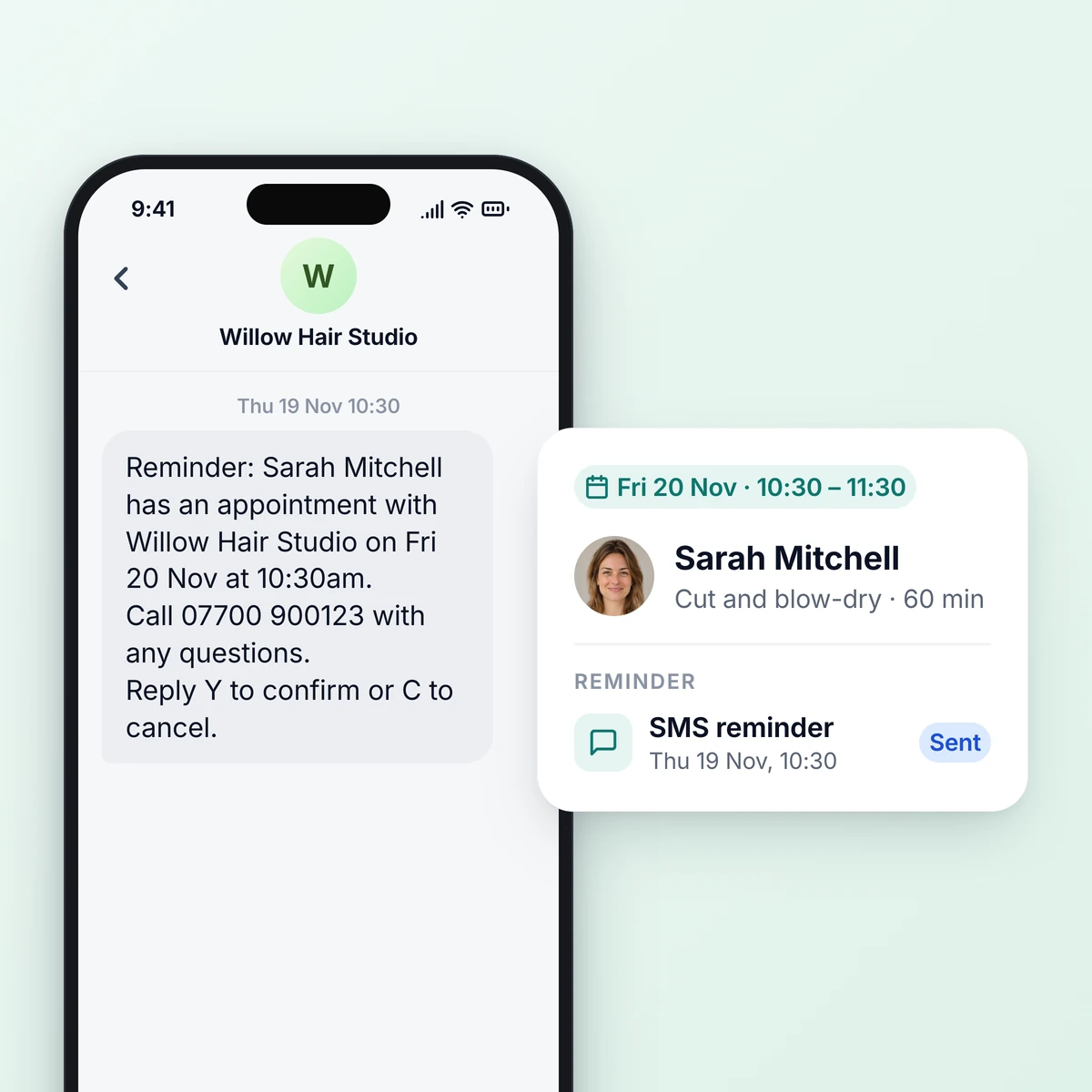
Automatic reminders
Tie each reminder to the appointmentSend the relevant visit details without rebuilding the message each time.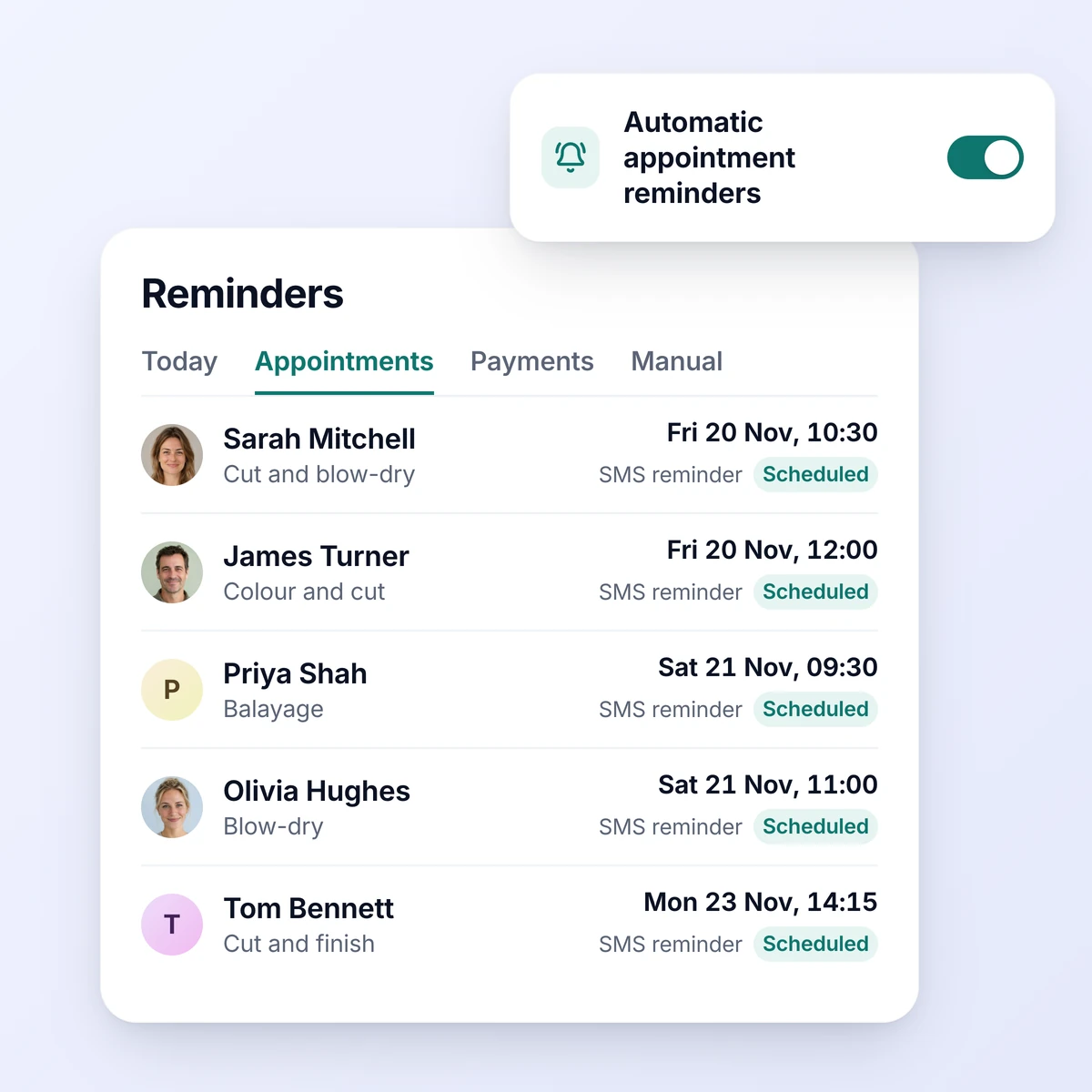
Booking automation
Apply reminders to new bookingsKeep the reminder routine working as new appointments enter the diary.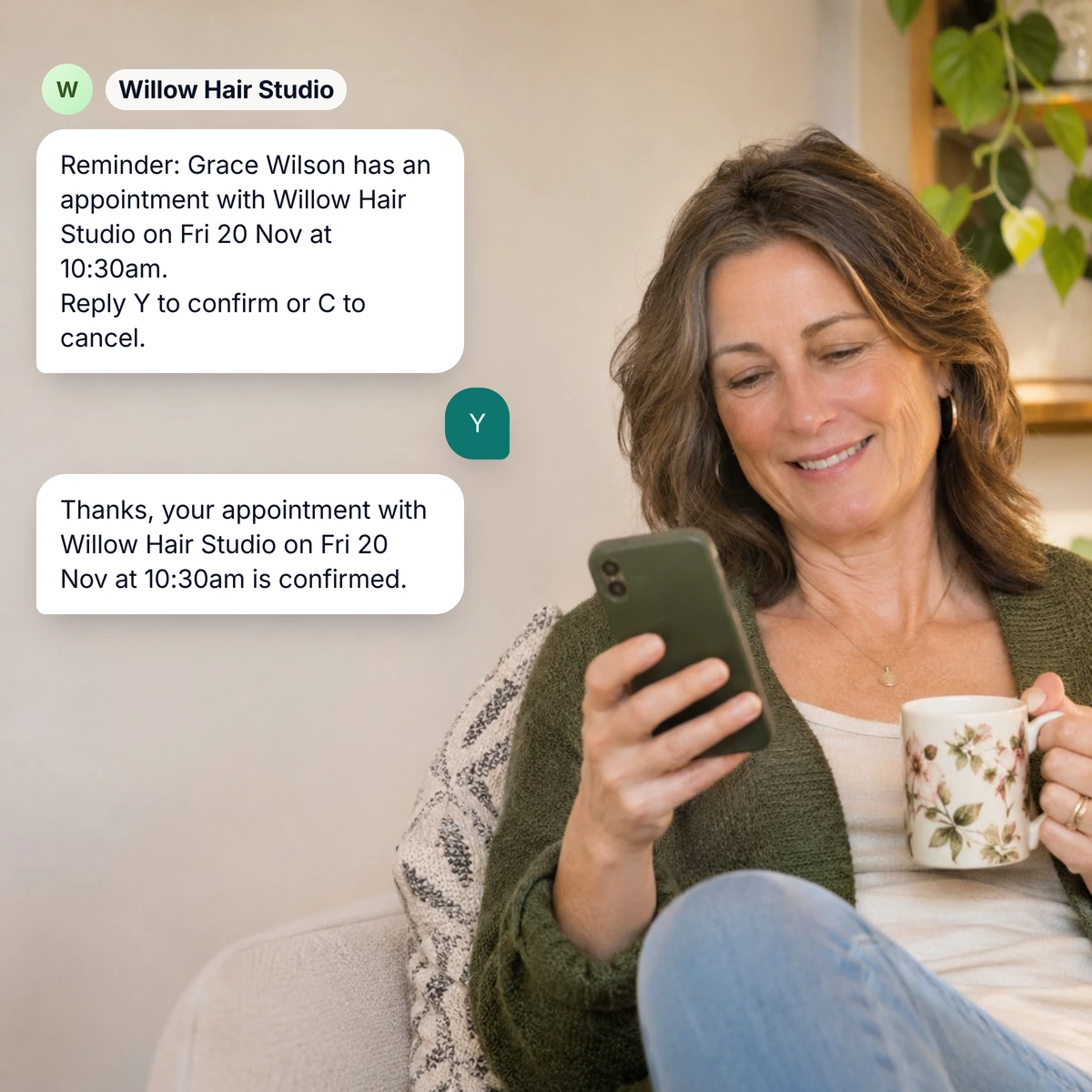
Client confirmation
Let clients confirm after a reminderGive customers a clear way to respond before the scheduled visit.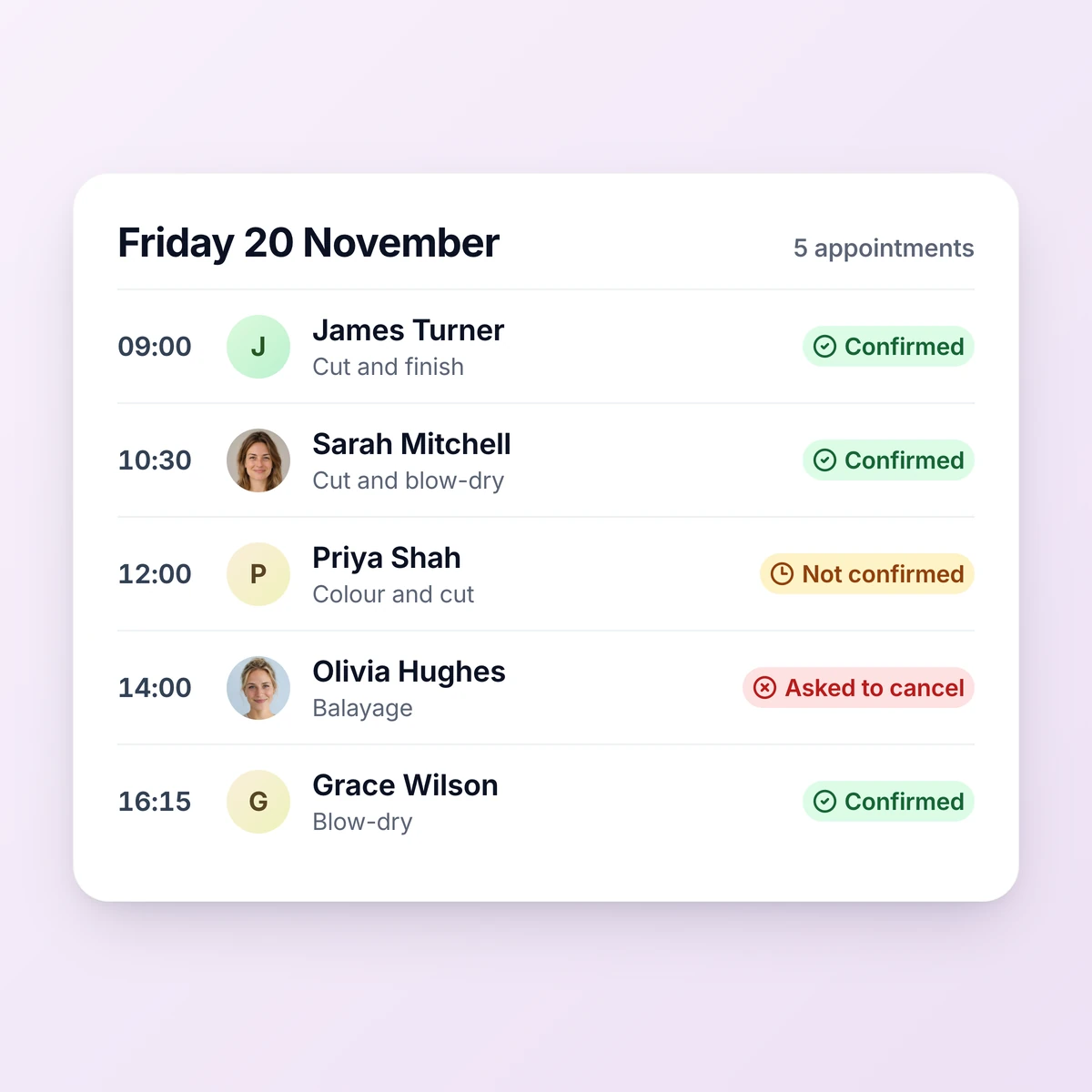
Response inbox
See reminder responses in one placeKeep confirmations and replies visible without searching through messages.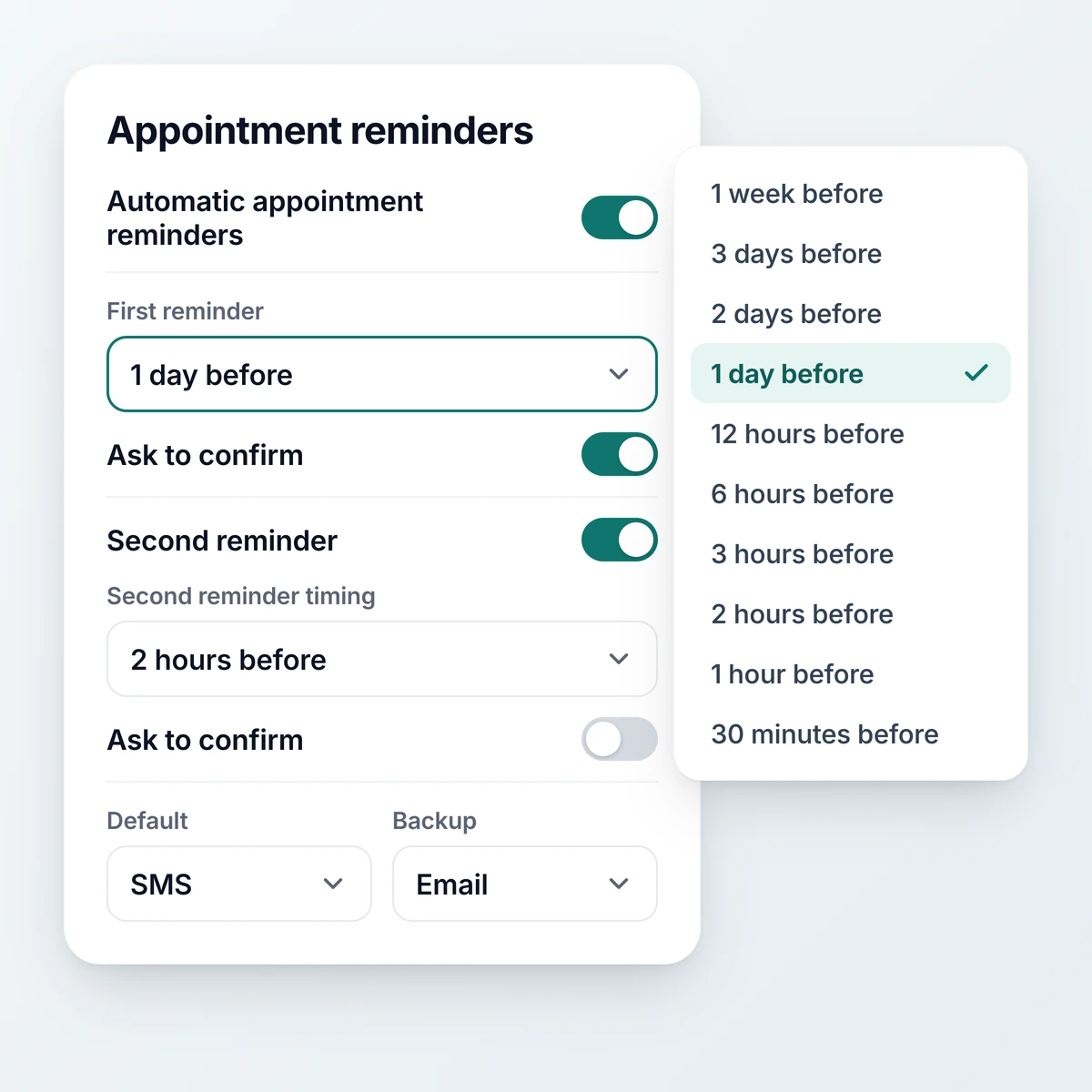
Send timing
Choose when reminders are sentSet a reminder schedule that suits the business and its clients....or explore everything Offlico can do
Automatic Reminders questions
Frequently asked questions
What does this feature help me manage?
Offlico sends appointment reminders to clients before their visit. This helps the business reduce missed appointments and removes the need to remind every client by hand. Reminders are connected to the appointment, so they fit naturally into the booking workflow.
How does it fit into the working day?
Offlico sends appointment reminders automatically so clients are prompted before the visit without the business chasing every person by hand.
Which main capabilities are covered?
The main capabilities include: Automatic reminders sent before each appointment; Connected to the appointment, no manual setup per booking; Reduces no shows without extra effort.
What does the usual workflow look like?
First, the reminder is linked to the booking details already in Offlico. Then, clients receive a clear appointment reminder before the visit. Finally, the professional spends less time manually checking who has been reminded.
Why is it useful for mobile professionals?
Offlico automatically reminds clients about upcoming appointments, so the professional spends less time chasing. A missed appointment costs money and time, reminders solve this without adding admin.
Does it connect with the rest of Offlico?
Yes. It sits in the same Offlico workspace as bookings, clients, appointments, payments and day to day admin, so the information stays close to the job instead of becoming a separate record.
Automatic Reminders is included, like every other feature.
Try every feature free for 30 days.