

APPOINTMENT SCHEDULING
The best scheduling software for mobile professionals
Keep appointments, travel and client details organised in one simple calendar.
Trusted by mobile professionals

★★★★★5 star reviews
Features
Easy Booking
Run the day from one diaryKeep appointment times, client details, visit notes and follow up actions visible in the same working calendar.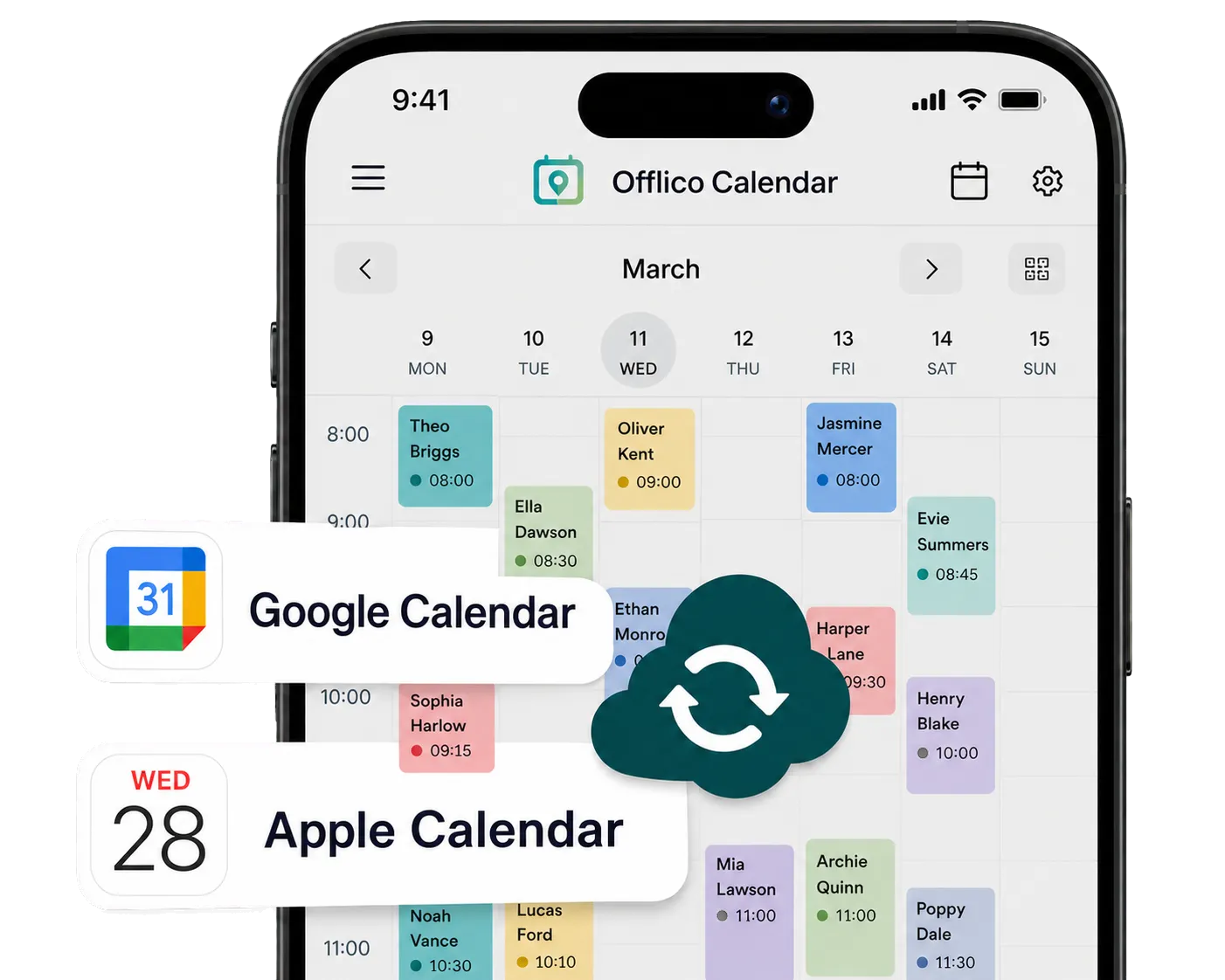
Calendar Sync
Your diary in the calendar you already useOfflico appointments show up in Apple Calendar, Google Calendar or Outlook, next to everything else in your day.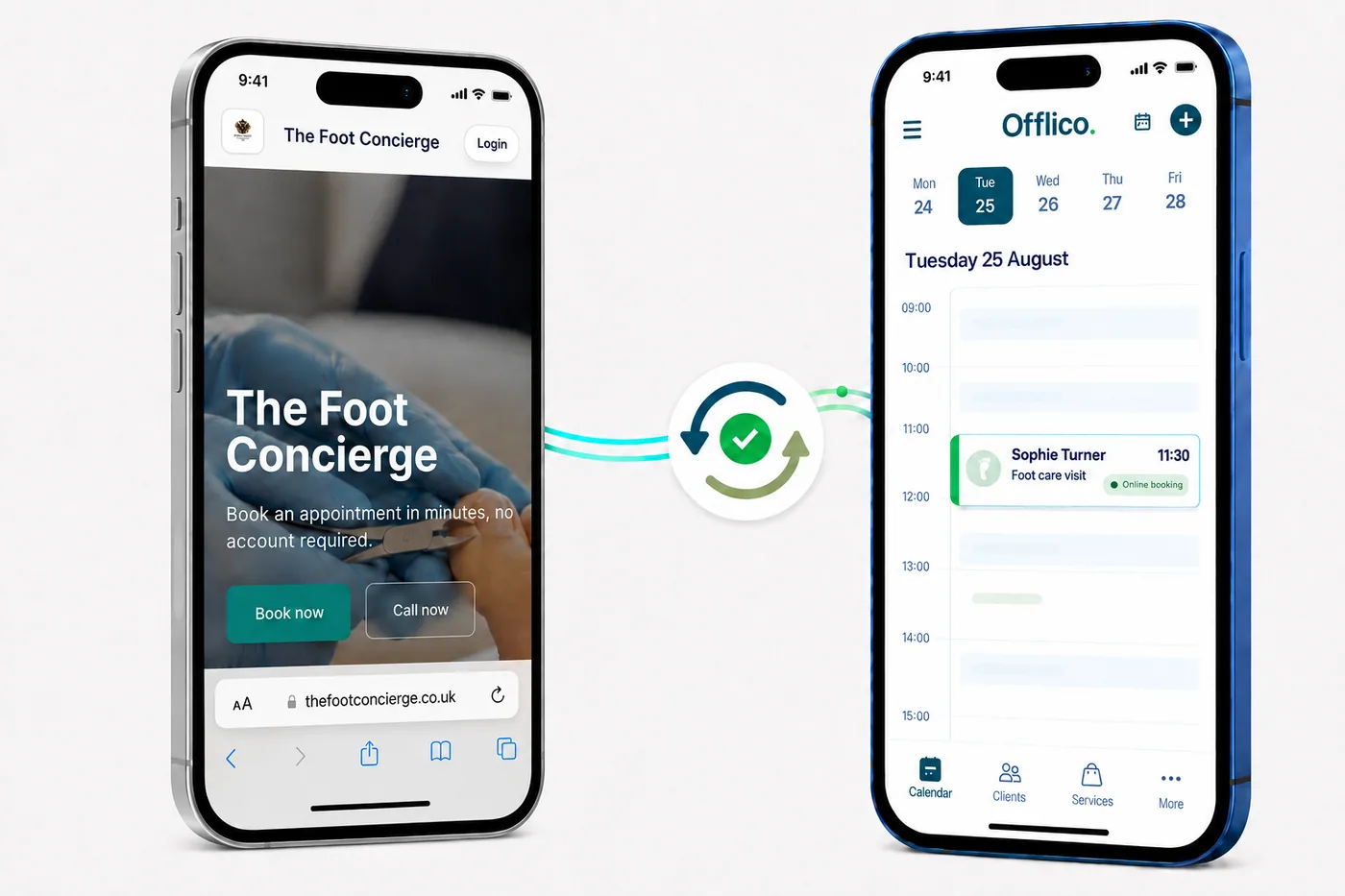
Online Booking Sync
Your booking page and calendar stay in syncWhen a client books through your online booking page, the appointment appears in your Offlico calendar with the service, time and client details ready to go.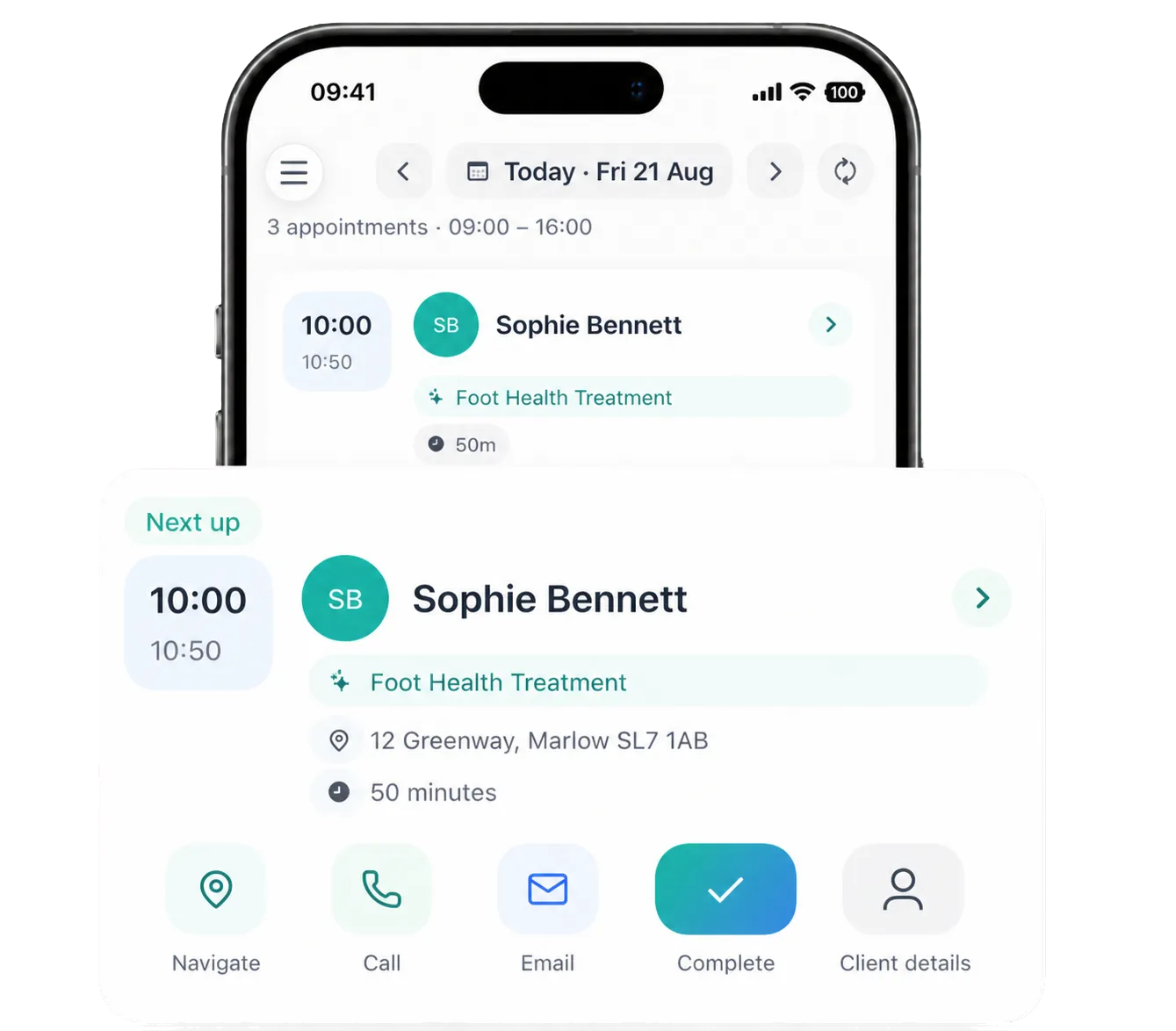
Daily Timeline
See today at a glanceSee who is next, then navigate to the appointment, add a note, mark the visit complete or book the next one, all from the same timeline.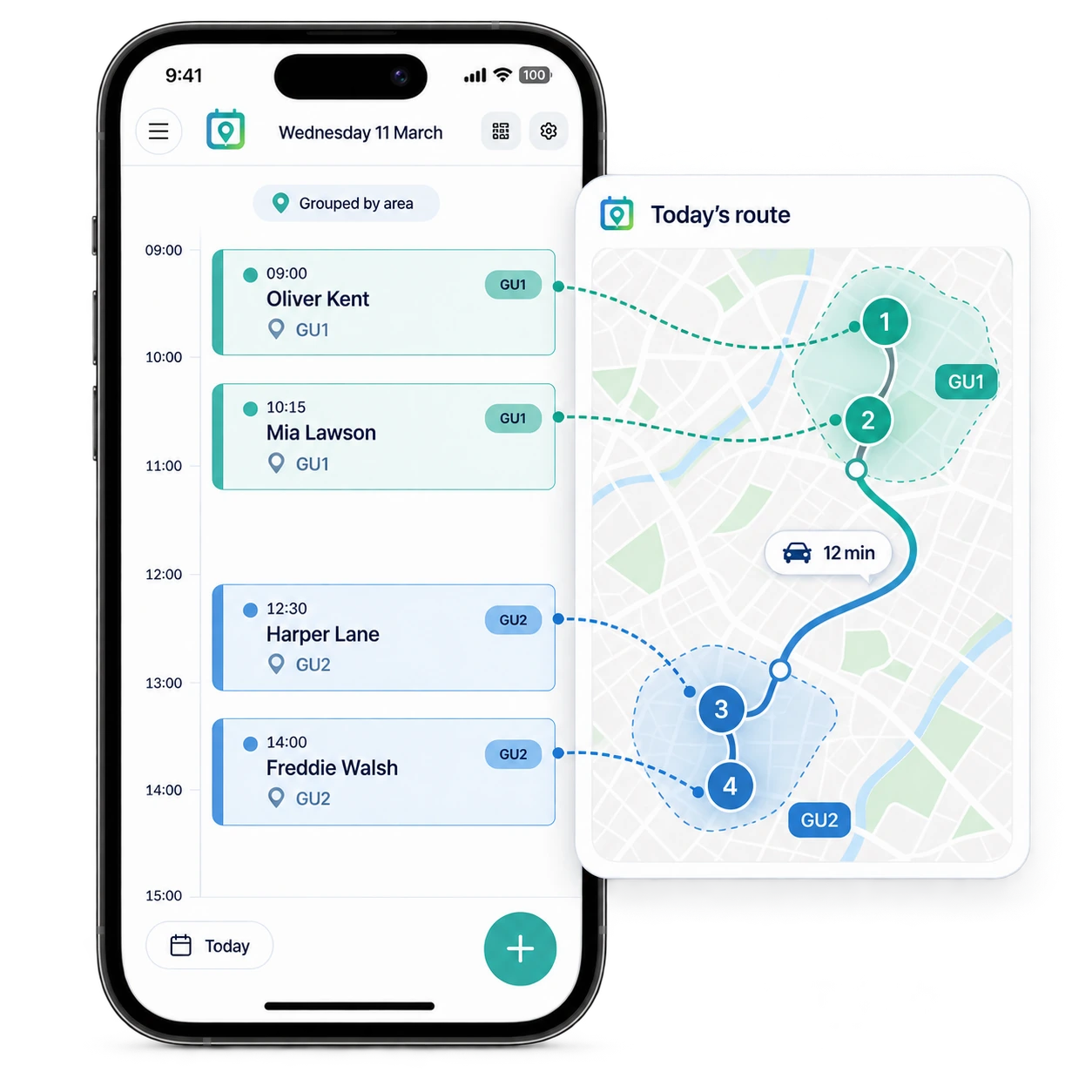
Smart appointment scheduling
Plan appointments around the routeGroup nearby visits, keep travel time visible and build a working day that makes sense on the road.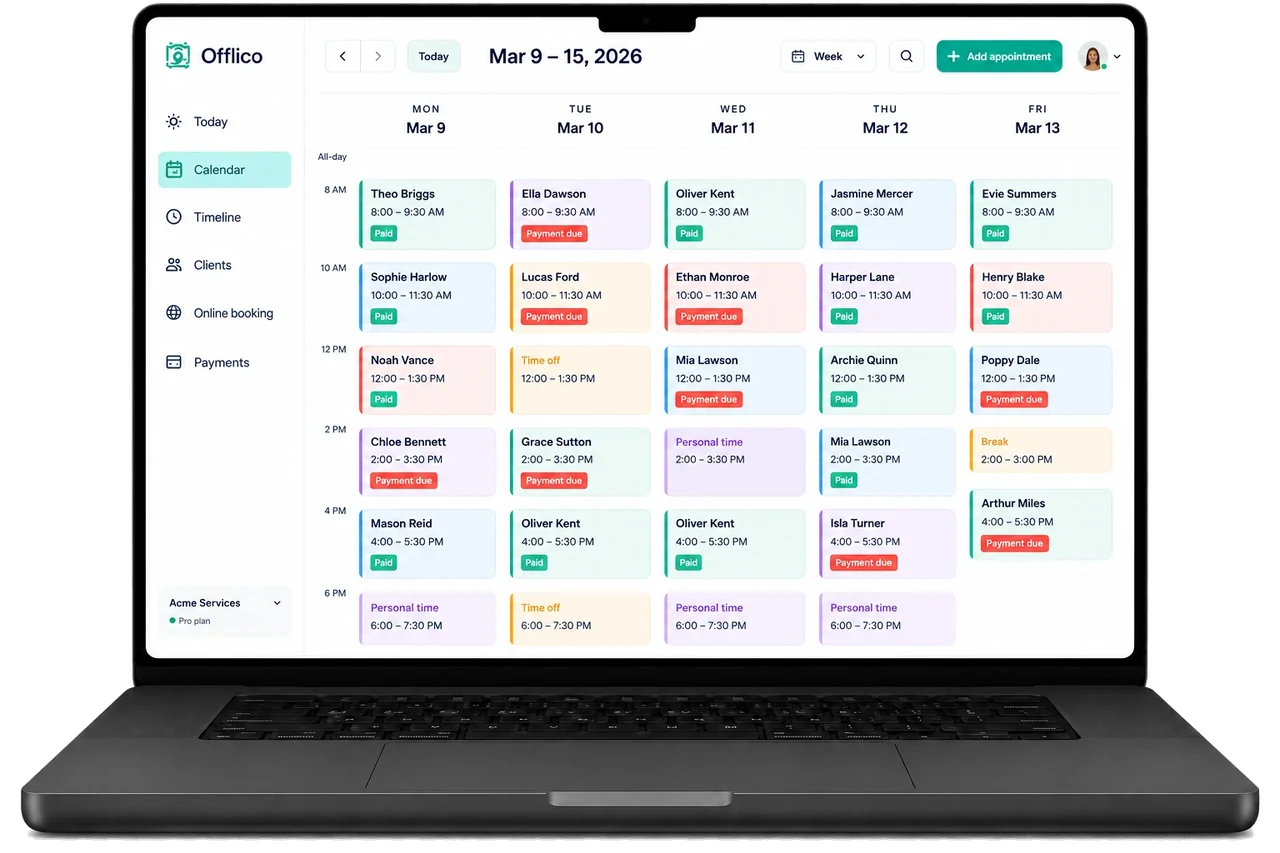
Weekly Overview
See every appointment at a glanceReview your week, availability and payment status from the Offlico web calendar.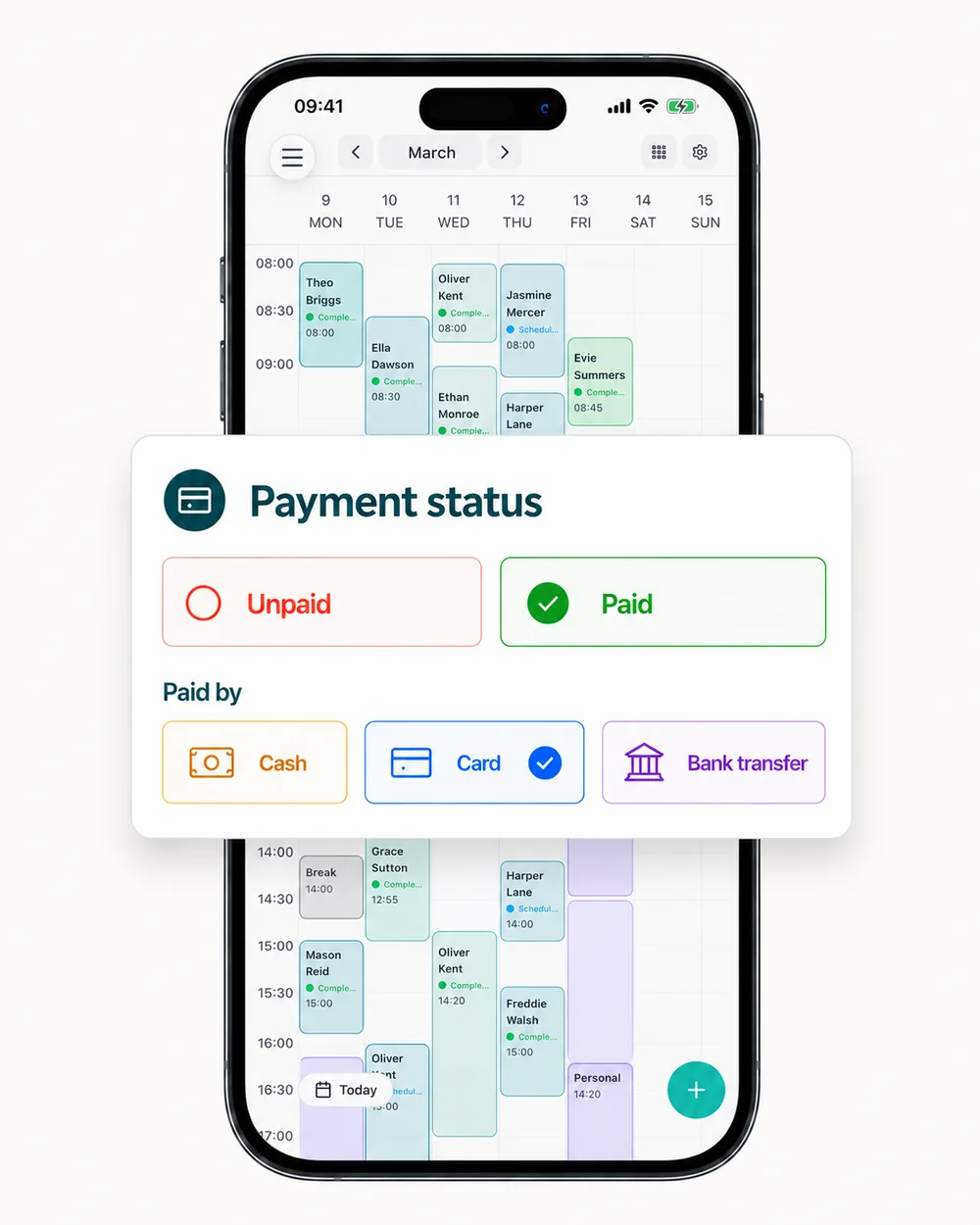
Payment Tracking
Track every appointment paymentSee each appointment's payment status at a glance, then record whether the client paid by cash, card or bank transfer.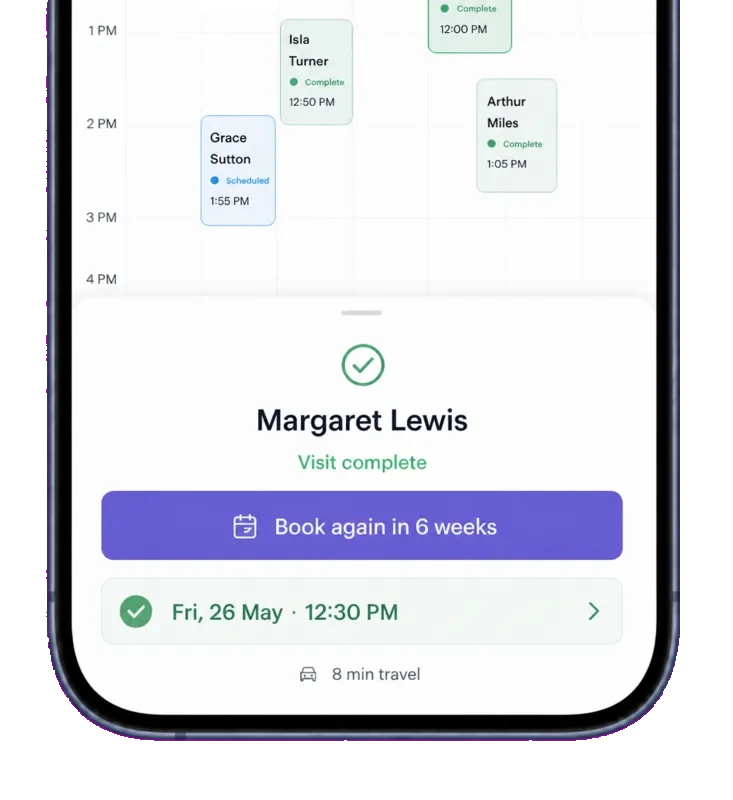
Easy Rebooking
Rebook with the best available slotSee the best available slot for the next visit and rebook the client straight away, without searching through the calendar....or explore everything Offlico can do
Calendar questions
Frequently asked questions
What can I see inside each calendar appointment?
Keep the client, service, time, location, notes and payment status attached to the appointment, so the useful details stay close to the diary.
Can I switch between day, week and month views?
Yes. Use the view that suits the job, from checking today's visits to reviewing the wider week or month.
Can clients book directly into my Offlico calendar?
Your Offlico online booking page can capture the service, time and client details, then bring the booking into the same calendar workflow.
Does Offlico help with travel between appointments?
Smart appointment scheduling keeps locations and travel time visible while you plan mobile visits, helping you build a more practical working day.
Can I connect Apple Calendar or Google Calendar?
Yes. Calendar sync lets you bring Apple Calendar and Google Calendar appointments into one clearer view alongside your Offlico schedule.
Can I use the calendar on my phone and computer?
Yes. Use the app while you are out working, then open the web calendar when you want a wider weekly overview.
Calendar is included, like every other feature.
Try every feature free for 30 days.