
INVOICES AND RECEIPTS
The best invoice software for mobile professionals
Turn appointment and payment details into clearer invoices and receipts.
Start freeBUILT FOR CLEANER ADMIN
The visit details are already there
From appointment record to invoice history.Trusted by mobile professionals

5 star reviews
Features
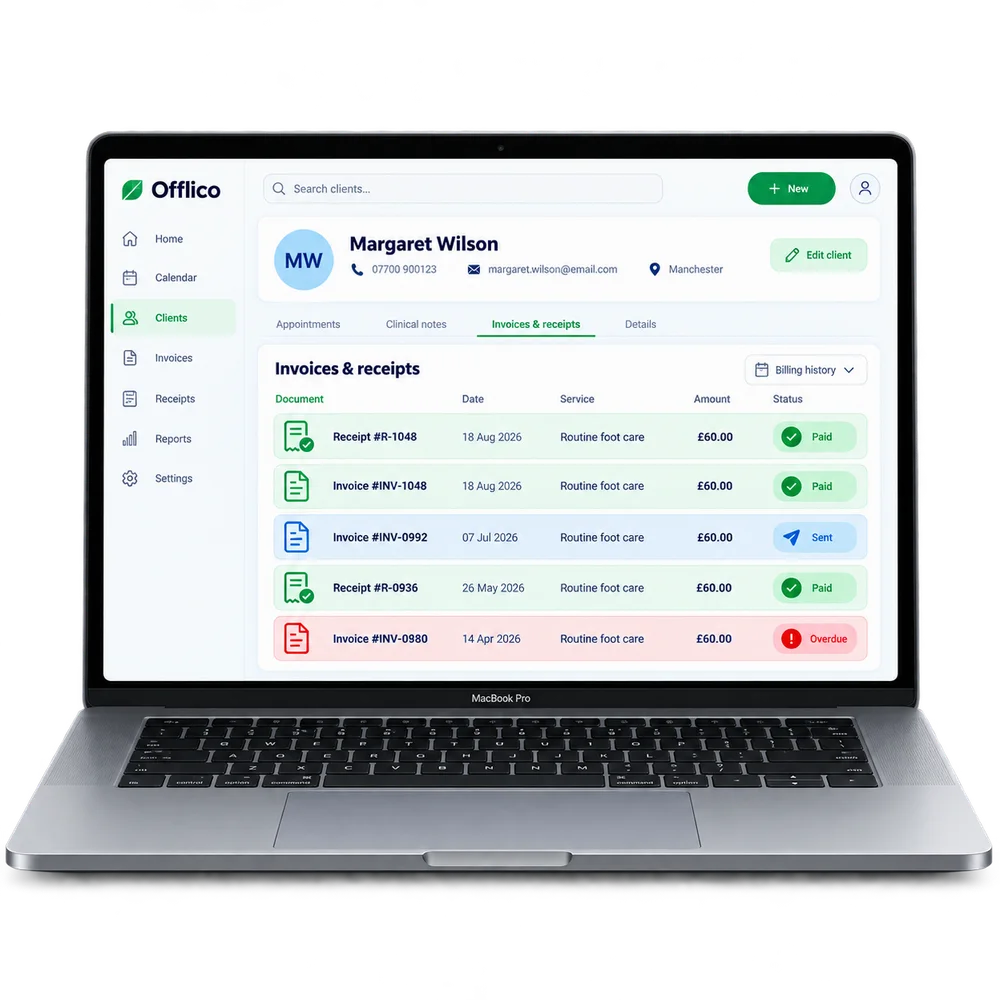
Client history
See every invoice and receipt in the client history Keep previous paperwork available when a client or payment needs checking.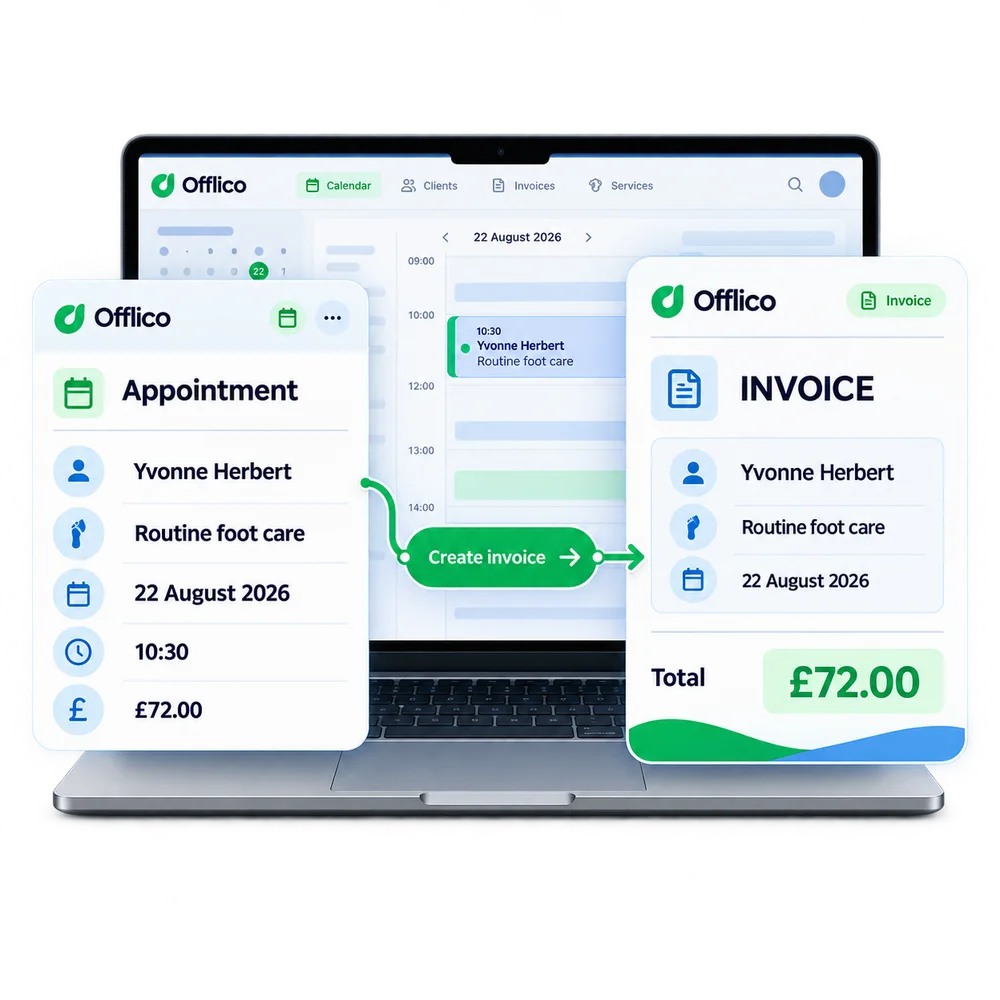
Create from appointment
Start the invoice from the appointment Use the visit record as the starting point for the paperwork.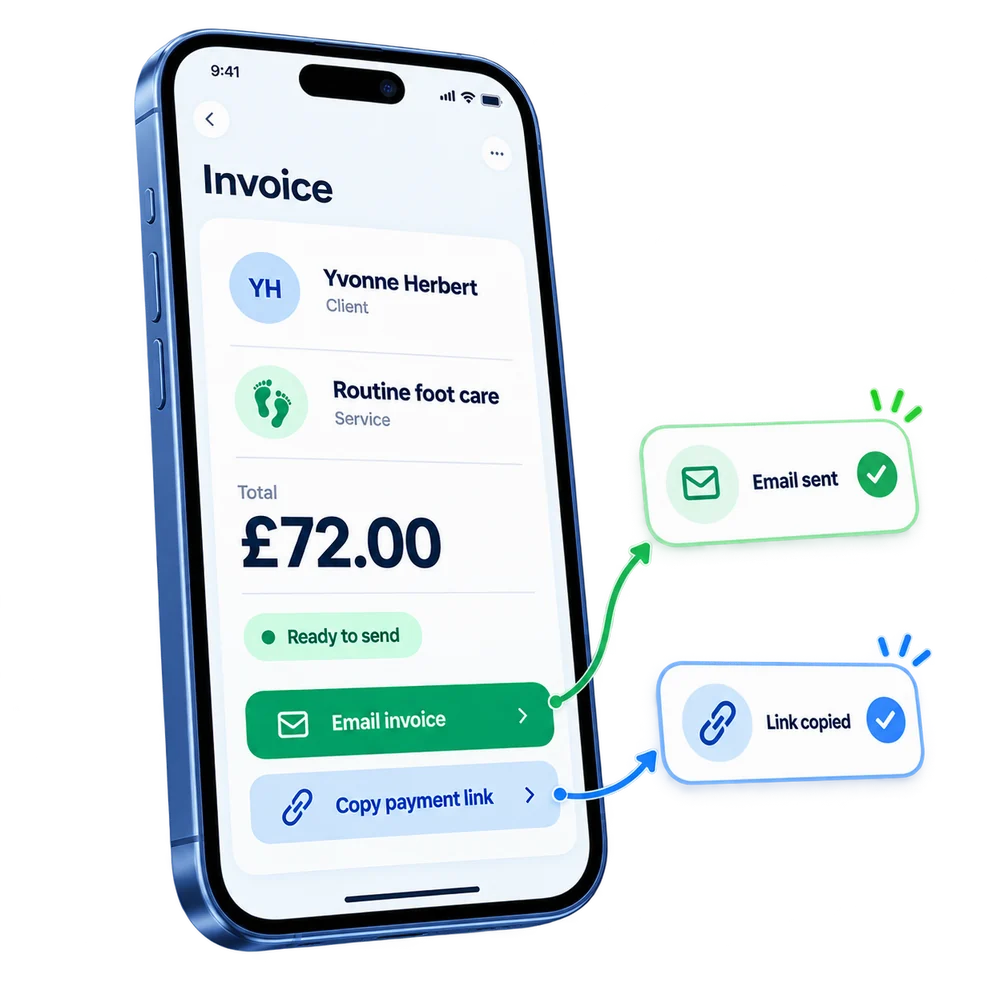
Send and share
Email the invoice or share a payment link Give the client a clear route to view the invoice and pay.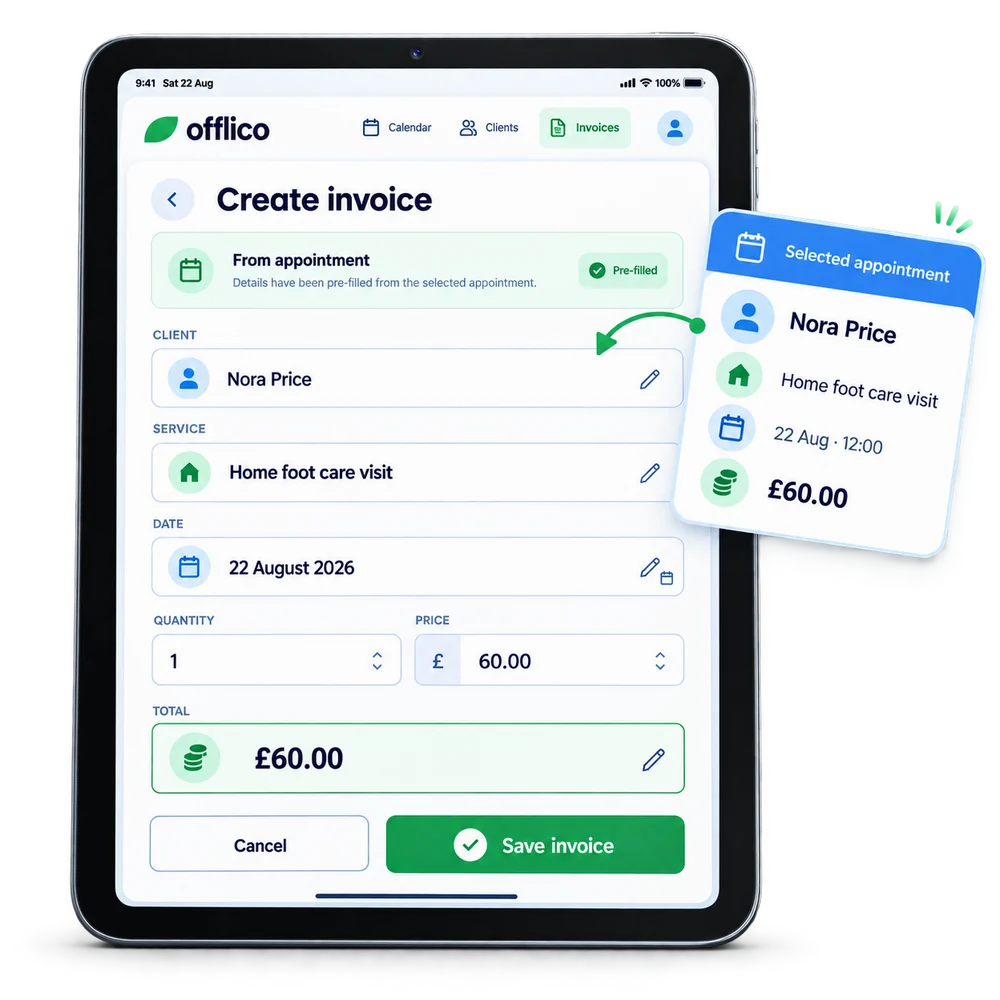
Pre filled details
Reuse the client, service, price and date Reduce retyping by carrying appointment details into the invoice.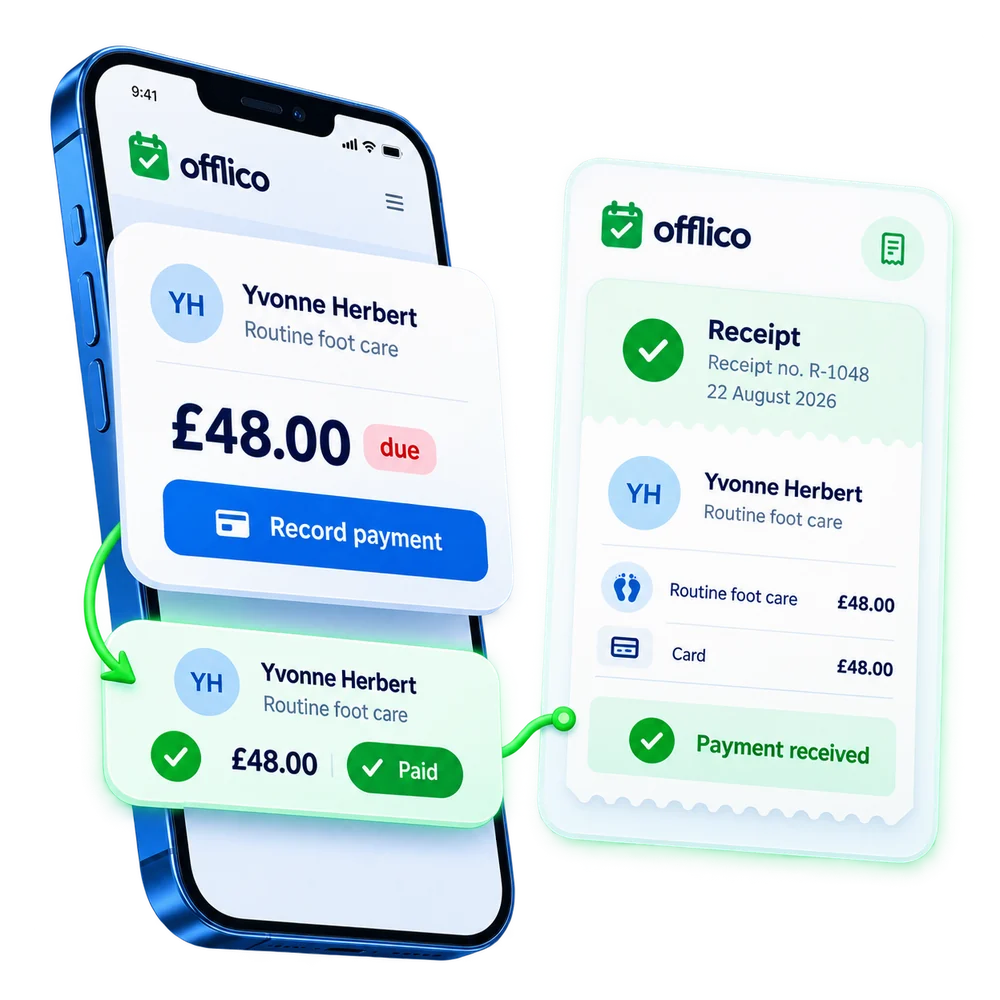
Payment receipt
Generate a receipt when payment is recorded Keep the client payment and its receipt connected to the same record....or explore everything Offlico can do
Calendar & scheduling Smart routing Online booking AI receptionist Client records Automated reminders Services & prices Invoices Payments Tap to Pay Mileage tracking Bookkeeping Documents & notes Reports & insights Offline mode Stock management Customer leads Booking forms Business dashboard
Invoices & receipts questions
Frequently asked questions
What does this feature help me manage?
Offlico lets the business create, send, and store invoices from appointments. Because appointment, client, service, and price details are already in the app, invoices can be created from the work that has been done. Receipts can be generated automatically where payment records support it.
How does it fit into the working day?
Offlico uses appointment and payment information already in the app to create clearer invoices and receipts.
Which main capabilities are covered?
The main capabilities include: Create invoices from appointments in one step; Client, service, price, and date pre filled automatically; Send by email or share as a link.
What does the usual workflow look like?
First, client, service, date and price are already connected to the visit. Then, build the invoice from the appointment and share it with the client. Finally, keep invoice and receipt records available for later checks.
Why is it useful for mobile professionals?
Offlico turns appointment and payment information into proper invoices and receipts, keeping admin cleaner. Because the data is already there, client, service, price, date, invoicing takes seconds instead of being a job to do later.
Does it connect with the rest of Offlico?
Yes. It sits in the same Offlico workspace as bookings, clients, appointments, payments and day to day admin, so the information stays close to the job instead of becoming a separate record.
Invoices & receipts is included in every plan.
Choose free Starter and start taking bookings.
Start free ← All features