
REPORTS
The best reporting software for mobile professionals
Turn appointment, client and payment activity into practical business summaries.
Start freeBUILT FOR VISIBILITY
Know what happened this week
From revenue and appointment volume to outstanding payments.Trusted by mobile professionals

5 star reviews
Features
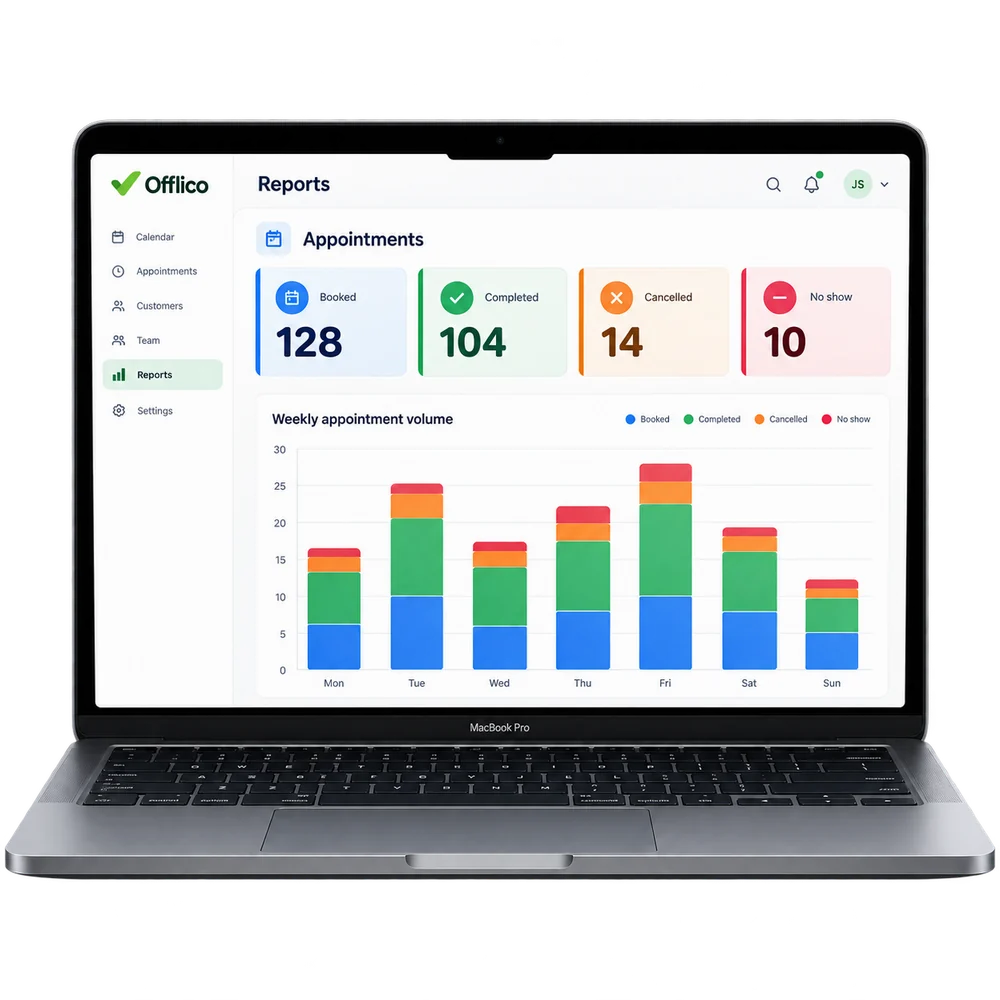
Appointment activity
Understand appointment volume and completion Review how many visits were booked, completed or did not go ahead.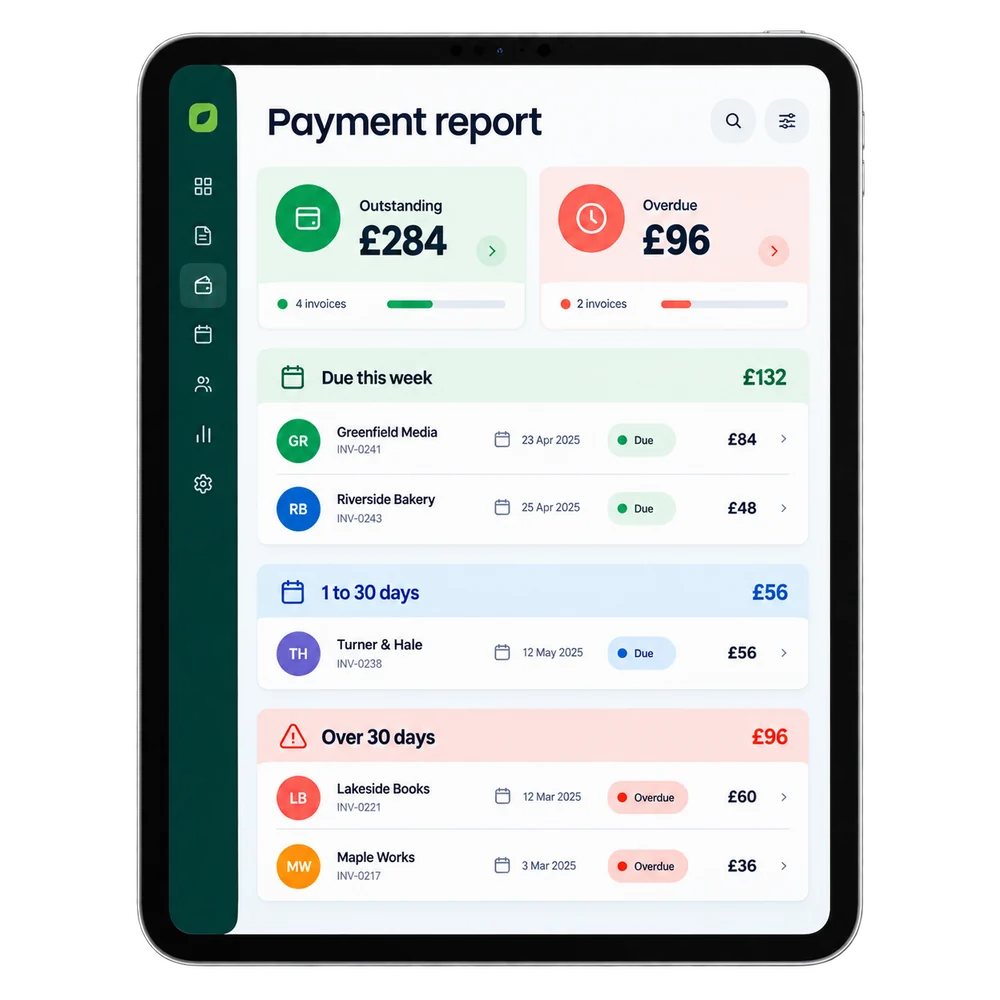
Outstanding payments
Spot pending and overdue payments See where payment follow up may still be needed.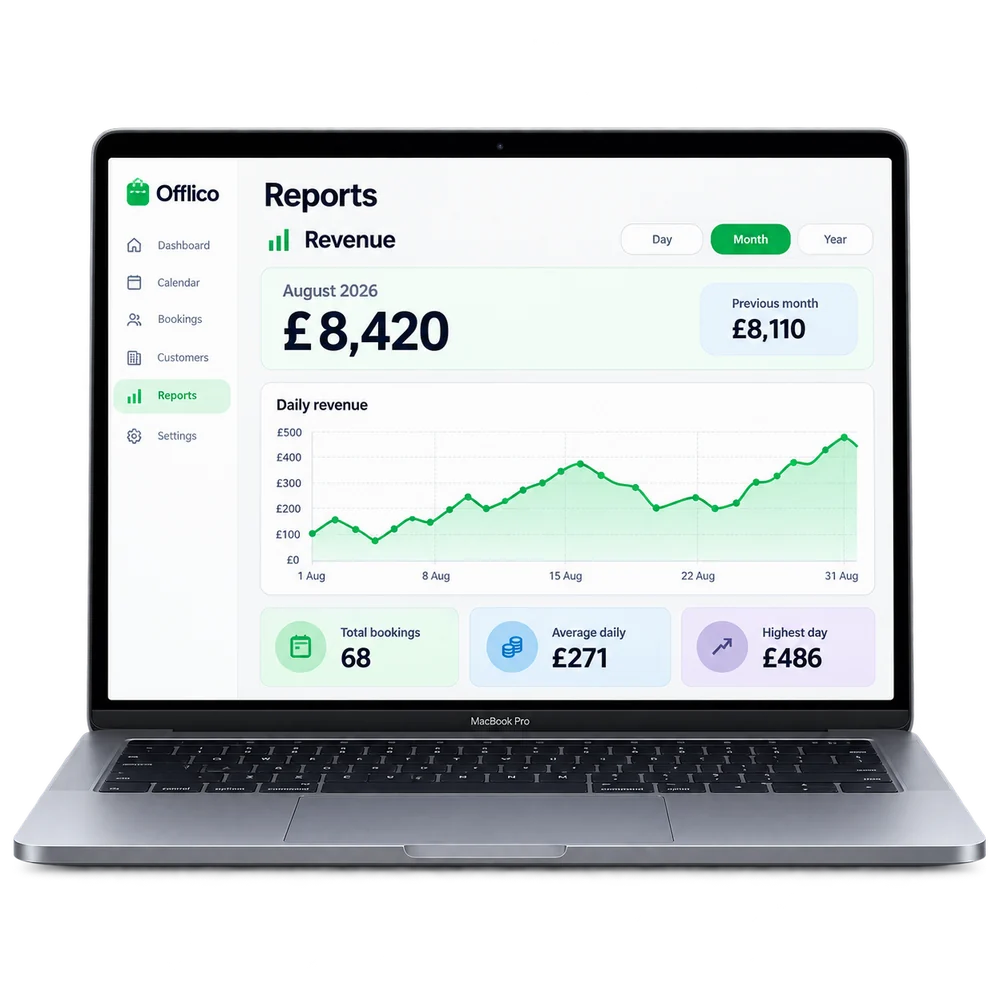
Revenue periods
View revenue by day, month or year Change the reporting period to understand business income over time.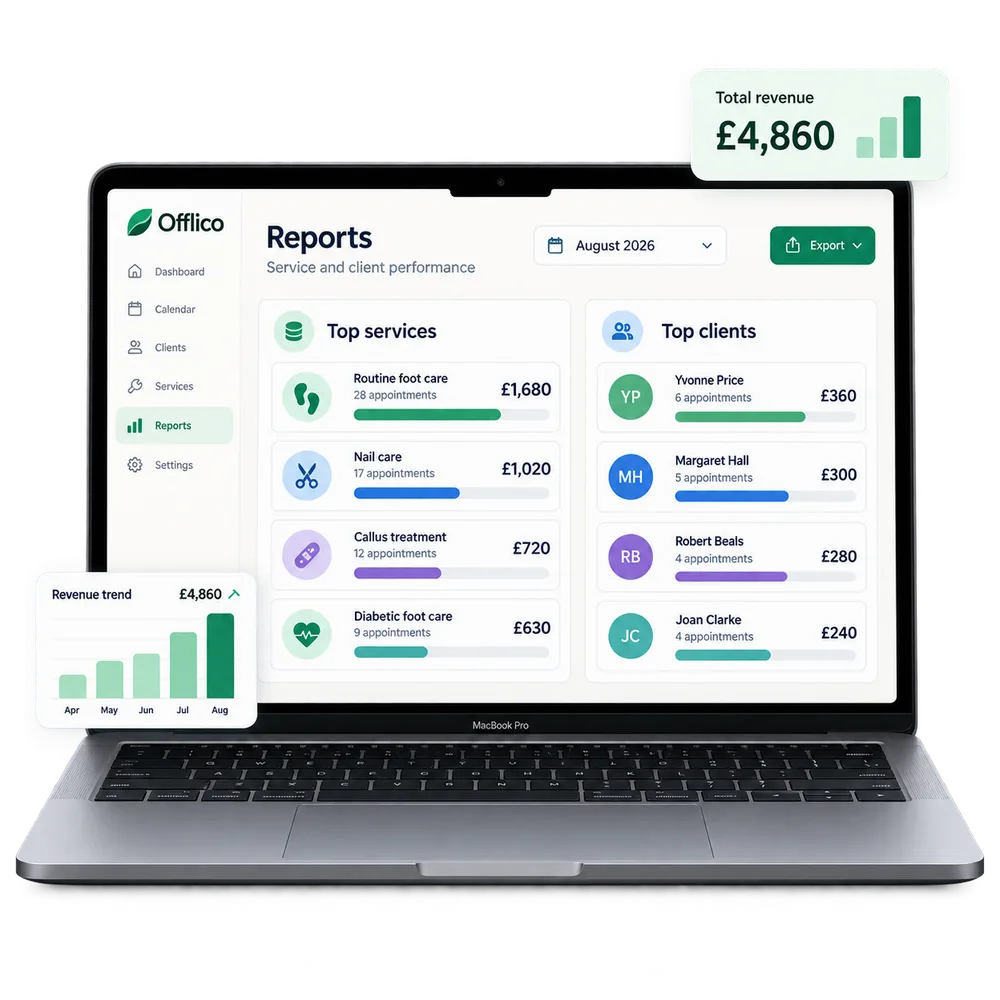
Top clients and services
See which work contributes most revenue Compare service and client activity using appointments and payment records already in Offlico.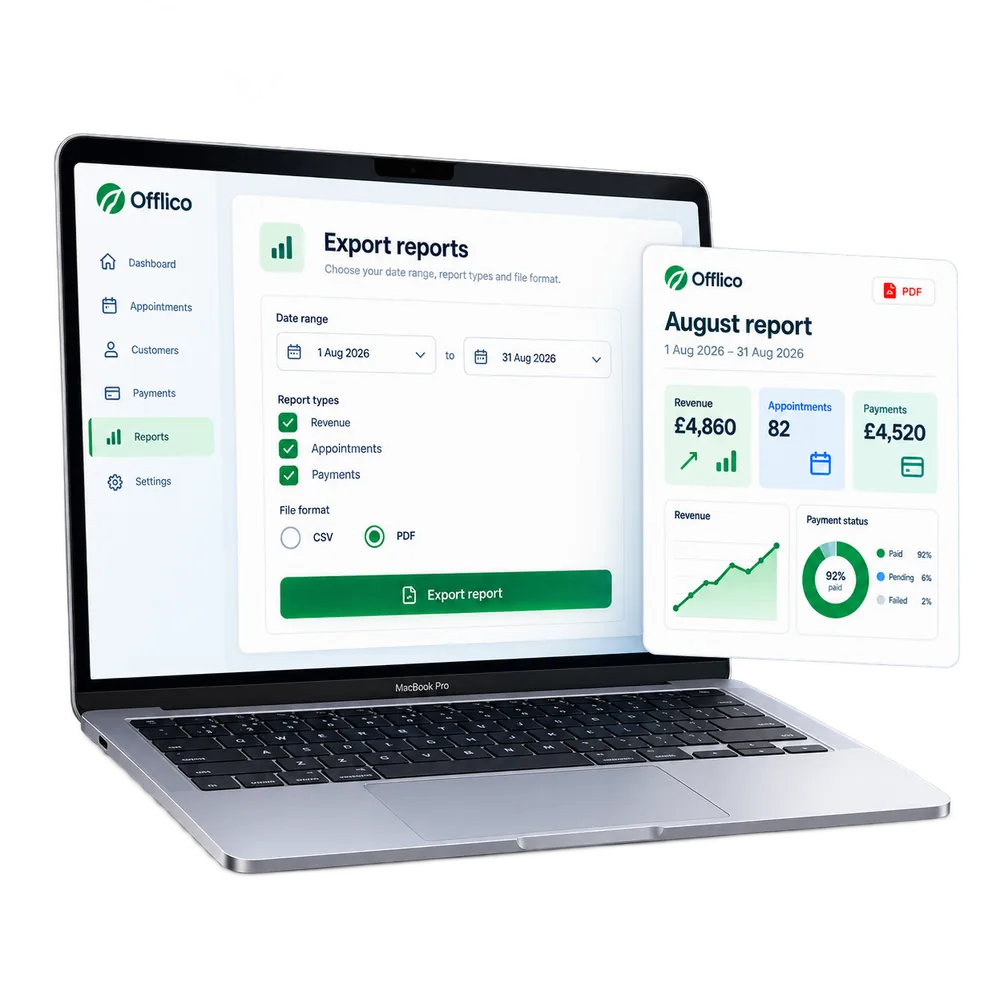
Report export
Export reports for a closer review Prepare revenue, appointment and payment summaries for business or accountant conversations....or explore everything Offlico can do
Calendar & scheduling Smart routing Online booking AI receptionist Client records Automated reminders Services & prices Invoices Payments Tap to Pay Mileage tracking Bookkeeping Documents & notes Reports & insights Offline mode Stock management Customer leads Booking forms Business dashboard
Reports questions
Frequently asked questions
What does this feature help me manage?
Offlico gives the business useful summaries without needing a spreadsheet. Reports help the owner understand revenue, appointments, clients, payments, and business activity. The aim is practical visibility: what happened, what was earned, what is still unpaid, and how the business is performing.
How does it fit into the working day?
Offlico turns appointment, client and payment activity into practical summaries that help the business understand what happened.
Which main capabilities are covered?
The main capabilities include: Revenue over time, daily, monthly, and annual; Appointment volume and completion rates; Outstanding and overdue payment summaries.
What does the usual workflow look like?
First, appointments, payments, clients and services build the reporting picture. Then, see revenue, appointment volume, outstanding payments and service performance. Finally, use reports for planning, follow up, accountant conversations and business reviews.
Why is it useful for mobile professionals?
Offlico turns appointment, client, and payment activity into useful business reports. Running a business without being able to see what is happening, how much was earned, which clients are most active, what is outstanding, means making decisions in the dark. Reports surface that information without extra effort.
Does it connect with the rest of Offlico?
Yes. It sits in the same Offlico workspace as bookings, clients, appointments, payments and day to day admin, so the information stays close to the job instead of becoming a separate record.
Reports is included in every plan.
Choose free Starter and start taking bookings.
Start free ← All features