Renderer: keep jobs and business admin together
Keep your jobs and the ordinary business details of renderer work in one place: contacts, locations, reminders and payments.
Start 30-day free trial


Features
Keep the business side moving
Keep the practical business side of renderer work connected, from the next booking through to payment.
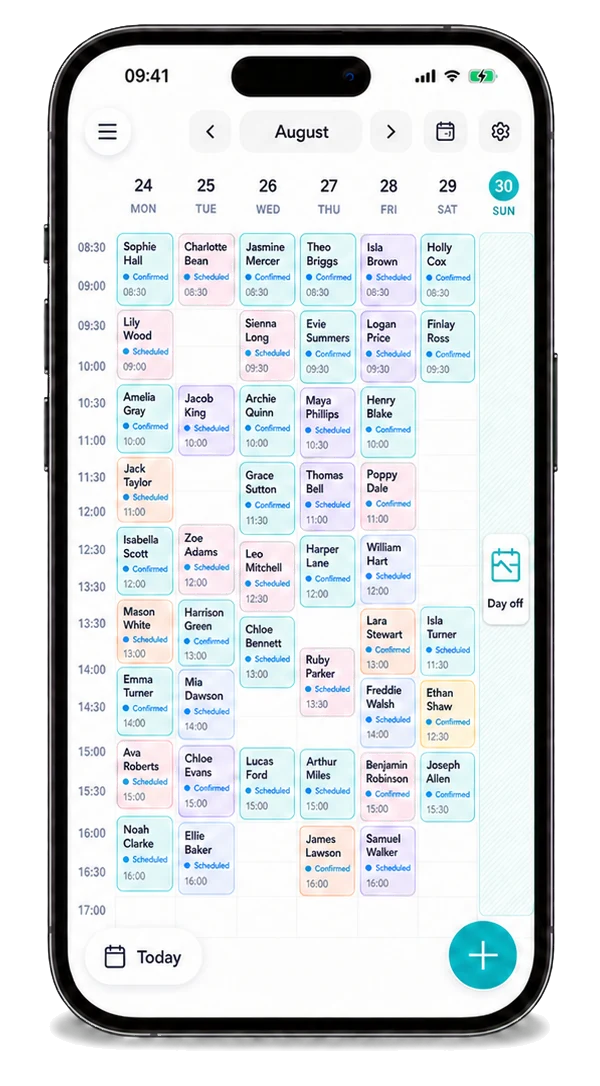
Calendar
See your jobs, locations and the next part of the day in one diary.
Explore
Your own enquiries
Use your own channels for renderer enquiries, then organise suitable accepted work in Offlico. Local customer requests are not currently available for this role.
Explore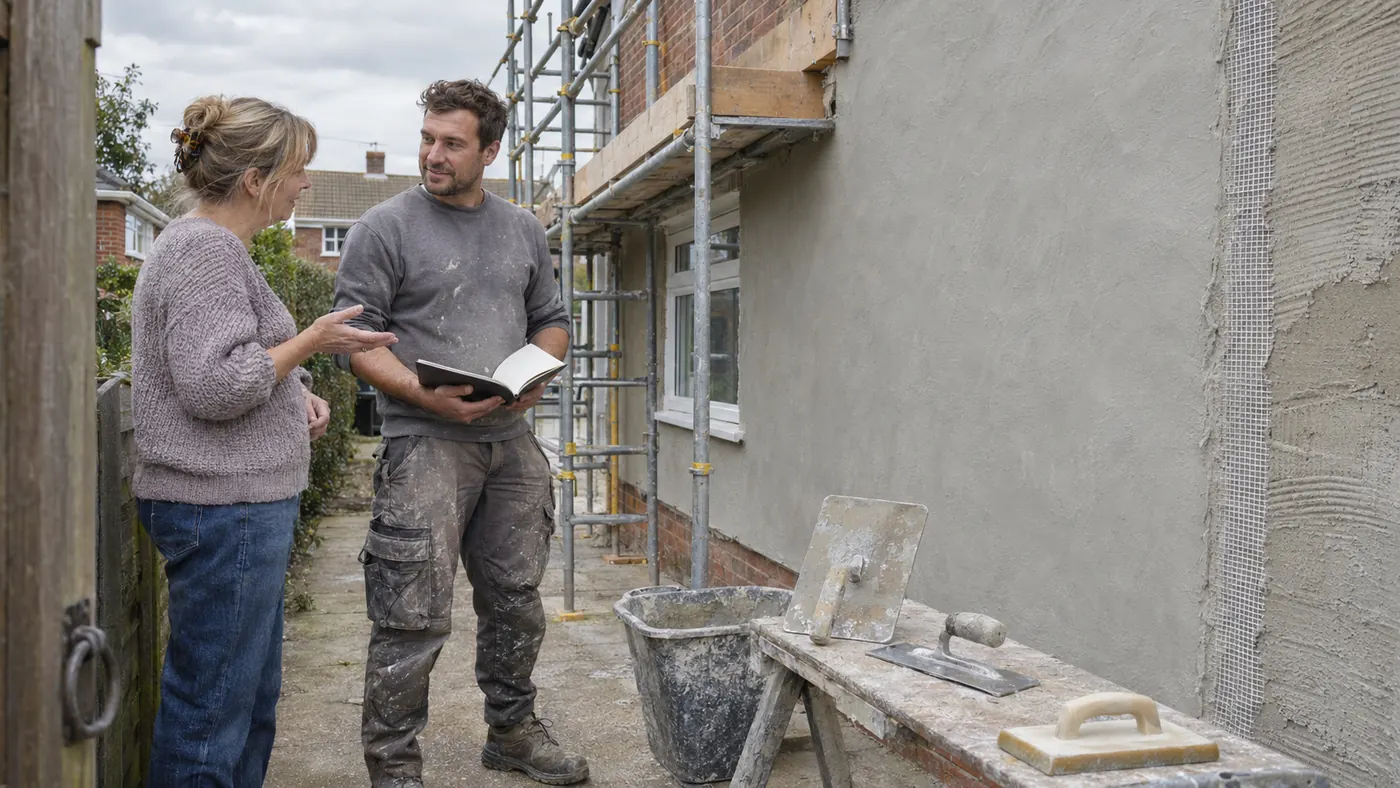
Online booking
Let people request renderer work without a chain of calls and messages.
Explore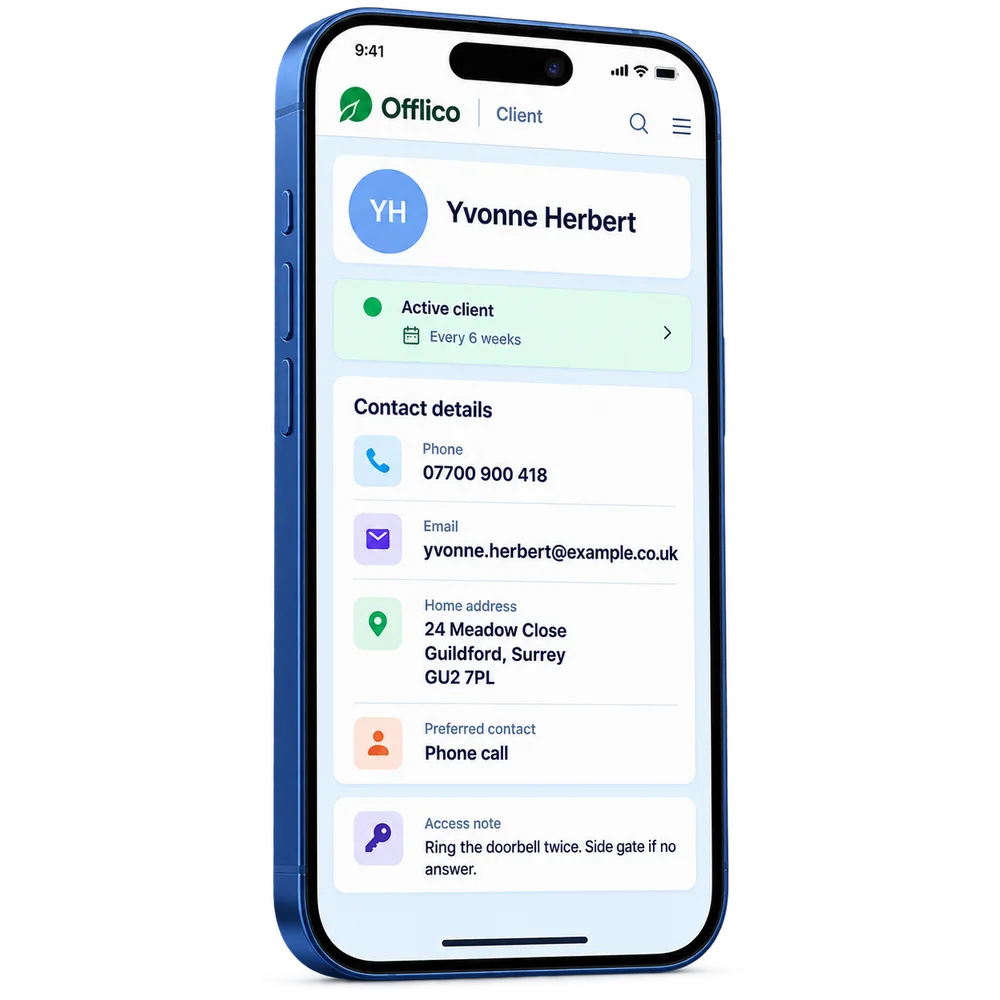
Client records
Find contacts, previous renderer jobs and everyday business notes together.
Explore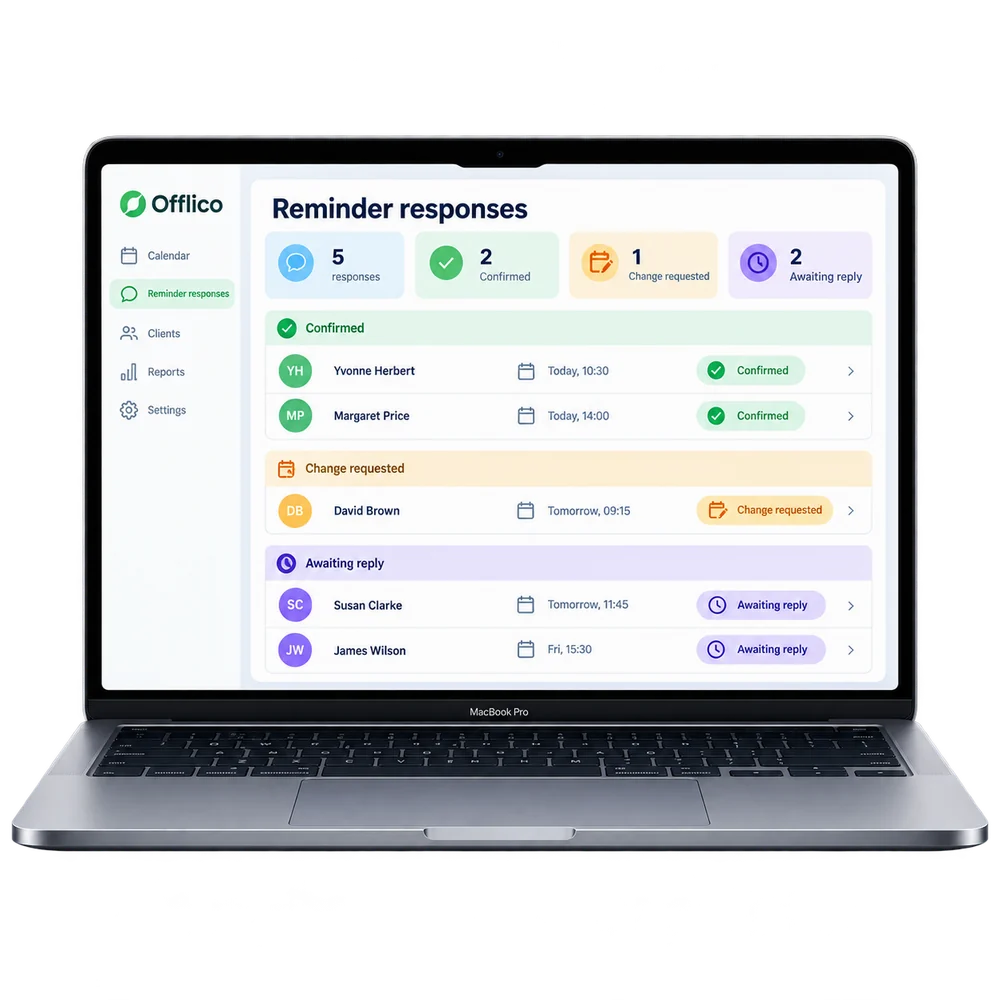
Automatic reminders
Remind people about agreed work before an avoidable gap in the day.
Explore
Tap to Pay
Take a contactless payment on a supported phone without a separate card reader.
ExploreMade for work on the move
The work is specific. The admin should be simple.
Rendering jobs are sensitive to weather and wall condition, making scaffold access and the forecast part of planning each site visit.
Home, workplace or building site
A rendering job depends on wall area, access equipment, materials and a workable weather window before the crew is booked.
Keep the next render stage or finishing visit visible and follow up on the invoice once that work is done.
The practical difference
One booking. Every part connected.
Booked renderer work is more than a time slot. The contact, location, agreed work and follow up need to stay together.
See the complete workflowPlan the work
A rendering job depends on wall area, access equipment, materials and a workable weather window before the crew is booked.
Keep the right contact
Keep the booking, location and ordinary business contact details where you can find them.
Finish and follow up
Keep the next render stage or finishing visit visible and follow up on the invoice once that work is done.
Explore the details
Find the part you need
Explore the wider Offlico toolkit
See the general features and choose the parts that fit your work.
Frequently asked questions
A few things worth knowing
Is this useful for renderer work away from a fixed desk?
Offlico keeps ordinary booking, location, contact and payment details available around a mobile working day.
Does Offlico replace specialist tools?
Offlico is not a construction estimating, project control, certification or site safety platform.
Can I try Offlico before committing?
Start with a free trial and see how the everyday workflow fits your own way of working.
Offlico for renderer work
Make the next working day easier to run.
Bring your diary, contacts, reminders, payments and ordinary admin into one place.