Osteopath: keep appointments and business admin together
Keep your appointments and the ordinary business details of osteopath work in one place: contacts, locations, reminders and payments.
Start 30-day free trial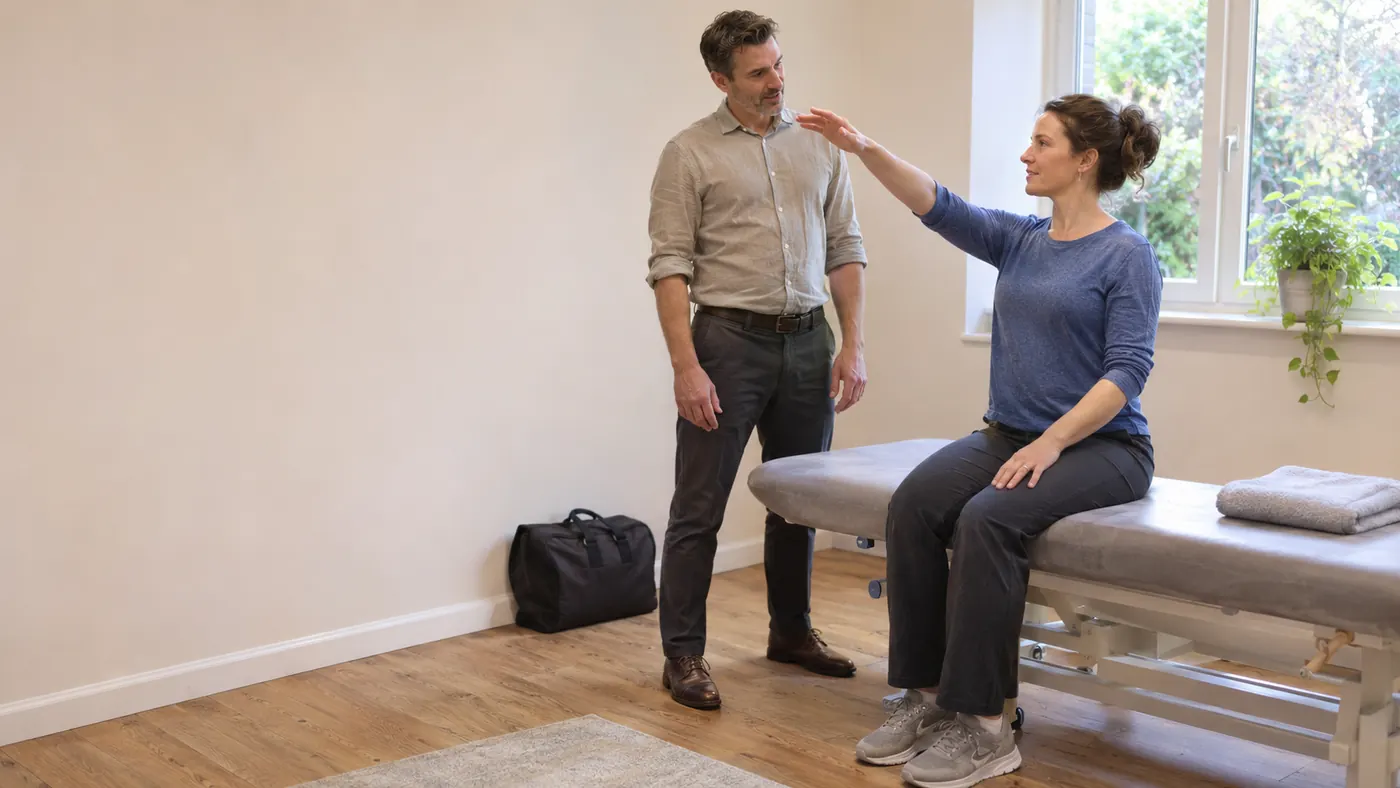
Features
Keep the business side moving
Keep the practical business side of osteopath work connected, from the next booking through to payment.
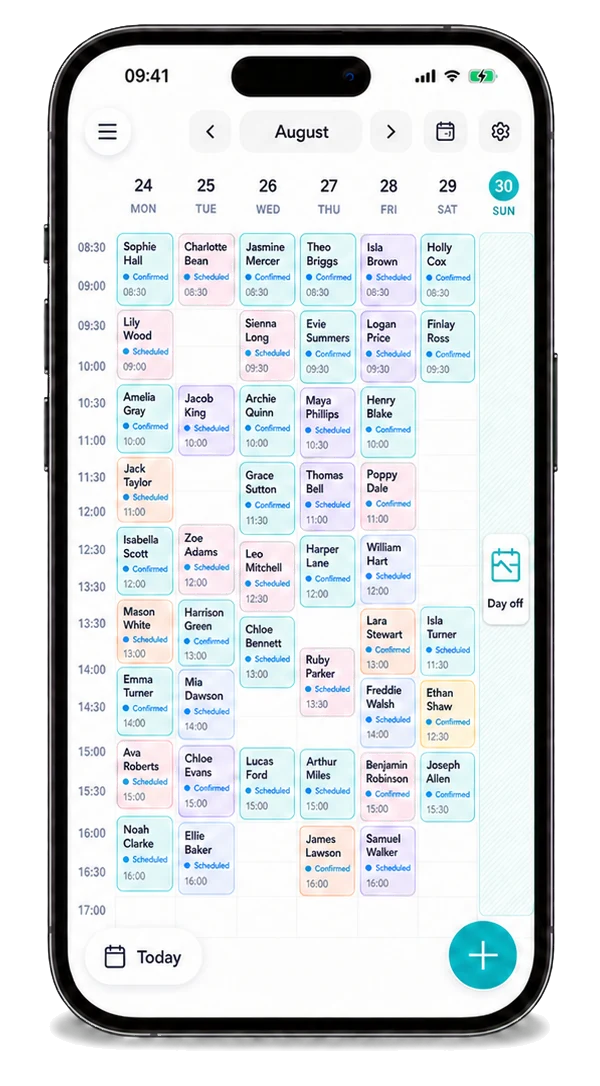
Calendar
See your appointments, locations and the next part of the day in one diary.
Explore
Your own enquiries
Use your own channels for osteopath enquiries, then organise suitable accepted work in Offlico. Local customer requests are not currently available for this role.
Explore
Online booking
Let people request osteopath work without a chain of calls and messages.
Explore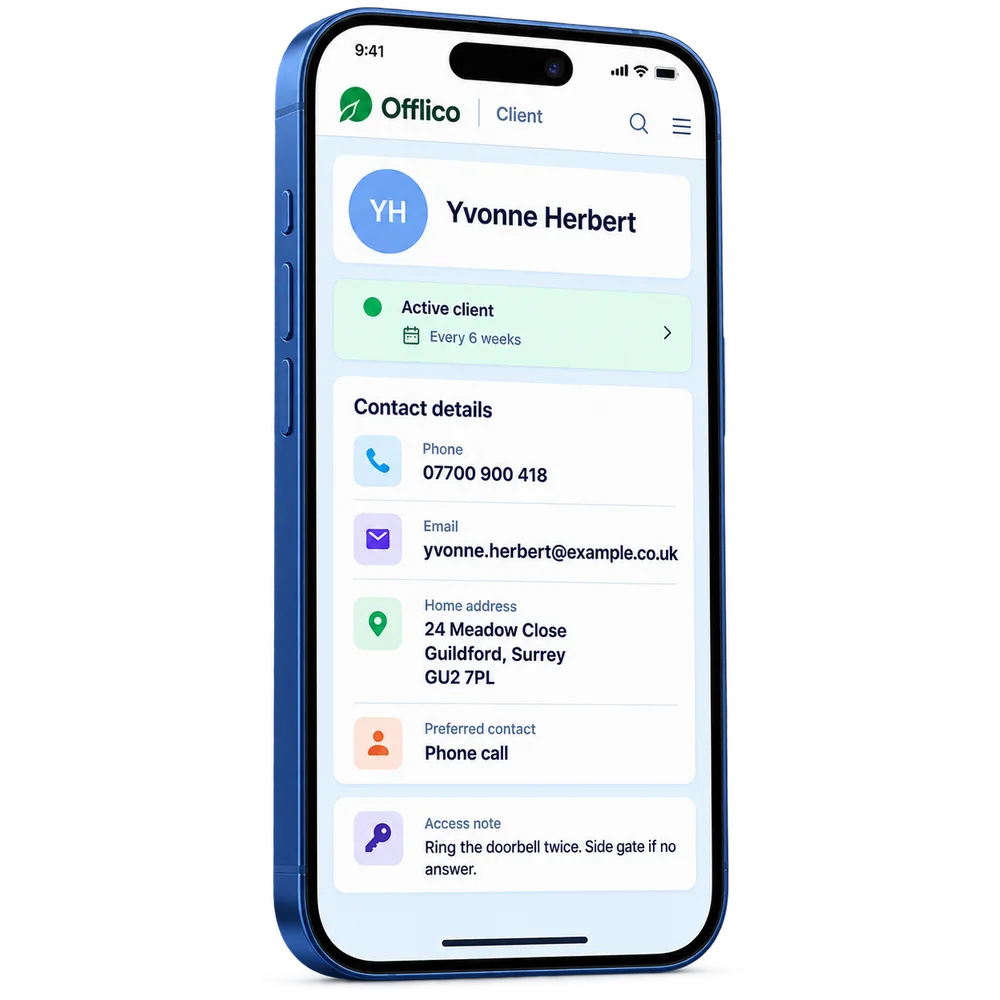
Client records
Find contacts, previous osteopath appointments and everyday business notes together.
Explore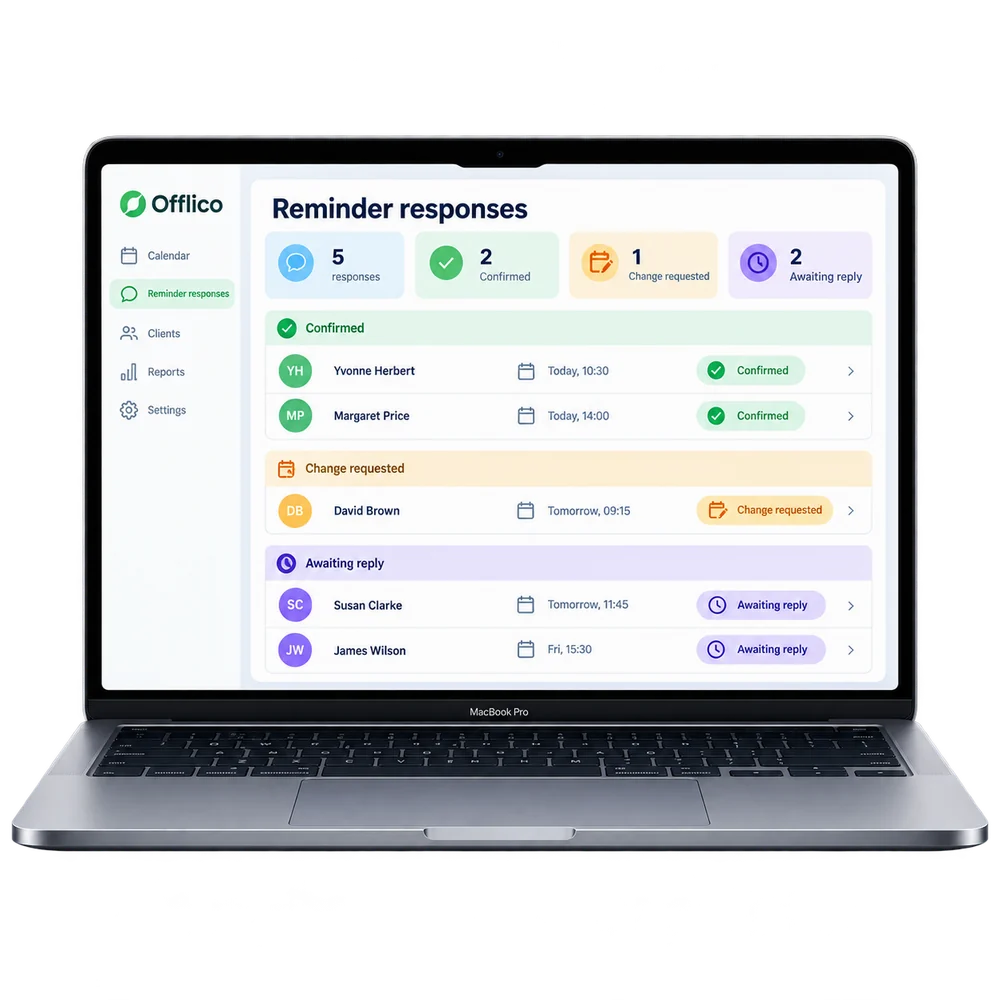
Automatic reminders
Remind people about agreed work before an avoidable gap in the day.
Explore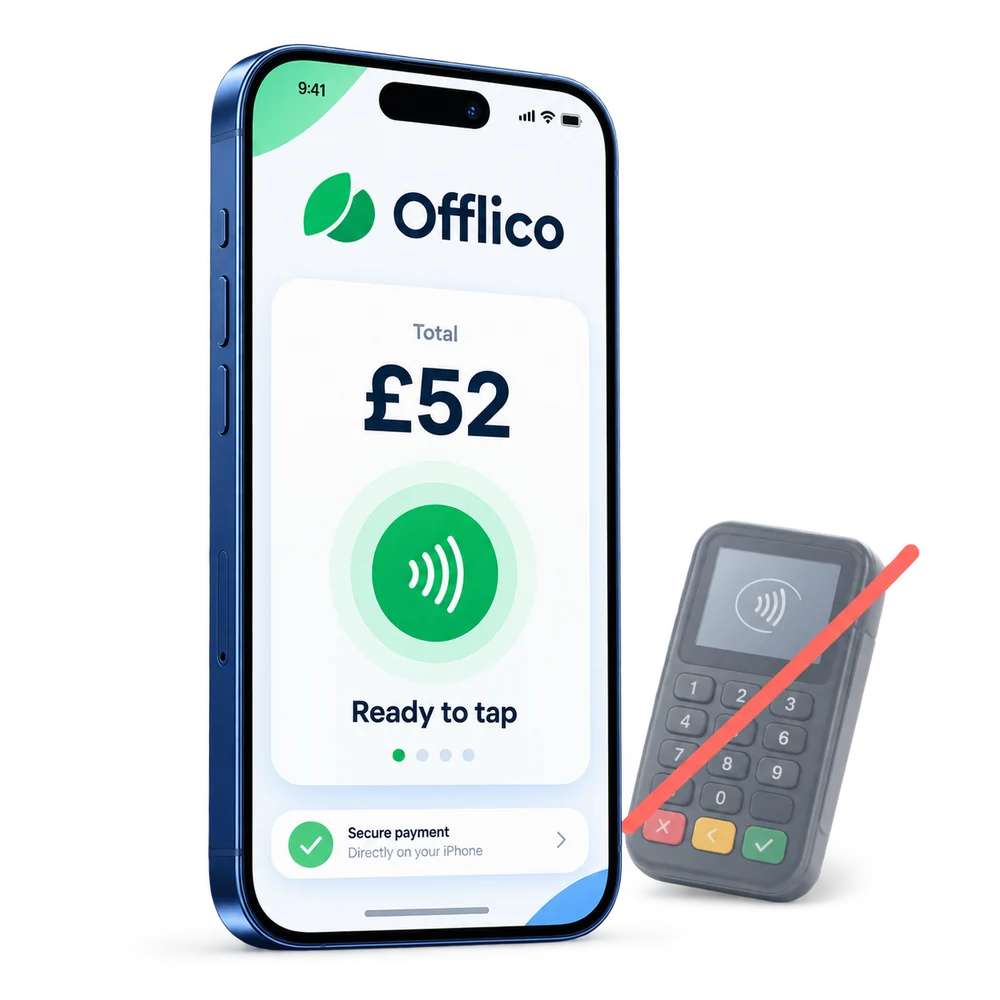
Tap to Pay
Take a contactless payment on a supported phone without a separate card reader.
ExploreMade for work on the move
The work is specific. The admin should be simple.
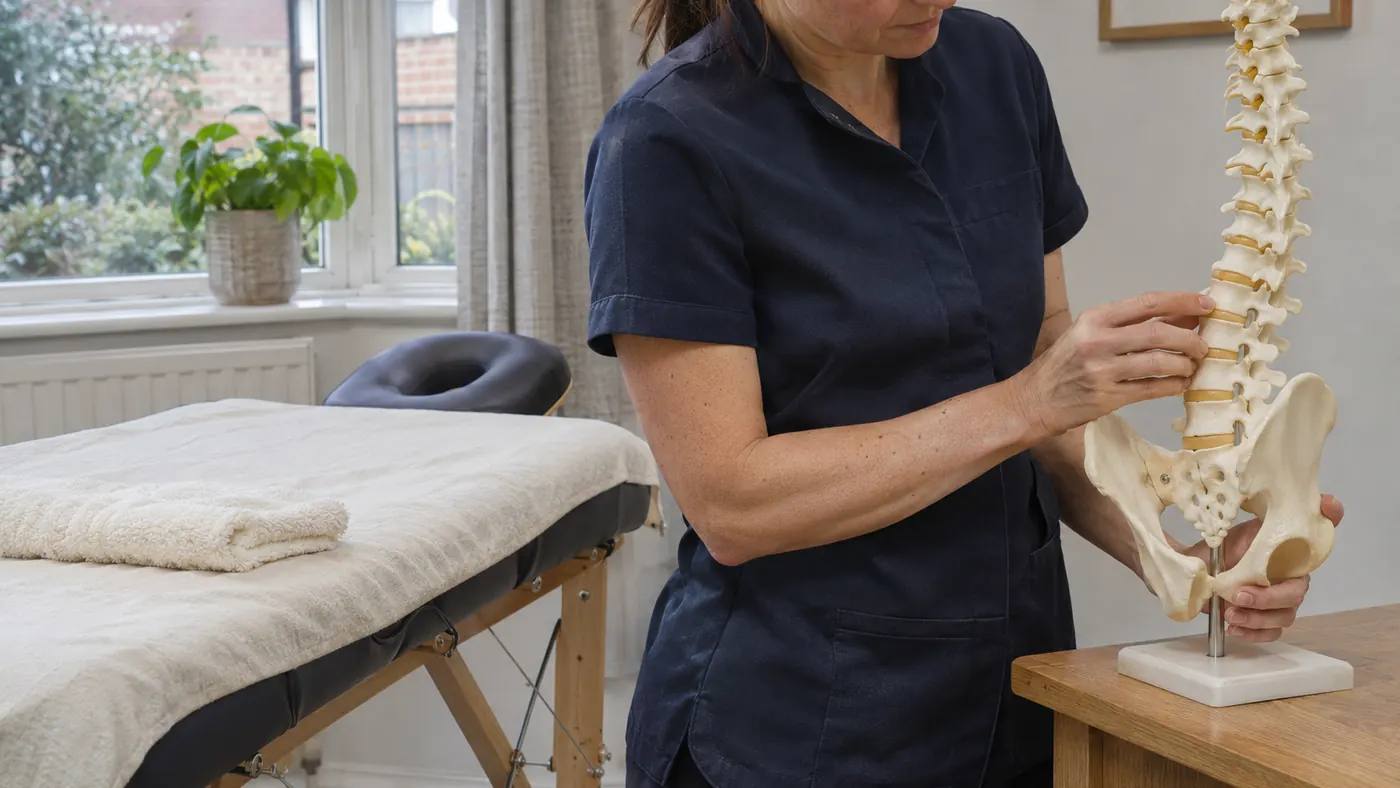
Osteopathy visits need room for assessment and hands on work, with a clear appointment length and note of any planned review.
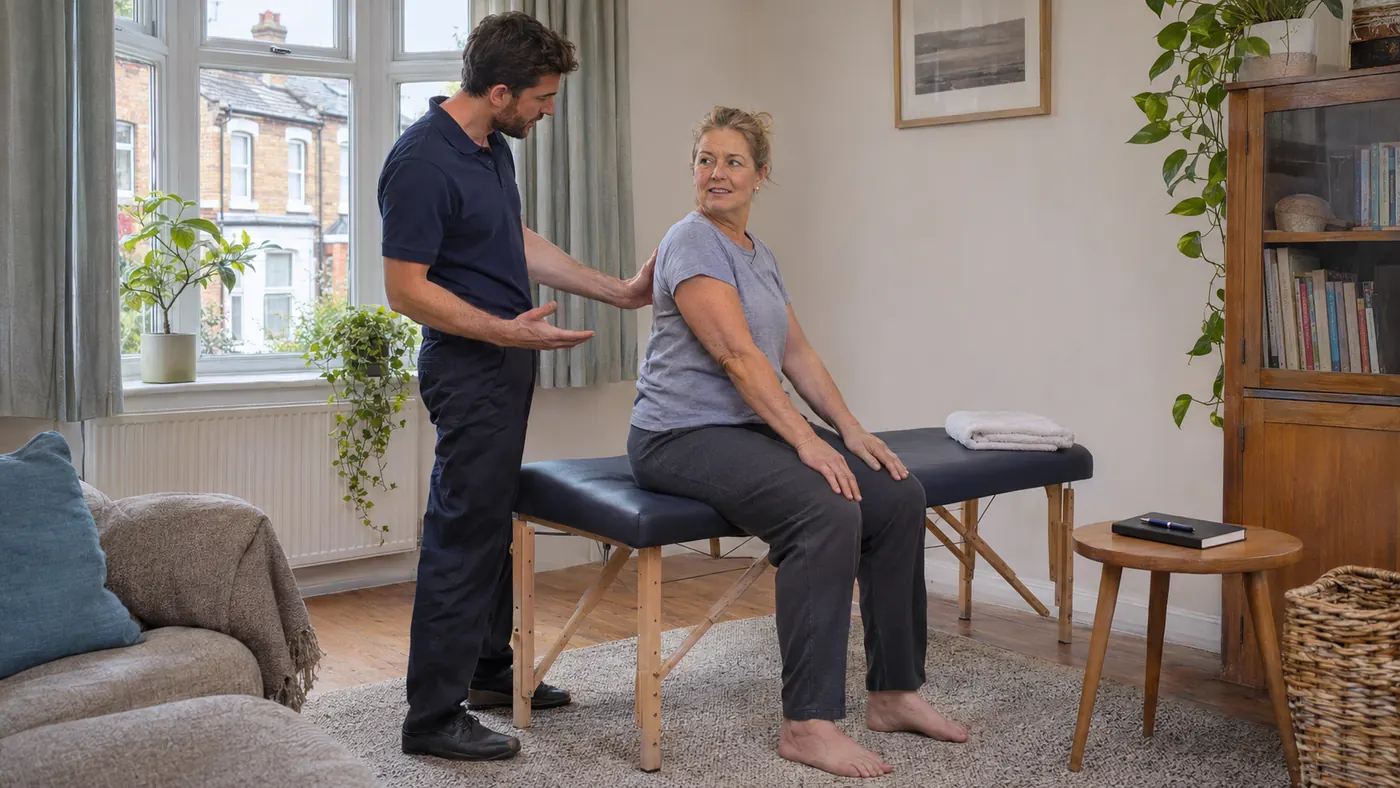
Home, care setting or workplace
Plan an osteopathy appointment with room for hands on work and travel, checking the treatment location before the day begins.
Book any agreed osteopathy review without mixing it into the first visit, and retain treatment notes in the practitioner's system.
The practical difference
One booking. Every part connected.
Booked osteopath work is more than a time slot. The contact, location, agreed work and follow up need to stay together.
See the complete workflowPlan the work
Plan an osteopathy appointment with room for hands on work and travel, checking the treatment location before the day begins.
Keep the right contact
Keep the booking, location and ordinary business contact details where you can find them.
Finish and follow up
Book any agreed osteopathy review without mixing it into the first visit, and retain treatment notes in the practitioner's system.
Explore the details
Find the part you need
Explore the wider Offlico toolkit
See the general features and choose the parts that fit your work.
Frequently asked questions
A few things worth knowing
Is this useful for osteopath work away from a fixed desk?
Offlico keeps ordinary booking, location, contact and payment details available around a mobile working day.
Does Offlico replace specialist tools?
Use your own professional systems for clinical assessment, treatment plans, consent and regulated records.
Can I try Offlico before committing?
Start with a free trial and see how the everyday workflow fits your own way of working.
Offlico for osteopath work
Make the next working day easier to run.
Bring your diary, contacts, reminders, payments and ordinary admin into one place.