Plan the work
A bricklaying job needs site access, wall or repair scope and material delivery timing clear before the tradesperson arrives.

For bricklayers
Bring bricklayer jobs, contacts, reminders and payments into one connected business workflow.
How Offlico works
Bricklaying jobs depend on site readiness, materials and weather, with each day's work shaped by what the preceding trade has finished.
Choose the parts of the working day you want to connect. A booking for bricklayer work may lead to travel, an invoice or a repeat visit, but that does not mean the same app must replace every tool used to perform or document the work itself.

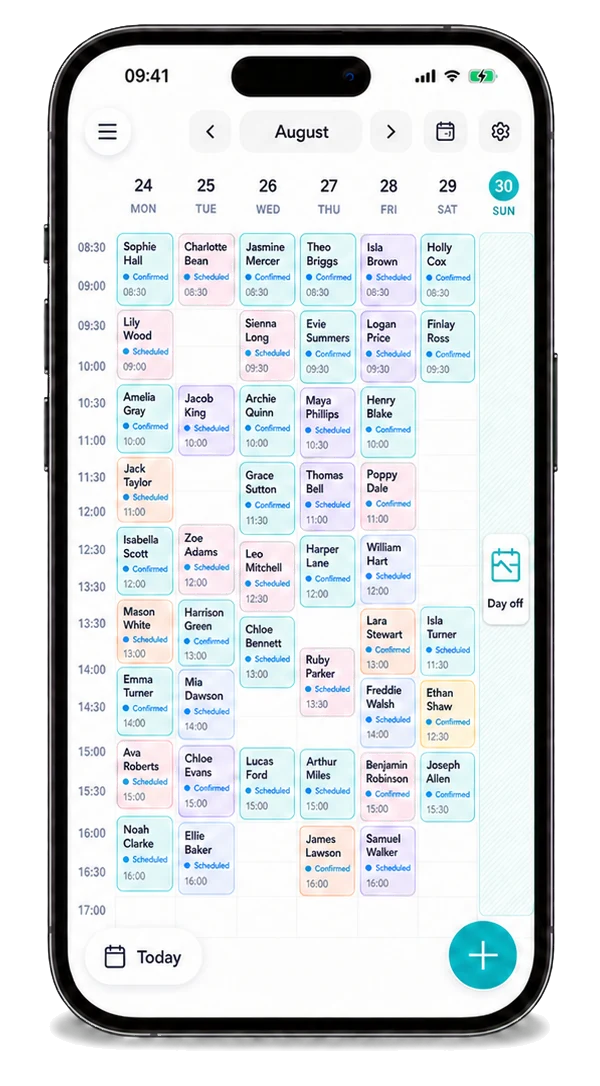
Offlico in practice
Bring the calendar, contacts and payment steps of a working day together.
A bricklaying job needs site access, wall or repair scope and material delivery timing clear before the tradesperson arrives.
Start with the diary and contact details, then use the reminder and payment steps that fit your work. Each ordinary business step should give useful context to the next one.
How it works
A practical way to manage the business side of bricklayer work.
A bricklaying job needs site access, wall or repair scope and material delivery timing clear before the tradesperson arrives.
Keep bricklayer booking and contact details available during the working day.
Book the next build stage or inspection visit and keep the invoice tied to the agreed brickwork completed.
Features
Keep the practical business side of bricklayer work connected, from the next booking through to payment.
See your jobs, locations and the next part of the day in one diary.
Explore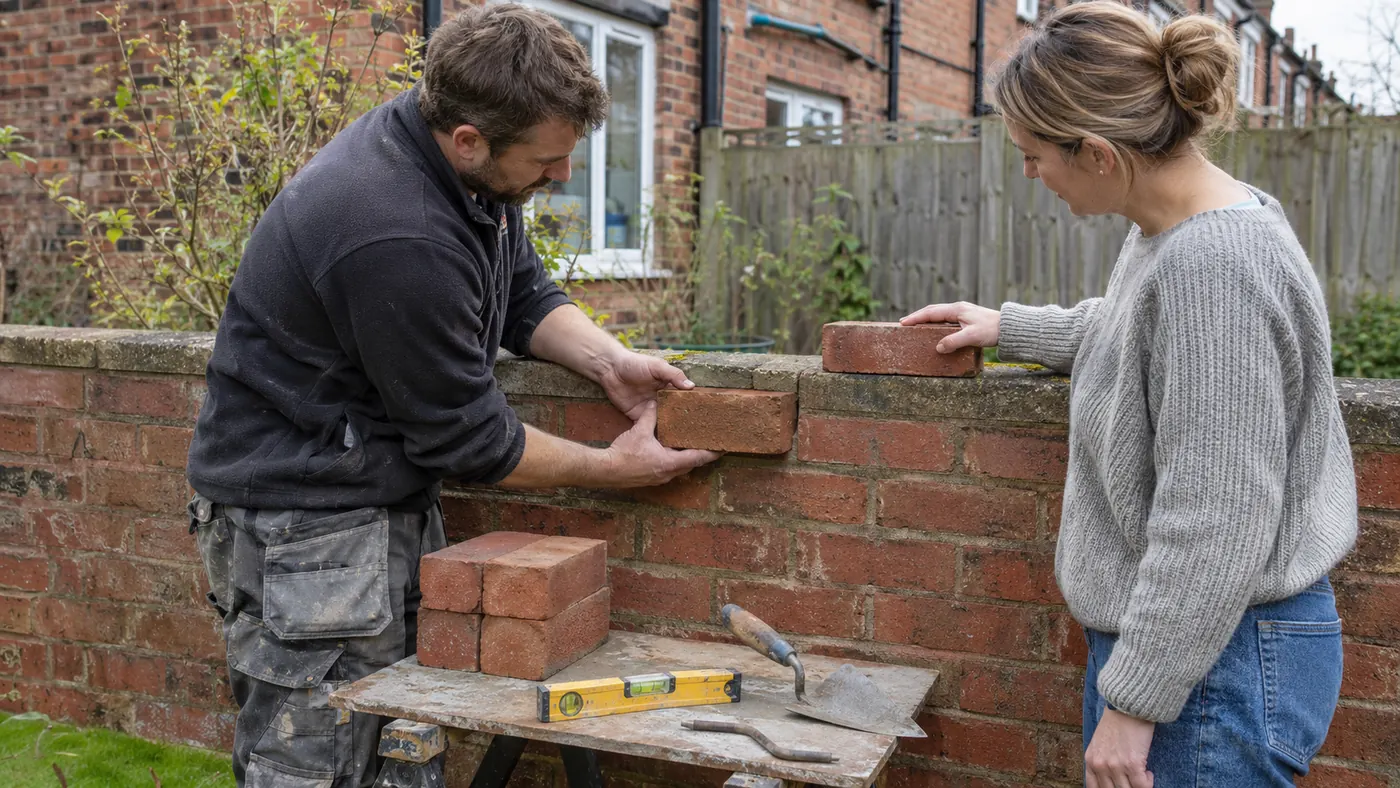
Use your own channels for bricklayer enquiries, then organise suitable accepted work in Offlico. Local customer requests are not currently available for this role.
Explore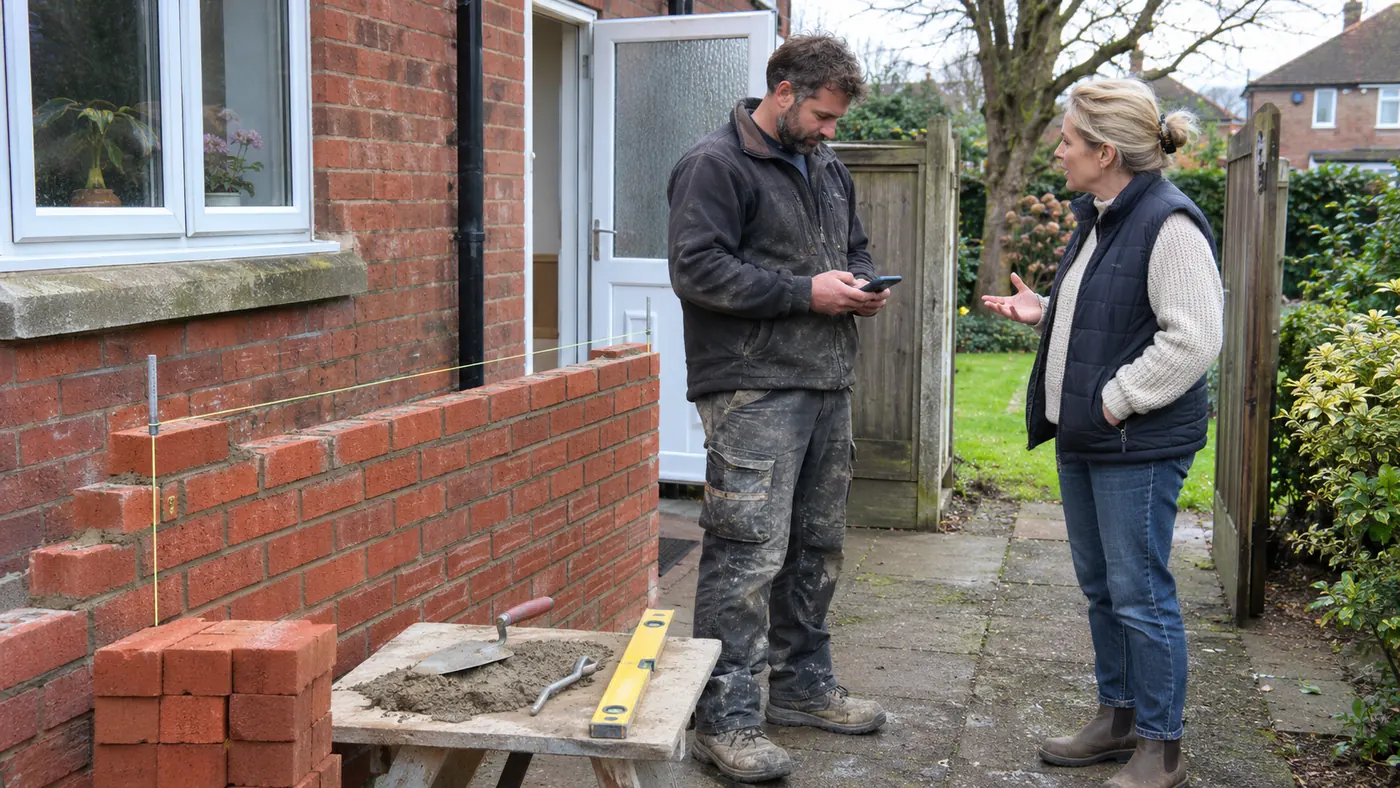
Let people request bricklayer work without a chain of calls and messages.
Explore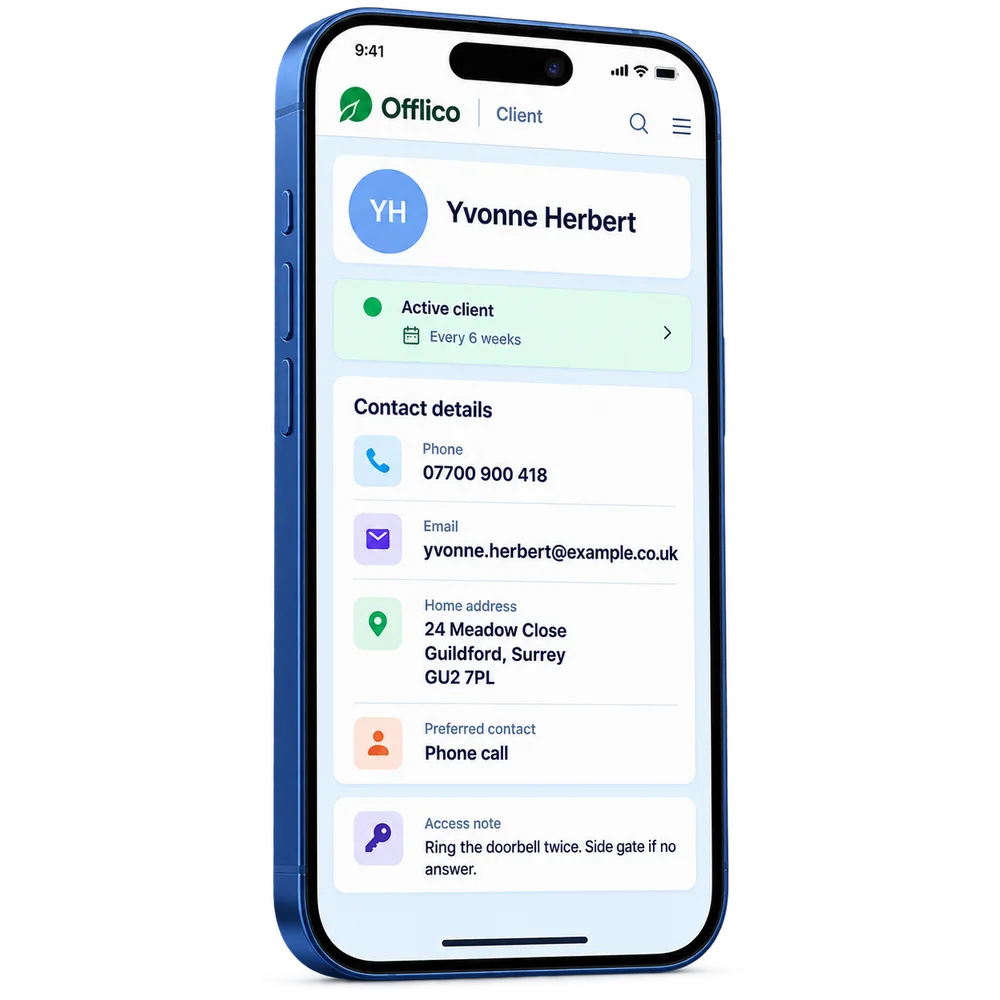
Find contacts, previous bricklayer jobs and everyday business notes together.
Explore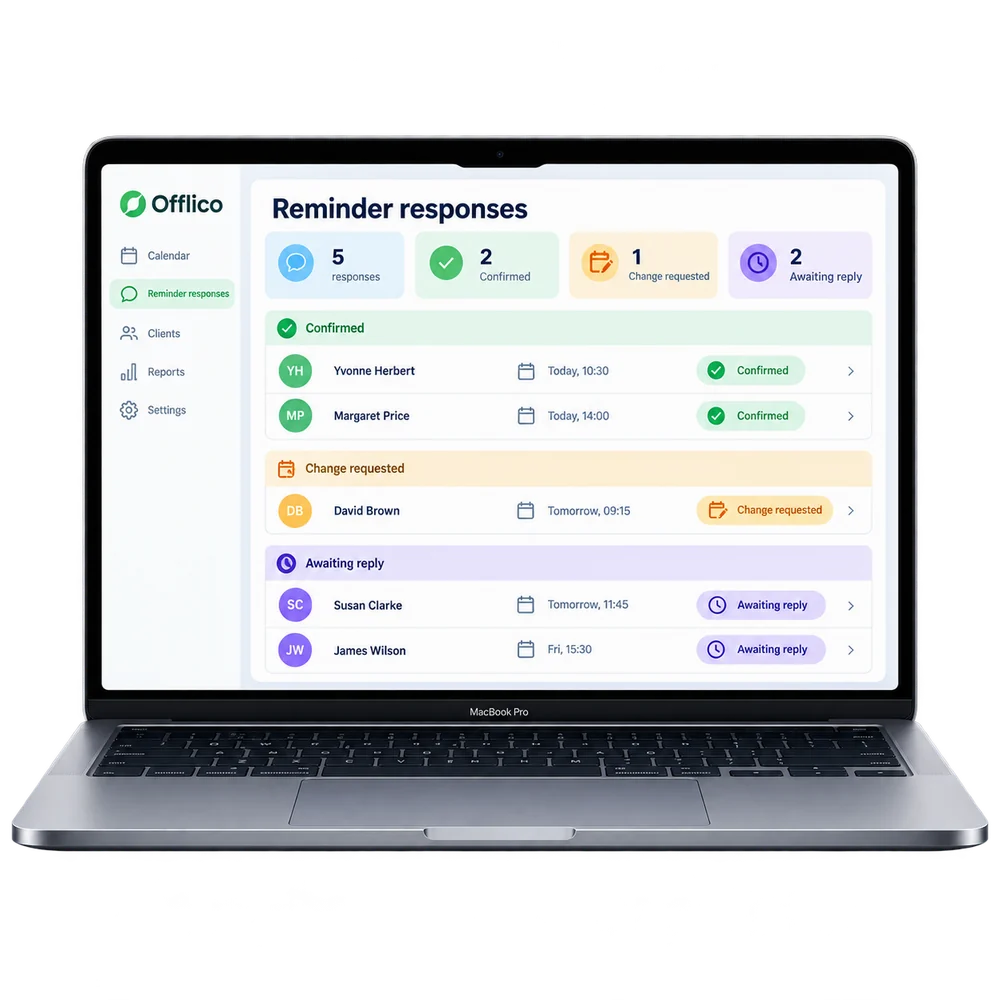
Remind people about agreed work before an avoidable gap in the day.
Explore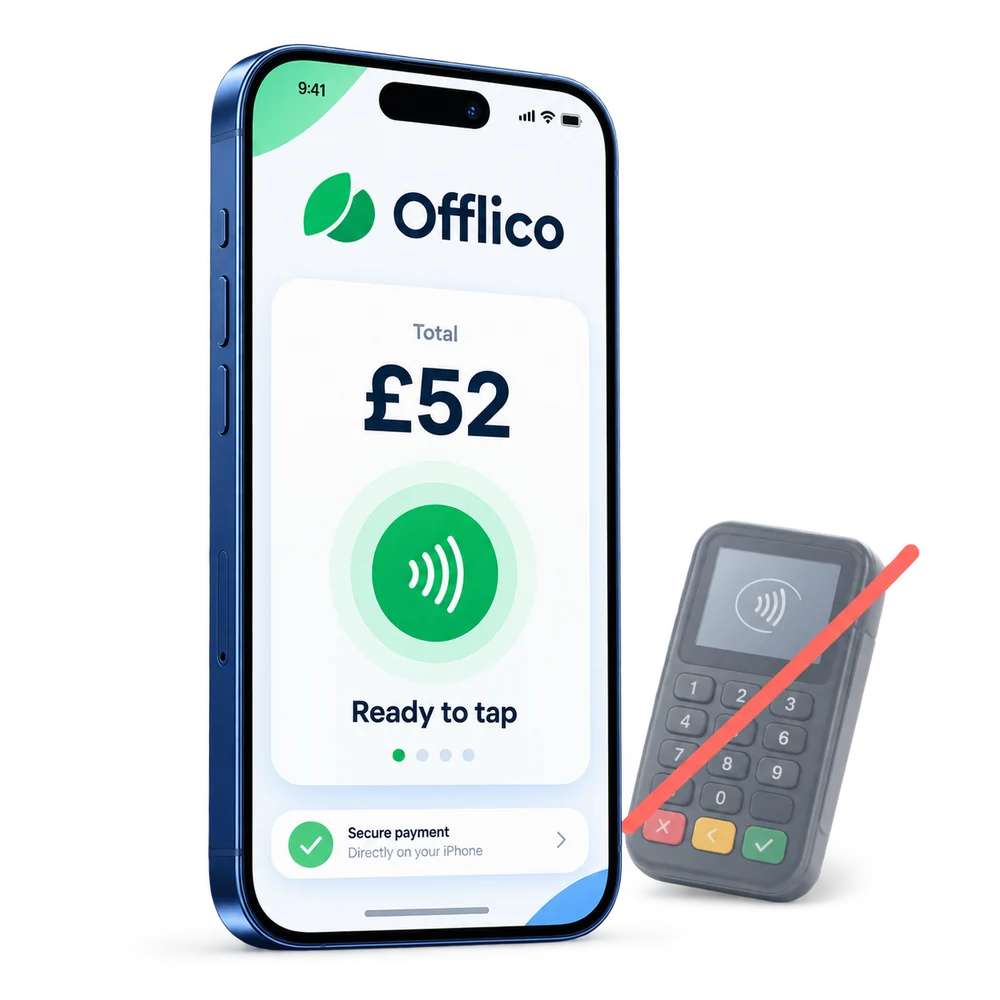
Take a contactless payment on a supported phone without a separate card reader.
ExploreOfflico is not a construction estimating, project control, certification or site safety platform.
Explore the details
Frequently asked questions
Offlico is not a construction estimating, project control, certification or site safety platform.
Yes. Try Offlico for the everyday diary, contact, reminder and payment steps, then decide which parts of that business workflow help you most. Keep any specialist work in the tools it needs.
Start with a free trial and see how the everyday workflow fits your own way of working.
Offlico for bricklayer work
Bring your diary, contacts, reminders, payments and ordinary admin into one place.