Book the work
A bricklaying job needs site access, wall or repair scope and material delivery timing clear before the tradesperson arrives.

For bricklayers
A timely reminder gives both sides a chance to check the agreed time and location before the work begins.
Before the next booking
Bricklaying jobs depend on site readiness, materials and weather, with each day's work shaped by what the preceding trade has finished.
A reminder works best when the booking is already clear. Agree the time, place and practical arrangements for bricklayer work first, then let the reminder help both sides recognise the appointment and prepare for it.

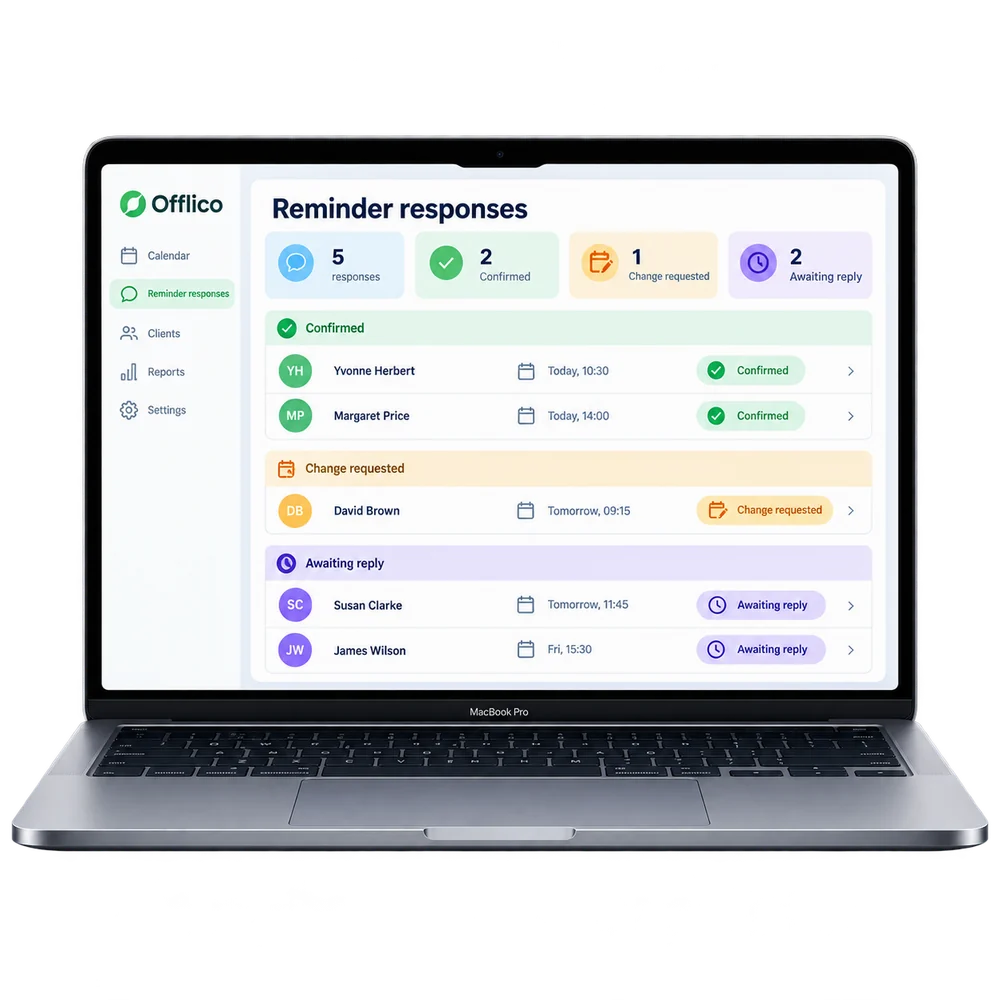
Offlico in practice
Keep the booking and its automatic reminder in the same everyday workflow.
A bricklaying job needs site access, wall or repair scope and material delivery timing clear before the tradesperson arrives.
The automatic reminder helps protect an agreed booking, but it cannot correct a wrong address or work that was never clearly agreed. Check those details when the appointment is first added.
Explore the full workflowHow it works
A practical way to manage the business side of bricklayer work.
A bricklaying job needs site access, wall or repair scope and material delivery timing clear before the tradesperson arrives.
Let Offlico send an automatic booking reminder before the agreed time.
Check the contact, destination and agreed work before starting.
What changes
For bricklayer work, a forgotten booking can leave a gap in the day. A timely reminder gives both sides a chance to prepare.
Start 30-day free trialBooking details in one place
A reminder before the agreed time
The right location before travel
Follow up visible in the diary
Explore the details
Frequently asked questions
Offlico keeps ordinary booking, location, contact and payment details available around a mobile working day.
It gives both sides another chance to recognise the agreed time before work starts. Agree any access, preparation or location details when arranging the booking; a reminder cannot work those out for you.
Start with a free trial and see how the everyday workflow fits your own way of working.
Offlico for bricklayer work
Bring your diary, contacts, reminders, payments and ordinary admin into one place.