Plan from one diary
A window cleaner's round needs the property, glass areas, access and preferred visit interval clear before the route is set.
For window cleaners
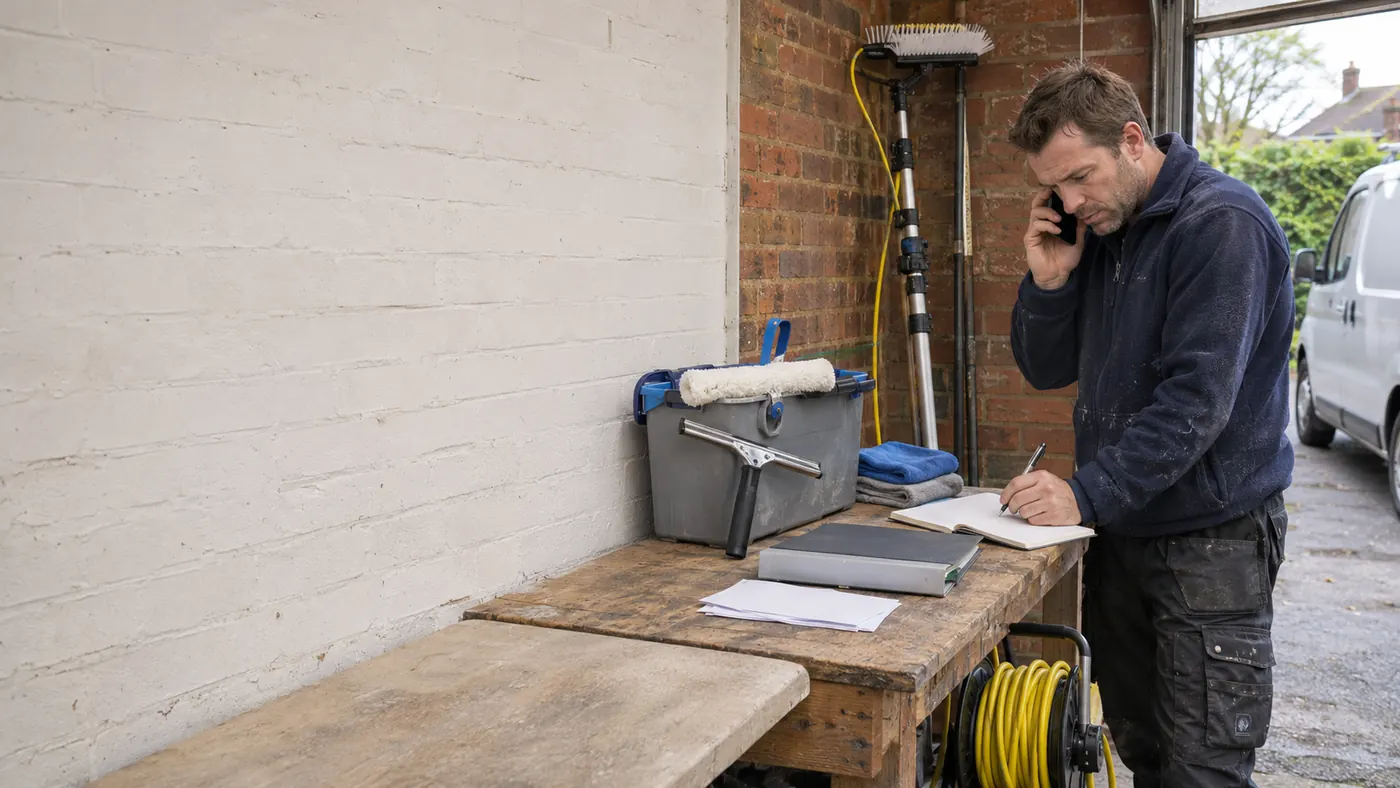
Bookings, messages and follow up can pile up while you are busy with window cleaner work. They still need attention after the work is done.
Make the day feel lighter
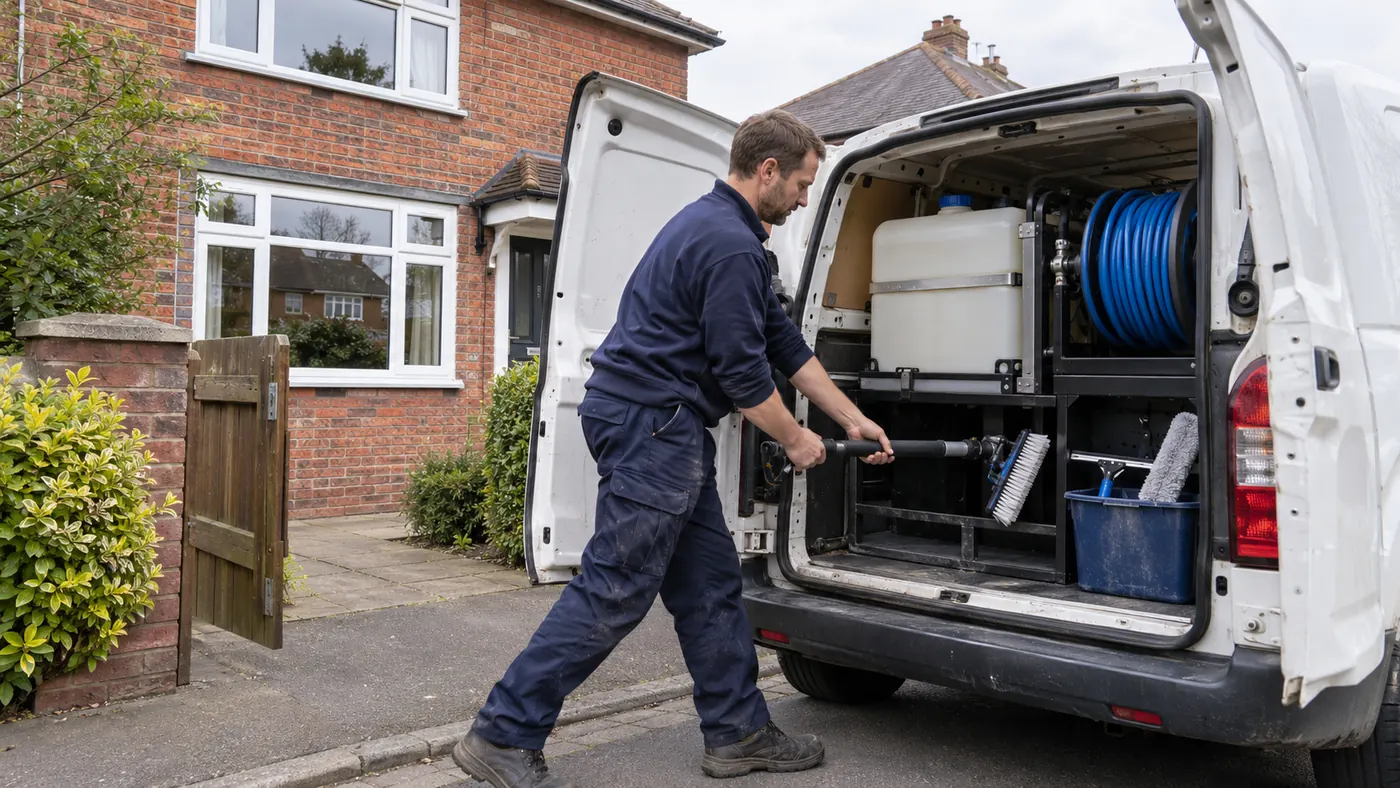
Window cleaning rounds vary with property height and access, so gates, water supply and agreed frequency help keep the route workable.
For window cleaner work, a changed time, a different location or a missing contact can interrupt a day that was otherwise planned. Keep those ordinary details beside the booking so you can see what needs attention before the next piece of work begins.
Offlico in practice
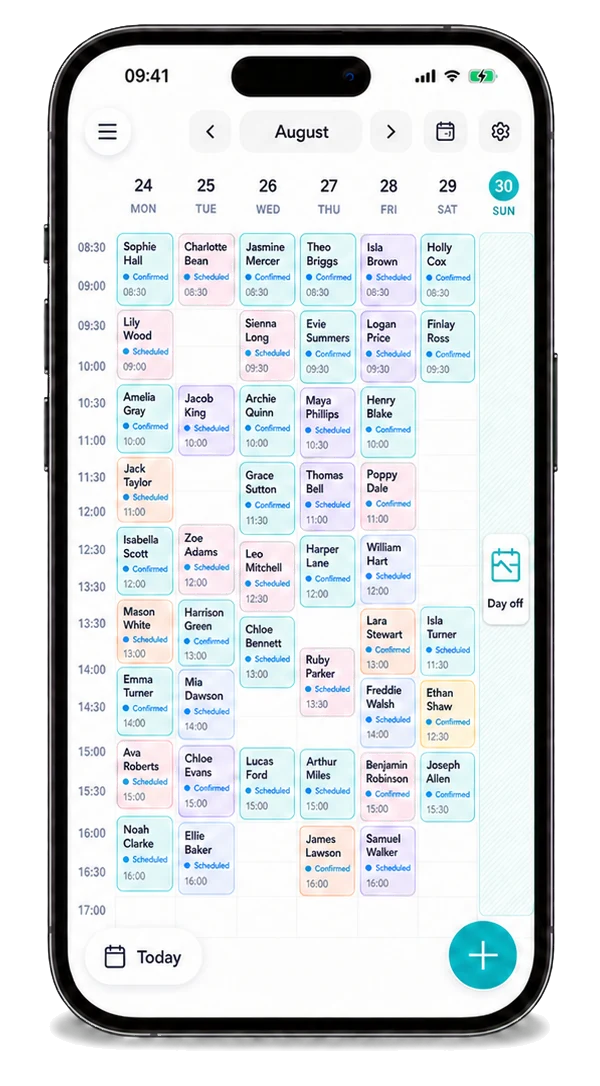
See the next booking, its location and the contact details before the day starts.
A window cleaner's round needs the property, glass areas, access and preferred visit interval clear before the route is set.
When the plan changes, the next booking and its contact details are easier to find in one place than across a string of messages. You can spend less time reconstructing what was agreed and more time preparing for the work ahead.
Explore the full workflowHow it works
A practical way to manage the business side of window cleaner work.
A window cleaner's round needs the property, glass areas, access and preferred visit interval clear before the route is set.
See the contact, location and previous window cleaner jobs beside the next booking.
Keep the next window clean on the calendar and follow up on the payment for that property.
What changes
Keep the everyday business details of window cleaner jobs beside the booking, instead of reconstructing the day from messages and loose notes.
Start 30-day free trialOne view of booked work
The right contact to hand
Reminders linked to the diary
Payment follow up in view
Explore the details
Frequently asked questions
Offlico keeps ordinary booking, location, contact and payment details available around a mobile working day.
Start with the agreed service, time, location and contact. If the plan changes, update those practical details so you are not relying on an old message when the next working day begins.
Start with a free trial and see how the everyday workflow fits your own way of working.
Offlico for window cleaner work
Bring your diary, contacts, reminders, payments and ordinary admin into one place.