Show what can be booked
Set out the phone and tablet repair technician service and the information someone needs before booking.
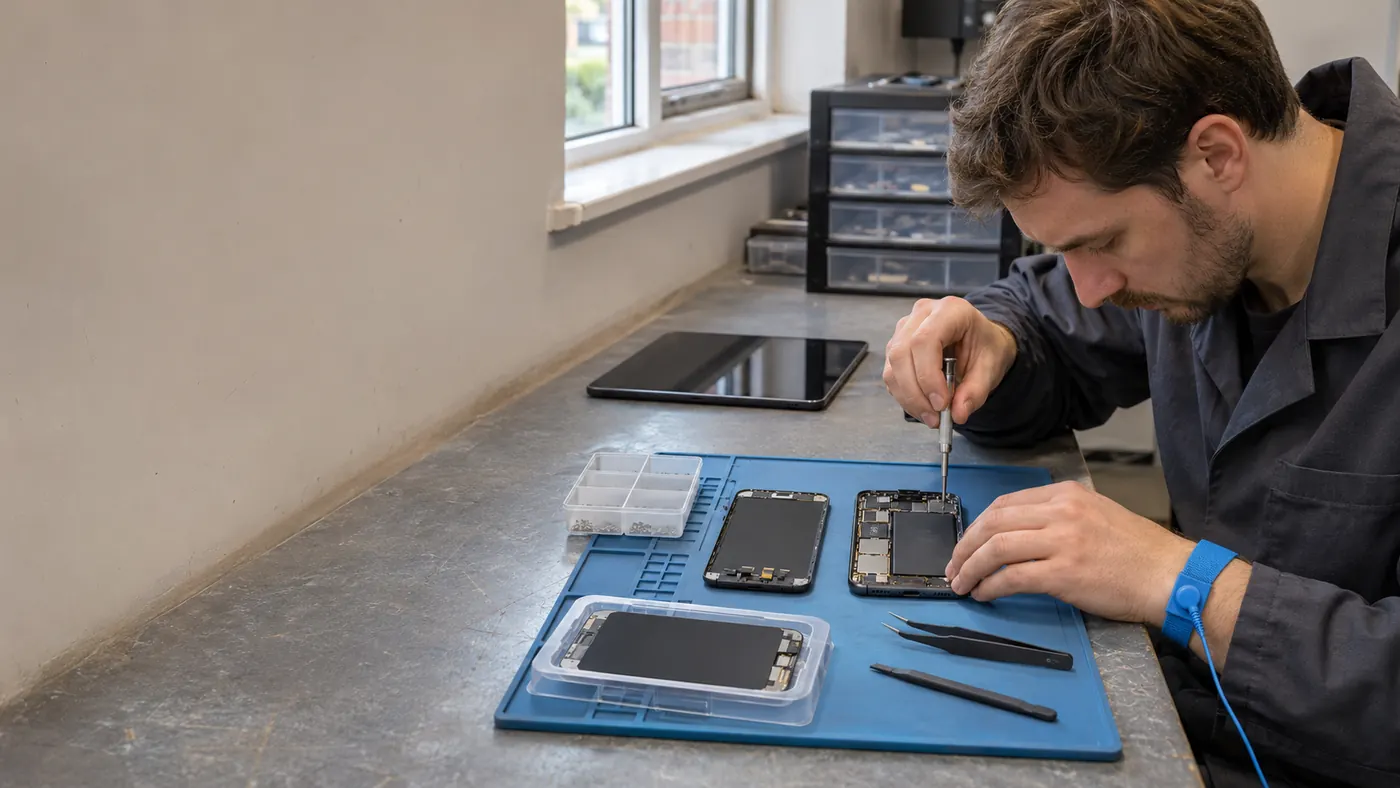
For phone and tablet repair technicians
Let people request phone and tablet repair technician work while you are busy, with the contact and location details ready to review.
Booking that works while you work
Phone and tablet repairs need the device model, damage and part choice, with collection and return details kept distinct from repair time.
A booking request is a starting point, not a promise that every request for phone and tablet repair technician work can be confirmed without discussion. Even when an available time looks suitable, check that the requested service, place and timing fit the work you actually offer.

The working situation
Make the service and next available time clear while you focus on the work in front of you.
Check the phone or tablet is ready for handover and agree whether the first slot covers diagnosis or a known screen replacement.
If you need more information, follow up before committing to the full work. For a simpler service, the request still gives you a clear contact and proposed time to work from.
Explore the full workflowHow it works
A practical way to manage the business side of phone and tablet repair technician work.
Set out the phone and tablet repair technician service and the information someone needs before booking.
Bring the requested time, location and contact into the booking workflow.
Check the phone or tablet is ready for handover and agree whether the first slot covers diagnosis or a known screen replacement.
What changes
Give people a clear way to request phone and tablet repair technician work without interrupting the work already in front of you.
Start 30-day free trialClear service information
Useful contact and location details
Availability that fits the diary
The next booking in view
Explore the details
Frequently asked questions
Offlico keeps ordinary booking, location, contact and payment details available around a mobile working day.
Not necessarily. If the work needs a quote, conversation or site details, use the first request to agree that next step before promising the full scope of work.
Start with a free trial and see how the everyday workflow fits your own way of working.
Offlico for phone and tablet repair technician work
Bring your diary, contacts, reminders, payments and ordinary admin into one place.