One contact profile
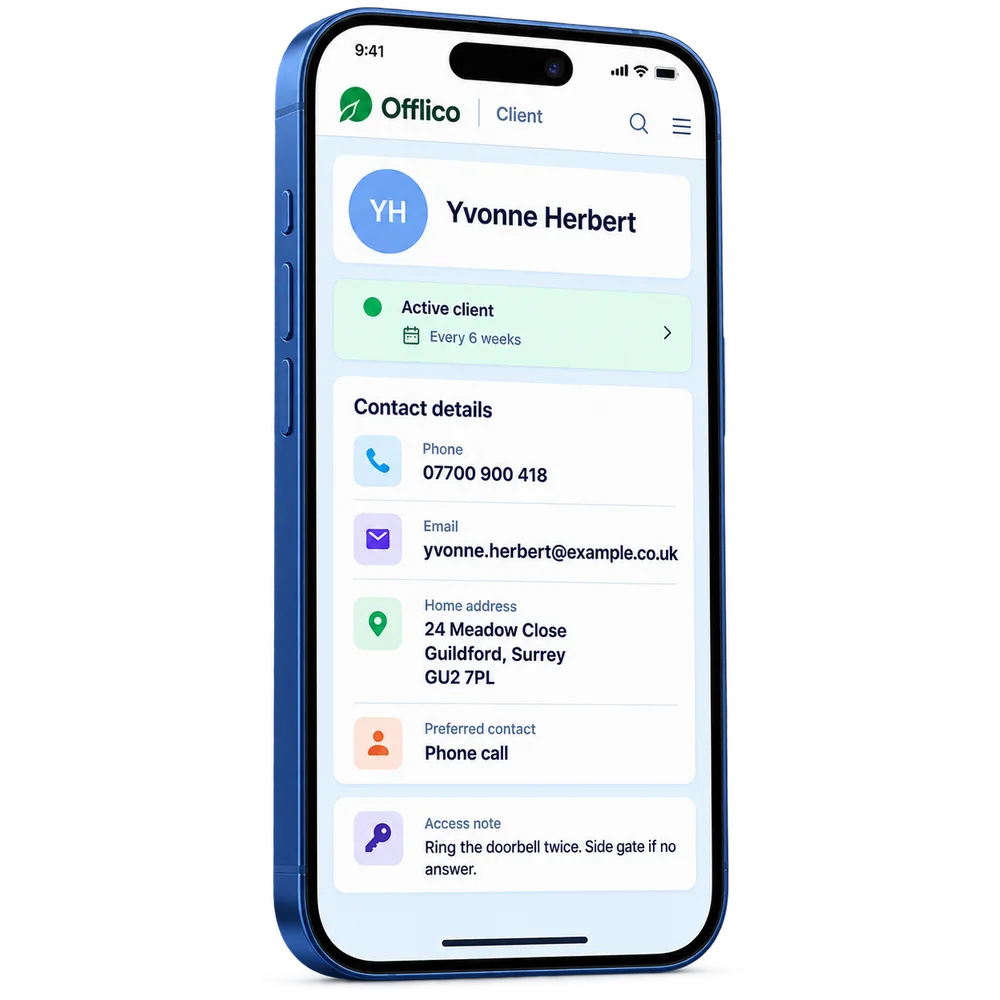
Keep the right contact, address and ordinary business details together.
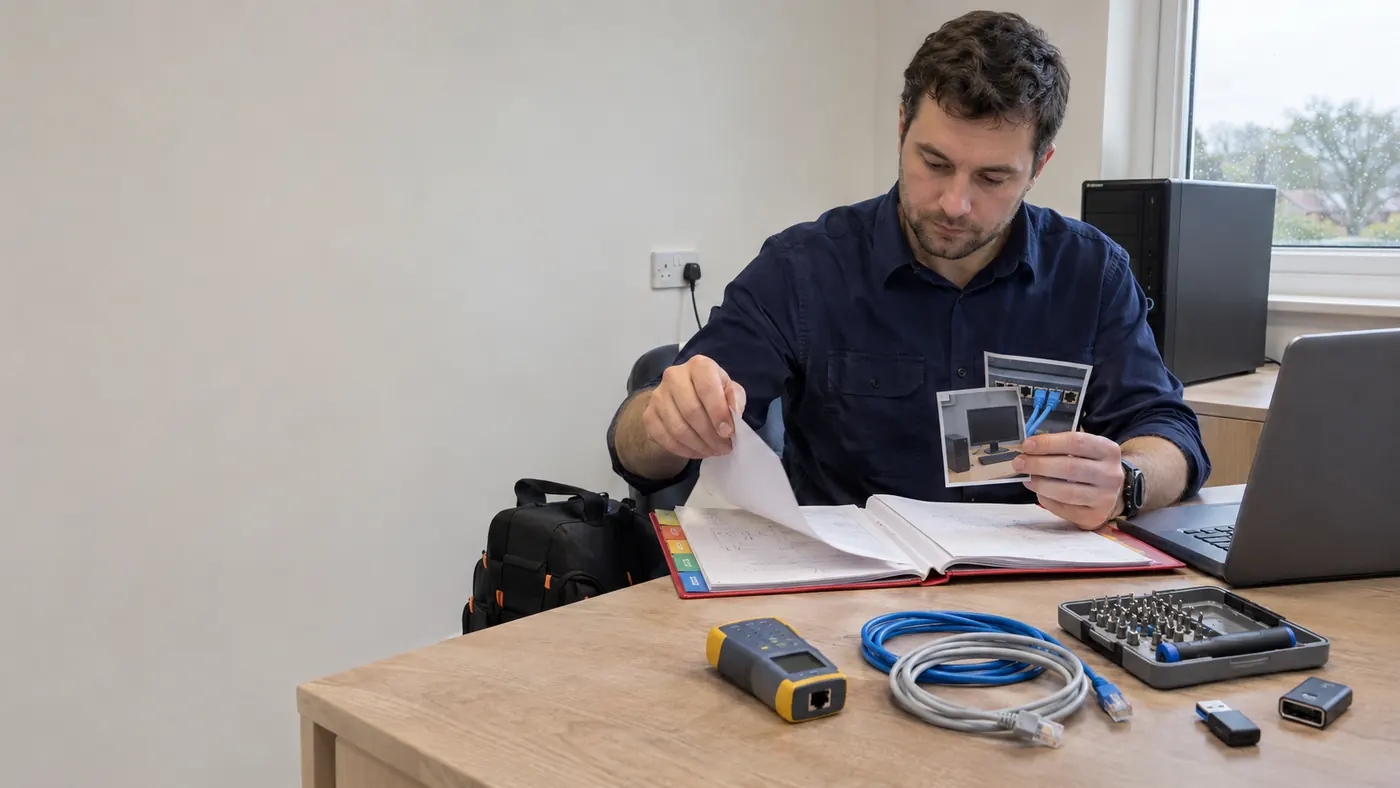
For IT support technicians
Keep IT support technician contacts, booking history and everyday business notes together, ready before the next piece of work.
Know the contact before work begins
IT support visits need the affected users and devices identified, with site access and any planned interruption agreed before work starts.
An ordinary business record answers practical questions: whom to contact, where the work was booked and what follow up is due. If your work needs specialist case notes, keep them in the appropriate system rather than treating ordinary booking notes as a substitute.
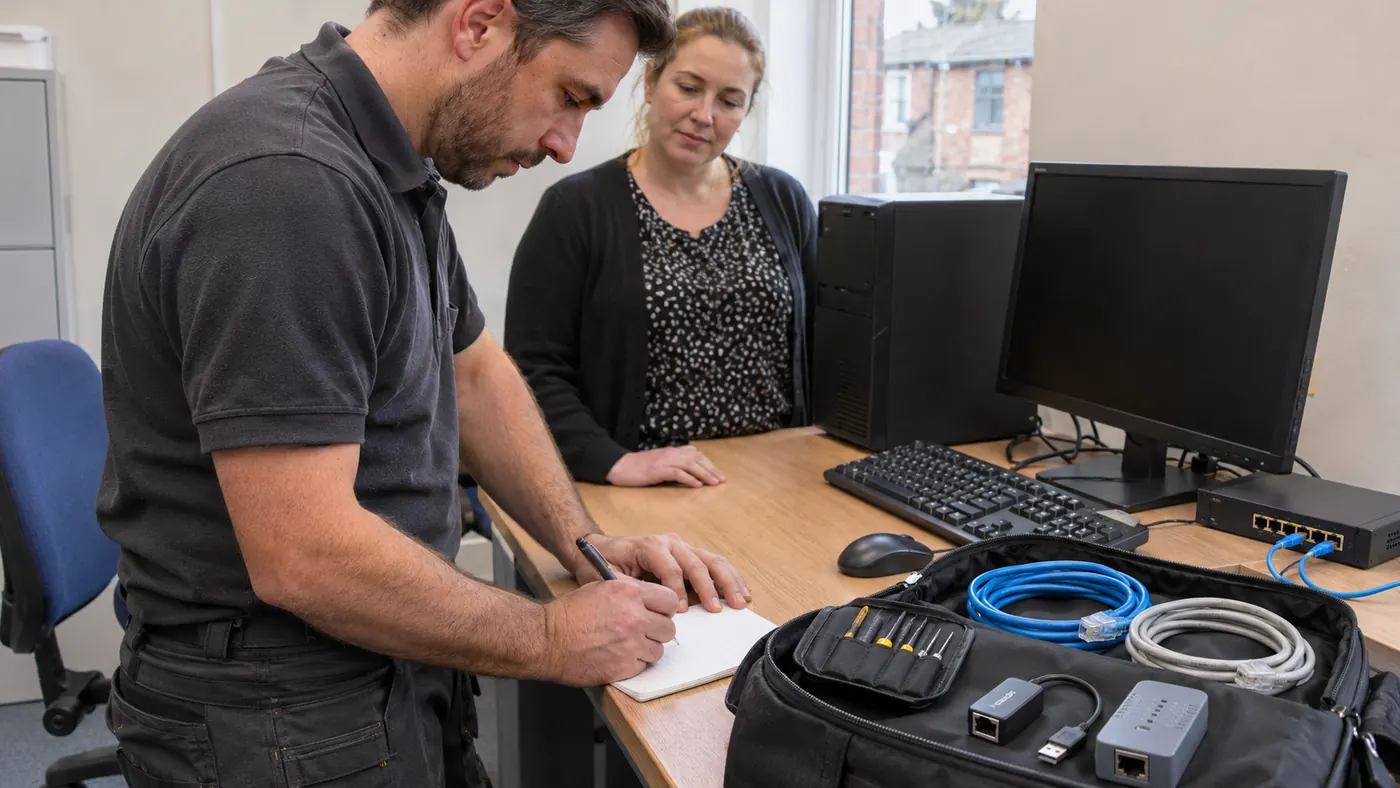
Offlico in practice
Find the next booking alongside the contact and previous ordinary business notes.
Arrange a follow up visit for unresolved equipment work and handle the service invoice, leaving credentials and incident detail in secure tools.
The next piece of work is easier to prepare for when the previous ordinary booking and next business action are visible. Check whether the contact, location or agreed time has changed before you start.
Explore the full workflowHow it works
A practical way to manage the business side of IT support technician work.
Keep the right contact, address and ordinary business details together.
Find previous IT support technician jobs and the next booking without searching across messages.
Arrange a follow up visit for unresolved equipment work and handle the service invoice, leaving credentials and incident detail in secure tools.
What changes
Bring the contact and previous IT support technician bookings back into view before the next piece of work, while specialist records stay in the systems your profession requires.
Start 30-day free trialCorrect contact and address
Previous ordinary business bookings
Useful logistics and notes
Invoice and payment status
Offlico does not replace a help desk, remote monitoring, asset register or technical diagnostic platform.
Explore the details
Frequently asked questions
Offlico does not replace a help desk, remote monitoring, asset register or technical diagnostic platform.
Keep the contact, address, booking history, useful logistics and payment follow up together. If your work requires specialist case notes, keep those in the appropriate system.
Start with a free trial and see how the everyday workflow fits your own way of working.
Offlico for IT support technician work
Bring your diary, contacts, reminders, payments and ordinary admin into one place.