Plan the work
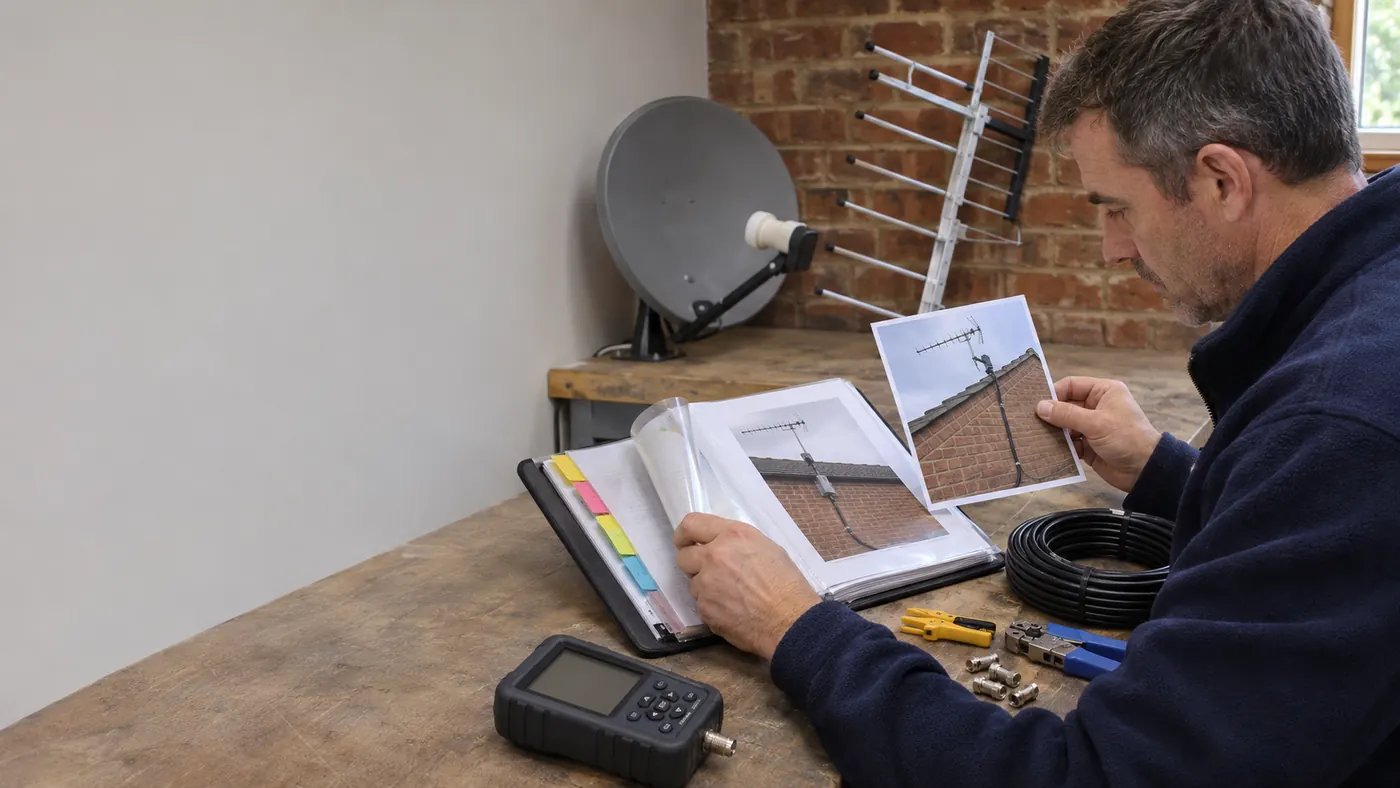
An aerial or satellite visit needs the property, roof or wall access and reception problem clear before the installer packs equipment.
For aerial and satellite installers
Bring aerial and satellite installer jobs, contacts, reminders and payments into one connected business workflow.
How Offlico works
Aerial and satellite fitting depends on signal position, roof access and where cables can run, making the site survey useful before installation.
Choose the parts of the working day you want to connect. A booking for aerial and satellite installer work may lead to travel, an invoice or a repeat visit, but that does not mean the same app must replace every tool used to perform or document the work itself.
Offlico in practice
Bring the calendar, contacts and payment steps of a working day together.
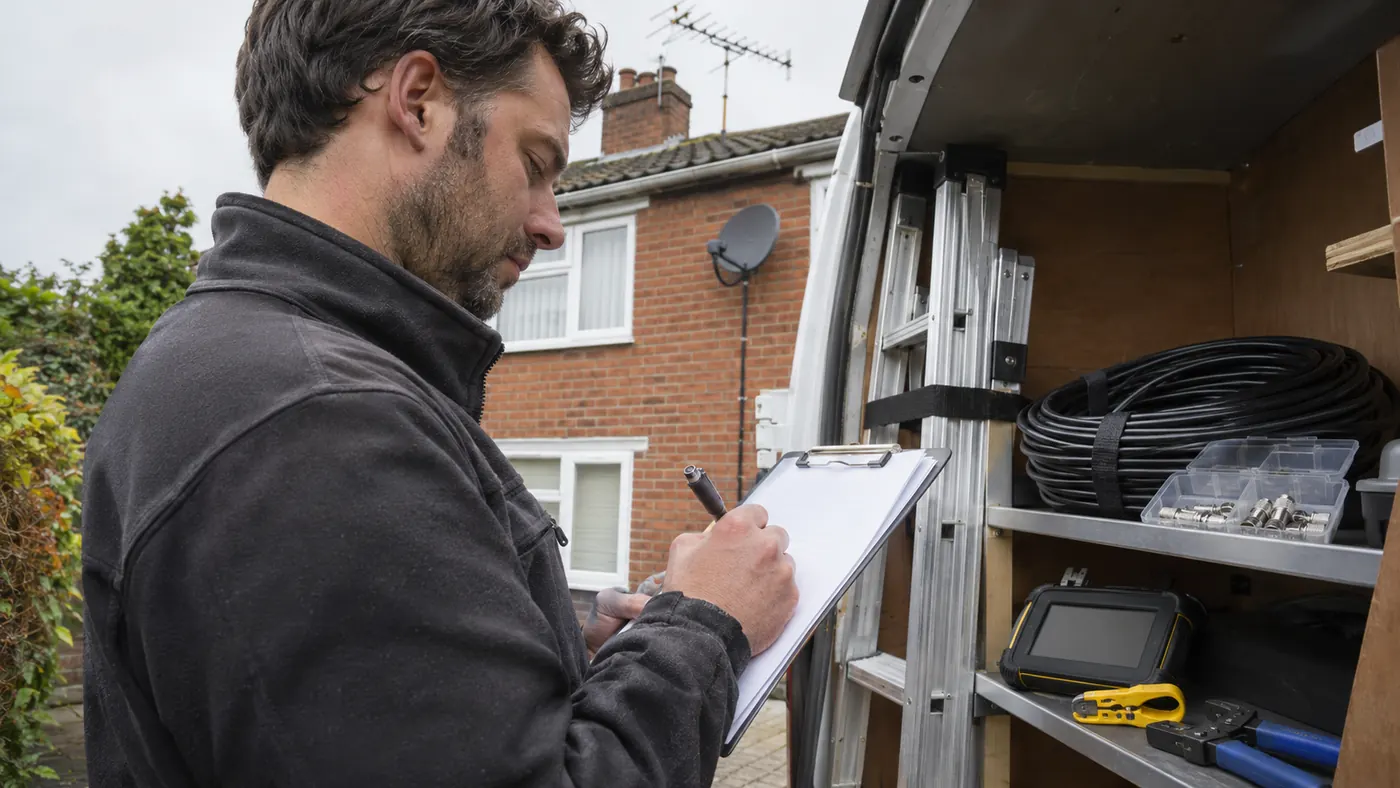
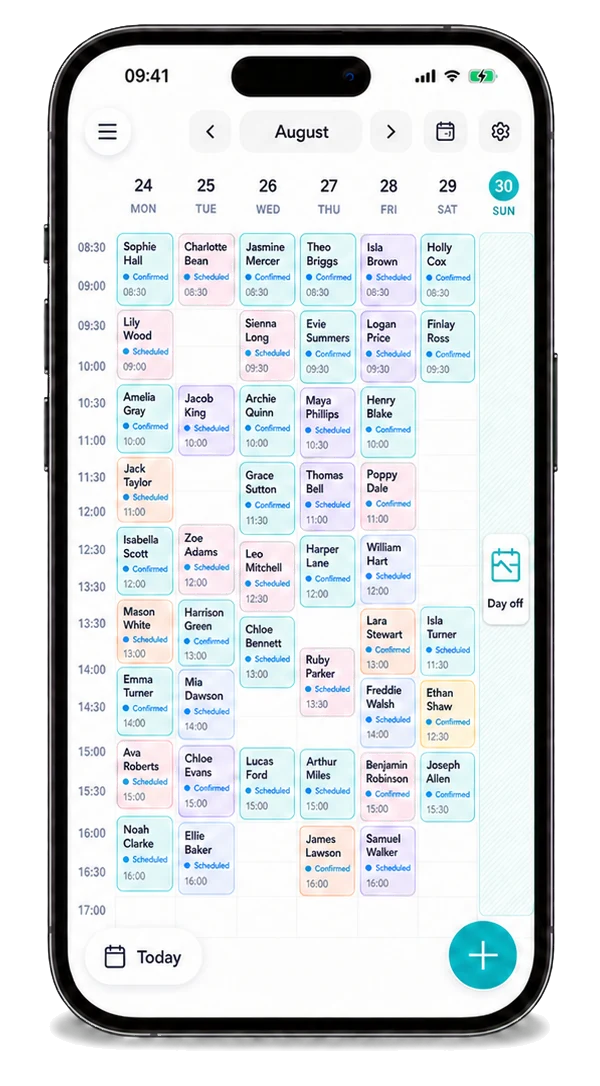
An aerial or satellite visit needs the property, roof or wall access and reception problem clear before the installer packs equipment.
Start with the diary and contact details, then use the reminder and payment steps that fit your work. Each ordinary business step should give useful context to the next one.
How it works
A practical way to manage the business side of aerial and satellite installer work.
An aerial or satellite visit needs the property, roof or wall access and reception problem clear before the installer packs equipment.
Keep aerial and satellite installer booking and contact details available during the working day.
Arrange any return cable or dish adjustment and settle the installation invoice when the agreed work is complete.
Features
Keep the practical business side of aerial and satellite installer work connected, from the next booking through to payment.
See your jobs, locations and the next part of the day in one diary.
Explore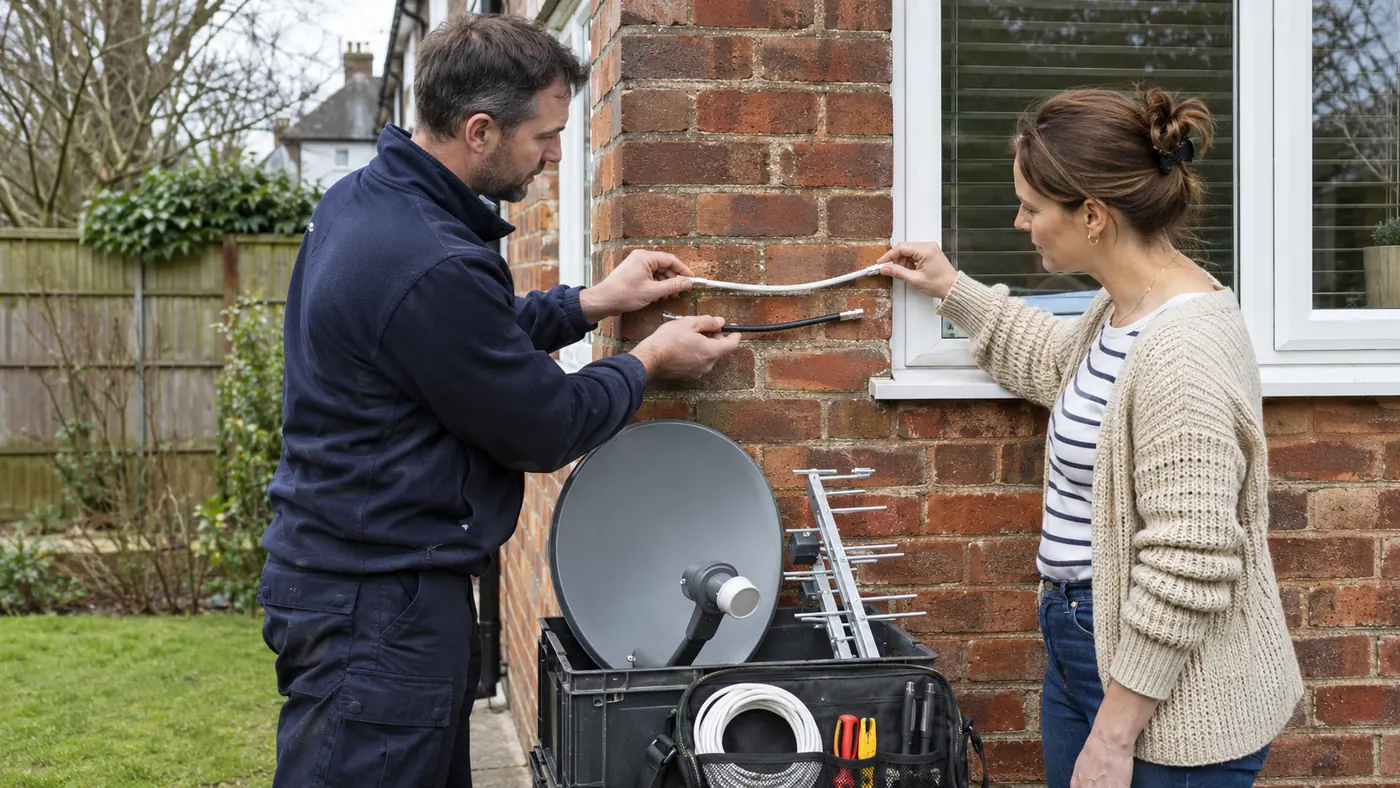
Use your own channels for aerial and satellite installer enquiries, then organise suitable accepted work in Offlico. Local customer requests are not currently available for this role.
Explore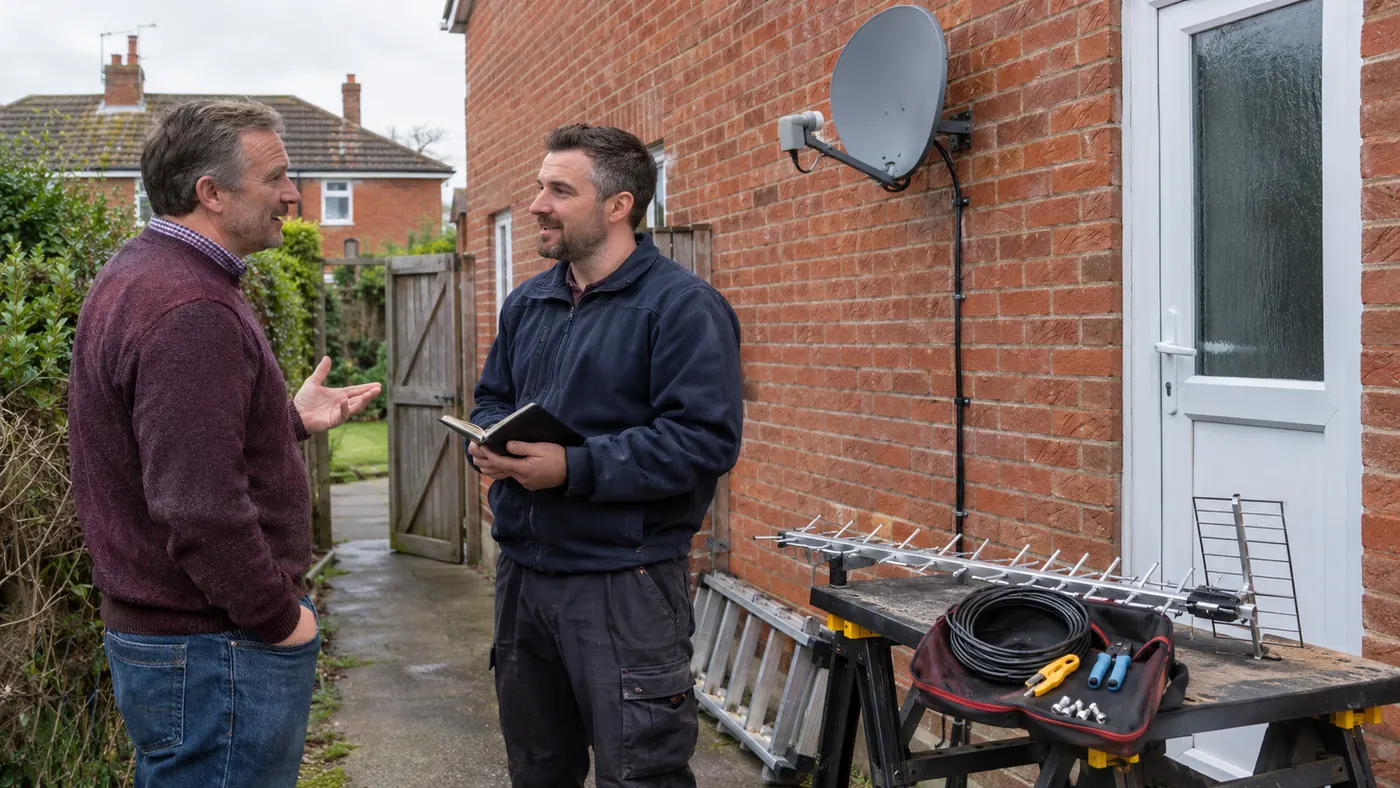
Let people request aerial and satellite installer work without a chain of calls and messages.
Explore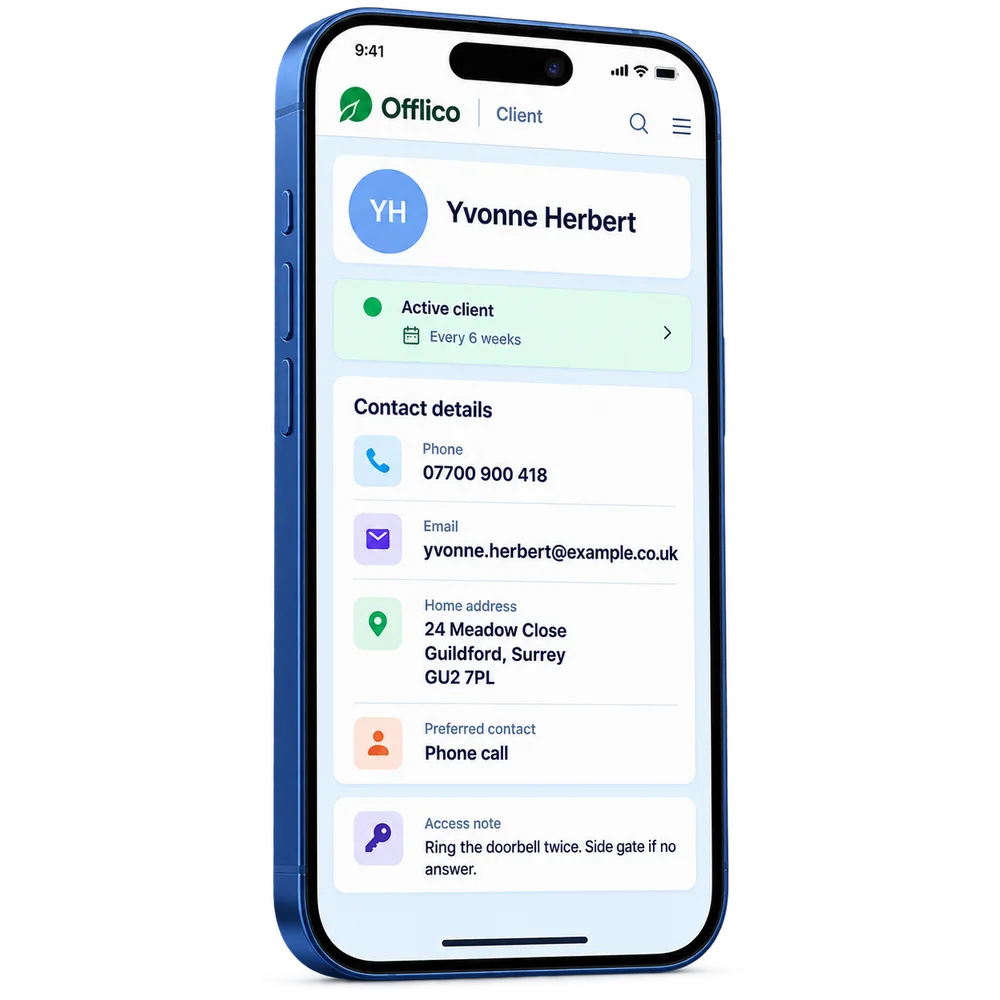
Find contacts, previous aerial and satellite installer jobs and everyday business notes together.
Explore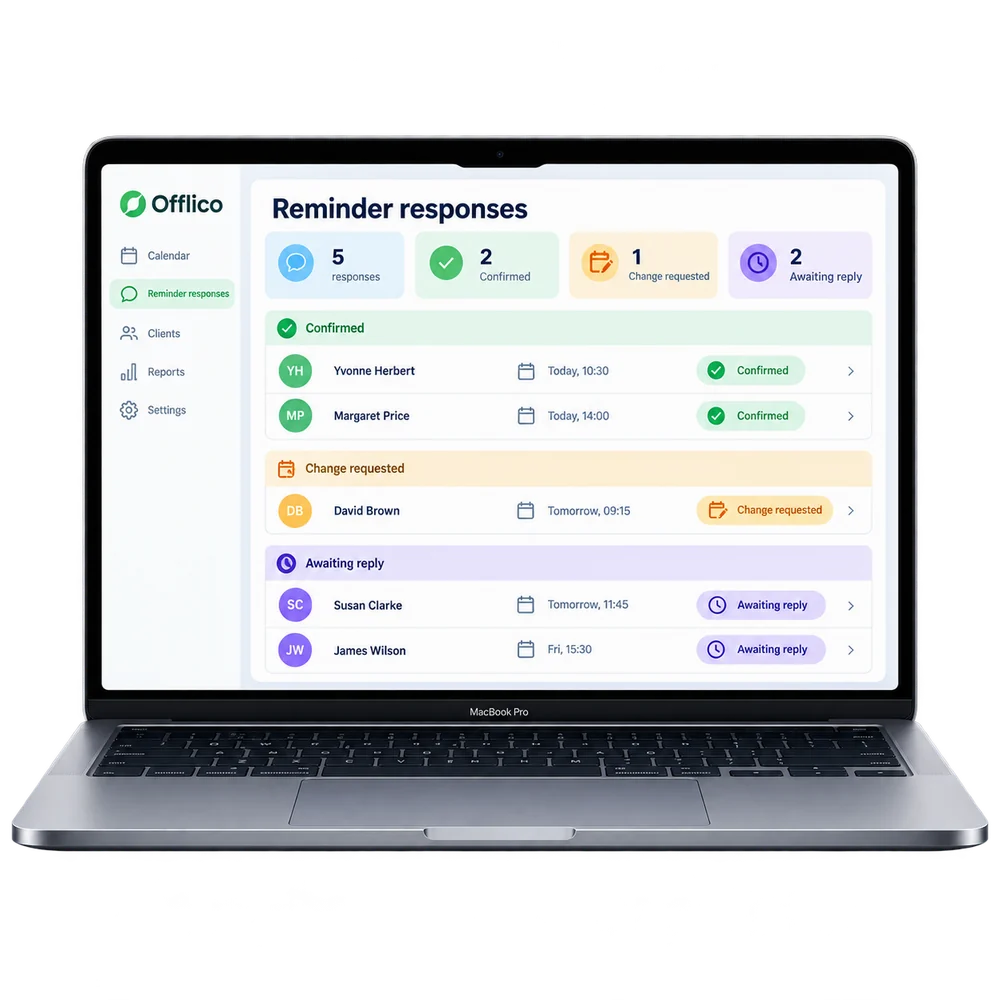
Remind people about agreed work before an avoidable gap in the day.
Explore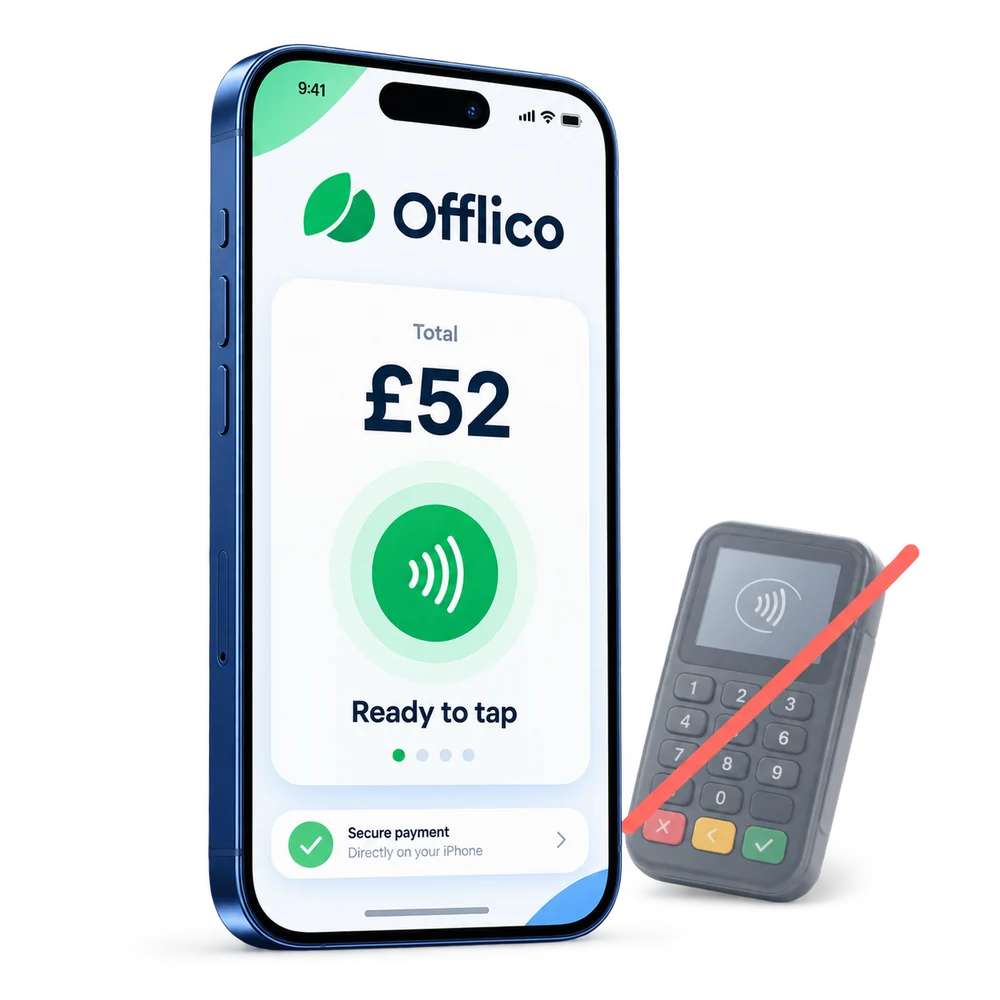
Take a contactless payment on a supported phone without a separate card reader.
ExploreOfflico does not replace electrical certification, security compliance, commissioning or site safety records.
Explore the details
Frequently asked questions
Offlico does not replace electrical certification, security compliance, commissioning or site safety records.
Yes. Try Offlico for the everyday diary, contact, reminder and payment steps, then decide which parts of that business workflow help you most. Keep any specialist work in the tools it needs.
Start with a free trial and see how the everyday workflow fits your own way of working.
Offlico for aerial and satellite installer work
Bring your diary, contacts, reminders, payments and ordinary admin into one place.