What this searcher needs
The practical search query this article answers is appointment reminders with reschedule links. The person searching is not just looking for nicer reminder wording. They are trying to stop a client who cannot attend from becoming a no show, a late cancellation, or another manual admin job.
For a mobile or home visit service, that matters more than it does for a fixed location business. A changed appointment can affect postcode fit, travel time, access notes, parking, arrival windows, and the next client in the diary. The reminder has to make the next action easy without pretending every slot is easy to move.
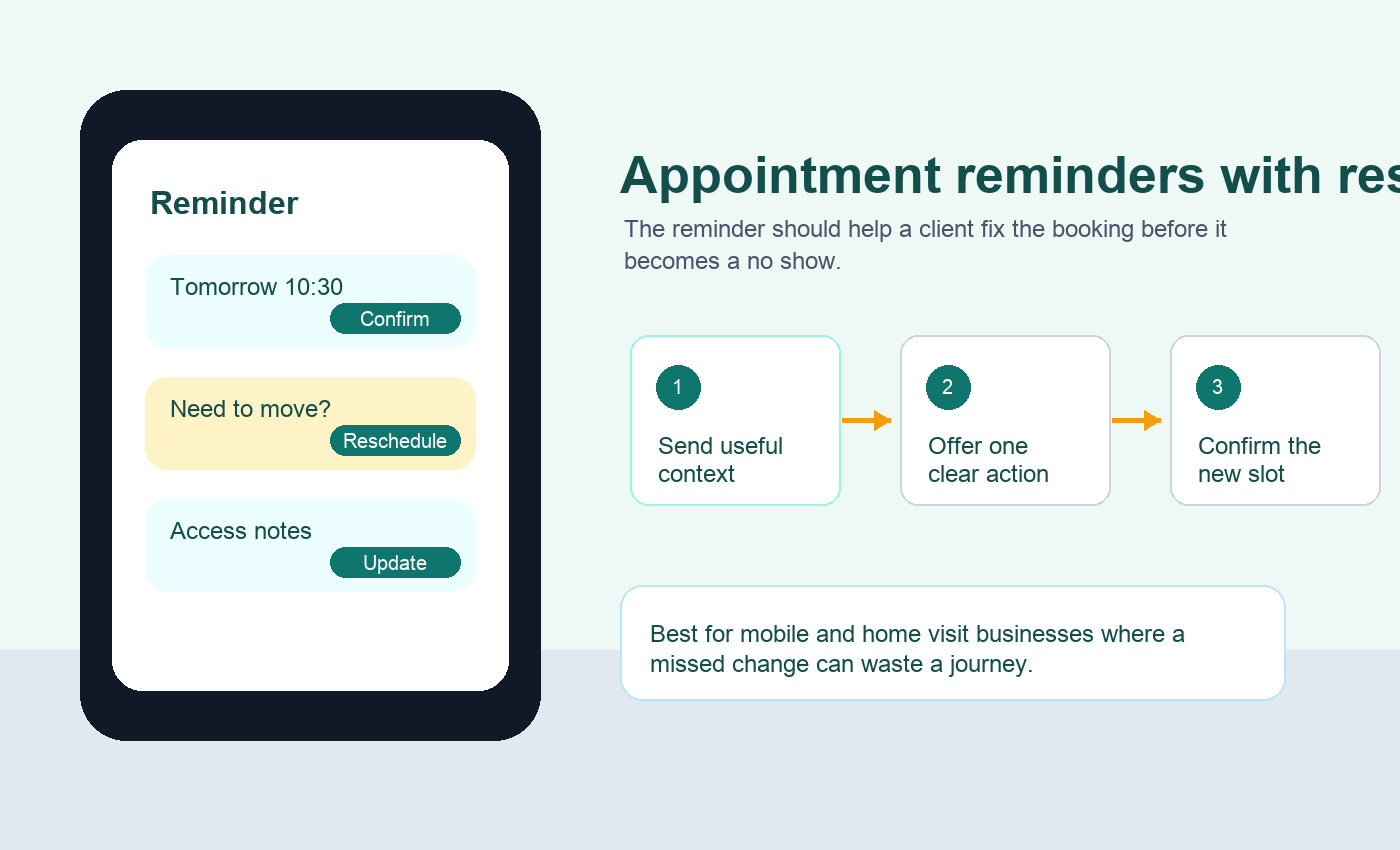
Why the link matters before the slot is lost
A reminder without a change path can still reduce forgetfulness, but it does not solve the moment when the client already knows they cannot attend. Research results showed a repeated pattern across reminder products, support pages, and message templates: the useful action is often confirm, cancel, reschedule, or reply with changed details.
That pattern appears in practical reminder templates where clients are told to use a reschedule link or contact route when plans change, in email reminder examples that include a direct reschedule link inside the reminder copy, and in appointment template guidance that treats date, time, business name, and a simple action as reminder must haves. The point is not that every message needs a button. The point is that the client should never have to guess what to do.
| Reminder moment | Best action | Operational reason |
|---|---|---|
| Booking confirmation | Check details and save the appointment | This catches wrong dates, wrong addresses, and missing prep notes early. |
| Main reminder | Confirm or reschedule | This is the point where a client often knows whether the appointment will happen. |
| Same day reminder | Reply with access or delay information | The operator needs live context, not a full form. |
| After a cancellation | Choose a replacement slot if eligible | The slot can be recovered only if the next step is immediate. |
When to include a reschedule link
A reschedule link is strongest when it appears early enough to save the slot. Two days before a visit, the client may still be able to choose a different time and the business may still be able to backfill the gap. Ten minutes before arrival, the same link may create more uncertainty than it removes.
The research showed this timing difference clearly. Reminder setup guides commonly separate longer notice emails from more urgent SMS reminders, while usability guidance on transactional messages says time sensitive notifications should be concise and reserved for important action. Accessible form guidance also matters because a link that changes an appointment is still a small form journey, so instructions should make required information and next steps clear.
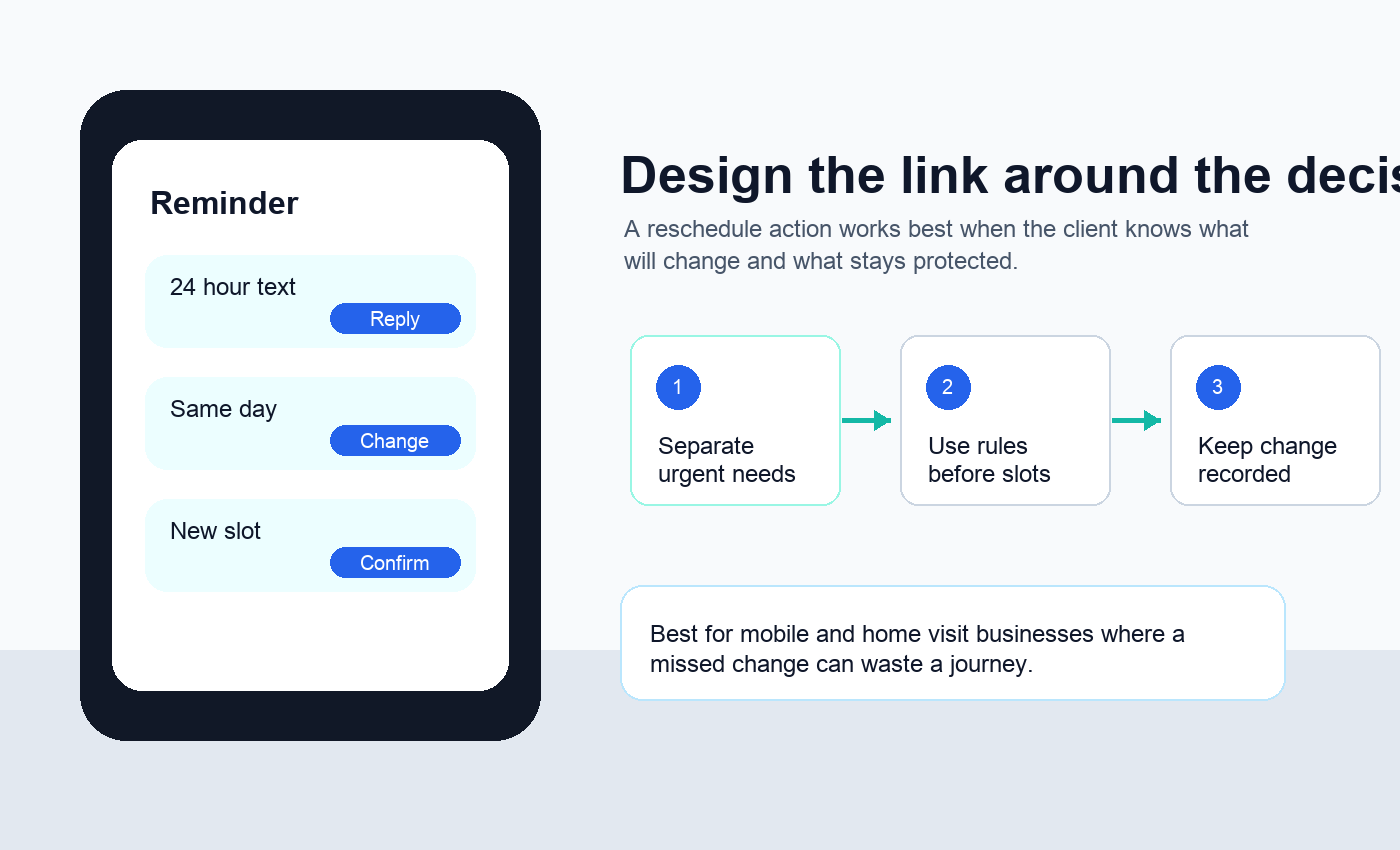
Include the link when these are true
- the business can still fill or protect the slot
- the new appointment can be checked against service area and travel rules
- the client can see available options without starting a long message thread
- the original appointment will be released only when the new one is confirmed
- the reminder explains any cancellation fee, deposit rule, or notice window plainly
What the reminder should say
The best reminder copy is short because the client is not trying to read a policy. They need enough information to recognise the booking and take the right action.
A good structure is supported by several source types. Email guidance explains why the message should include clear appointment details and a direct next step. SMS notification guidance frames automated texts as event triggered updates rather than marketing blasts. Public appointment services also show that reminders often need a safe route to cancel or amend rather than a vague reply instruction.
Useful appointment reminder emails should make the next action obvious, and clear email reminder structure helps when the reminder carries more detail than SMS can. For text messages, SMS notification design depends on timing, trigger, and action, so the reschedule option should not be buried after promotional copy.
| Part | What to include | Why it helps |
|---|---|---|
| Identity | Business name and client first name | The client immediately knows the message is real. |
| Appointment | Date, time, service, and location where useful | The reminder answers the basic question without another click. |
| Action | Confirm, reschedule, cancel, or update details | The client sees one next step instead of guessing. |
| Limit | Notice window or policy line | The link does not imply every late change is automatically accepted. |
| Confirmation | What happens after changing | The client trusts that the original booking will not sit half open. |
Make the reschedule step route aware
For mobile services, the reschedule page cannot behave like a neutral calendar. A client changing from Tuesday morning to Friday afternoon may also change the area, route, arrival window, equipment, and invoice timing.
This is where the reminder flow should borrow from good booking form design. Public service form guidance recommends grouping questions around what the user needs to do, and booking support examples show the value of keeping change actions attached to the original appointment. Help pages for patient reminders often explain how to cancel or amend an appointment from the reminder route, while hospital reminder pages show that some appointment messages ask people to log in from a reminder when the service needs more information. The business version is simpler, but the principle is the same: the link should lead to the right task, not a generic inbox.
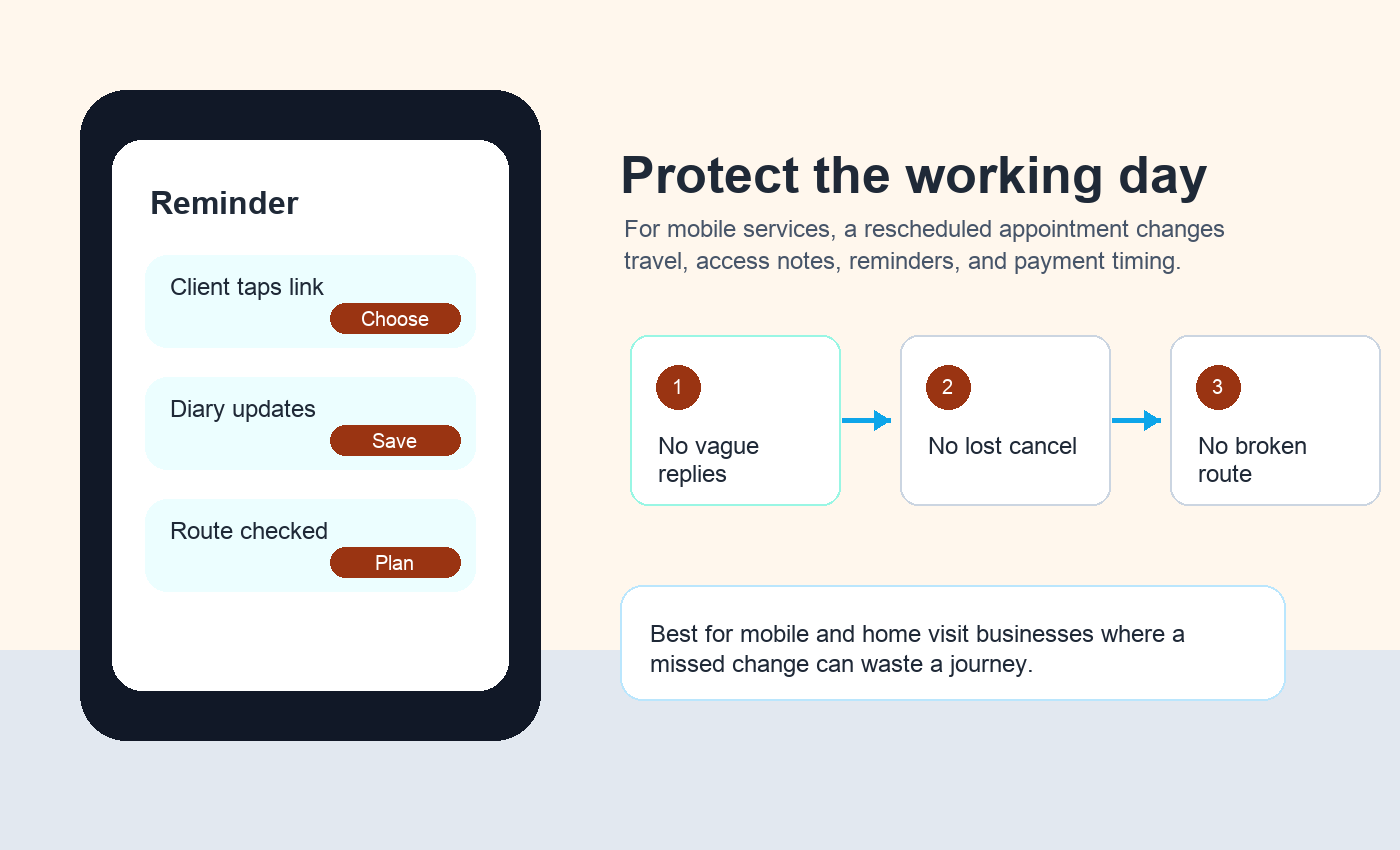
A mobile service reschedule step should check
- new postcode or address if the location has changed
- service type and expected duration
- access, parking, pets, keys, or gate notes
- whether the new slot breaks a travel buffer
- whether the client needs a fresh confirmation and reminder sequence
- whether payment, deposit, or cancellation terms need to be restated
Avoid the failures that create more admin
The wrong link can make the business feel less organised. The common failures are not technical. They are usually expectation failures: clients think they moved the appointment when they only requested a change, the business loses the original slot too early, or the new time is accepted without checking travel fit.
Friction signals from search included support questions about missing cancel or reschedule links, reminder settings, and appointment change notifications. One support discussion about booking reminder emails asks specifically about a missing reschedule and cancel meeting link inside reminder emails. Reminder systems that let people change bookings also need confirmation notifications, because rescheduling without a final confirmation can leave both sides uncertain.
The same pattern shows up in practical text reminder examples: reminder templates often include confirm, cancel, or reschedule choices. Reschedule notification guidance also shows why a changed appointment needs its own confirmation, because clients need to understand exactly when the new appointment will take place.
| Failure | What the client experiences | Better rule |
|---|---|---|
| The link opens a blank booking page | They must rebuild the whole request | Open the existing booking change path. |
| The old slot is released too soon | They worry they have lost both appointments | Hold the original until the new slot is confirmed. |
| Every slot is shown | They choose a time that ruins the route | Filter by service area, travel, and duration. |
| No new confirmation is sent | They are unsure what has changed | Send a fresh confirmation immediately. |
| The link stays live too long | Last minute changes create gaps | Use cut off rules by service type. |
Where Offlico fits
Offlico should not treat the reschedule link as a tiny extra at the end of a text. It belongs inside the wider appointment workflow. The booking record knows the client, the service, the address, the reminder timing, and the route pressure around that slot.
That is why automatic reminders are commercially important for Offlico. The same operator who searches for appointment reminders with reschedule links is usually trying to replace manual chasing, protect paid time, and reduce diary uncertainty. When reminders, online booking, smart scheduling, and client records sit together, the change path can be calmer and more useful.
For the wider setup, connect this to the booking path as well as the reminder path. Offlico has separate practical guides on booking form questions for service businesses and appointment scheduling with customer address because a reschedule link only works when the original booking has enough context attached to it.
Frequently asked questions
Should every appointment reminder include a reschedule link?
Not always. Include it when the client still has time to move the appointment and the business can safely offer valid alternative slots. For late same day messages, a reply or call route may be safer.
Is a reschedule link better than asking clients to reply?
It is better when the change can be handled cleanly online. Replies still matter for access notes, delays, or unusual situations that need judgement.
What should happen after a client reschedules?
The business should send a fresh confirmation, update the diary, keep the client record attached, and restart any reminder sequence that depends on the new date.
Do mobile service businesses need different reschedule rules?
Usually yes. A new time has to fit the area, travel buffer, service duration, and arrival window, not just an empty calendar slot.