What this searcher needs
The practical search query this article answers is sms appointment reminders small business. Search discovery also surfaced appointment reminder software for small business, best appointment reminder software for small business, free appointment reminder software for small business, appointment reminder programs, and appointment reminder text example.
The operator problem is concrete. Clients forget, reply late, ask questions the business thought were already answered, or arrive without the right details. The owner then spends the evening before appointments chasing confirmations by hand.
That matters commercially for Offlico because reminder intent is not just informational. It signals a business trying to protect revenue, reduce no shows, keep routes stable, and choose software that makes every booking more reliable.
Start with the risk you need to reduce
Most small businesses start by asking for a reminder template. A better first question is which failure the reminder needs to prevent.
A salon, cleaner, dog groomer, therapist, tutor, or mobile tradesperson may all send a similar text, but the risk behind it is different. One business needs fewer forgotten visits. Another needs parking notes. Another needs the client to confirm a pet will be in, a gate code is ready, or a balance will be paid.
Reminder products from Square Appointments, Calendly, Acuity Scheduling, SimplyBook.me and Setmore show the market expectation clearly. Reminders are now part of the booking system, not an optional afterthought.
| Reminder risk | What the SMS must do | What Offlico should keep visible |
|---|---|---|
| Forgotten appointment | Repeat time, date, service, and reply action | Appointment status and confirmation |
| Wrong address or access problem | Ask for access details before travel | Client notes and visit location |
| Unpaid balance | Mention amount due or payment step | Payment status and follow up owner |
| Route disruption | Ask for early notice if plans changed | Travel buffer and day schedule |
Use three message moments
A single reminder helps, but a simple sequence is usually stronger. The goal is not to spam the client. It is to move uncertainty earlier in the week.
Use an instant confirmation when the booking is made, a 48 or 24 hour reminder to catch changes, and a same day reminder when travel, access, or preparation matters. The exact timing should match your cancellation rule and the cost of a missed slot.
Technical guides such as Twilio appointment reminders focus on sending the message, while software directories such as GetApp appointment reminder software show how many buyers are comparing tools for the same operational problem.
A simple reminder sequence
Instant confirmation
Send the booking details, policy link, and what the client should check now.
48 or 24 hour reminder
Ask for confirmation or changes while there is still time to refill the slot.
Same day reminder
Use this for arrival windows, access notes, payment reminders, or preparation instructions.

Write messages that get useful replies
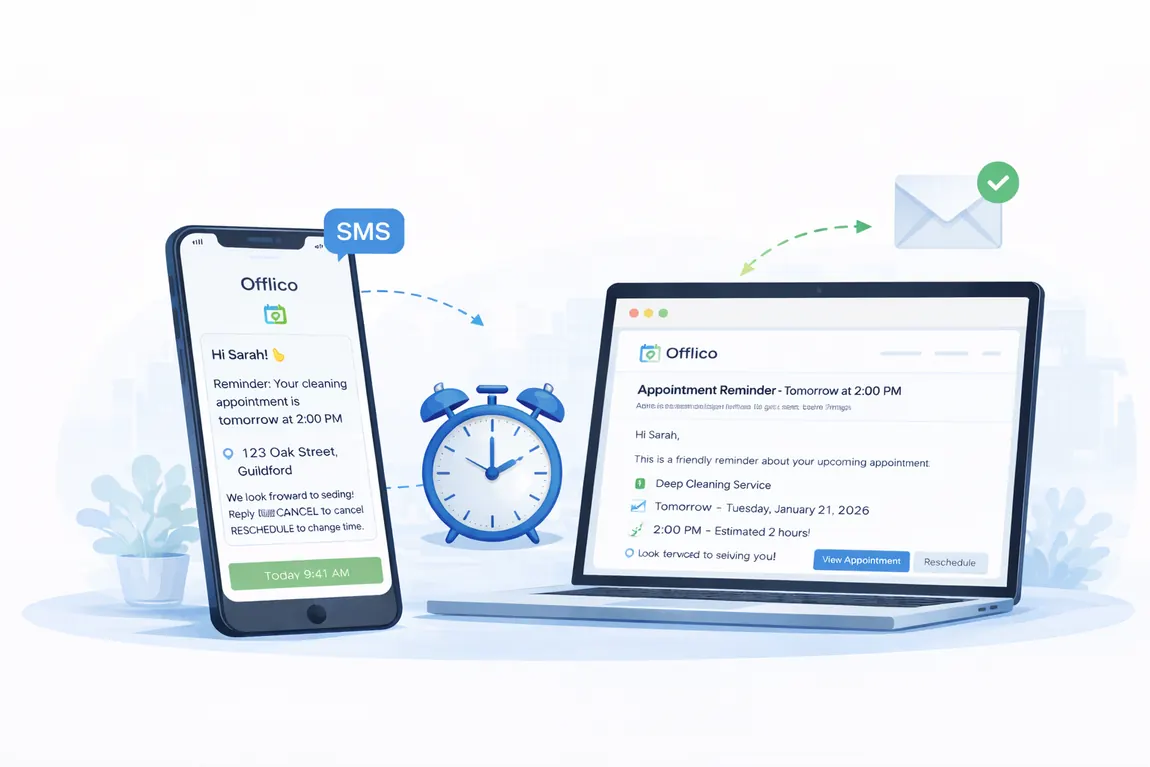
The best SMS appointment reminders are short, specific, and easy to answer. They should not make the client decode who the message is from, which appointment it means, or what to do next.
Template collections from Textmagic and MessageMedia are useful for wording ideas, but small service businesses need to adapt them around policy, travel, and client details.
For mobile work, the message should usually include the business name, appointment time, service, address or arrival window, reply instruction, and cancellation or rescheduling route.
Message wording checklist
- Start with the business name so the client recognises the sender.
- Include the date, time, service, and arrival window where relevant.
- Ask for one clear action such as Reply YES to confirm.
- Tell clients what to do if they need to cancel or reschedule.
- Avoid cramming sensitive details into a text message.
Handle consent and privacy
Operational reminders are useful, but businesses still need to treat contact details responsibly. Keep messages relevant, avoid unnecessary personal data, and make sure the client knows how appointment communications will work.
The ICO direct marketing guidance is a sensible UK starting point when messages move beyond service updates into marketing. Appointment reminders should stay focused on the service the client requested.
This is another reason to keep reminders in the booking system. If the client record shows consent context, appointment details, and message history, the business is less likely to send the wrong thing to the wrong person.
| Good reminder habit | Risky habit |
|---|---|
| Send service relevant appointment details | Use reminder lists for unrelated promotions |
| Keep message history with the appointment | Lose replies across personal phones |
| Use minimal necessary detail | Include private notes in SMS |
| Offer a clear route for changes | Force clients into vague back and forth replies |
Connect replies to the diary
SMS reminders fail when replies land somewhere the diary cannot see. A client says yes, asks to move, mentions access details, or flags a payment issue, but the appointment record still looks unchanged.
Comparison content such as Zapier appointment scheduler apps shows how broad the scheduling market is, but mobile operators should judge tools by what happens after the message is sent.
A useful system turns replies into appointment state. Confirmed, needs action, reschedule requested, payment due, access missing, or cancellation risk are more useful than a long text thread.
| Client reply | Appointment status | Owner action |
|---|---|---|
| YES | Confirmed | No manual chase needed |
| Can we move it | Reschedule requested | Offer available slots |
| Gate code is 2048 | Access note received | Attach to client visit |
| I need to pay on the day | Payment risk | Check policy and mark follow up |
Where Offlico fits
Offlico helps appointment based and mobile service businesses keep reminders close to the booking record. That is the practical difference between sending a text and running a reliable reminder workflow.
When booking details, client notes, travel context, reminders, and payment follow up sit together, the business can see which appointments are confirmed, which need action, and which could disrupt the day.
That is the commercial value behind SMS appointment reminders for small business. The text is only the visible part. The real win is a calmer diary with fewer preventable gaps.
Keep these pieces connected
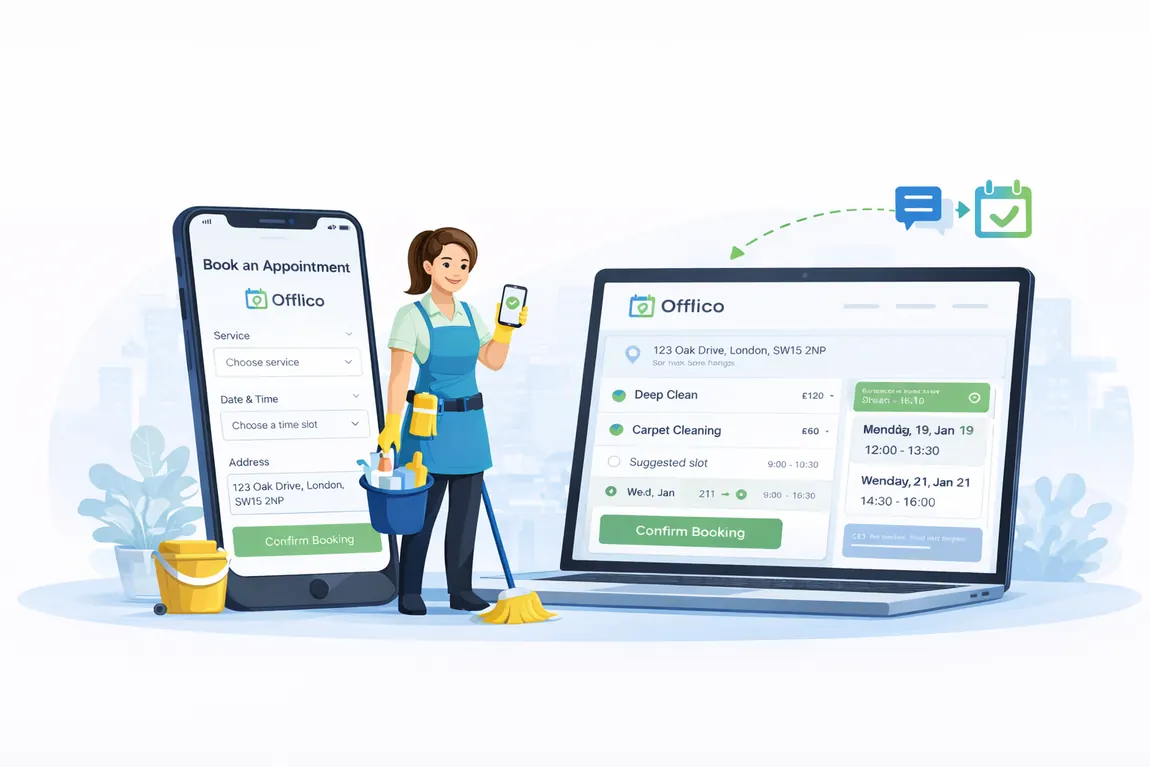
- Booking date, service, and client contact details
- Reminder schedule and message history
- Client replies and appointment status
- Access notes, address details, and preparation instructions
- Payment status, policy wording, and follow up owner
Final takeaway
SMS appointment reminders for small business should do more than jog memory. They should protect the slot, catch problems early, and update the appointment record without creating extra admin.
Start with the risk, choose the message moments, write for useful replies, and keep every response attached to the diary. That is how reminders become an operating system rather than another evening task.