What this searcher actually needs
The practical search query this article answers is appointment reminder software for small business. Autocomplete variants included best appointment reminder software for small business, free appointment reminder software for small business, and appointment reminder text example.
The operator behind that search usually has a real calendar leak. Clients forget, arrive unprepared, cancel too late, or message in a way that leaves the business chasing manually. The software question is really a workflow question.
This matters commercially for Offlico because reminder intent appears when a business already feels the cost of disconnected bookings, client notes, payments, travel timing, and follow up. If reminders carry the right context, Offlico can reduce no shows and reduce manual admin at the same time.
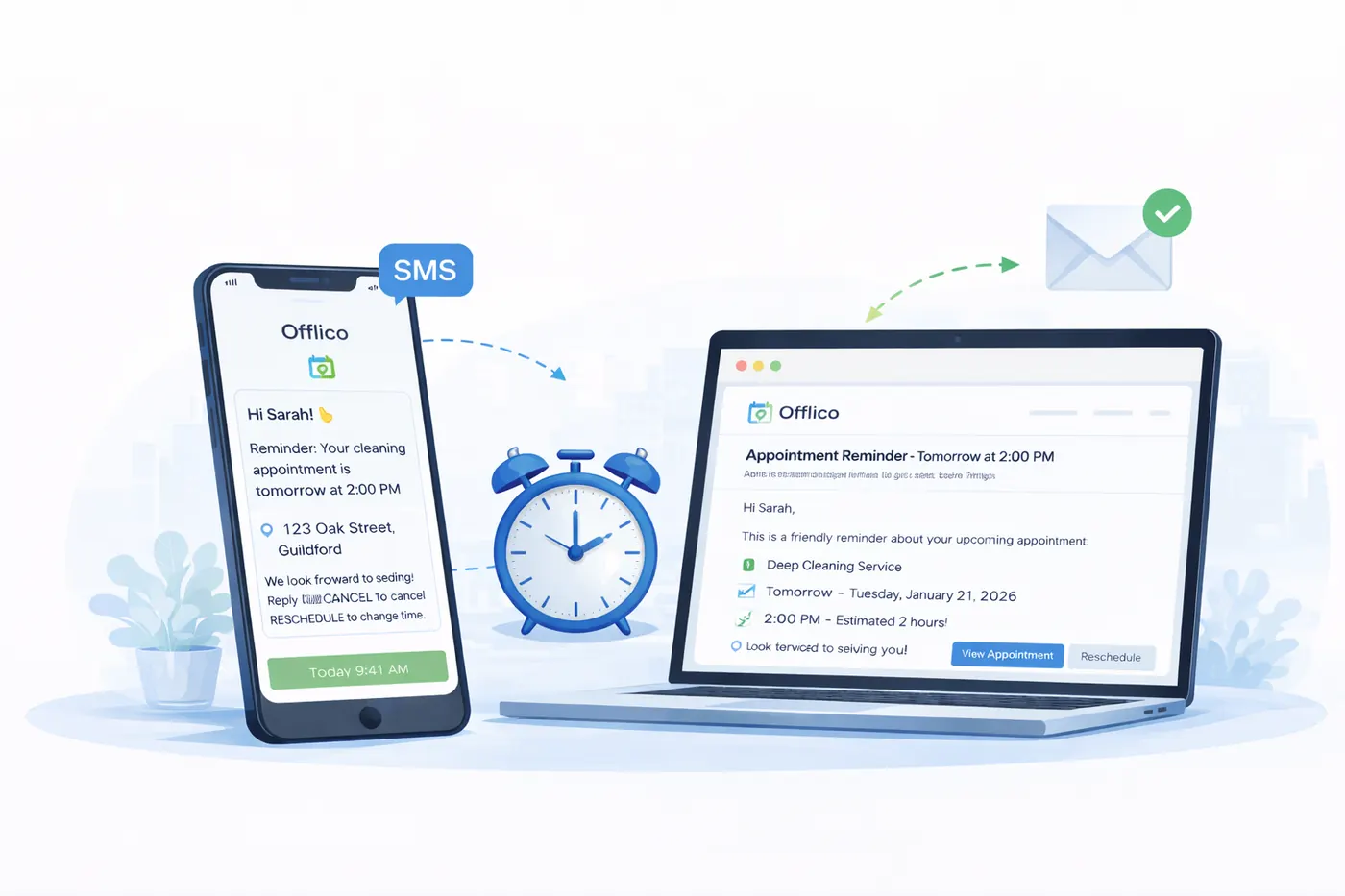
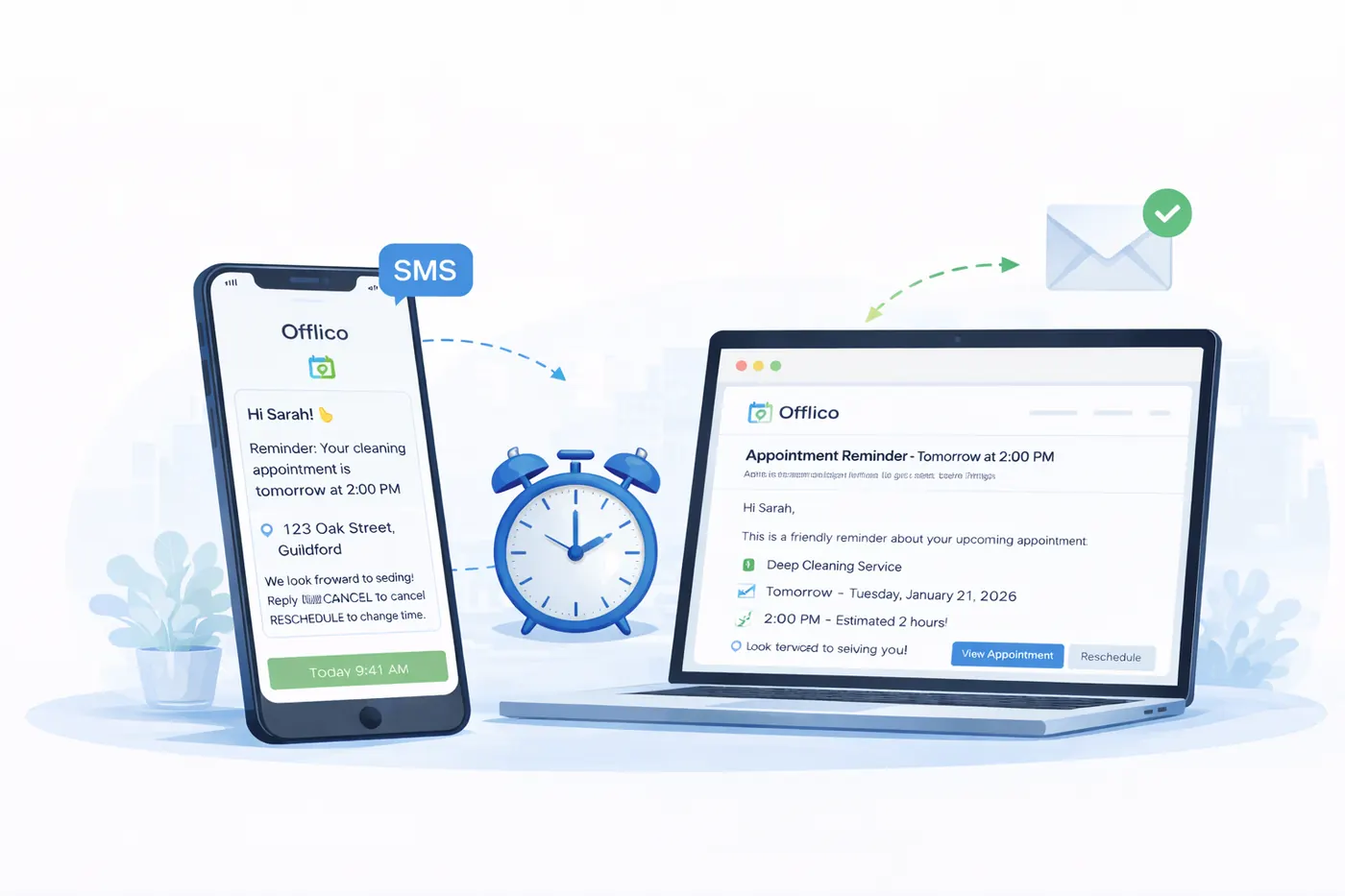
Calendar alerts are not enough
Internal calendar alerts help the operator remember the day. Client reminders have a different job. They need to make the appointment clear enough that the client can attend, prepare, pay, reschedule, or cancel before the slot is wasted.
Google Calendar explains that event notifications can appear on a phone, in a browser, or by email. That is useful for the person who owns the calendar, but it does not solve the client workflow by itself. Appointment reminder software should decide what the client receives, when they receive it, and what action they can take.
The reminder should answer
- Who the appointment is with
- What service or visit type is booked
- When and where it will happen
- What the client needs to do before it
- How to reschedule or cancel
- What happens if they miss it or cancel too late
Get the timing right
One reminder time does not fit every appointment. A haircut, home visit, tutoring session, boiler service, cleaning job, and mobile therapy appointment all carry different preparation and travel risks.
A practical reminder sequence
Confirm immediately
Send a clear confirmation as soon as the booking is made or accepted.
Send the useful prep reminder
Give enough notice for forms, access notes, parking, equipment, documents, pets, children, or product prep.
Send the near time reminder
Use a shorter reminder when attendance is still at risk but the client can act.
Review exceptions weekly
Track missed, late cancelled, rescheduled, and unconfirmed appointments so the workflow improves.
GOV.UK guidance on text messages and emails is a useful reminder that some information is too sensitive for SMS or email. Small businesses should keep reminder content practical and avoid putting sensitive client details into a channel that does not need them.
Give clients a clean action path
A reminder that says reply if you cannot make it can still create admin. A better reminder gives the client a low friction way to confirm, reschedule, cancel, update details, or ask a question without turning every exception into a separate thread.
Good reschedule and cancellation flows depend on good form design. GOV.UK form structure guidance, W3C form instructions, and W3C label guidance all point in the same direction: ask clear questions, label fields clearly, and avoid making users guess what is required.
Confirm
Make yes easy
If the client only needs to confirm, do not make them write a message from scratch.
- confirm button
- clear date
- clear service
Change
Route changes safely
If the client needs another time, take them to a guided reschedule path instead of an open text chain.
- new slot
- reason
- policy
Prepare
Collect missing details
If access, address, forms, or notes are missing, ask before the visit day.
- address
- access
- notes
Do not ignore consent and privacy
Reminder software still needs message discipline. Clients may welcome a useful reminder, but that does not mean every mobile number should become a marketing channel.
The ICO direct marketing guidance is a useful starting point for understanding consent, electronic communications, and privacy expectations. Even where an operational appointment reminder is different from a promotional message, the business should still be clear about what clients will receive and how contact details are used.
Check before choosing software
- Can clients see what messages they will receive?
- Can the business avoid sensitive detail in SMS?
- Can clients opt out of promotional messages separately?
- Can staff see message history without copying data into private phones?
- Can templates be changed when policies or services change?
Features to compare
The best appointment reminder software is not always the tool with the longest feature list. For a small business, the right test is whether it reduces the admin around real missed, moved, and unclear appointments.
| Feature | Why it matters | Weak signal |
|---|---|---|
| SMS and email reminders | Different clients respond to different channels | Only one fixed reminder time |
| Booking context | Messages can mention service, location type, and prep | Generic text with no appointment detail |
| Reschedule flow | Clients can act before becoming no shows | Reply based changes that staff must interpret |
| Client records | Access notes and preferences improve reminders | Details live in scattered messages |
| Review dashboard | Patterns become visible | No easy way to learn from misses |
Competitors such as Square Appointments, Calendly workflows, Acuity reminders, and Twilio reminder examples show that the market already expects automated booking communication. Offlico’s angle is narrower: mobile and small service operators need reminders connected to the operational record, not just a calendar invite.
Where Offlico fits
Offlico is strongest when the reminder is not isolated. The booking page, client record, service detail, route timing, payment follow up, and next task should be close enough that the reminder can use the right information.

Final takeaway
Appointment reminder software for a small business should prevent avoidable admin, not only send another text. Start with the problem: clients need clear confirmation, useful preparation, and an easy way to change plans before the appointment is wasted.
If the tool cannot connect reminders to bookings, client details, rescheduling, and follow up review, it may reduce one kind of manual work while leaving the real workflow untouched.
What is appointment reminder software?
It is software that sends confirmation and reminder messages to clients before appointments. For small service businesses, the best setup also supports rescheduling, cancellation handling, client context, and missed appointment review.
Are SMS appointment reminders enough?
SMS reminders can help, but they are strongest when connected to the booking details and a clear action path. A generic text without reschedule or preparation context often leaves staff doing manual follow up.
What should a small business compare first?
Compare reminder timing, SMS and email options, template control, client action links, consent handling, booking context, and whether missed appointments can be reviewed later.