What the query really means
The practical search query this article answers is booking app for window cleaners UK. The person behind it is not only looking for a calendar. They are trying to stop new enquiries becoming vague WhatsApp threads, awkward route gaps, forgotten access notes, and unpaid cleans.
Current search results show specialist tools and operator discussions rather than generic appointment pages. Results include getSoapy, Cleaner Planner, Squeegee, and a Window Cleaning Forums thread where the question quickly moves to maps, customer areas, route planning, and fuel efficiency.
That matters commercially for Offlico because the searcher is already feeling the cost of disconnected booking, routing, reminders, and payment admin. The app choice is really an operating system choice.
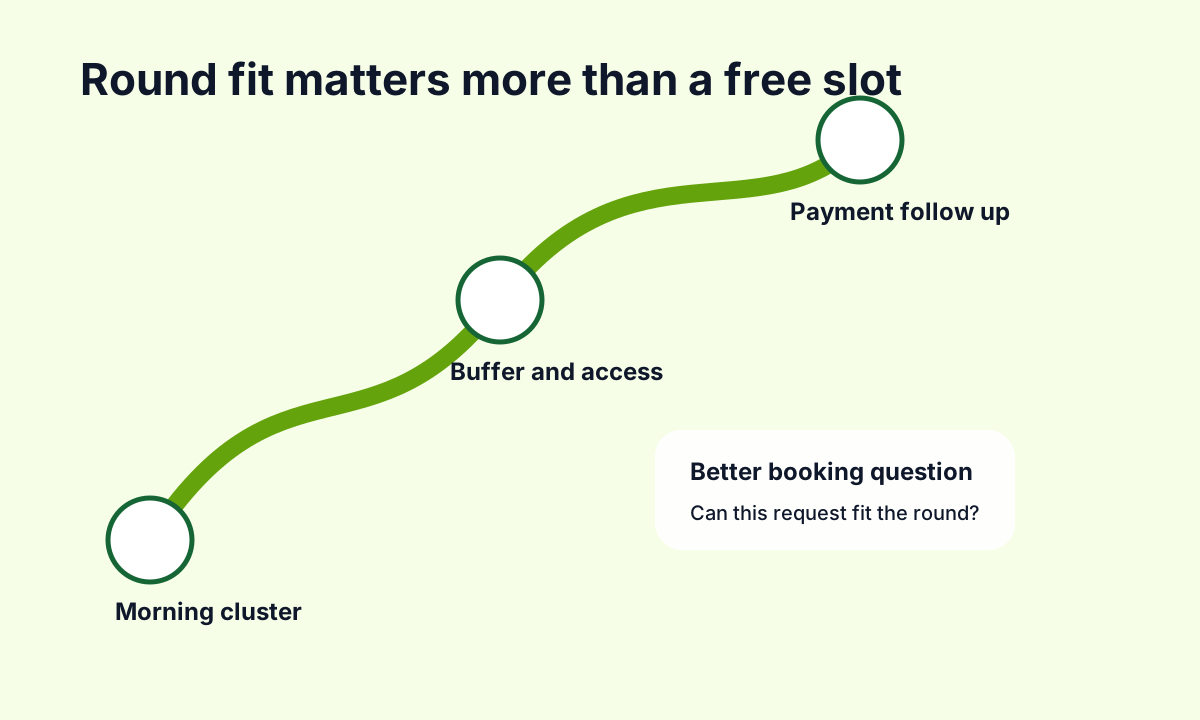
Round fit before free slot
For window cleaners, availability is not just whether a slot is empty. A booking can look fine at 10:30 and still be bad if it pulls the round across town, creates a dead gap, or needs a different ladder, pole, parking plan, or access arrangement.
That is why search results around this query mention routing and scheduling so often. Squeegee on Google Play describes scheduling for window cleaning and other mobile services, while OctopusPro frames window cleaning software around scheduling, routes, invoices, and communication.
| A weak booking app asks | A stronger booking app checks |
|---|---|
| What day do you want | Does this day fit the area and round |
| What service do you need | How many windows, property type, and access limits |
| What is your address | Address, postcode, parking, gates, and rear access |
| Do you want a reminder | Reminder channel, access reminder, and weather fallback |
| Pay later | Deposit, card, direct debit, or invoice follow up |
Questions the booking form needs
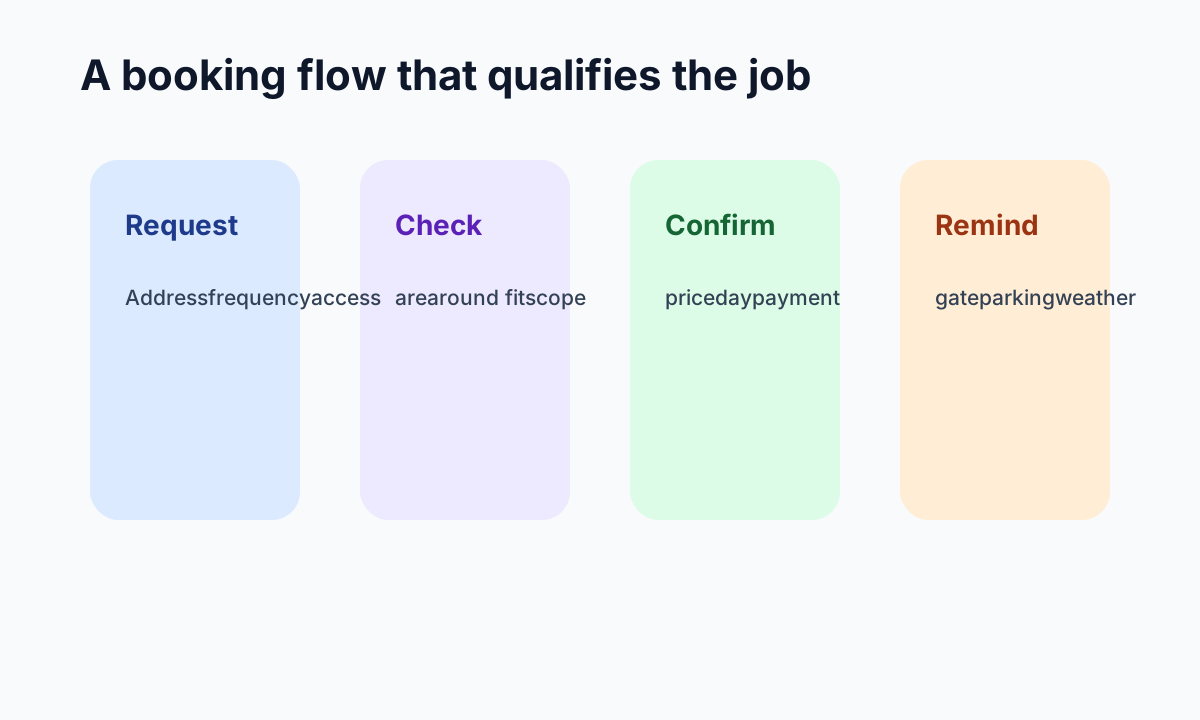
The best booking form is not the longest form. It asks the questions that decide whether the clean is deliverable. General scheduling tools such as Fresha scheduling and Koalendar for cleaning businesses show demand for online scheduling, but window cleaners need extra operational detail because the work happens outside, at properties, across rounds.
Fields worth collecting early
- Full address and postcode
- Property type such as house flat shop or office
- Front only or front and rear windows
- Access notes for gates pets parking and side paths
- Preferred clean frequency such as four weekly or eight weekly
- Whether the first visit needs a quote before confirmation
- Preferred reminder channel
- Payment preference and invoice details if needed
Recurring rounds and cash flow
Many window cleaning customers are not one off appointments. They are recurring rounds, which means the app has to think beyond the first booking. Cleaner Planner highlights customers, jobs, invoices, Direct Debit, and card payments in one place. getSoapy positions itself around booking, customer management, scheduling, and payment processing.
That tells you what buyers are really comparing. They want fewer missed cleans, fewer manual invoices, and less chasing after the work is done. Payment workflow is part of booking quality because a booking that cannot turn into a clean payment trail still creates admin.
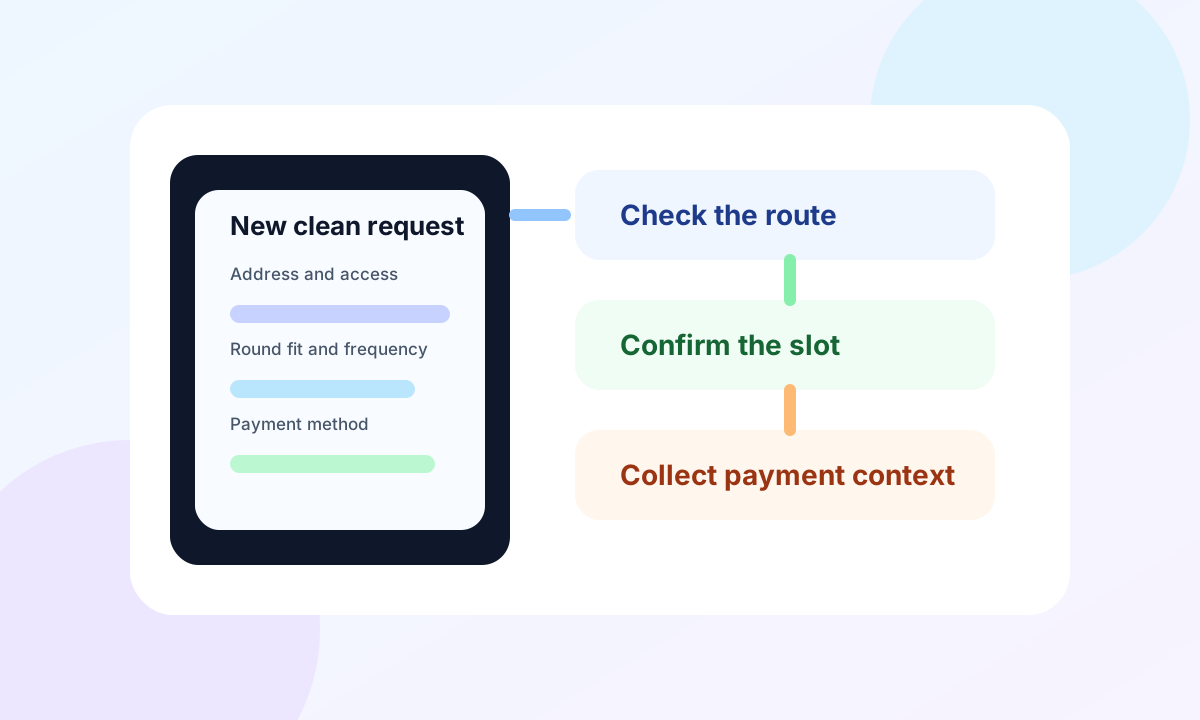
A practical recurring booking flow
Capture the request
Collect service type, address, access, frequency, and contact details.
Check route fit
Place the first clean into an area, not just any open slot.
Confirm the clean
Send a clear confirmation with arrival expectations and access prompts.
Set the repeat pattern
Create the recurring cadence and keep the customer informed before each visit.
Close the payment loop
Link the clean to card, direct debit, invoice, or follow up before it becomes a memory job.
Safety access and weather
Window cleaning has practical safety and access constraints that most booking pages ignore. The HSE work at height guidance is a reminder that the way work is planned matters. A booking request that misses access, surface, height, or equipment detail can create risk as well as admin.
Weather also changes the diary. The app does not need to predict every wet day, but it should make rescheduling, customer updates, and round recovery easier. This is where reminders and client records matter as much as the first booking page.
| Risk | Booking question or workflow |
|---|---|
| Locked gate or side access | Ask for access instructions and reminder permission |
| Unsafe or unclear height | Flag first visit quote or manual review |
| Bad weather | Keep a reschedule message and route recovery plan ready |
| Dogs or restricted access | Capture notes before arrival |
| Parking or water access | Ask early when it affects equipment and timing |
What to compare before choosing
The search results mix specialist window cleaning platforms with broader field service and scheduling tools. You will see names such as ServiceM8, BigChange, Fergus, and Jobber alongside niche round tools.
Do not compare them only by price. Compare whether they protect the exact window cleaning workflow you run. A one person round, a team with vans, a commercial route, and a mixed domestic round may need different levels of booking control, client records, invoices, and team visibility.
Shortlist criteria
- Can customers request or book online without creating vague jobs
- Can the form capture address access frequency and scope
- Can jobs be grouped by area or route
- Can reminders include access and weather related prompts
- Can payments invoices or direct debit be connected to the clean
- Can repeat cleans be managed without rebuilding the diary
- Can client notes survive staff handover or busy weeks
Where Offlico fits
Offlico is useful for this problem because it treats online booking as part of the whole mobile working day. The goal is not to add a pretty booking page while route planning, reminders, client notes, and payment follow up stay separate.
For a window cleaner, the joined up workflow is the advantage. The booking page collects the right details, the schedule protects travel and buffers, reminders reduce missed access, and the client record keeps the notes that make the next clean easier.
Final takeaway
A good window cleaner booking app is not just a diary with a form in front of it. It is a filter that turns interest into workable, repeatable, profitable cleans.
Start with the operator problem. Capture the address, access, frequency, route fit, reminder needs, and payment path before the booking lands. That is what stops online booking from creating more admin than it removes.
What should a window cleaner booking app collect first
It should collect address, postcode, property type, access notes, service scope, preferred frequency, contact details, and any payment or invoice details needed to confirm the clean.
Should window cleaners allow instant online booking
Sometimes. Instant booking works when service area, route rules, timing, and access questions are controlled. For complex first cleans, request first and confirm later is often safer.
Why is route fit so important
Window cleaning profit depends on grouped work. A free slot can still be costly if it creates extra travel, fuel use, idle time, or missed access.