What this searcher actually needs
The practical search query this article answers is how to reduce no show appointments small business. The operator behind that query is not looking for vague customer service advice. They have real slots being wasted, real routes being interrupted, and real revenue disappearing from the diary.
For Offlico, the commercial reason to answer this query is clear. A no show is exactly where reminders, booking context, client records, and follow up admin meet. If those pieces live in separate tools, the operator has to chase every appointment manually.

Why clients miss appointments
Small businesses often treat a missed appointment as a manners problem. Sometimes it is. More often, the client forgot, felt unsure about the time, did not know how to change the booking, or never fully committed to the slot.
one.com's no show guide frames reminders, confirmation, and easy rescheduling as practical small business controls. Koalendar's guide makes a similar point for appointment based work: the cost is not only the empty hour, but the disruption around it.
| Cause | What the operator sees | Workflow fix |
|---|---|---|
| The client forgot | Silence until the slot has passed | Confirmation plus timed reminders |
| The appointment felt uncertain | Replies asking for the time or address again | Clear details in every message |
| Life changed | Late cancellation or no reply | A visible reschedule path |
| The policy was vague | Arguments about fees or deposits | Plain terms before confirmation |
| The client was not ready | No access, no preparation, or no one home | Prep reminders tied to the service |
That is why the answer is not one magic text message. It is a joined system that removes the most common reasons a client disappears.
A reminder cadence that protects the diary
The right cadence depends on the value of the slot, how far ahead the booking was made, and whether the client has to prepare anything. A short appointment booked yesterday needs less prompting than a high value home visit booked three weeks ago.
Reservio's no show prevention guide and Acuity Scheduling's SMS reminder guidance both point toward automated reminders, but the small business version needs to include address, access, and preparation context too.
Use this default cadence
- Instant confirmation after the booking is accepted
- Seven day reminder for high value or long lead time bookings
- Twenty four hour reminder with time, address, and prep notes
- Same day reminder when access, parking, pets, or equipment matter
- On my way message when the appointment depends on a moving route
Make confirmation a real action
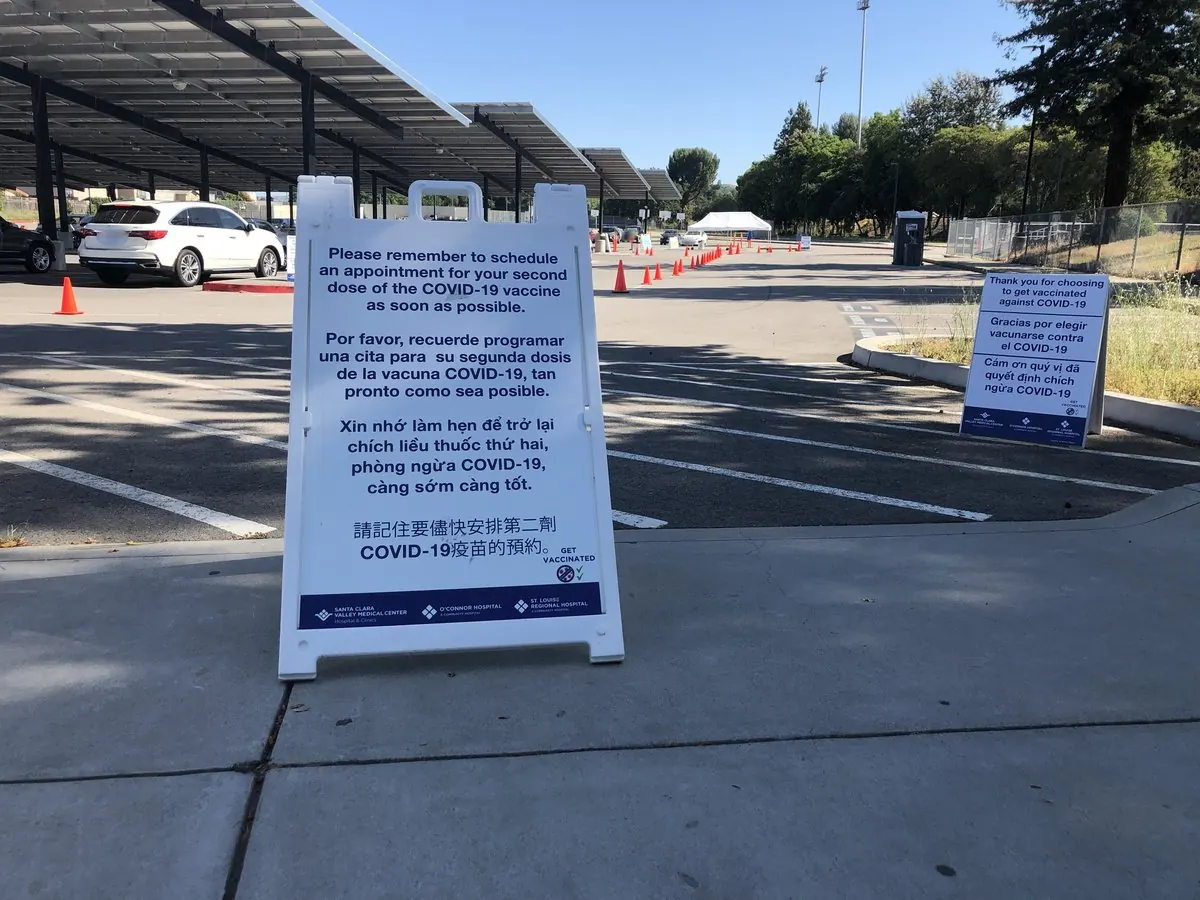
A reminder that says nothing except see you tomorrow still leaves the operator guessing. A better confirmation asks for a small action, especially when the slot is valuable or the visit needs preparation.
Ringover's appointment reminder system guide describes the role of automated reminder systems across channels. Cal.com's automated reminder guide also highlights automation as a way to improve attendance without manual chasing.
Confirmation messages to adapt
Keep the wording short, specific, and easy to answer.
Booking confirmation
Any accepted appointment
Hi [Name], your [service] is booked for [day] at [time] at [address]. Please reply YES to confirm or CHANGE if you need a different time.
Prep reminder
Home visits and prepared services
Reminder: I am due tomorrow at [time] for [service]. Please make sure [prep note]. Reply YES to confirm or CHANGE if something has come up.
Route reminder
Mobile appointments
I am still on track for [time window] today. Please reply if parking, access, or the appointment address has changed.
Give clients a clean way to change plans
Some clients will not attend because something genuinely changed. If the only options are silence, embarrassment, or a phone call they do not want to make, many will choose silence.
The better workflow is to make changing the appointment easier than disappearing. VisitBritain's cancellations and no shows guidance is useful here because it shows how important clear cancellation terms are before a customer commits.
A safer change flow
Offer one clear reply
Use simple words such as YES, CHANGE, or CANCEL so the client knows what to do.
Protect your cut off
Tell the client when changes are free and when a fee or deposit may apply.
Suggest the next action
If they reply CHANGE, send the booking link or offer the next realistic appointment window.
Keep the record
Store the change reason so repeat patterns are visible later.
Use policy without adding friction
A cancellation policy can reduce casual no shows, but it should not be the first or only tool. If the booking flow is confusing and reminders are weak, a fee will feel like a trap rather than a fair term.
Booksy's no show policy tips and Square's cancellation policy templates both show why small service businesses need simple policy language, visible cut offs, and a consistent process.
Policy checks before charging
- Was the policy shown before the booking was accepted?
- Was the reminder clear about the time, date, address, and preparation?
- Did the client have a fair way to reschedule before the cut off?
- Is the fee proportionate to the lost slot or cost of preparation?
- Will enforcing the policy protect the diary without damaging a valuable relationship?
For higher value services, a deposit can create commitment. For repeat client work, a clear reminder and reschedule path may protect the relationship better than a hard fee every time.
Design messages clients can act on
Small wording changes can affect whether a reminder is understood and acted on. The message should tell the client what is booked, when it is happening, where it is happening, what they need to do, and how to change it.
The evidence base is strongest in healthcare, but the design lesson travels well. A pragmatic randomized study of targeted text reminders found measurable value in reminder design, while the Behavioural Insights Team has written about reducing missed appointments through clearer behavioural prompts.
| Weak wording | Better wording | Why it helps |
|---|---|---|
| Reminder tomorrow | Reminder: [service] tomorrow at [time] at [address] | The client does not have to search for details |
| Let me know if needed | Reply CHANGE before [cut off] if you need a new time | The next action is visible |
| Please be ready | Please clear [area] and keep [access note] available | Preparation becomes specific |
| Fees may apply | Changes after [time] may incur [fee] because the slot is hard to refill | The reason feels fairer |
Measure the pattern every week
A reminder system only improves if you can see the pattern. Review no shows weekly, not only when one causes stress.
Track these five signals
- No show rate by service type
- No show rate by booking source
- How far ahead missed appointments were booked
- Whether the client confirmed before missing the slot
- Whether the client had a simple reschedule option
Where Offlico fits
Offlico is built for mobile service businesses where the appointment is not just a calendar event. The visit has a client, address, access note, preparation requirement, route context, payment status, and follow up path.
That is why automated reminders, online booking, client management, and smart scheduling should not be separate admin islands. The cleaner they are together, the easier it is to prevent avoidable no shows without spending the evening chasing confirmations.
Frequently asked questions
What is the best way to reduce no show appointments in a small business?
Use a connected workflow: confirm the booking, send timed reminders, include preparation notes, offer a clear reschedule path, set fair cancellation terms, and review missed appointment patterns weekly.
Do SMS reminders reduce no shows?
They can, especially when they include the appointment time, address, preparation details, and a simple reply action. SMS works best as part of a wider booking and reminder workflow.
Should I charge a no show fee?
Sometimes, but only when the policy was clear before booking and the client had a fair way to change the appointment. For many small businesses, better reminders and easier rescheduling should come first.