What this searcher needs
The practical search query this article answers is online booking flow for field service business. Search discovery also checked booking system for mobile business, booking app for mobile business, booking form for home visits, booking page for small business, and appointment booking route planning.
The problem is not simply getting a button on a website. The problem is letting customers start online while still collecting the details a field service business needs before it promises a slot: address, access, service type, job size, route fit, confirmation wording, reminder timing, and the working record for the visit.
That matters commercially for Offlico because the searcher is close to changing how bookings enter the business. A better flow connects online booking to route planning, reminders, client records, payments, invoices, and bookkeeping instead of creating another inbox to clean up later.
Why booking pages fail field service work
A normal online booking page often treats availability as a calendar question. Field service work turns it into a route and information question. A slot that looks empty can still be a bad booking if the postcode is far away, the job needs photos, access is unclear, or the client expects an exact arrival time the day cannot support.
Small business booking guidance usually moves quickly from simple booking pages into reminders, payments, client details, and online discovery. That is useful, but field service owners also need to ask whether the booking is workable after the form is submitted.
The first search pass showed broad demand for booking systems, booking apps, booking websites, and small business booking pages. Neutral small business guidance on creating an online booking system confirms the category is already about more than a calendar. It includes booking pages, reminders, payments, and client management choices.
Field operations sources add the missing route layer. Guidance on scheduling and routing around capacity, territory, and travel is written for larger operations, but the same constraint appears in a one person mobile business: every accepted visit changes the rest of the day.
Postcode and travel APIs show why location should not be an afterthought. Even technical references for postcode based time and distance checks treat location as a first class input, not something to ask for after the booking has already been accepted.
The seven stage booking flow
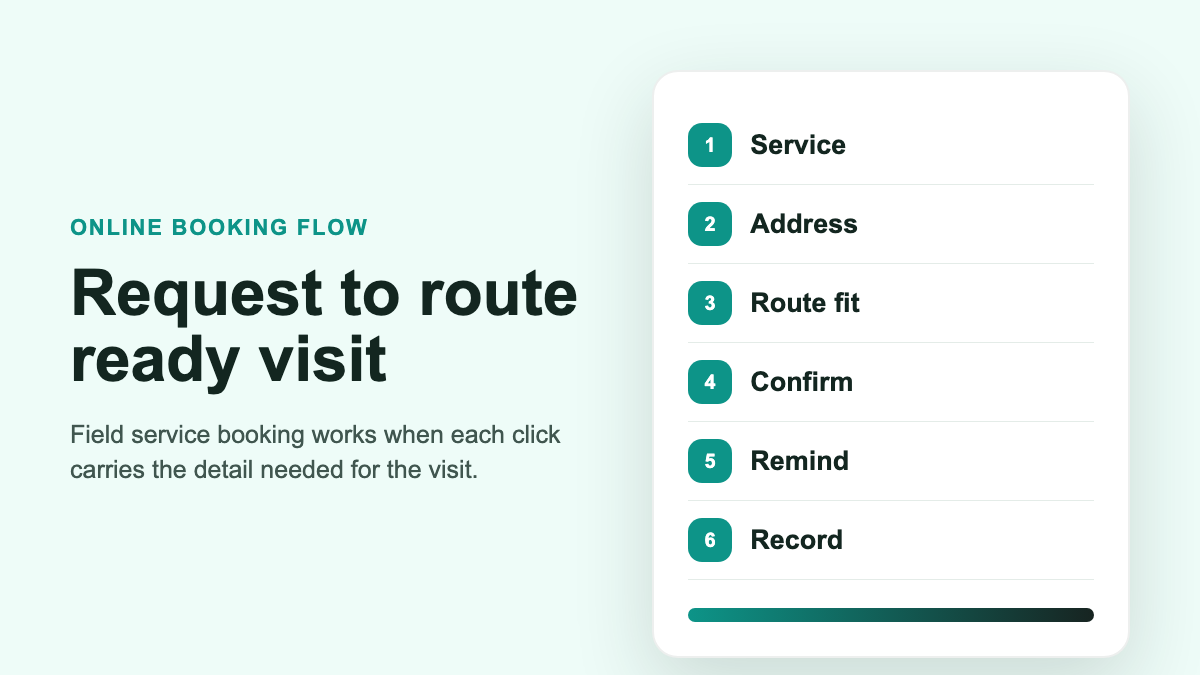
A field service booking flow should be designed as a chain. If one stage is missing, the owner usually pays for it later through manual messages, wasted travel, unclear reminders, or a job record that has to be rebuilt from memory.
| Stage | What the flow must decide |
|---|---|
| 1. Service choice | What type of job is being requested and how long might it take |
| 2. Location | Whether the postcode, address, parking, and access can work |
| 3. Detail capture | What job notes, photos, preparation, or constraints are needed |
| 4. Route fit | Whether the visit can be instant booked or needs manual confirmation |
| 5. Confirmation | What the customer receives and what action they can take next |
| 6. Reminder path | When reminders go out and what they include |
| 7. Job record | How the booking becomes notes, payment status, invoice follow up, and mileage context |
This is where form design matters. Clear form structure helps users answer questions in a sensible order, while accessible form instructions help people understand required details and formats. The flow should explain why a field is needed when the customer may hesitate, especially around address, access, health, property, or job detail.
Make the form useful without making it heavy
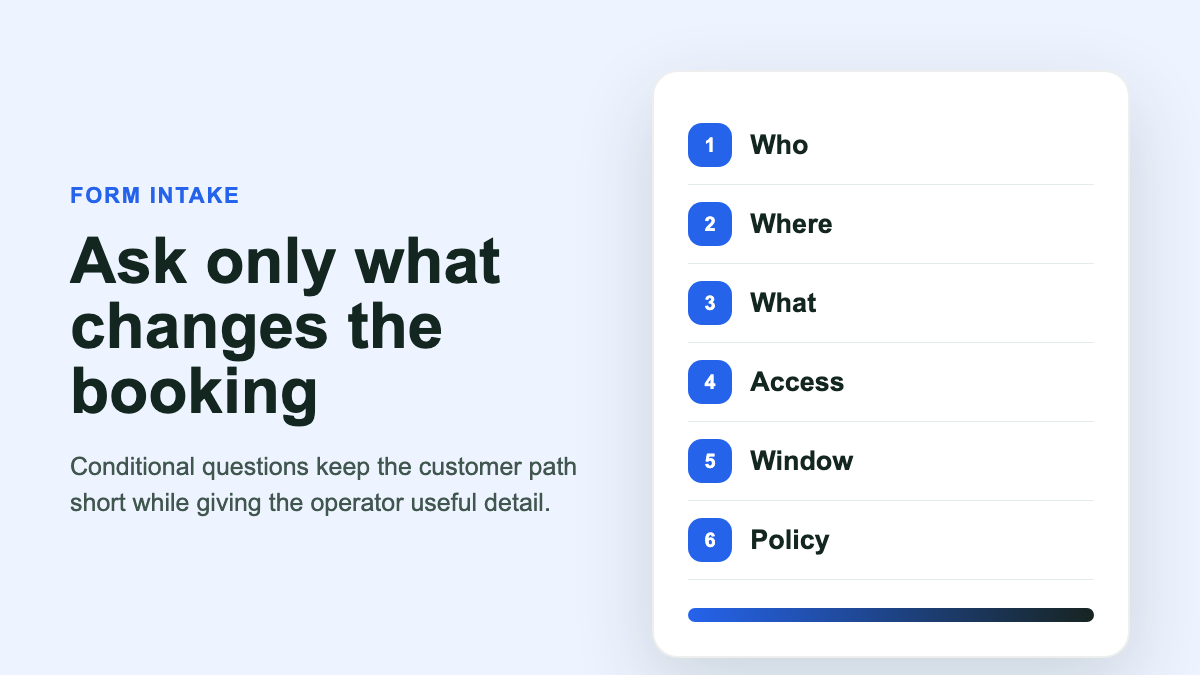
A field service form should feel short to the customer and useful to the operator. The answer is not to ask every possible question. It is to ask the few questions that decide whether the visit can be accepted, routed, priced, prepared for, and reminded about.
Good booking flows usually separate essential questions from conditional questions. Everyone answers the basics. Only some customers see questions about photos, access, parking, pets, equipment, arrival windows, or special preparation.
Usability research on web form design and field clarity and checkout research on field descriptions that reduce hesitation both support the same practical habit: make each question earn its place and explain details that may feel intrusive.
Essential field service questions
- client name and reliable contact method
- service type or job category
- postcode or full address before showing unsuitable availability
- access and parking notes where they affect arrival
- job size, photos, or notes where they affect duration
- preferred time or arrival window
- policy acknowledgement if late cancellation, deposit, or access rules apply
- consent for service messages such as confirmations and reminders
Public appointment flows show this pattern in the real world. A recycling centre booking page asks people to choose a slot within operational constraints, while a fire service home visit page collects enough detail before the request can be handled. Those public booking flows built around eligibility and practical preparation and home visit request details are useful reminders that a booking form is an operational intake tool.
Decide instant booking or request first
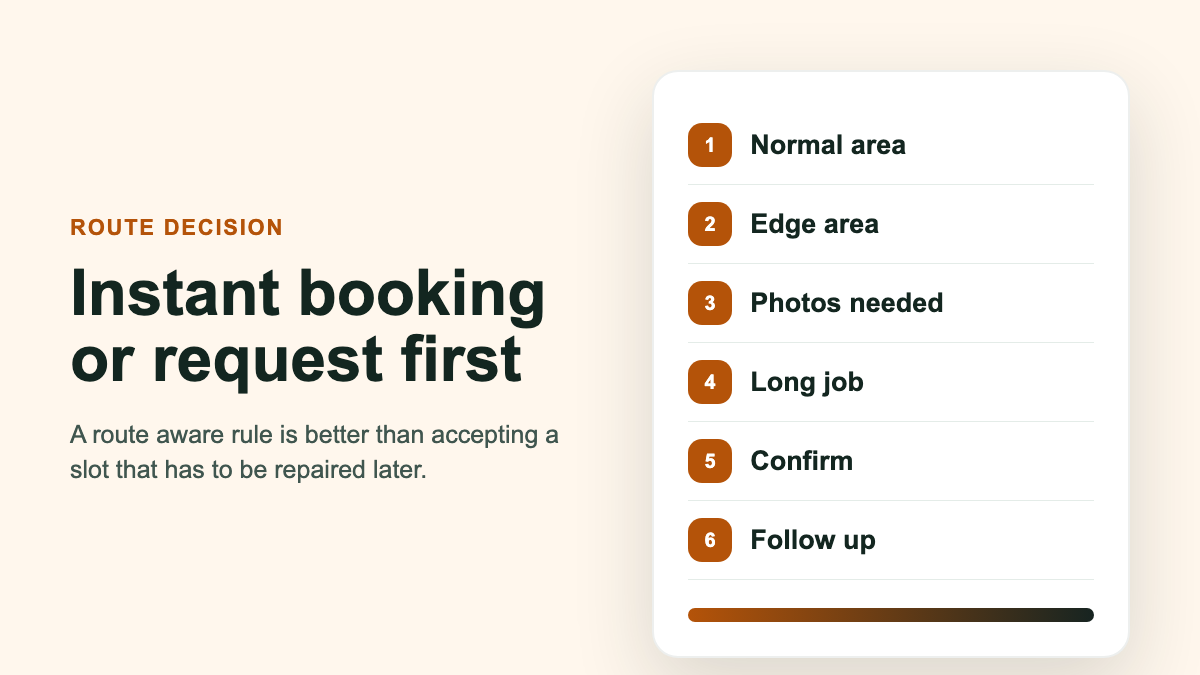
Instant booking works best when the job is predictable, the service area is clear, the duration is known, and the route can tolerate the slot. Request first works better when the visit needs judgement before it becomes a promise.
Field service owners do not need to choose one rule for every customer. The better flow allows fast booking for simple work and manual confirmation for edge cases.
| Booking situation | Safer flow |
|---|---|
| Repeat client inside the normal area | Allow instant booking if the service length is predictable |
| New client near the edge of the area | Take a request and check the route before confirming |
| Job needs photos or diagnosis | Collect details first and confirm after review |
| Long appointment with travel risk | Offer wider arrival windows or limited days |
| High value client outside the normal route | Allow request first and decide manually |
This is also a consumer trust issue. Guidance on cancelling a service that has been arranged and practical business guidance on supplying services fairly and setting expectations point to a simple rule: expectations should be visible before the customer believes the booking is guaranteed.
Connect confirmation reminders and records
The booking flow should not end when the customer presses submit. The confirmation should explain what has happened, what happens next, and how the customer can fix a mistake before the day is built around the visit.
For mobile work, reminders should reuse the same booking data rather than being rewritten by hand. A reminder is stronger when it includes the service, time or window, address cue, preparation note, and the right reply or reschedule action.
Google Business Profile guidance on appointment links and online booking discovery shows why the public booking link matters. The link gets customers into the flow, but the flow still has to qualify the work after the click.
Payment guidance on booking systems with payments and reservations is useful because it shows how the booking can connect to deposit or payment status. For field service work, that status should sit beside the job record rather than in a separate place the owner checks later.
Website setup guidance on adding booking to a small business website is a reminder that the booking link is only the entry point. The business still needs a follow through path for confirmation, reminders, payment state, notes, and records.
Where Offlico fits
Offlico is useful when online booking needs to stay close to the real working day. The booking should not live on its own. It should feed the client record, appointment, route context, reminders, payment or invoice trail, and bookkeeping notes.
That is the difference between a booking page and a booking flow. A page captures demand. A flow helps the business decide whether the visit can happen, tells the customer what to expect, and keeps the admin trail together after the work is done.
Use Offlico when you want online booking to stay connected to smart scheduling, automatic reminders, payments, and bookkeeping rather than splitting each step across separate apps.
Frequently asked questions
What is an online booking flow for field services
It is the full path from booking link to workable visit, including service choice, address capture, job details, route checks, confirmation, reminders, and the job record.
Should field service businesses use instant online booking
Use instant booking for predictable jobs in normal service areas. Use request first when travel, access, diagnosis, photos, or job length need judgement before confirmation.
What should the booking flow collect before confirming
Collect the service type, contact details, postcode or address, access notes, job details that affect duration, preferred timing, policy acknowledgement, and consent for service reminders.