What this searcher needs
The practical search query this article answers is electrician booking app UK. Query variants checked included online booking software for electricians UK, electrician scheduling software booking app, electrician booking form, electrical job scheduling app, and EICR booking software.
The operator problem is specific. A customer can ask for a socket, a fuse board issue, an EICR, an urgent fault, or an installation slot using the same booking link. If the app treats those as equal calendar slots, the electrician may discover too late that the job needs different skills, more time, extra parts, another person, or a different route.
That matters commercially for Offlico because this is not a casual advice search. The electrician is comparing software at the point where phone calls, WhatsApp, website forms, diary notes, reminders, quotes, invoices, and payment checks are starting to feel too disconnected.
Why electrical bookings need qualification
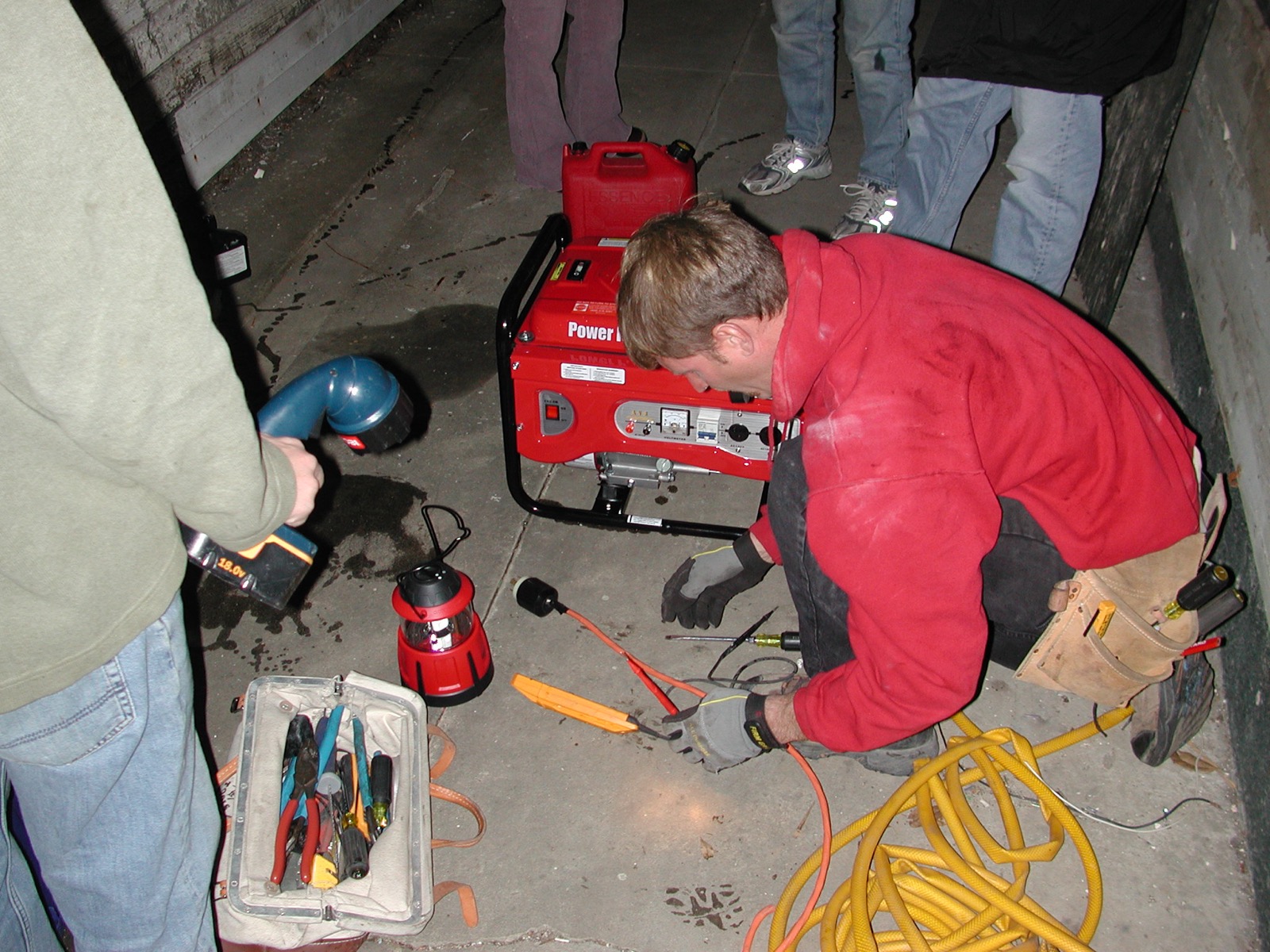
Electrical work is not a simple open slot service. One enquiry may be a quick replacement, another may be a fault that needs diagnosis, and another may involve inspection, certification, landlord timing, tenant access, or follow up remedial work.
That is why the first job of the booking flow is qualification. A client facing page can still feel simple, but it should collect enough information to decide whether the visit can be confirmed, quoted, routed, and reminded properly.
Because electrical work carries real safety and competence expectations, customers are often encouraged to use a registered electrician for installation or repair work. Professional registers and competent person schemes also shape customer expectations around who attends, what proof may be needed, and whether a job is routine or inspection led.
For the booking app, that changes the question. You are not only asking when the customer wants you to arrive. You are asking what kind of electrical risk, property context, access condition, and record trail the job creates.
| Booking type | What must be known before confirmation | Why it matters |
|---|---|---|
| Small repair | Fault, affected area, photos if possible, parking, access, and preferred time | The visit may be short, but missing details can still waste the callout. |
| EICR or inspection | Property type, number of bedrooms or circuits, occupancy, access, certificate expectation, and landlord or agent details | The booking needs enough scope to reserve the right length of visit and record the right follow up. |
| Emergency callout | Urgency, visible danger, power loss, vulnerable people, address, phone contact, and safe waiting instructions | A normal calendar slot may be the wrong promise when the issue needs triage. |
| Installation | Work description, property age, board location, access, parts, photos, and whether a quote comes first | The job may need survey, quote, materials, certification, or a second visit. |
Public registration paths such as competent electrical work searches and registered trade checks for householders show why customers often need more than a booking time. They need confidence that the right person is being booked for the right type of work.
Health and safety guidance for electrical work also reinforces the practical point: when the work has safety implications, vague appointment labels make poor operational records. The booking app should help the business understand the job before the visit is accepted.
What the booking page must ask
The booking form does not need to feel long. It does need to ask the questions that protect the diary, the customer, and the electrician's working day.
Real electrician booking forms show the pattern clearly. A small electrical job form can start with contact details and work required, while a short booking request can collect postcode, phone, and description. The useful lesson is not to copy another firm's exact form. It is to separate essential qualification from optional detail.
A good electrician booking app should let you place the strongest qualification questions early, then keep the rest conditional. If the job is simple, the customer gets through quickly. If the job is complex, the app collects enough context before anyone believes the booking is final.
Essential booking fields
- Customer name, phone number, and email
- Postcode before the final slot promise
- Full address when the visit is likely to go ahead
- Electrical issue or service type
- Property type and access notes
- Photos or supporting notes where useful
- Urgency and whether power is affected
- Preferred date or arrival window
- Whether a quote, inspection, or repair is expected
- Payment, deposit, or callout fee acknowledgement where relevant
A simple online appointment page for electrical services can work well for routine demand, but the app still needs an internal record that the electrician can use later. If the details stay trapped in a form email, the team has to rebuild the job from memory.
Request first or instant booking
The safest booking app is not always the one that confirms every appointment instantly. Electricians usually need both modes: instant booking for defined work and request first booking for jobs that need review.
Instant booking can make sense for repeatable jobs with clear scope, known duration, controlled service areas, and simple access. Request first booking is better when the customer does not know the fault, when the property context matters, or when the visit may need an inspection before a repair.
Customer facing examples show both patterns. A book online page can advertise fast booking, while an EICR booking guide often explains a more specific inspection process. The app should let you choose the right promise for the job.
| Use instant booking when | Use request first when |
|---|---|
| The service has a fixed duration | The fault needs diagnosis before time can be reserved |
| The customer is inside the normal service area | The postcode sits at the edge of the route |
| The electrician has the right skills and parts available | The work may need survey, certification, or specialist equipment |
| The price, callout fee, or deposit is clear | The customer needs a quote before committing |
| Access is straightforward | Tenant, landlord, parking, key safe, or site access details are unclear |
Connect booking to the working day
The booking is only the first operational step. Once the job is accepted, the app should carry the same detail into the calendar, route, reminder, client record, invoice, and payment trail.
This is where generic booking tools often feel tidy at the front and messy behind the scenes. The customer has booked, but the electrician still has to copy details into a diary, check the route, send a confirmation, remember the callout fee, and later raise the invoice.
Good form design helps here. Government service guidance recommends asking questions in a structure that supports the service decision, and accessibility guidance stresses clear instructions for forms. For an electrician, that means the booking flow should make the next job step obvious to both the customer and the business.
| Booking detail | Where it should go next |
|---|---|
| Postcode and address | Calendar route planning, travel buffer, and mileage context |
| Fault or work type | Job notes, parts planning, quote decision, and visit length |
| Access notes | Appointment reminder and day of visit instructions |
| Inspection or certificate need | Job record, document trail, and follow up task |
| Fee or deposit status | Payment tracking, invoice draft, and client account history |
Clearer forms reduce mistakes only when the answers are used. Practical guidance on structuring forms around service decisions, writing useful form instructions, and making web forms easier to complete all points back to the same operational habit: ask the right question at the point where it changes the next step.
Compare apps by workflow
When you compare electrician booking apps, ignore the longest feature list at first. Test whether one real week of jobs can move through the app without falling back into scattered messages and manual admin.
Start with the jobs you actually take. If your week includes small repairs, EICRs, urgent callouts, landlord work, and quote first installations, the app needs more than a public booking page. It needs booking rules, a job record, route context, reminder logic, invoice or payment tracking, and simple client history.
For businesses that visit customers, even local discovery and service area setup matters. A service area business can define areas it serves, but the booking app still has to turn that public promise into operational control. The customer should know whether they are booking, requesting, or waiting for confirmation.
Shortlist criteria
- Can the booking page separate repairs, inspections, EICRs, installations, and emergency requests
- Can it collect postcode, address, access, property, job description, and photos before confirmation
- Can urgent jobs use request first booking instead of normal diary slots
- Can simple jobs be confirmed quickly without asking too much
- Can the calendar protect travel time and realistic visit lengths
- Can confirmations and reminders include access, prep, and arrival information
- Can the booking become a client and job record instead of a loose email
- Can invoice, payment, callout fee, or deposit status stay attached to the job
- Can notes and documents be found again after the visit
- Can the app stay simple enough to use from the van between jobs
Customer trust also depends on expectation setting. Practical consumer advice about checking a trader before booking work and choosing work through a recognised quality scheme is a reminder that booking clarity is part of trust, not only admin.
Where Offlico fits
Offlico is built for mobile and home visit service businesses that need the booking, diary, reminders, payments, invoices, mileage, and records to stay connected.
For electricians, the value is not another booking link on its own. It is the ability to collect the job details early, plan the visit around a real location, remind the customer with the right context, and keep the follow up admin attached to the same appointment.
A simple way to judge the fit is this: if a customer books online today, can you still understand the job tomorrow without reading a message thread? If the answer is no, the booking app is not carrying enough of the work.
Final takeaway
The right electrician booking app should make the job clearer before it reaches the diary. It should help the customer explain the work, help the electrician decide whether the slot is safe to promise, and keep the details available after the visit.
If you are comparing tools, run one real booking through each shortlisted app. Use a simple repair, an urgent fault, an EICR, and a quote first installation. The app that handles those four journeys with the least copying, chasing, and uncertainty is the one most likely to survive a busy week.
What should an electrician booking app include
It should include a public booking page or request form, service types, postcode and address capture, job description fields, access notes, calendar scheduling, reminders, job records, invoice or payment tracking, and client history.
Should electricians allow instant online booking
Instant booking works best for simple repeatable jobs with known duration and service area rules. Use request first booking for unclear faults, emergency work, inspections, installations, and jobs that may need a quote before confirmation.
Why does route fit matter for electrician bookings
An electrical job can look available in the calendar but still fail in practice if the address, parking, access, duration, urgency, or parts requirement does not fit the rest of the day.