How to prevent booking conflicts
A booking system can show a free slot and still let too much work into the day. The diary may not include driving, setup, cleaning, notes, breaks, late finishes or the uneven length of different services. A daily appointment limit adds one clear backstop: once the chosen number of bookings is reached, the system stops offering more online appointments for that day.
The useful question is not simply, “How many customers can I fit?” It is, “How many complete appointments can I deliver properly, including everything around them?”

What a daily booking cap should do
- Protect the amount of work a person or team can realistically deliver.
- Count travel, preparation, notes, breaks and follow up, not only service time.
- Work alongside availability, service duration and buffer rules.
- Distinguish an online booking cap from the total workload already in the diary.
- Stay adjustable as routes, staff, services and real appointment data change.
What a daily appointment limit does
A daily limit is a volume rule. If the limit is six, the seventh qualifying booking is not offered online even when the calendar appears to contain another gap. This can protect a lunch break, a paperwork window or the final part of the day without forcing the business to block every minute manually.
It is only one part of availability. The Scottish business support guide to choosing an online booking system recommends listing the business requirements before selecting the system. A daily cap belongs in that requirements list beside opening hours, service duration, staff, locations, resources and the way changes are handled.
Most scheduling tools begin with bookable hours and appointment duration. For example, appointment schedule setup asks the organiser to define availability and scheduling settings. A cap answers a different question. It can close demand even when an individual time window is technically free.
An empty slot is not always usable capacity
Capacity is the resource available to do the work. Demand is the work asking to be done. That distinction is simple, but it changes how a diary should be configured. NHS England describes demand as day to day work and capacity as the total resource available to deal with it. The same planning distinction is useful outside healthcare, even though the operating rules and risks are different.
A calendar gap is only usable if the worker, travel time, equipment and supporting tasks can all fit. Three thirty minute services may consume very different amounts of the day when one is nearby, one needs twenty minutes of setup and one sits at the edge of the service area.
- Working time: the hours the person is genuinely available to deliver services.
- Service time: the duration promised to the customer.
- Transition time: setup, cleaning, packing and notes.
- Journey time: travel between mobile or home visits.
- Protected time: breaks, stock collection, calls and essential admin.
- Uncertainty: normal variation in traffic, service length and customer readiness.
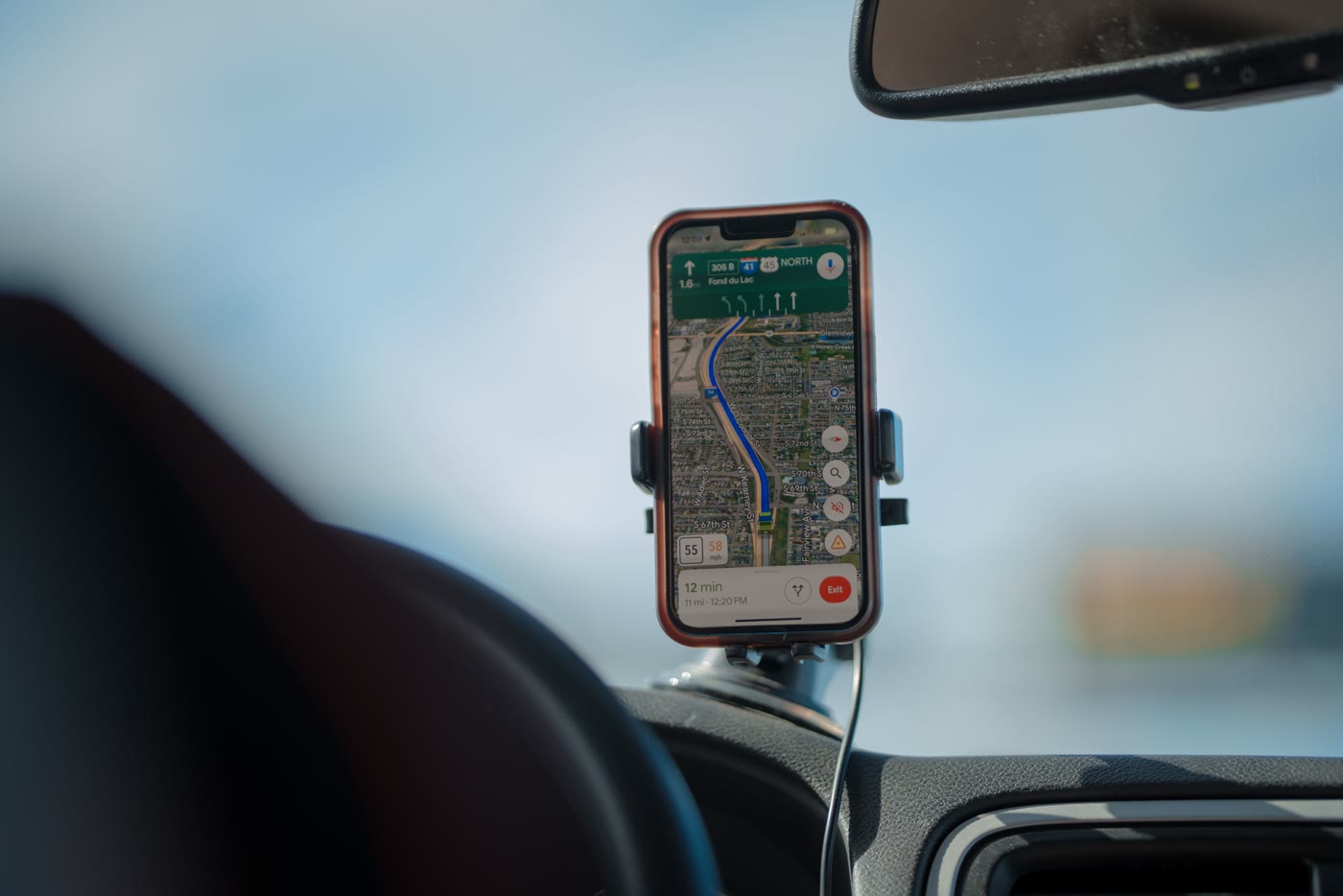
Choose the cap from workable minutes
Do not start with a number that merely looks busy. Build the number from a realistic day, then test it against the mix of services you actually sell.
Write down workable hours
Use the time the person can genuinely work, not the full span between the first possible start and the final possible finish.
Reserve fixed commitments
Remove planned breaks, administration, stock collection, team checks and other protected time.
Estimate transition time
Add setup, cleaning, notes and ordinary variation between customers.
Model the likely service mix
Test short, medium and long services rather than dividing the day by one average duration.
Include route reality
For mobile work, use recent journeys and service areas to test whether the sequence is deliverable.
Choose a cautious starting cap
Set a number the business can deliver consistently, then review completed days before raising it.
The calculation is a planning exercise, not a universal benchmark. Different services, areas and workers need different limits.
Decide exactly what the limit counts
A setting called “daily booking limit” can behave differently from one system to another. Ask what is counted before relying on it. Is it only appointments made through the public booking page, or every confirmed appointment in the diary? Does a manually added booking reduce the remaining online capacity? What happens after a cancellation?
The range of booking tools also matters. The WordPress plugin directory describes booking calendars that support different appointment types and scheduling contexts, while a Microsoft support discussion shows how a seemingly simple two opening day can require precise availability rules. These examples are not recommendations for a particular product. They show why the rule must be tested in the exact booking flow.
- Does the cap count online bookings, staff created bookings or both?
- Is the limit per person, per calendar, per location or across the whole business?
- Can different services have different caps?
- Do group bookings count once or by attendee?
- Does a cancelled appointment release capacity immediately?
- Can staff override the cap, and is that override visible?
- Do rescheduled appointments count correctly on the old and new dates?
Use service rules when appointment lengths vary
One daily number works best when appointments consume similar amounts of time and effort. It becomes blunt when a business offers a fifteen minute check, a ninety minute treatment and a half day job through the same booking page.
Research on appointment capacity planning treats the amount of capacity assigned to appointment types as a deliberate planning problem. A separate research record describes capacity and appointment scheduling as linked decisions. A small service business does not need a mathematical model to use the underlying lesson: one booking is not always one equal unit of work.
When services vary, combine the broad daily cap with service duration, buffers and service specific limits where the system supports them. You might allow more short consultations but restrict resource heavy services that need travel, equipment or substantial follow up.
Reserve space for work that cannot be booked early
Some businesses need capacity for urgent requests, repeat customers, delays or work that can only be confirmed after reviewing an address or job description. Publishing every possible slot online can remove that flexibility.
A healthcare capacity study gives one formal example of reserving appointment capacity for different levels of urgency. It is a specialised clinical model, not a rule for ordinary service businesses. The transferable idea is to decide deliberately whether some capacity should remain unavailable to routine online booking.
Professional guidance for general practice also discusses moving away from uncapped demand towards recorded working limits. Again, healthcare limits must not be copied into another sector. What matters here is the discipline of setting a documented boundary instead of assuming every visible minute can be sold.
Treat the cap as a backstop, not a route planner
A daily cap can stop seven appointments entering a six appointment day. It cannot prove that the six appointments form a sensible route. Two jobs on opposite sides of the service area can still break the plan even when the cap has not been reached.
Use the cap with service areas, travel allowances, start locations and manual review for awkward journeys. If the system cannot understand routes, keep the cap cautious and leave space near the end of the day. Review the actual travel pattern rather than steadily raising the cap because some days finish early.
The broader principle is the same one used in demand and capacity work: assess whether the available resource is enough to deliver the service in a timely way. For a mobile operator, the vehicle and the route are part of that resource.
Keep the customer experience clear
A capacity rule should close unavailable dates cleanly. It should not let the customer complete a long form and only then reveal that the day is full. It should also avoid showing gaps that staff will regularly reject.
Guides for small businesses emphasise that an online booking system should make the process easier for the customer. One overview explains how the system choice depends on the business and its sector. Another describes online booking as a way to give customers access without tying the owner to the phone. A cap supports that convenience only when the remaining availability is trustworthy.
- Show only dates and times that can genuinely be delivered.
- Explain when no online slots remain without implying that the business is closed.
- Offer a request or contact route only when someone will manage it.
- Keep cancellation and rescheduling rules consistent with the cap.
- Test the booking page on a phone as well as a desktop browser.
Review the cap with real appointment data

A cap is a starting control, not a number to set once and forget. Review several ordinary weeks. Look for late finishes, skipped breaks, unfinished notes, repeated overrides, long journeys and customers who had to be moved.
NHS England notes that measuring demand and capacity does not solve the workload by itself, but it makes the nature of the workload visible. The same caution applies here. A booking count becomes useful when it is compared with what the day actually required.
Raise the limit only when the evidence shows spare capacity across the normal service mix. Lower it when the team is repeatedly relying on overtime, rushing transitions or rejecting bookings that the public page allowed.
Daily booking limit comparison checklist
When comparing booking systems, ask for a demonstration using a nearly full day. General booking app comparisons often focus on ease of use and avoiding double bookings. For example, one scheduling comparison begins with the need for a reliable way to book without wasting time or double booking staff. Add the workload questions below so the demonstration covers capacity as well as conflicts.
- Can I set a maximum number of appointments per day?
- Can the limit differ by staff member, service or location?
- Do manual bookings reduce the remaining online allowance?
- Can I add buffers before and after a service?
- Can I protect breaks and administration without creating fake appointments?
- Can I keep selected slots for urgent or manually reviewed work?
- Does a cancellation reopen the right amount of capacity?
- Can an override be recorded and understood later?
- Can I see how many days regularly hit the cap?
- Can I test the customer view before publishing changes?
Write a short capacity policy
Keep the final rule short enough that anyone managing the diary can use it. Record the cap, what it counts, the services or people it applies to, the protected time, who may override it and when it will be reviewed.
A simple policy might say: “Online bookings stop at five confirmed visits for this worker. Staff created bookings count towards the same total. One additional slot remains private for urgent repeat work. Any override must include a route check and a note. Review the rule after four normal weeks.” This is a hypothetical example and should be adjusted to the business.
If staff keep making exceptions, investigate the rule rather than quietly normalising overrides. The issue may be the cap, the service duration, the route, the public availability window or the way manual work is counted.
Set a limit the working day can keep
Use a daily cap as one practical boundary alongside working hours, service duration, buffers and route checks. If you are reviewing how online booking fits the rest of your workflow, see Offlico booking features, read the guide to booking systems and travel time, or compare Offlico plans.