What this searcher needs
The practical search query this article answers is booking app vs booking page vs booking form. Query variants checked included booking page for self employed service business, online booking form vs booking system, booking form for home visits, booking app for mobile service business, and online booking flow for service businesses.
The operator problem is concrete. A business owner knows customers should be able to book online, but they do not know whether to publish a simple booking page, build a detailed form, or move the whole workflow into a booking app.
That matters commercially for Offlico because this is close to software selection. The reader is not only asking what a page should look like. They are deciding how booking, route fit, reminders, payment, invoices, and records should stay connected.
The simple difference
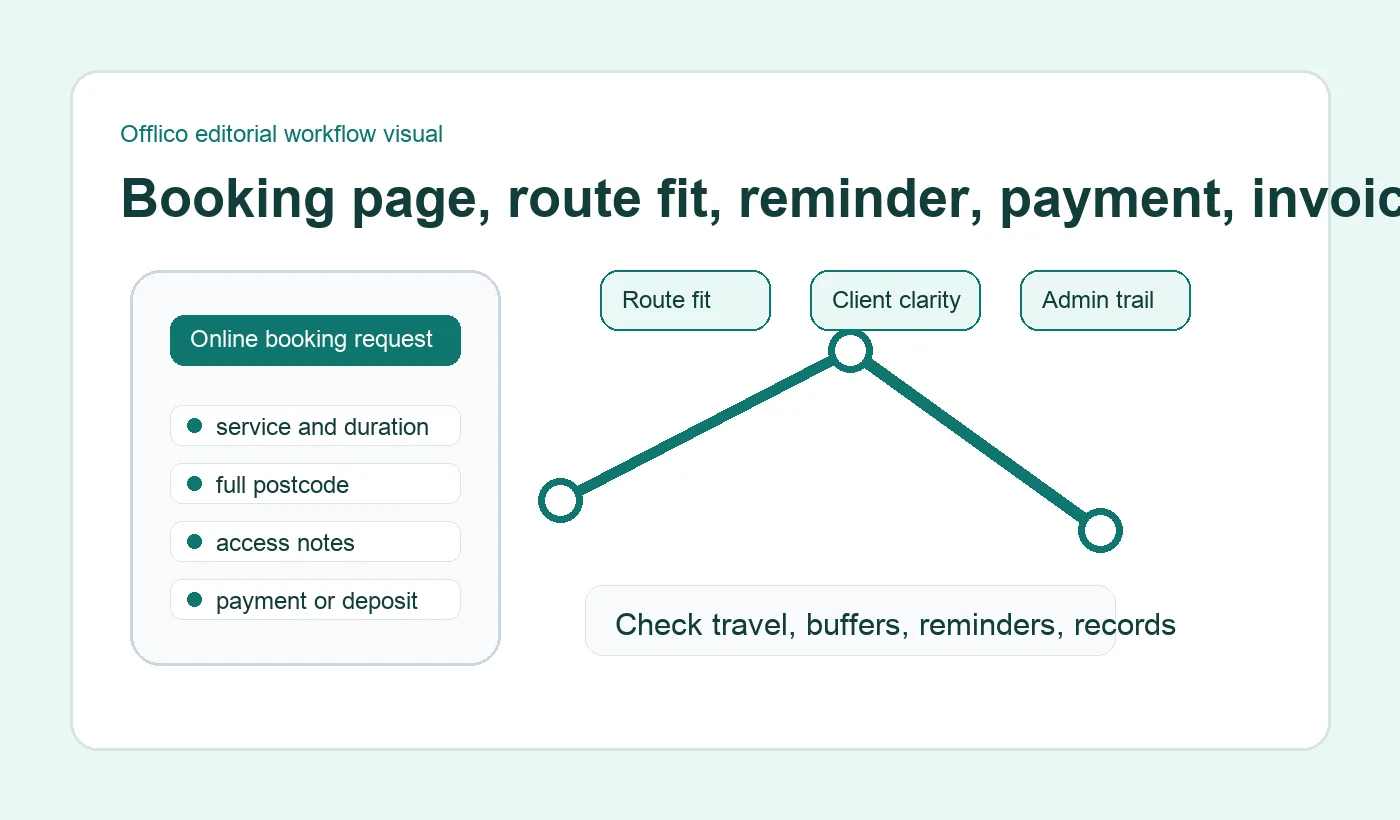
A booking page is the public place a customer lands when they want to book. A booking form is the questions they answer. A booking app is the system the business uses to manage the booking, calendar, client record, reminders, payments, and follow up.
Search results around online booking often mix these words together, but operators should separate them before choosing software. A nice page can still create admin if the form is weak. A good form can still fail if the app behind it cannot manage the day.
| Surface | What it does | Where it fails on its own |
|---|---|---|
| Booking page | Shows services, availability, contact details, and the next step | It may not collect enough context to confirm mobile work |
| Booking form | Asks for service, address, access, timing, and policy details | It may become heavy if every question is asked too early |
| Booking app | Runs calendar, client notes, reminders, payments, invoices, and records | It may be overkill if the public flow is unclear or too hard to use |
Google Business lets businesses add appointment links, which shows why the page matters for discovery. But the link is only the start. For mobile service work, the customer still needs to give the details that make the appointment confirmable.
When a booking page is enough
A booking page can be enough when the service is simple, the area is narrow, the duration is predictable, and the owner is happy to confirm unusual jobs manually. It works best as a clear doorway, not as the whole operating system.
For example, a local massage therapist, barber, or cleaner with fixed service lengths may start with a public page that explains services and asks the customer to choose a time or send a request. The page should still set expectations around area, timing, cancellation, and what happens next.
A booking page should make these clear
- what services can be booked online
- whether the booking is instant or request then confirm
- which areas or postcodes are normally covered
- what happens if the customer needs to move the appointment
- whether deposits, payment, or cancellation rules apply
- how the customer will receive confirmation and reminders
Customer expectation matters because booking terms can become a dispute later. Plain service guidance around supplying services and setting expectations and consumer guidance on cancelling an arranged service both point to the same practical habit: explain important booking rules before the customer assumes the slot is fixed.
When the form matters more
The form matters most when missing details create real work later. Mobile businesses often need the full address, postcode, access note, parking note, service detail, pet or client context, photos, preparation, and communication preference before they can confirm a visit.
This does not mean making the first step long. It means asking decision making questions in a sensible order. Start with the questions that decide whether the booking can go ahead, then ask deeper details only when they are needed.
Service design guidance recommends putting form questions in a logical order and only asking for information that is needed to deliver the service. That is useful for booking flows because clear form structure reduces confusion and unnecessary effort.
Accessibility guidance makes the same point from a user perspective. When the form asks for dates, addresses, notes, or phone numbers, instructions and expected formats should be clear before the user makes an error.
Form usability research reaches the same practical conclusion. Clear labels and sensible question order make online forms easier to complete, especially when customers are booking from a phone and do not yet know which details matter.
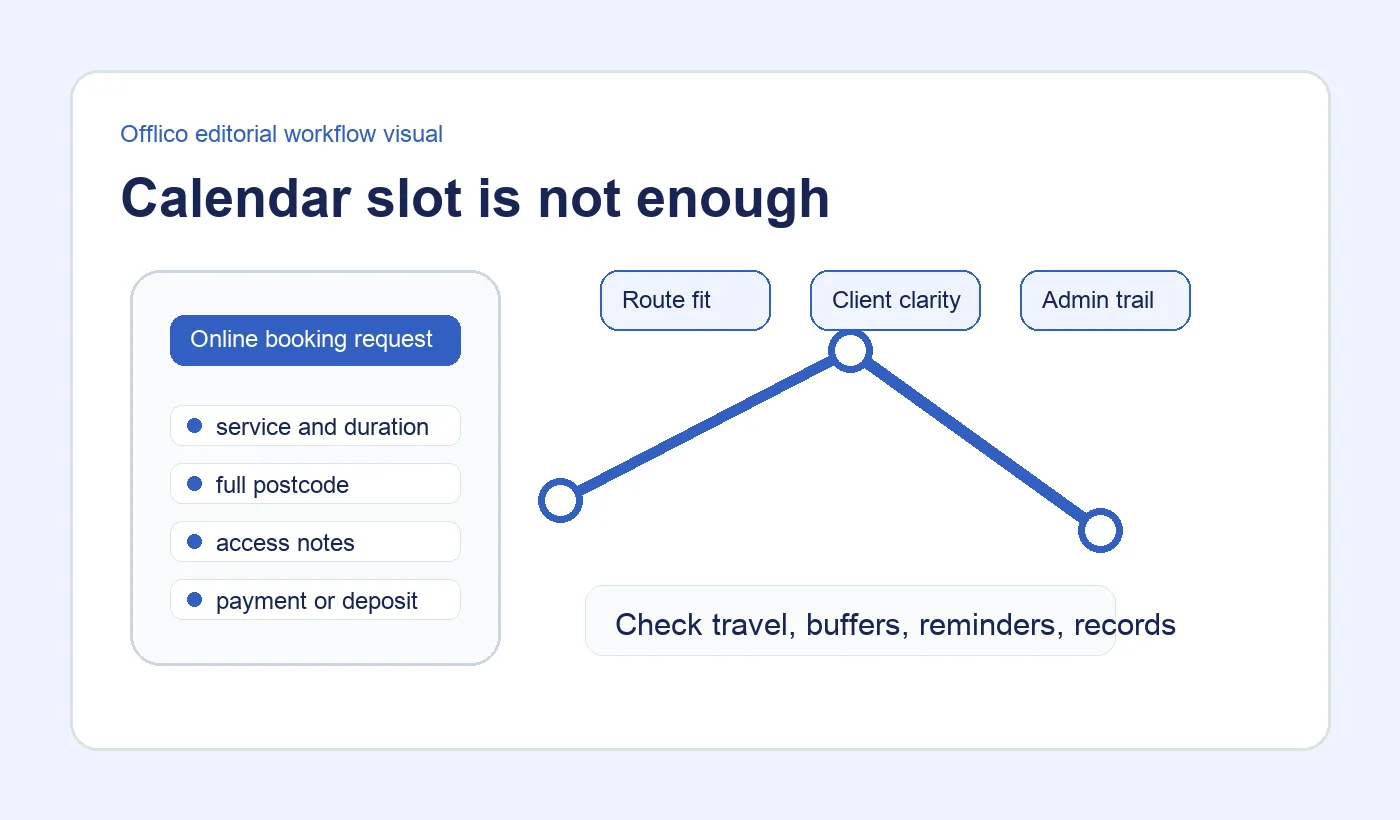
| Question | Why it belongs | When to ask it |
|---|---|---|
| Postcode or area | Controls route fit and service area | Before showing a firm slot |
| Full address | Needed for the visit record | After the request looks serviceable |
| Access or parking note | Prevents blocked visits and late arrivals | Before confirmation or in the confirmation follow up |
| Service detail | Controls duration price and preparation | Before the slot is accepted |
| Cancellation rule | Protects the day and reduces confusion | Before payment or final confirmation |
When the app is the answer
The booking app becomes important when bookings are no longer isolated requests. If every new booking needs a reminder, client record, route judgement, payment, invoice, mileage note, or repeat appointment prompt, the app is doing work a page cannot do alone.
A strong app keeps the booking alive after the customer submits it. It should hold the service, address, notes, reminders, payment status, invoice context, and follow up in one workflow. That is where the hidden admin usually sits.
Payment context is a common example. General guidance on booking systems with payments and payment status shows why booking and payment records often need to stay linked. For a mobile service operator, that link also affects reminders, invoice follow up, and the end of day admin trail.
Form platforms show useful intake patterns, including appointment request forms that capture contact details and preferred timing, appointment booking templates for structured requests, and short booking forms that reduce friction. The app question is what happens after those fields are submitted.
Choose the right combination
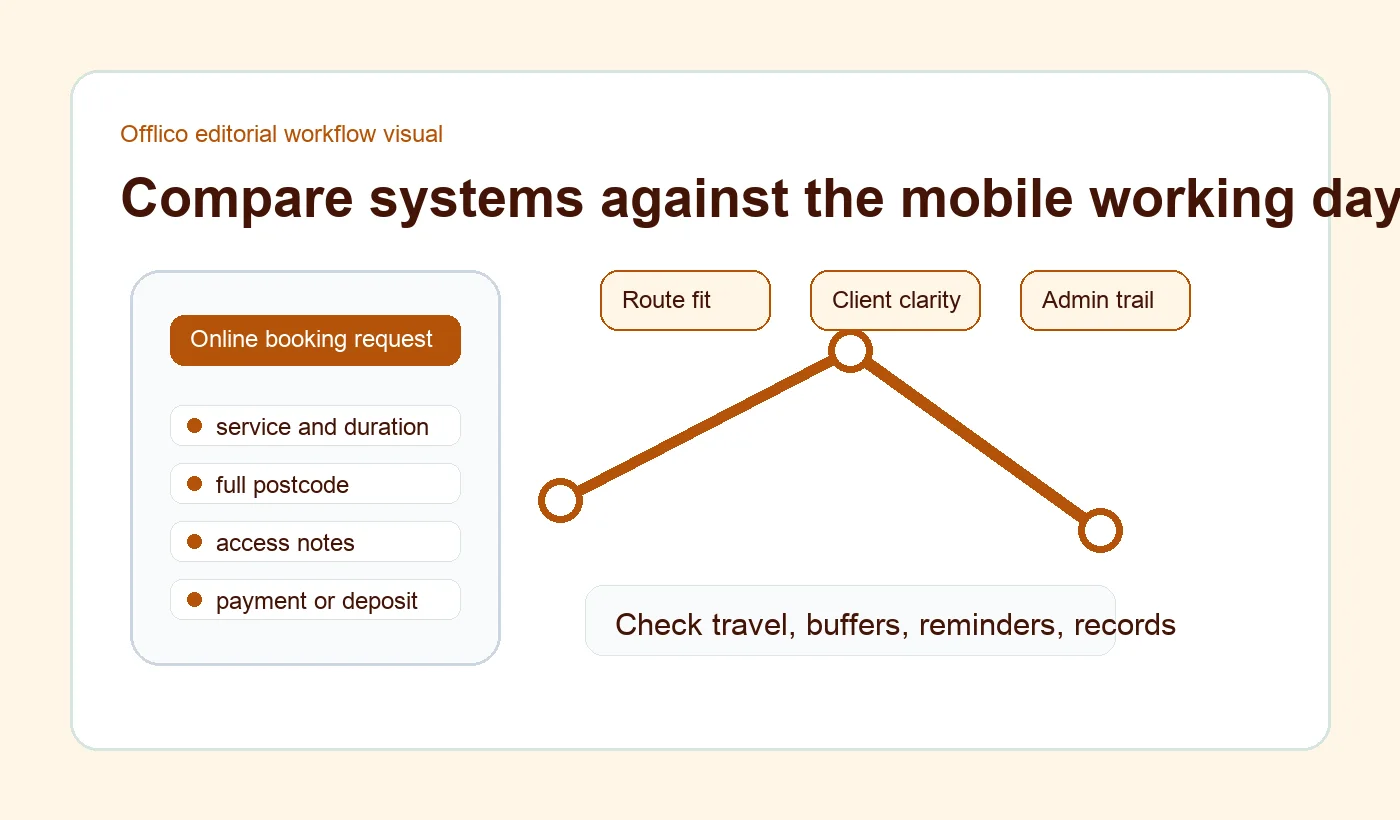
Most mobile service businesses do not need to choose only one. The practical setup is a clear booking page, a focused form, and an app behind it that protects the working day.
The combination depends on risk. Simple repeat appointments can be instant. Complex, distant, first time, or high value work should often be request then confirm. That keeps the customer journey easy while still giving the business control.
| Business situation | Best setup |
|---|---|
| Simple fixed duration services | Booking page with short form and instant confirmation |
| Home visits across postcodes | Booking page with postcode check and request then confirm |
| Jobs needing photos or detailed notes | Booking form before manual approval |
| Repeat client appointments | Booking app with saved client context and reminders |
| Services with deposits or policies | Booking page plus payment or policy step before confirmation |
Form usability research also supports keeping the flow focused. Long forms can lose people when fields feel unnecessary, while well designed fields and labels reduce effort at the point of action. Use that principle to remove vague questions and keep the ones that change the booking decision.
Where Offlico fits
Offlico fits when online booking needs to become an operating workflow. The booking page can collect the request, the form can capture the right context, and the app can keep route, reminders, payment, invoice, client record, and bookkeeping details connected.
For a mobile service business, that matters because the real cost of online booking is not the page. It is everything the owner has to fix afterwards when the booking arrives without enough context.
Use Offlico when you want online booking to stay close to smart scheduling, automatic reminders, payments, and bookkeeping instead of splitting each step into a separate admin job.
Frequently asked questions
Is a booking page the same as a booking form?
No. The booking page is the public page where the customer starts. The booking form is the set of questions that captures the details needed to confirm the appointment.
Do I need a booking app or just a form?
Use a form if you only need structured requests. Use a booking app when those requests need to connect to the diary, route, client notes, reminders, payments, invoices, or records.
Should mobile service businesses allow instant booking?
Use instant booking for predictable jobs inside a known area. Use request then confirm when the appointment depends on travel, access, photos, preparation, or a wider arrival window.
Final takeaway
The best choice is not app, page, or form in isolation. It is the combination that turns a customer request into a booking the business can actually run.
For mobile service work, start with the route and the admin trail. If the public page, form questions, and app workflow protect those two things, online booking becomes calmer for the customer and more useful for the operator.