What this searcher needs
The practical search query this article answers is appointment reminder email template. Google autocomplete also surfaces appointment reminder message template, appointment reminder email example, and doctor appointment reminder email template, which shows the searcher wants wording they can use quickly.
The operator problem is not only forgetting. Clients miss appointments because the reminder does not show the service, time, address, preparation, cancellation rule, or easiest way to reschedule at the moment they need it.
That matters commercially for Offlico because reminder template searches reveal a business with no show pain. The owner is ready to improve reminders, booking records, and follow up admin rather than only write a nicer email.
Copy the core template
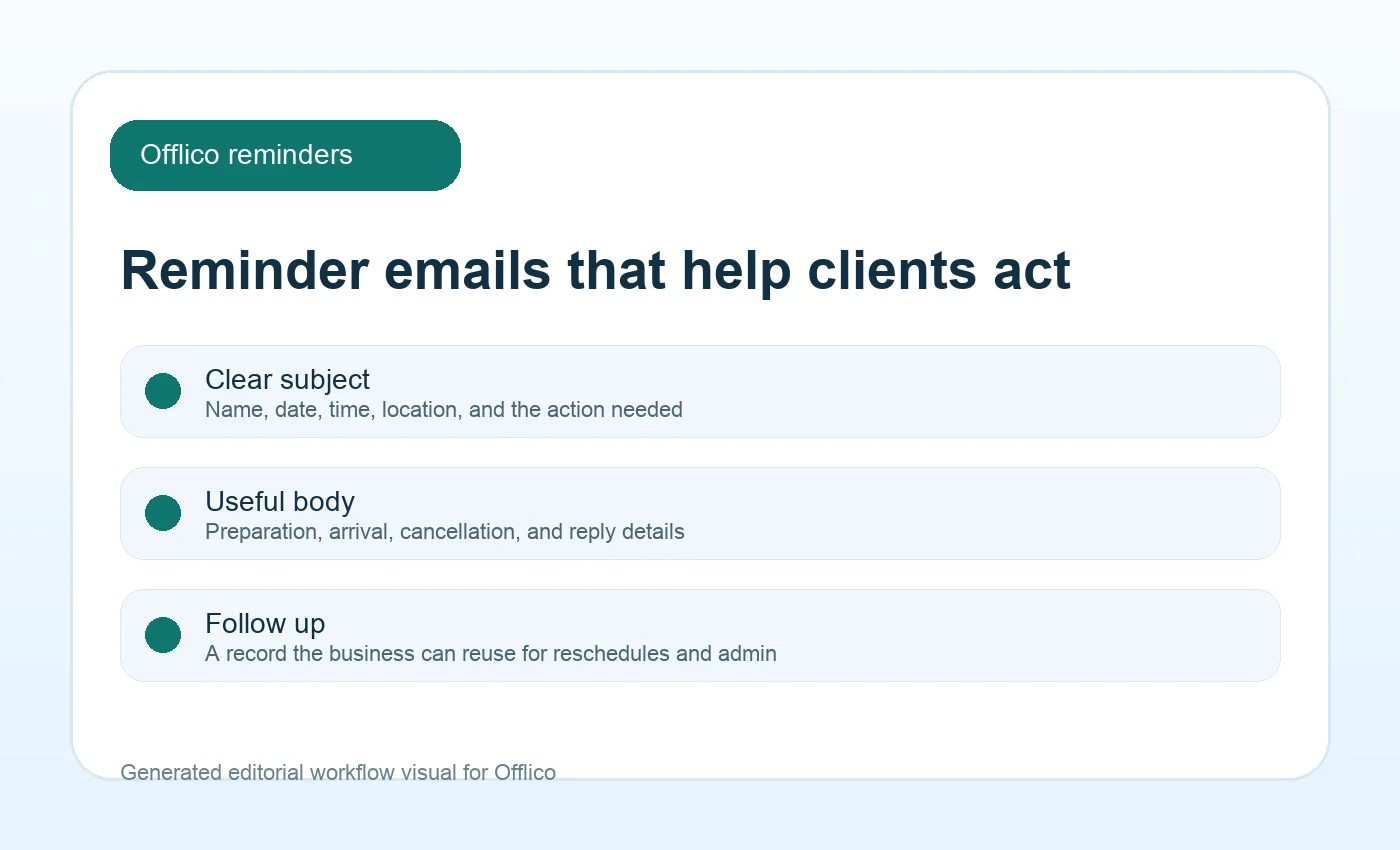
Start with a short subject line and a body that answers the questions a client would otherwise ask in a reply. The goal is calm clarity, not pressure.
The GOV.UK guidance on emails and text messages is useful because it says messages should be timely, clear, and appropriate to the channel. That same principle works for small service businesses.
| Part | Example copy |
|---|---|
| Subject | Reminder: your [service] appointment is on [date] at [time] |
| Opening | Hi [first name], this is a reminder for your [service] appointment with [business name]. |
| Details | Date: [date]. Time: [time]. Location: [address or online link]. |
| Preparation | Please [bring, complete, clear access, or reply with any change]. |
| Reschedule | Need to move it? Reply to this email or use [link] by [cut off time]. |
| Close | Thanks, [business name]. |
Include details clients use
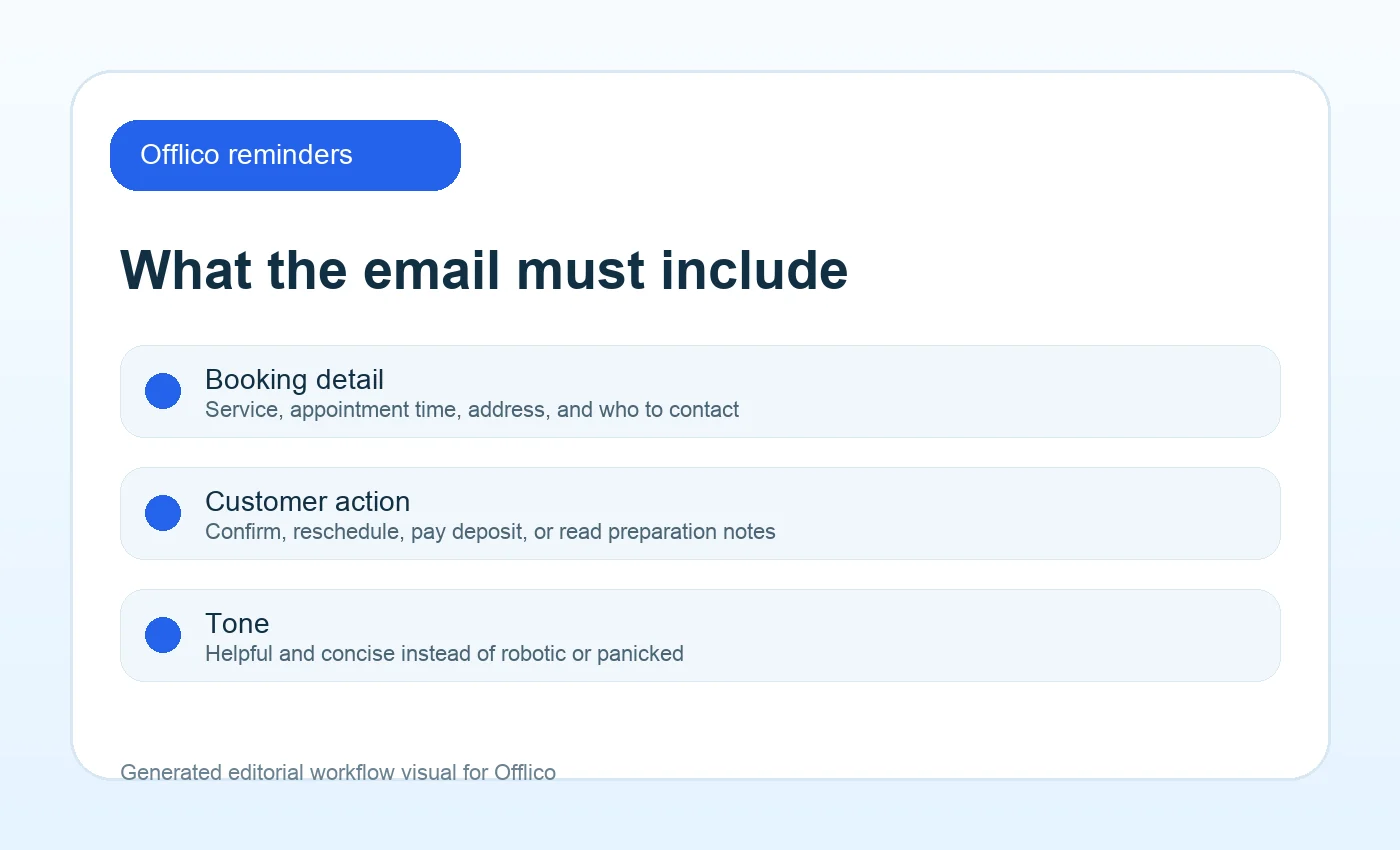
Reminder emails often fail because they are too generic. A client may remember the booking exists but still search messages for the address, parking note, preparation step, deposit status, or cancellation rule.
Plain language guidance from GOV.UK inclusive communication and transactional email guidance from Nielsen Norman Group point to the same rule: make the important detail easy to find.
Include these details
- client first name
- service or appointment type
- date and arrival window
- address, postcode, room, or video link
- parking, access, pets, gate code, or preparation notes
- deposit, balance, or payment expectation where relevant
- how to confirm, cancel, or reschedule
- who to contact if anything has changed
Match timing to the risk
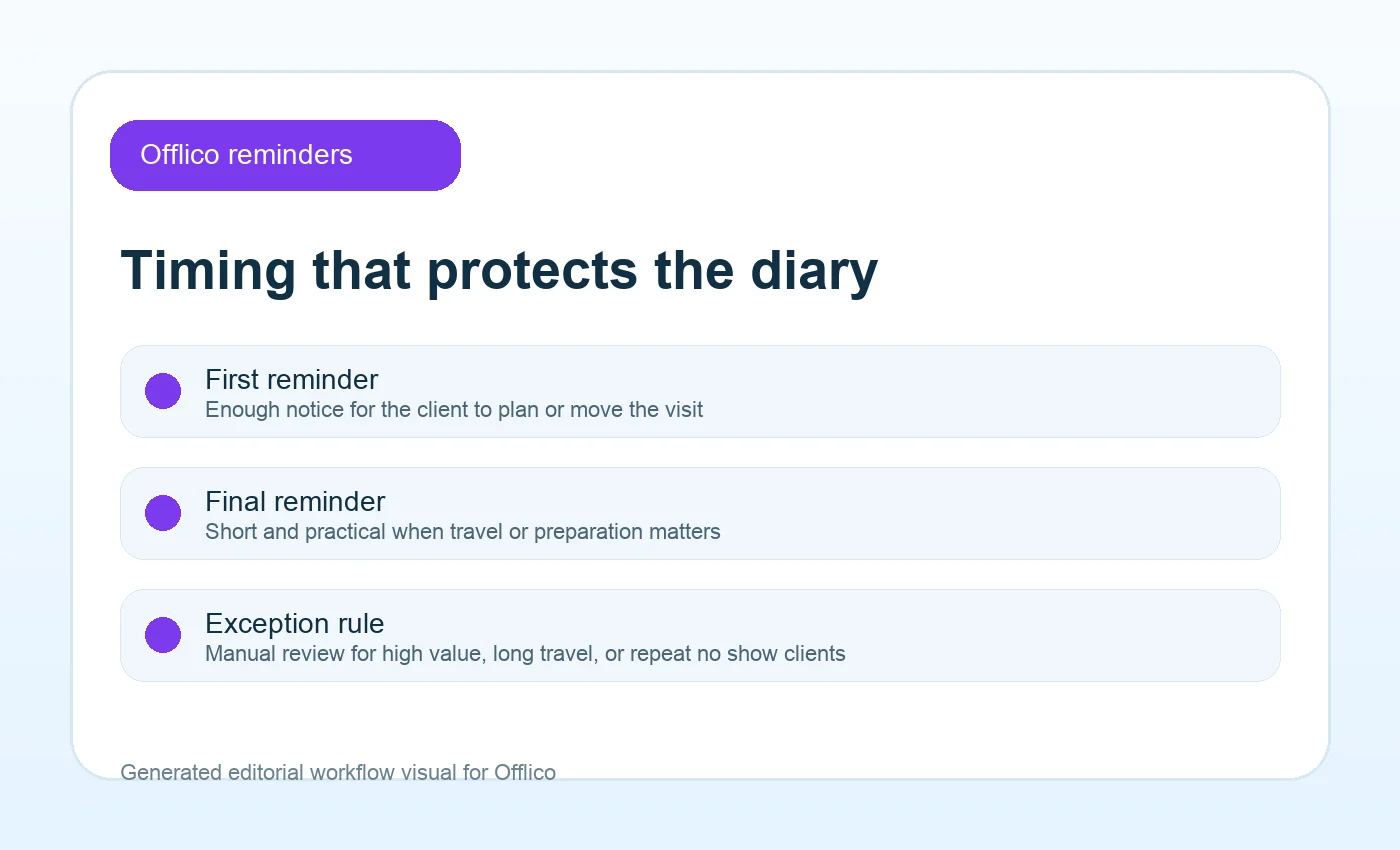
A reminder sent too early is forgotten. A reminder sent too late does not protect the slot. The right timing depends on travel, appointment value, preparation, client reliability, and how quickly the slot can be refilled.
Reminder settings from Acuity Scheduling and workflow examples from Calendly show why timing is part of the reminder system, not a final polish step.
| Appointment type | Suggested email timing | Why |
|---|---|---|
| simple local visit | 24 hours before | enough notice without creating inbox clutter |
| long home visit | 48 hours plus same day text | protects travel, preparation, and access details |
| deposit or cancellation policy | after booking and before cut off | gives the client fair notice before a fee or lost slot |
| high value or repeat no show risk | manual check plus automated reminder | keeps the owner aware before the diary is at risk |
Keep consent and expectations clear
Appointment reminders are operational messages, but businesses still need to keep customer expectations clean. The safest reminder flow tells clients what messages they will receive and uses the information for the appointment purpose.
The ICO direct marketing guidance is important when operational updates start to overlap with marketing. The W3C form notification guidance also helps with clear success messages after a booking or reschedule request.
Learn from common tools
Template pages and scheduling tools show what clients already expect from appointment messages. You do not need to copy any one platform, but you can borrow the pattern: clear appointment detail, simple action, and consistent timing.
Useful references include Mailchimp appointment confirmation emails, SendGrid email template design, Twilio appointment reminders, Square Appointments, and Stripe appointment scheduling software. Public appointment information from the NHS also reinforces how much people rely on reminders and booking details.
The workflow test
- Does the reminder pull from the confirmed booking record?
- Can the client see date, time, service, and location without hunting?
- Does the email say exactly how to reschedule?
- Does the owner know when a reply needs manual action?
- Can reminders vary by service, deposit rule, or travel risk?
Where Offlico fits
Offlico fits this problem when reminders are not treated as standalone email copy. The booking creates the client and appointment record, the reminder reuses those details, and reschedule or follow up admin stays connected to the same job.
That matters because reminder quality depends on the record underneath it. If the service, time, location, client note, and route context are already clean, the reminder is more useful and the business has fewer manual checks to make.
Final takeaway
The best appointment reminder email template is not clever. It is complete. It gives the client the details they need, the action they should take, and enough notice to protect the appointment.
Start with the template, then improve the workflow behind it. When reminders come from a clean booking record, they become easier to trust and easier to act on.
What should an appointment reminder email say?
It should include the client name, service, date, time, location, preparation notes, reschedule option, cancellation expectation, and business contact details.
When should appointment reminder emails be sent?
Many service businesses use 24 to 48 hours before the appointment, with earlier reminders for deposits, preparation, long travel, or high value work.
Should I use email or SMS reminders?
Use email when clients need fuller details such as preparation, address, links, or policy wording. Use SMS when speed and visibility matter. Many businesses benefit from both.