What this searcher is deciding
The practical search query this article answers is sole trader bookkeeping spreadsheet vs software. The person behind it is not choosing between two neat categories. They are asking whether their current record habit is still strong enough for the way the business now runs.
The problem usually appears after the work is done. The job has been completed, the customer may still need an invoice, the payment status is unclear, the receipt is in a pocket, and the mileage is waiting to be remembered later. A spreadsheet can hold those numbers, but it cannot force the habit.
That matters commercially for Offlico because this bookkeeping problem sits close to the daily operating workflow. Sole traders who are comparing spreadsheets and software are already feeling friction around invoices, receipts, mileage, tax records and the admin that follows each visit.
Start with what records must prove
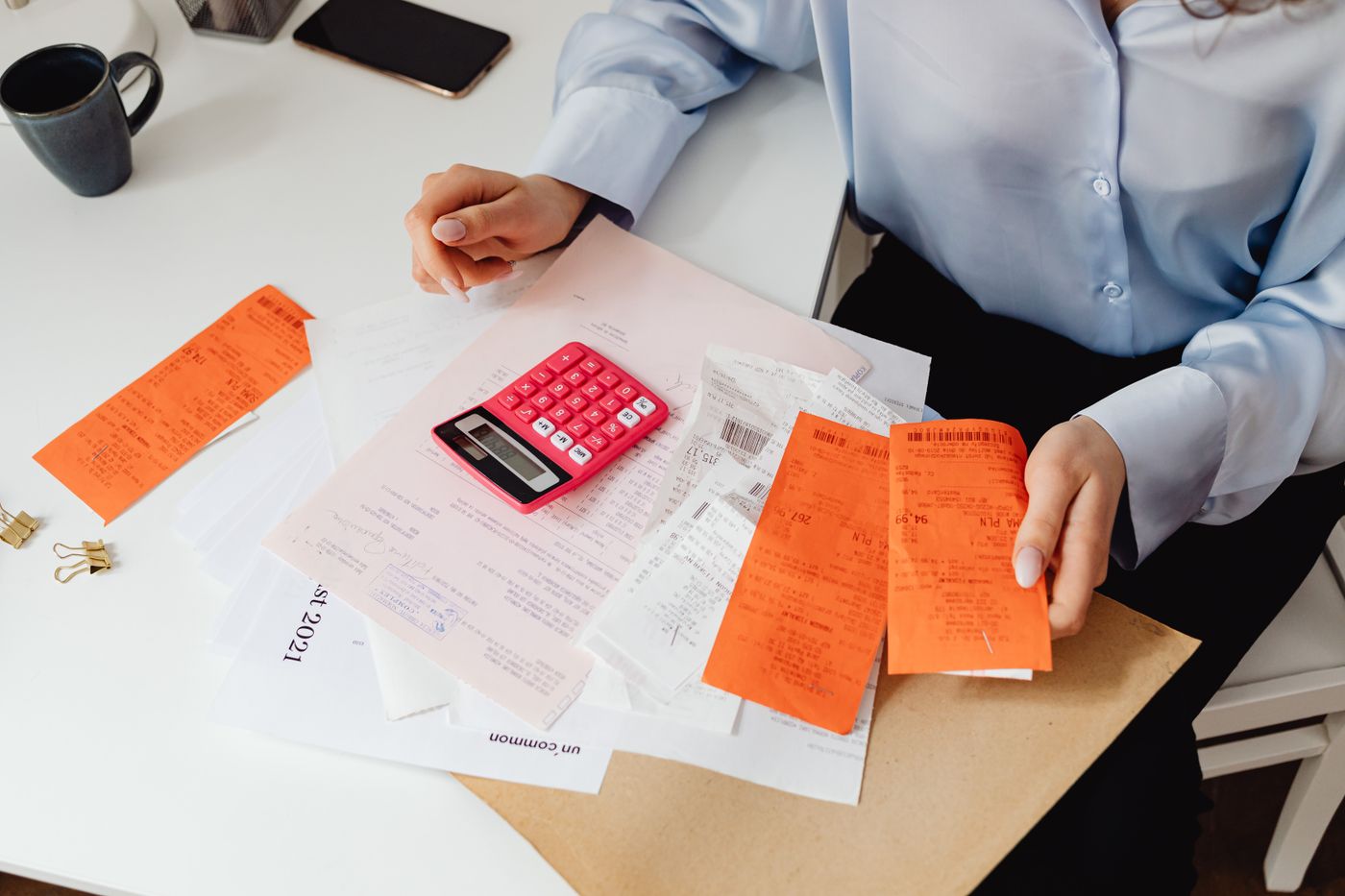
Before comparing tools, be clear about the job your records have to do. GOV.UK says self employed people must keep records of business income and expenses for Self Assessment. The more detailed GOV.UK record page explains that records should help you work out profit or loss and show HMRC your figures if asked.
That makes the spreadsheet question practical rather than emotional. If the file clearly records sales, income, expenses, mileage, invoices, receipts and what is owed, it may still be enough for a simple business. If it only receives a rushed update before tax return season, it is not really a system.
Plain English guidance from LITRG is useful here because it focuses on the retention habit. Self employed people generally need to keep business records for five years after the relevant 31 January deadline. A record system that only works while memory is fresh will struggle over that time.
Your record system should show
- what you earned
- which invoices are unpaid
- what you spent for the business
- which receipts support those expenses
- which journeys were business mileage
- what belongs to each client or job
- what changed after a correction or reschedule
TaxAid gives the same practical message in simpler language: record keeping is easier when income, expenses and supporting documents are organised as you go. That turns the tool question into a weekly discipline question: can you find the evidence without rebuilding the year from memory?
When a spreadsheet is still enough
A spreadsheet can be a good first system. It is cheap, familiar, flexible and easy to share with an accountant. It can work well when the business is simple, the owner updates it every week, and the file has clear categories rather than one long list of mixed notes.
Search results for the target topic showed real spreadsheet demand, not just software shopping. DIY Accounting offers Excel workbooks for small UK businesses, YogaTax publishes income and expenses templates for self employed teachers, and Business Accounting Basics keeps free Excel templates live because many small businesses still want a simple workbook.
The important point is not that spreadsheets are bad. It is that spreadsheets rely heavily on you noticing every missing line. If you are disciplined, a spreadsheet can support a simple sole trader. If you are always catching up, the spreadsheet is hiding admin debt.
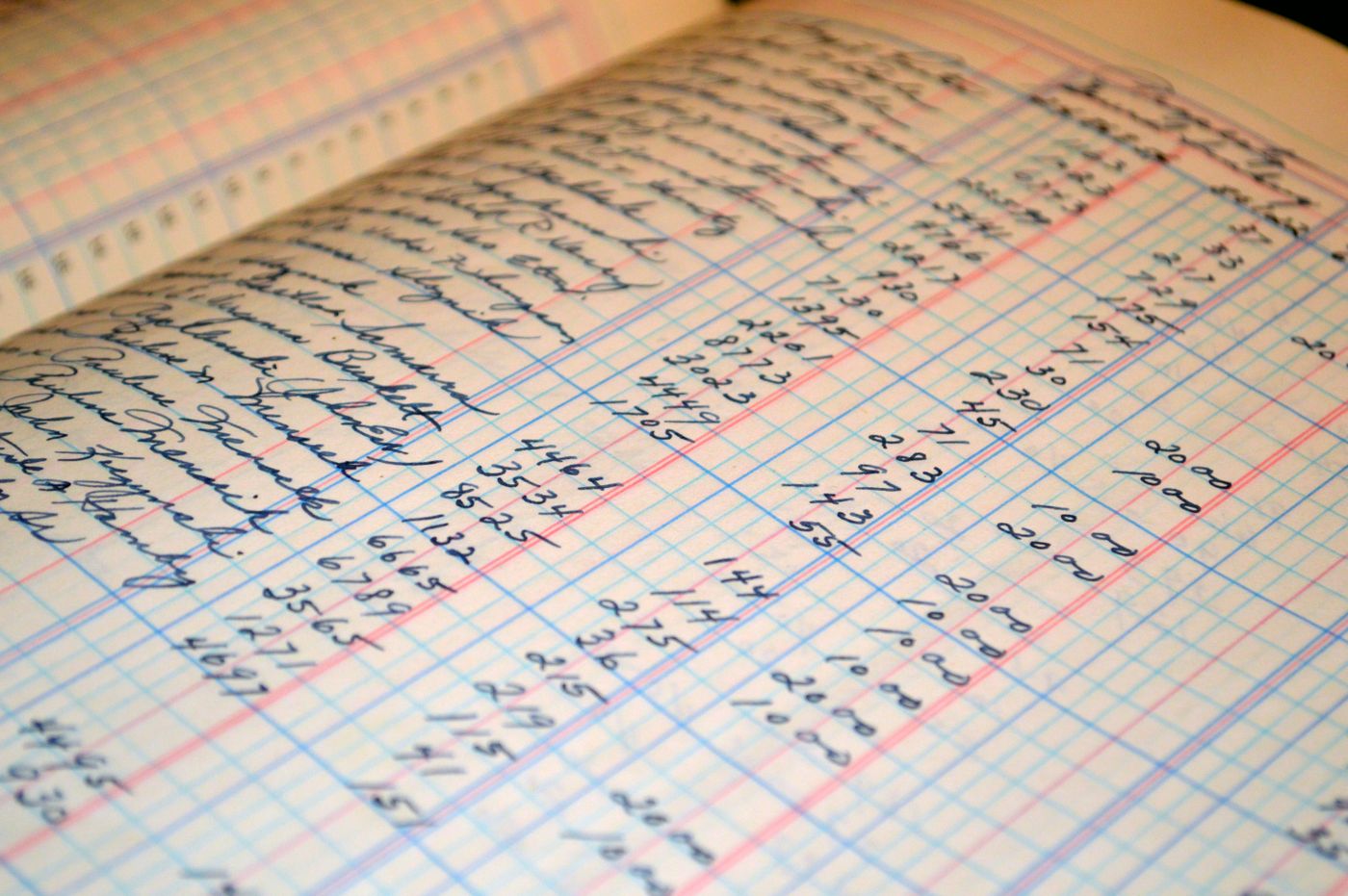
Template libraries are useful because they show the basic shape of the work. A workbook can separate sales, purchases and profit, while a template page can help you start with income, expenses and summary tabs rather than a blank sheet. Free spreadsheet resources also show demand for bookkeeping templates built around small business records.
| Spreadsheet works best when | Watch the warning sign |
|---|---|
| You have few transactions | You keep adding separate tabs to patch the process |
| You invoice on time elsewhere | Paid and unpaid work is checked from memory |
| You record mileage weekly | Journey purpose is guessed at month end |
| Receipts are saved the same day | Photos, emails and paper receipts are scattered |
| An accountant reviews the file | Nobody checks formulas, categories or gaps |
Where spreadsheets start to break
The failure point is usually not the spreadsheet itself. It is the gap between the work and the record. Mobile and home visit sole traders move between bookings, payments, messages, parking, suppliers and customers. The admin trail is created in pieces.
ByteStart frames the practical comparison well: spreadsheets are flexible, but software can help when you need bank transaction syncing, unpaid invoice chasing, and a clearer view of tax. The useful test is whether your current setup is missing the checks and reminders that stop bookkeeping drift.
Recent accountant guidance also keeps returning to the same weak spots. Red Parrot Accounting highlights formula fragility and manual error risk, while Ellis and Co and Dolmans both treat missed records, weak reconciliation and delayed updates as common small business bookkeeping mistakes.
The problem is bigger for mobile work because invoices, receipts and mileage are connected to a real appointment. If those records live in separate places, you end up checking the calendar, bank account, email, notes app and spreadsheet before you know whether the job is complete.
Practical mistake lists are useful because they name the everyday issues rather than selling a tool. Look for signs such as manual errors and formula risk in spreadsheet based records, missed categorisation and irregular review habits, and late bookkeeping that makes numbers harder to trust.
Move away from the spreadsheet if
- you are guessing mileage after several visits
- you keep losing receipt photos before they reach the file
- you cannot see which invoices are unpaid
- you duplicate the same job details in several places
- your spreadsheet categories no longer match your accountant or MTD software
- you put off bookkeeping because opening the file feels like a separate evening job
MTD changes the tool test
Making Tax Digital makes this decision more urgent for many sole traders, but it does not mean every spreadsheet must disappear overnight. GOV.UK says some sole traders and landlords must use compatible software for Making Tax Digital for Income Tax from 6 April 2026, and that people should choose software before signing up.
Current public guidance also shows staged expansion. The HMRC campaign site says sole traders and landlords above the next threshold must start using MTD software from 6 April 2027, and recent MoneyWeek coverage explains why more people are now reassessing digital records, quarterly updates and software choice.
The practical lesson is simple. Do not ask only whether Excel is allowed. Ask whether your spreadsheet creates clean digital records, whether any bridging software can handle the submission route, and whether the record habit is strong enough for quarterly updates rather than one annual clean up.
Official GOV.UK guidance is the safest place to check current eligibility and software rules. Start with the MTD Income Tax software guidance, then compare whether your existing spreadsheet can be connected through a compliant route or whether a bookkeeping app is cleaner.
Not every source agrees on the best transition path. AccountingWeb notes that some sole traders can start with tools that support existing spreadsheets, while GoCardless explains the role of bridging software that links spreadsheet records to HMRC submission routes. That is useful if your spreadsheet is already tidy. It is less useful if the file is only tidy after a January rescue job.
For current context, recent MTD coverage on sole trader deadlines and compatible software and consumer reporting on the self assessment shake up both show why spreadsheet users are asking this question now.
Mobile work needs context
A fixed desk business might record one sale, one expense and one receipt with enough context. A mobile service business often needs to connect the booking, customer, address, mileage, parking, materials, invoice and payment status. That is where ordinary spreadsheet bookkeeping starts feeling too detached from the job.
Mileage is the clearest example. GOV.UK simplified expenses guidance says you should keep records of business miles if you use flat rates. Driversnote, Contractor UK and IPSE all show practical mileage log fields such as date, route, purpose, distance and supporting notes. The mobile version needs one extra detail: which client or appointment caused the journey.
Receipts have the same issue. A fuel receipt, product receipt or parking receipt is easier to trust when it sits next to the job that created it. A spreadsheet can record that if you add the habit. Software can make it less separate from the working day.
Mileage template guidance repeats the same fields because they matter: date, distance, purpose and journey notes. IPSE also gives useful context on claiming mileage when you are self employed. For a mobile operator, the missing field is often the appointment reference.
Sole trader template pages from Fox Accounting and The Accountancy Partnership show how quickly bookkeeping becomes a collection of practical artefacts: invoice templates, mileage forms, bookkeeping records and year end prompts. That is useful, but the operator still needs a routine that catches receipts and mileage before the week blurs.
| Record | Spreadsheet version | Connected workflow version |
|---|---|---|
| Invoice | Entered after the job | Created from the completed appointment |
| Payment | Checked against the bank later | Marked against the client and invoice |
| Mileage | Typed into a monthly tab | Linked to the visit address and route |
| Receipt | Saved in email or camera roll | Attached to the expense while context is fresh |
| Client note | Kept outside the bookkeeping file | Used to explain repeat work, charges and follow up |
Use a simple decision framework
The best decision is not spreadsheet good, software bad, or the other way around. It depends on complexity, volume, record quality and how much admin you are carrying after each job.
Use this test: if the spreadsheet gives you accurate records without repeated catch up, keep improving the template. If the spreadsheet is a place where records go only after you have chased them from other apps, move the record keeping closer to the work.
Small business and self employment guidance repeatedly points back to regular habits. The Federation of Small Businesses warns self employed people about common tax mistakes, and A Wise Accounting highlights traps such as mixing personal and business finances, losing receipts, and missing deductions. Those are habit failures first and tool failures second.
Run this check once a month
Check invoices
Can you see what was sent, what was paid, and what still needs chasing without opening three other apps?
Check receipts
Can every expense line point to a receipt, bank transaction or clear business reason?
Check mileage
Can each journey show date, purpose, route and client context before memory fades?
Check MTD readiness
Can the records support compatible software or a bridging route without rebuilding the quarter?
Check effort
If bookkeeping only happens when it becomes painful, the tool is not fitting the work.
The visible pattern across practical sources is consistent. Use a spreadsheet for simplicity, but do not let simplicity become delay. Move to software when it reduces the number of places you need to check, improves records while work is happening, and makes review less dependent on memory.
For further practical context, compare guidance on avoiding common tax mistakes when self employed, tracking sole trader expenses and avoiding lost records, and record keeping and expenses for self employed sole traders. They all point back to making records routine rather than heroic.
Where Offlico fits
Offlico is not tax advice and it should not replace an accountant. Its job is to reduce the daily gap that makes bookkeeping messy for mobile service businesses.
That means keeping the appointment, client, address, route context, invoice, payment status, mileage and notes closer together. A spreadsheet can still sit behind the business if you want one, but the working record should not depend on remembering everything after a long day.
For a mobile sole trader, the practical value is rhythm. The booking creates context, the visit creates mileage, completion creates invoice or payment follow up, and the week ends with fewer loose details to rebuild.
Use Offlico when you want bookkeeping to sit closer to mileage logging, invoices, payments and client records rather than rebuilding those links manually in a spreadsheet.
Final takeaway
If your spreadsheet is current, checked, backed up and easy to explain, it may still be enough for a simple sole trader. Keep it clean and review it every week.
If it is really a holding place for late invoices, missing receipts, guessed mileage and MTD worry, the problem is not the spreadsheet file. The problem is that bookkeeping has drifted too far away from the work. Move the record system closer to each job before the year has to be rescued.
Can a sole trader use a spreadsheet for bookkeeping
Yes, a spreadsheet can work for simple sole trader bookkeeping if it accurately records income, expenses, invoices, receipts and mileage, and if it is updated regularly. Check current MTD rules if you are in scope or close to a threshold.
When should a sole trader move from spreadsheet to software
Move when the spreadsheet no longer gives you reliable weekly records, when invoices and payments are hard to track, when receipts and mileage are scattered, or when MTD reporting needs cleaner digital records.
Does Making Tax Digital ban spreadsheets
Not always. Some businesses may use bridging software with tidy spreadsheet records, but you still need compatible software for submission if you are in scope. Check GOV.UK guidance for your exact position.