Why mobile invoicing breaks
The practical search query this article answers is self employed invoice app. The person searching it is usually trying to get invoices out faster, but the real problem is wider than making a nice PDF.
For a mobile hairdresser, cleaner, therapist, dog groomer, trade, repair operator, or home visit service, the invoice is tied to a real appointment. The job has a client, address, service, price, payment status, receipt trail, mileage, and follow up. When those details live in different places, invoicing becomes a reconstruction exercise.
This matters commercially for Offlico because invoice app intent is bookkeeping intent with a strong operational signal. The operator is not only looking for accounts software. They are looking for a calmer way to move from booking to payment without losing the job context.
What an invoice app must do
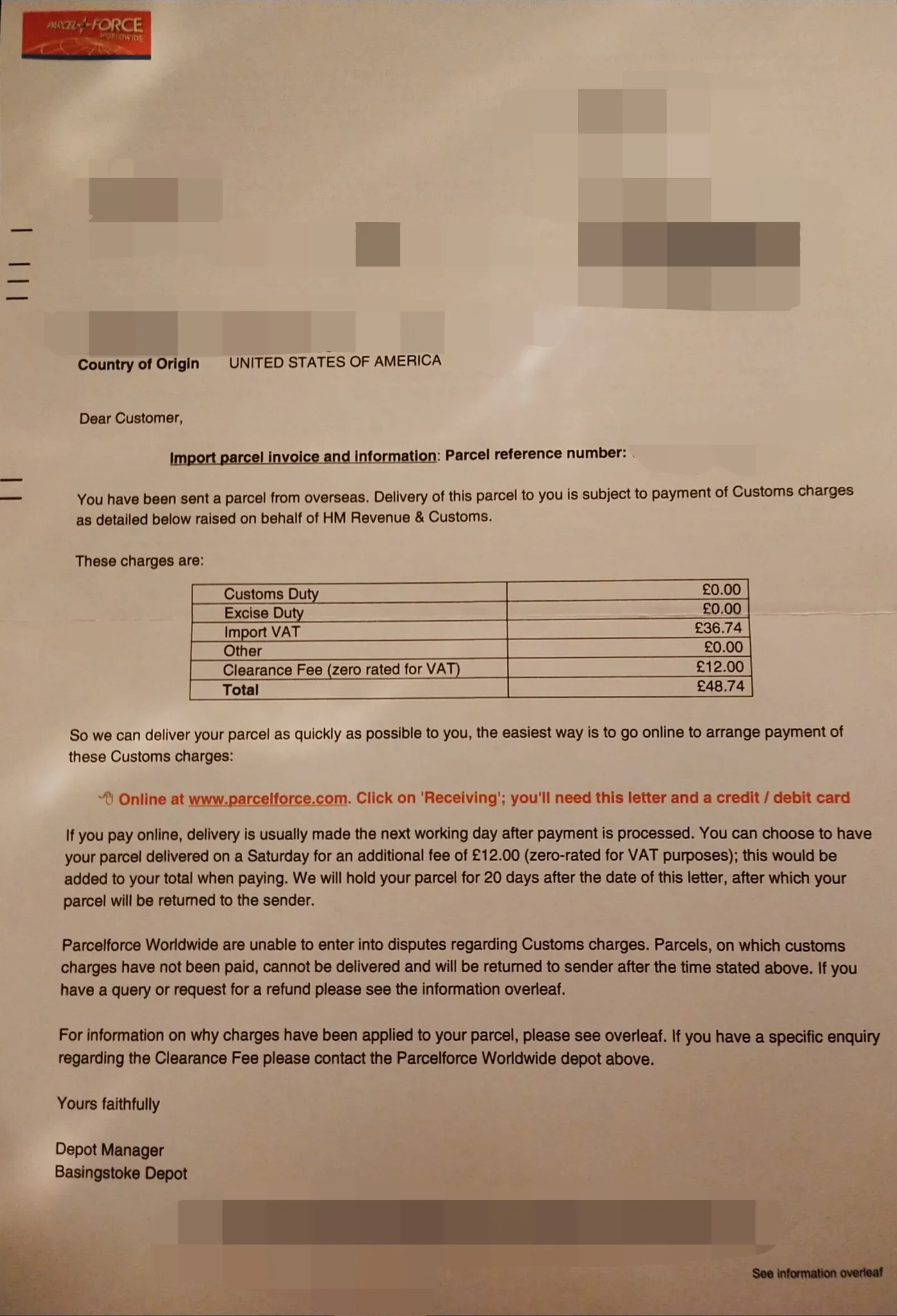
A basic invoice app should let you create, send, and track invoices. For self employed mobile workers, that is only the starting point. You also need enough detail to explain what happened if a client questions the bill or if you need to review income later.
UK self employed people must keep records of business income and expenses. If VAT applies, an invoice may also need specific information, so invoice fields should be treated as records, not decoration.
Core invoice app jobs
- create invoices quickly from a phone
- reuse client and service details
- show sent, paid, part paid, and overdue status
- record deposits, discounts, VAT where relevant, and payment terms
- attach receipts, job notes, or supporting records
- make follow up reminders easy to send
- export records for your accountant or bookkeeping system
Mobile workers need job context
Many invoice tools are designed around a clean office workflow. Mobile work is messier. A client might pay at the door, ask for a receipt later, change the service during the visit, or need a second invoice contact. A tradesperson might quote on site, finish part of the job, and return with materials later.
Practical trade invoicing guidance points back to the same basics: describe the work clearly, keep accurate records, and make payment expectations visible. Self employed tradespeople need invoices that show what has been paid and what is owed, while freelancer invoice app comparisons usually focus on speed, tracking, and fewer mistakes.
| Mobile job detail | Why it belongs near the invoice |
|---|---|
| appointment date and address | proves which visit the charge relates to |
| service and extras | keeps line items clear when the job changes on site |
| deposit or part payment | prevents chasing the wrong balance |
| receipt or material cost | keeps job margin visible |
| mileage or travel note | connects bookkeeping to the route |
| follow up action | turns unpaid work into a tracked task |
Choose the right level
There is a real difference between an invoice maker, an invoice app, accounting software, and an all in one operations app. The right choice depends on how much context you need around the bill.
Freelancer invoice tool roundups often compare features such as invoice templates, payment tracking, expenses, and reporting. That is useful, but mobile workers should also ask whether the app understands where the invoice came from.
For a simple early stage business, small business invoicing software should be easy enough to use without a manual. For a business comparing broader tools, invoice software comparisons usually look at creation, tracking, recurring billing, and reporting. Those features matter, but they still need to fit the mobile job workflow.
| Tool type | Best fit | Watchout |
|---|---|---|
| invoice maker | one off simple bills | can become detached from bookings and payment follow up |
| invoice app | regular client billing from a phone | may still need separate mileage, receipts, and client notes |
| accounting software | tax, VAT, reports, and accountant workflows | can feel heavy for daily appointment admin |
| operations app | bookings, invoices, payments, reminders, mileage, and records together | must still export clean records when needed |
Payment terms and follow up
A good invoice app should make the next action obvious. If a bill is due today, part paid, disputed, or overdue, that status should be visible before the next visit takes over.
Late payment has a direct cash flow impact for small businesses, and clear cash flow habits matter even for small operators. Payment terms, due dates, and follow up routines help protect working cash.
If you charge other businesses, the UK also has rules around statutory interest and debt recovery on late commercial payments. Many sole traders will not want to lead with that language, but the invoice should still make payment expectations clear.
The same discipline applies to costs. Allowable business expenses still need a clear business reason, so invoice, receipt, mileage, and payment evidence should not drift into separate piles.
If unpaid invoices are already causing pressure, basic debt chasing advice for small firms starts with organised records and clear contact history. That is easier when the invoice is connected to the job from day one.
A simple invoice follow up rhythm
Send the invoice promptly
Use the appointment details while they are still fresh.
Confirm the due date
Make terms visible on the invoice and in the message that sends it.
Mark payment status
Separate paid, unpaid, part paid, refunded, and disputed work.
Schedule the first reminder
Do not wait until the invoice has already disappeared from view.
Save the evidence
Keep payment, receipt, and job context attached to the client record.
Fields that reduce errors
Invoice apps fail when important fields are optional in practice, hidden, or too hard to complete from a phone. The form should ask for the detail the operator will actually need later.
Good form design reduces avoidable effort, and accessible forms need clear labels, instructions, and error messages. That matters when you are filling the invoice between visits, not in a quiet office.
Small business technology guides also tend to stress practical features such as mobile access, payment tracking, and clear records. The useful test is whether the app reduces admin after real work, not whether it has the longest feature list.
Fields worth checking
- client name and invoice contact
- service address and billing address if different
- service date, job reference, and line item description
- rate, quantity, discounts, deposits, and VAT if relevant
- payment method, due date, and payment terms
- receipt attachment, material note, or mileage note
- internal note for follow up, repeat booking, or payment reminder
Where Offlico fits
Offlico is not a replacement for tax advice or full accounting software where a business needs that depth. Its role is the daily operating layer around mobile work: the booking, client details, payment status, invoice, receipts, mileage, reminders, and follow up.
That matters because most invoice mistakes start before the invoice is written. The detail was in a booking message, a route, a payment note, a receipt photo, or a client record, but not in the billing workflow.
Final takeaway
A self employed invoice app should do more than create a professional looking document. It should help you bill from the real job, track the payment, and keep the evidence tidy enough that future admin is not detective work.
For mobile workers, the strongest invoice workflow starts at the appointment. Capture the client, service, address, price, payment status, receipts, mileage, and follow up while the job is still fresh.