What this searcher needs
The practical search query this article answers is plumber booking app UK. Query variants checked included booking app for plumbers UK, plumbing scheduling software UK, plumber booking form, plumber booking software UK, and plumber callout booking form.
The core problem is not whether customers can click a button. It is whether the job is clear enough to accept before it fills the diary. Plumbing work can mean an emergency leak, a boiler service, a quote visit, a bathroom job, a blocked drain, a repeat maintenance call, or a customer who only needs to know whose pipe is responsible before booking.
That matters commercially for Offlico because the searcher is already close to a software decision. They are trying to reduce missed calls, vague job descriptions, bad routes, repeated messages, late reminders, awkward deposits, unpaid invoices, and scattered customer records.
Why plumbing bookings break
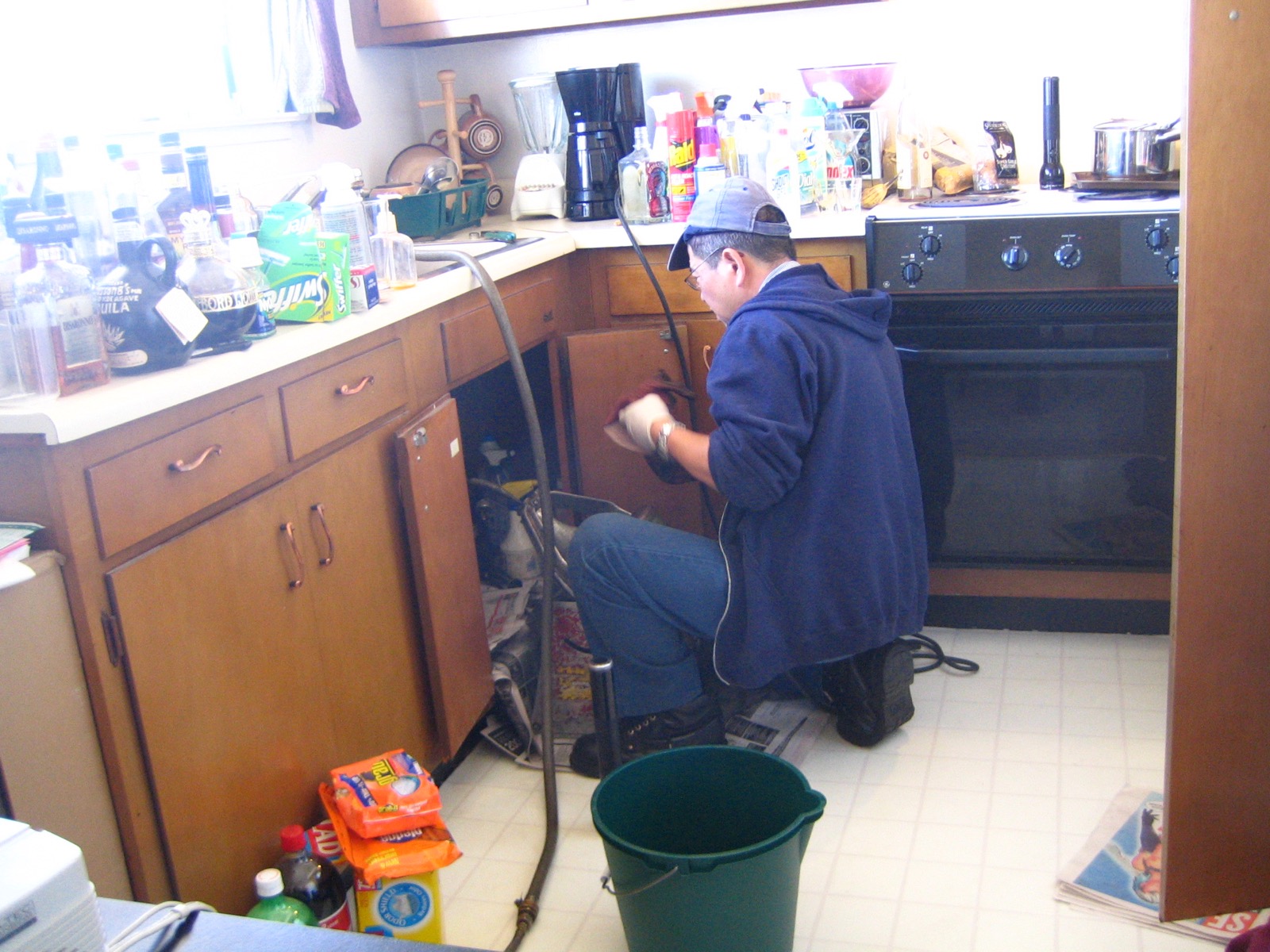
A basic booking page works well when every appointment has the same length, location, preparation, and price. Plumbing rarely behaves like that. A blocked sink, leaking pipe, tap repair, boiler issue, bathroom estimate, or emergency callout can all start with the same customer action but need very different decisions behind the scenes.
Real booking flows show the problem clearly. Some operators ask customers to submit a form and then wait for confirmation, as in a plumbing and heating service booking flow. Others collect service type, preferred date, contact details, and a short description before confirming, which mirrors the pattern in a working plumber booking form.
Price sensitivity also changes the booking. A customer searching for a callout may already be comparing rough fees, so visible guidance on plumber call out costs can affect whether they expect a quote, a deposit, or a confirmed paid visit.
- A customer books a small repair, but the job needs photos, parts, or a quote first.
- An emergency leak is treated like a normal appointment and waits too long.
- A boiler or gas related visit is booked without the details needed to prepare safely.
- The address looks nearby, but the visit breaks the route once travel and parking are included.
- The customer thinks the visit is confirmed, while the plumber still thinks it needs review.
- Payment, invoice, and customer history are rebuilt later from messages and memory.
Fields that qualify the job
The first test for a plumber booking app is the form. It should ask the few questions that change the decision, then keep those answers attached to the job. A plumber callout form pattern shows the basic shape: what needs doing, property address, preferred time, and contact details.
For real plumbing work, the form usually needs more judgement. If the work touches gas appliances, the booking flow should leave room for the right engineer, certificate, or safety context. The Gas Safe record context is a reminder that not every plumbing enquiry is the same operationally.
If the customer is unsure whether they need a plumber, triage matters too. Water companies publish practical ownership and leak guidance, including who is responsible for different pipes, as shown in pipe responsibility guidance. A booking app does not need to replace that guidance, but it should capture enough information to avoid a wasted callout.
| Booking question | Why it matters | Good answer format |
|---|---|---|
| What is the problem | Separates leaks, blocked drains, boiler issues, servicing, quotes, and planned work | Service menu plus short notes |
| Is there active water damage | Controls urgency and whether the customer needs faster help | Yes, no, not sure |
| Have you isolated the water | Helps the plumber judge risk before arrival | Yes, no, cannot access stopcock |
| Property type and access | Changes parking, tools, time, and entry instructions | House, flat, managed building, business premises |
| Photos or extra notes | Helps prepare parts, tools, and quote expectations | Upload or short description |
| Preferred time or arrival window | Keeps the diary realistic without promising impossible precision | Time window or request first |
Keep the form clear
More fields are not automatically better. The booking app should ask questions in the order the customer can answer them. Start with the decision route: service type, urgency, postcode, address, access, preferred timing, contact details, and any notes or photos that change the visit.
Public service guidance on form structure is written for government services, but the principle fits booking forms: ask one clear thing at the right time. Accessibility guidance on form instructions and help text is useful when a customer needs to know what a field means before they can complete it.
For plumbing, that means plain labels. Ask for postcode before full address if you need to check area fit. Ask for photos only when they improve the decision. Ask for boiler details only when they are relevant. Ask for permission to contact the customer in a way they understand before sending reminders or follow up messages.
Booking form checks
- Does every required field change the price, route, timing, safety, preparation, reminder, payment, or record
- Can the customer complete the form on a phone without guessing what you mean
- Does the form separate emergency callouts from planned jobs and quote requests
- Can the customer explain access problems, parking, pets, keys, flats, gates, or managed buildings
- Does the booking app store the answers against the client and job instead of leaving them in email
Route fit before confirmation
A plumbing booking can look available on a calendar and still be a bad appointment. The slot has to fit the previous postcode, the next postcode, the service length, traffic, parking, loading time, and the reality that some jobs overrun.
This is where a plumber booking app should do more than publish open slots. The booking flow can collect postcode or address early, then either show realistic availability or mark the request for review. Local service operators also need clear service area expectations, which is why even general business profiles distinguish between shops, visited locations, and service areas in service area guidance.
Water work also varies by context. Guidance from approved plumber schemes such as WaterSafe underlines that customers are often choosing for trust, not just speed. The booking experience should make the business look organised while still protecting the route.
- Use request first for emergency, quoted, uncertain, or safety sensitive work.
- Use instant booking only for service types with known duration, known area rules, and clear payment terms.
- Keep travel buffers visible to the operator, not hidden behind a generic available slot.
- Let the form collect access and parking notes before the day, especially for flats and managed buildings.
- Keep repeat customer addresses and property notes attached to the client record.
Confirmations and reminders
A booking app is also a communication system. The confirmation should tell the customer whether the job is confirmed, requested, quoted, or awaiting review. It should also explain what the customer needs to do before the visit, such as checking access, sharing photos, finding the stopcock, or making sure someone is home.
Plain operational messages work best when the action is obvious. The email and text message guidance from GOV.UK is useful here because it keeps the focus on clear content rather than clever wording.
If reminders use phone numbers, email addresses, or job details, the customer should understand how their information will be used. The right to be informed is a practical privacy check for contact capture and reminder consent.
| Message | Purpose | What it should include |
|---|---|---|
| Booking received | Stops duplicate messages | Job type, address area, review status, and next step |
| Booking confirmed | Makes the promise clear | Date, arrival window, address, phone number, and access notes |
| Prep reminder | Reduces wasted visits | Photos, stopcock, parking, pets, keys, or boiler details if relevant |
| On the way update | Protects the route | ETA, reply route, and what to do if access has changed |
| After visit follow up | Closes the admin loop | Invoice, receipt, payment status, next service reminder, and record notes |
Payments invoices and records
The booking should also start the money trail. Emergency callouts may need a fee, planned work may need an estimate, and larger jobs may need a deposit before the appointment is worth holding. Payment context is part of scheduling because a plumber can lose time when a client cancels late, misunderstands the charge, or needs chasing after the job.
Payment providers often describe online scheduling and payment as connected because the booking moment is where the customer expectation is set. A practical overview of appointment scheduling and payments shows why deposits, cards, reminders, and confirmation rules belong together.
Late or unclear payment creates wider business pressure. Small business guidance on late payment and cash flow is a useful reminder that invoice follow up is not separate from operations. For a plumber, the best booking app should keep the job, client, payment status, invoice, and follow up record close together.
Payment and record checks
- Can the booking app separate quote visits, paid callouts, emergency work, servicing, and larger jobs
- Can deposits or callout fees be shown before the customer submits the booking
- Can payment status be checked before a reminder or follow up message is sent
- Can the finished job become an invoice without retyping the client and service details
- Can repeat property notes, boiler details, access notes, and service history stay attached to the client
What to compare
Do not compare plumber booking apps only by price or whether they have a booking page. Compare the full workflow from enquiry to paid record. A cheap app can be expensive if it creates phone tag, bad routes, missing details, repeated reminders, and manual invoicing.
Some platforms let operators add custom questions to booking pages, and that pattern matters because plumbing jobs need qualifying detail. General guidance on custom booking questions and customer profile fields shows the wider direction: booking data should become usable operating context.
| Compare | Weak setup | Better setup |
|---|---|---|
| Booking type | Every job is an instant slot | Emergency, planned, quoted, repeat, and review first paths are separate |
| Job detail | Free text box only | Service menu, urgency, photos, notes, and safety prompts |
| Location | Address collected after booking | Postcode and address support route and service area decisions |
| Reminder flow | Generic reminder | Confirmation, preparation, access, ETA, and follow up messages |
| Admin trail | Booking, invoice, and notes live separately | Client, job, payment, invoice, and repeat service history stay connected |
Where Offlico fits
Offlico fits when a plumbing business wants online booking to stay connected to the rest of the mobile workflow. The point is not to add another public form and another place to check. The point is to collect the right details once, plan a realistic day, remind the customer, take payment, create the invoice, and keep the job record attached to the client.
For plumbers, that means the booking request can carry the details needed to prepare and travel, while the follow up work stays close to the appointment. Online booking, smart scheduling, reminders, payments, invoices, mileage, and client records should feel like one operating loop, not separate tabs that need rebuilding at the end of the day.
Final takeaway
A plumber booking app should make the job clearer before it fills the diary. That means qualifying the problem, urgency, property, address, access, route fit, reminder needs, payment terms, invoice detail, and record trail at the point where the customer is ready to book.
If the app only publishes empty slots, the plumber still has to repair the booking manually. If it connects the booking to route planning, reminders, payments, invoices, and customer history, online booking becomes a calmer way to run the day.
What should a plumber booking app include
It should include a booking page or form, service types, urgency rules, address and postcode capture, access notes, photos, reminders, payment or deposit options, invoices, and client records.
Should plumbers use instant online booking
Use instant booking for predictable services with clear duration, area, price, and preparation rules. Use request first for emergencies, quote visits, uncertain jobs, gas related work, and anything that needs review.
Why does route fit matter for plumbing bookings
A slot can look free but fail in practice if the customer location, parking, job length, emergency priority, or previous and next appointments make the visit unrealistic.