What this searcher needs
The practical search query this article answers is online booking and payment system for small business. Search discovery showed strong variants around free systems, booking apps with payment, systems that take deposits, and appointment tools that connect payment to the booking.
The operator problem is specific. A customer chooses a slot online, but the business still needs the right job details, payment status, cancellation rule, reminder timing, and proof of what was agreed. If those pieces split across messages, spreadsheets, and card reader receipts, the booking system has not really solved the admin problem.
That matters commercially for Offlico because this is mid funnel buying intent. The searcher is not only asking for a diary. They are choosing the system that shapes conversion, cash flow, no show risk, and the client experience before the first visit.
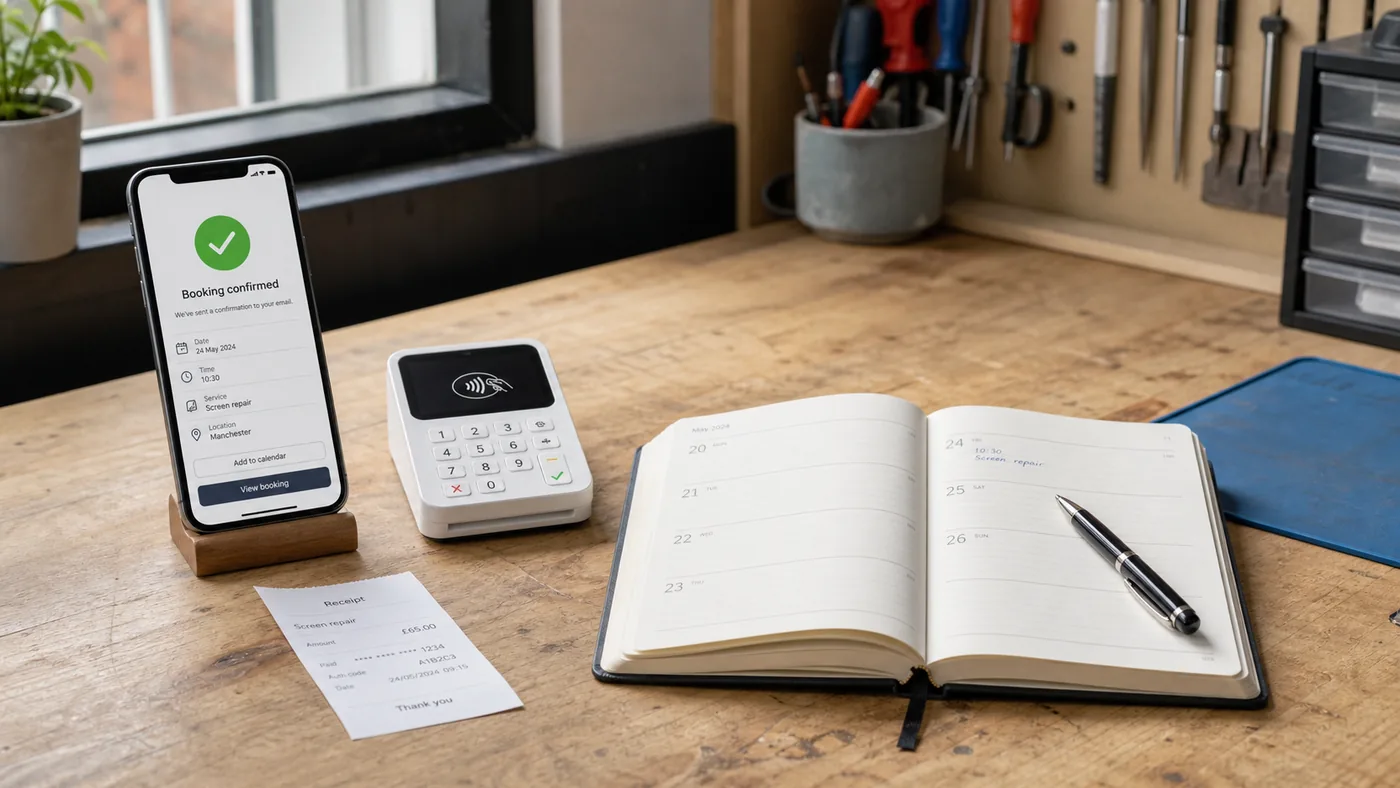
Start with the booking record
Many comparison pages focus on whether a system has a payment button. That matters, but it is too narrow. The better first question is what the record will contain once the customer has booked.
A booking system such as Square Appointments, SumUp Bookings, SimplyBook.me, Appointy or BookingLive shows the market expectation clearly: customers want to choose a time, businesses want booking data, and payments increasingly sit inside the same journey.
For a mobile service business, that record should include service type, address, access notes, estimated duration, price or deposit, payment status, cancellation rule, reminder plan, and any pre visit question that changes the job.
Minimum record fields
- Customer name, phone, email, address, and preferred contact method.
- Service type, estimated duration, price, deposit, balance, and payment status.
- Access notes, parking, pets, equipment needs, and anything that changes travel time.
- Policy wording, cancellation cut off, reminder timing, and who confirmed the appointment.
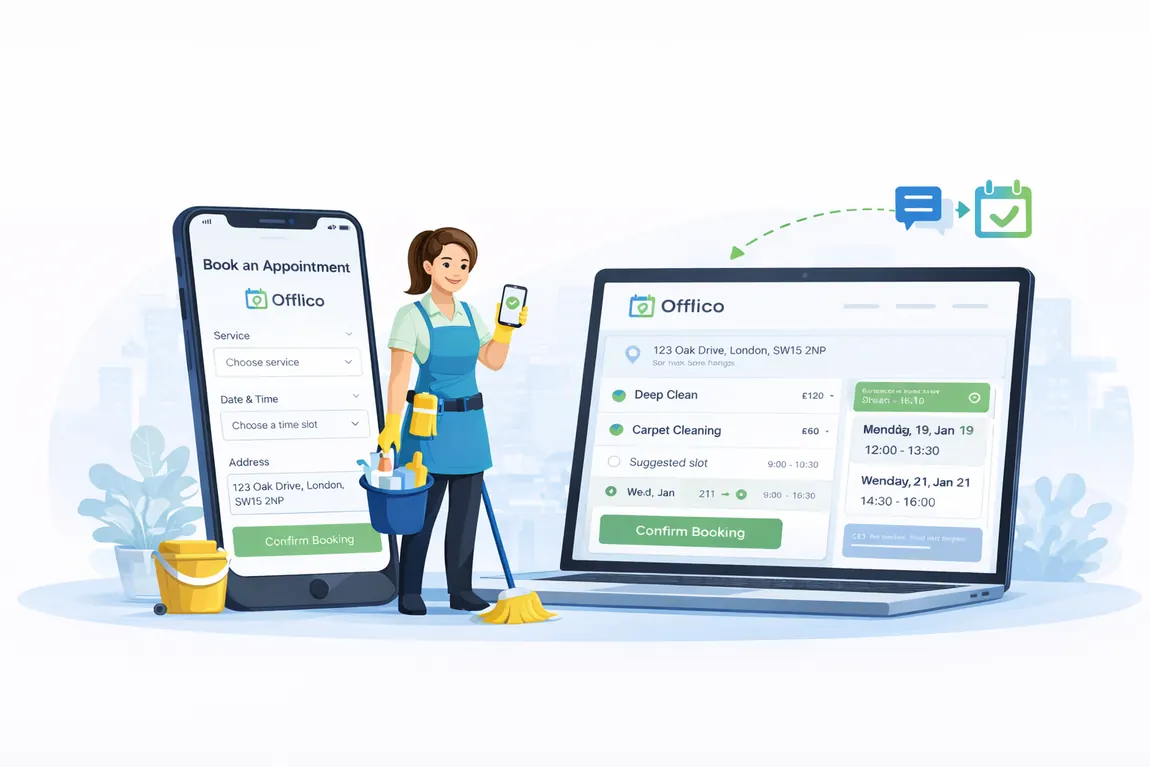
Place payment before confirmation
If payment matters, do not leave it as a separate after booking chase. The customer experience should make the amount, due point, and confirmation rule obvious before the slot feels reserved.
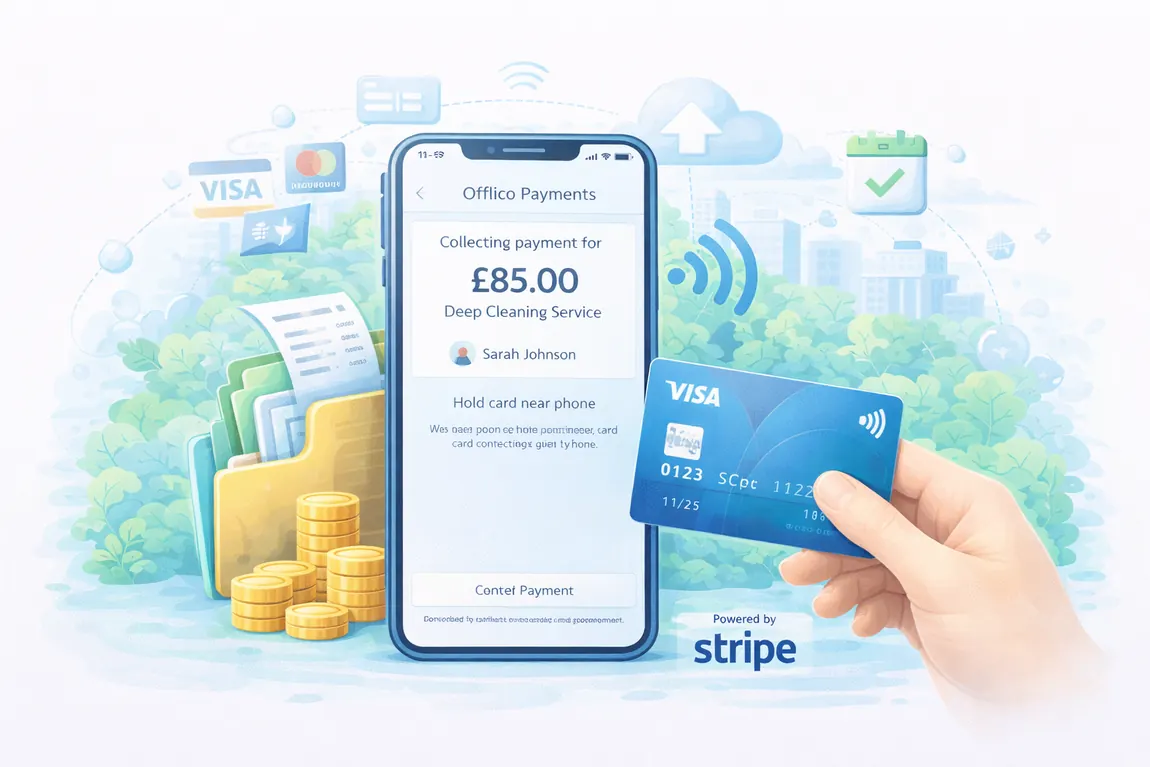
That does not mean every business needs full payment upfront. It may be a deposit, a card capture, a booking fee, or a pay later record. The key is that payment status sits beside the appointment, not in a separate card reader dashboard that staff forget to check.
Guidance from Stripe on booking systems with payments, Square cancellation and prepayment settings, and Doodle payment scheduling benefits all points to the same operational issue: payment is not only a checkout feature. It changes commitment, follow up, and scheduling control.
| Payment choice | When it fits | What the record must show |
|---|---|---|
| Deposit | Scarce slots, higher no show risk, travel heavy work | Deposit paid, balance due, policy accepted, refund rule |
| Pay in full | Fixed price work or classes | Amount paid, receipt, service booked, cancellation wording |
| Pay later | Variable price jobs or quotes | Expected price range, unpaid status, follow up owner |
| Card reader on visit | Mobile work where final price changes | Booking price, payment method, receipt note, invoice link |
Make policy clear before payment
Payment creates trust questions. If the business asks for money before the visit, the customer needs plain wording about cancellation, rescheduling, refunds, and what happens if the business has to move the appointment.
UK consumer guidance from Citizens Advice on cancelling services, GOV.UK cancellation guidance, Which on non refundable deposits and the Competition and Markets Authority cancellation fee commentary is a useful reminder: harsh wording is not the same as fair wording.
For SEO and conversion, this section matters because many booking payment searches are really policy searches in disguise. The owner wants fewer no shows, but they also wants wording that does not scare good customers away.
Connect reminders to payment status
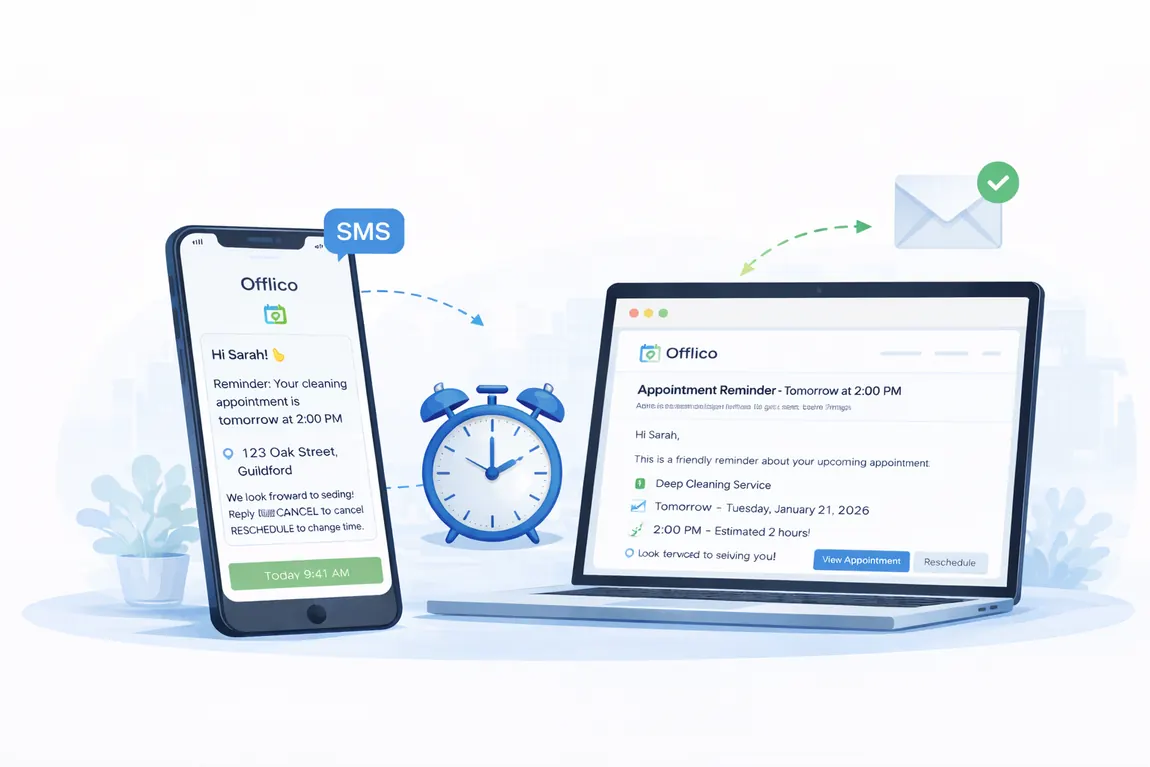
A booking and payment system becomes much more useful when reminders understand the status of the appointment. A paid deposit, unpaid balance, missing form, or unconfirmed address can change the message that should be sent.
Software review and directory results such as GetApp appointment reminder software, Zapier appointment scheduler reviews, and Reservio booking system comparisons show how crowded the category is. The practical difference for operators is not the longest feature list. It is whether the system stops staff checking the same facts again and again.
For mobile visits, a good reminder confirms time, address, access notes, payment expectation, and cancellation cut off. If the customer still needs to pay a balance or complete a form, the reminder should make that clear.
A cleaner reminder sequence
At booking
Confirm the appointment, payment status, policy, and what the customer should expect next.
Before travel planning
Check address, access, forms, and unpaid balances before the route is locked.
Before arrival
Send the final reminder with time, location, payment expectation, and contact route.
After the visit
Record payment outcome, receipt, invoice, follow up, and next booking prompt.
Judge systems by after booking admin
The most honest test is what happens after a real booking. Does the business still have to copy details into a diary, check a bank app, message the customer for an address, explain the policy again, and manually remind them the day before?
Practical small business advice from SmallBusiness.co.uk on creating an online booking system, customer experience guides such as Timify on appointment booking experience, accessibility guidance from W3C on form instructions and form design guidance from Nielsen Norman Group all support the same point: the best flow is clear before submission and still useful afterwards.
That is where small businesses often outgrow a simple booking widget. The problem is not online booking alone. It is the handover from booking to payment to reminder to fulfilment to bookkeeping.
Selection checklist
- Can the booking form collect the details that actually affect the job?
- Can the customer see price, deposit, or payment expectation before confirming?
- Can the business see paid, unpaid, deposit paid, refunded, or balance due without switching tools?
- Can reminders use the booking context instead of generic wording?
- Can staff find the policy, receipt, address, and notes from one appointment record?
- Can the workflow support travel, buffers, rescheduling, and follow up?
Where Offlico fits
Offlico fits when online booking, payments, reminders, and mobile work need to operate as one workflow. The aim is not to add another isolated booking page. It is to keep the appointment usable from the first request to the final follow up.
That is especially important for businesses that travel to customers. Route planning, access details, payment status, client records, invoices, and reminders all depend on the same appointment context.
Final takeaway
An online booking and payment system for a small business should do more than let someone pick a slot and pay. It should create a reliable appointment record that the business can use before, during, and after the job.
If the payment button is separate from the booking details, the business still has a manual admin problem. The better setup connects the booking request, payment status, policy wording, reminders, and follow up in one practical flow.
What is an online booking and payment system?
It is a booking flow that lets customers choose or request an appointment while the business records payment status, deposit rules, confirmation details, and follow up context.
Should a small business take payment before confirming a booking?
It depends on the service, price certainty, and no show risk. If payment is required, the amount and policy should be clear before the customer confirms the slot.
What should a booking system with payments include?
It should include booking details, price or deposit, payment status, policy wording, reminders, client contact details, notes, and a clear follow up record.