What this searcher needs
The practical search query this article answers is online booking form for service business. Google autocomplete for online booking system for small business also shows UK, free, best, and booking system for small business variants.
The operator problem is simple: the website can collect a booking request, but the request is not always usable. The customer chooses a time, then the business still has to ask where the job is, what needs doing, whether access is available, whether travel is realistic, and whether the appointment should be confirmed.
That matters commercially for Offlico because booking form intent sits close to software choice. A service business searching this phrase wants fewer lost leads, less admin back and forth, and a booking flow that protects diary capacity.

Fields that earn their place
Start with fields that change the booking decision. Name, contact details, service, location, preferred time, and a short job description usually matter. Optional extras should prove their value by reducing a follow up question or preventing a bad booking.
The W3C form label guidance and W3C form instruction guidance are useful reminders that forms work better when every field has a clear label and the user knows what kind of answer is expected.
Core fields to consider
- client name and preferred contact method
- service or job type
- address, postcode, or service area
- preferred date and time window
- short description of the work
- photos or measurements where they genuinely help
- access notes such as parking, gate codes, pets, stairs, or keys
- whether the customer is new or returning
- consent for reminders and follow up
Use privacy friendly language. The ICO right to be informed guidance explains that people should understand what personal information is collected and why. In booking terms, that means asking for details because they help deliver the appointment, not because the form can collect them.
Keep the form short enough
A booking form can fail in two opposite ways. Too short, and every request needs manual chasing. Too long, and good customers abandon it. The job is to separate details needed before confirmation from details that can wait until after the slot is reserved.
Usability research from Nielsen Norman Group and mobile form guidance from Baymard both point towards clear structure, fewer surprises, and forms that are easier to complete on small screens.
| Question type | When to ask it |
|---|---|
| contact and service | before the request is created |
| postcode or address | before the slot is confirmed |
| photos or detailed notes | only when they affect price or preparation |
| marketing source | after the core booking fields |
| long preference questions | after confirmation or in a follow up form |

Make routing part of booking
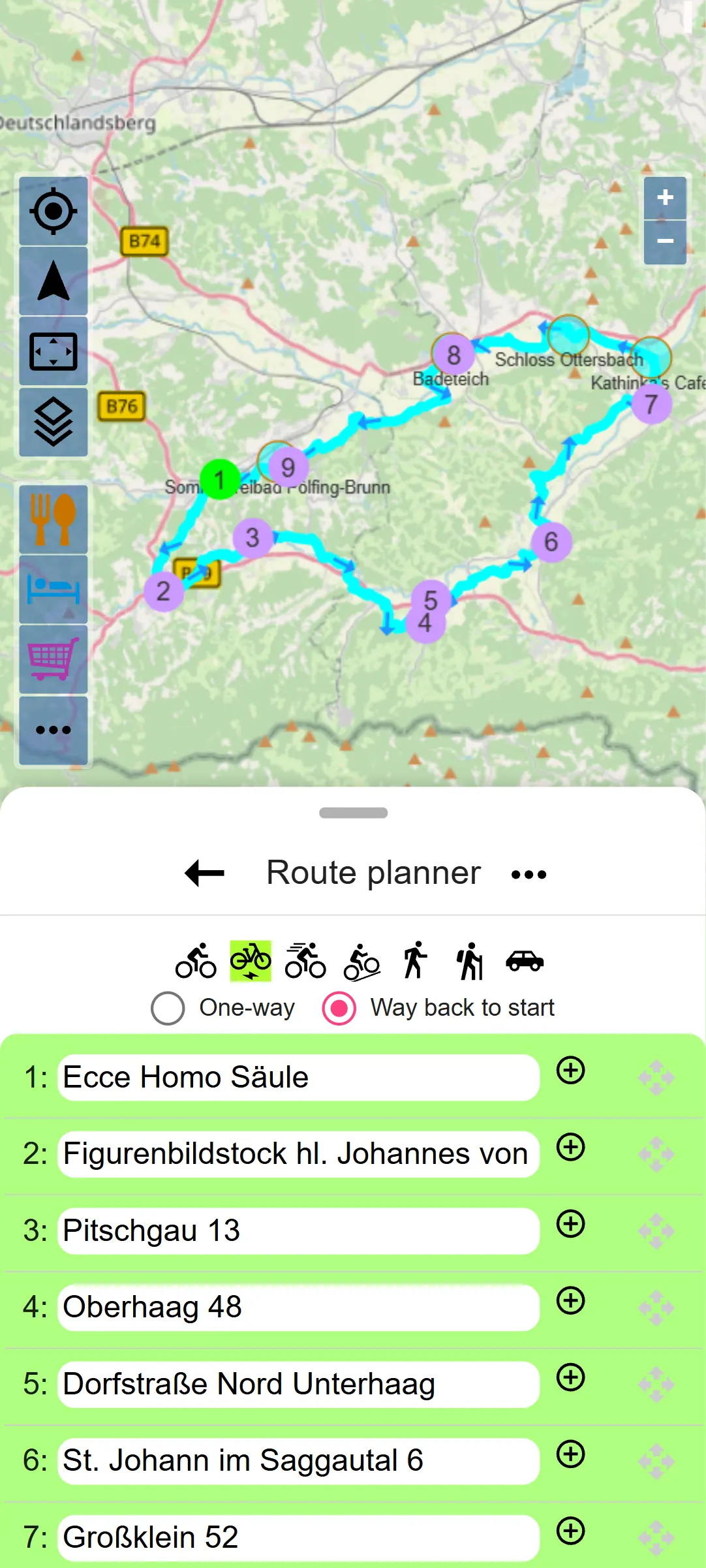
Mobile and local service businesses need the booking form to protect route capacity. A perfect looking time slot can still be a poor booking if it creates a travel gap, crosses the service area, or needs access details that were never collected.
Guides from Square, Stripe, and Calendly show how online scheduling connects availability, customer experience, and operational control. For mobile services, travel context is part of that control.
Routing details worth capturing
- postcode or neighbourhood before confirmation
- whether the job is at home, workplace, site, or online
- parking or loading restrictions
- preferred arrival window instead of one rigid time where travel varies
- expected job length or service package
- notes that affect preparation or vehicle access
Write confirmation rules
Not every booking form submission should become a confirmed appointment immediately. Some jobs need review, deposit payment, service area checks, or a human quote. The booking page should explain what happens next so the customer is not left guessing.
The GOV.UK inclusive communication guidance is a useful plain language reminder: say what you mean, use familiar words, and make the next step obvious. The W3C form notification guidance also helps with clear success and error messages.
Consumer help resources from Citizens Advice are a reminder that unclear terms can become a trust problem. A small service business does not need legalistic copy, but it does need customers to understand price, timing, cancellation, and contact expectations.
Choose a booking system by workflow
Many operators compare an online booking system for small business by price or calendar features alone. The better test is whether the system captures enough context to run the work after the request arrives.
Small business context from Simply Business, online safety guidance from the Federation of Small Businesses, and self employment guidance from MoneyHelper all point to the same practical truth: online tools should make the business easier to run, not just easier to contact.
Use this buying test
- Can the form collect service, postcode, timing, and job notes in one request?
- Can the owner review a request before confirming when needed?
- Can booking details feed reminders without retyping?
- Can route and travel checks happen before the diary is overfilled?
- Can the client reschedule or update details without losing context?
- Can the business export or review records later?
Booking
Collect confirmable requests
Let clients request work with the details you need to accept or review it.
- service
- time
- location
Routing
Protect travel capacity
Use location and timing before the appointment creates a route problem.
- postcode
- arrival
- access
Reminders
Use the same record later
Turn booking details into clearer reminders and follow up.
- confirm
- remind
- reschedule
Where Offlico fits
Offlico fits this problem when online booking is treated as the start of the operational workflow. The booking page collects service details, the appointment carries timing and location context, route planning protects the day, and reminders use the same record instead of creating more manual admin.
That does not mean asking customers every possible question. It means collecting the few details that make the next decision easier.
Final takeaway
An online booking form for a service business should do more than collect a name and a date. It should gather the details needed to decide whether the job is right, when it can happen, how it should be prepared, and what the client needs to know next.
Start with one test: if this request arrived while you were out on a job, would you have enough information to confirm it or make a confident next move? If not, the form is still pushing too much work back to manual follow up.
What should an online booking form include for a service business?
Collect contact details, service type, location or postcode, preferred date or time window, job notes, access details, and consent for reminders or follow up where appropriate.
Should a booking form confirm appointments automatically?
Only when the job type, location, timing, price, and business rules are simple enough. Many service businesses should collect a request first, then confirm after checking route, scope, or availability.
How long should a booking form be?
Short enough to complete on mobile, but complete enough to avoid repeated follow up. Ask before confirmation only for details that affect price, timing, routing, preparation, or client communication.