What the searcher is really trying to fix
The practical search query is mobile hairdresser booking system. The person behind it is not usually looking for another generic salon software list. They are trying to stop a day of hair appointments being built from vague messages, missing service details, uncertain travel time, and clients who only half confirm.
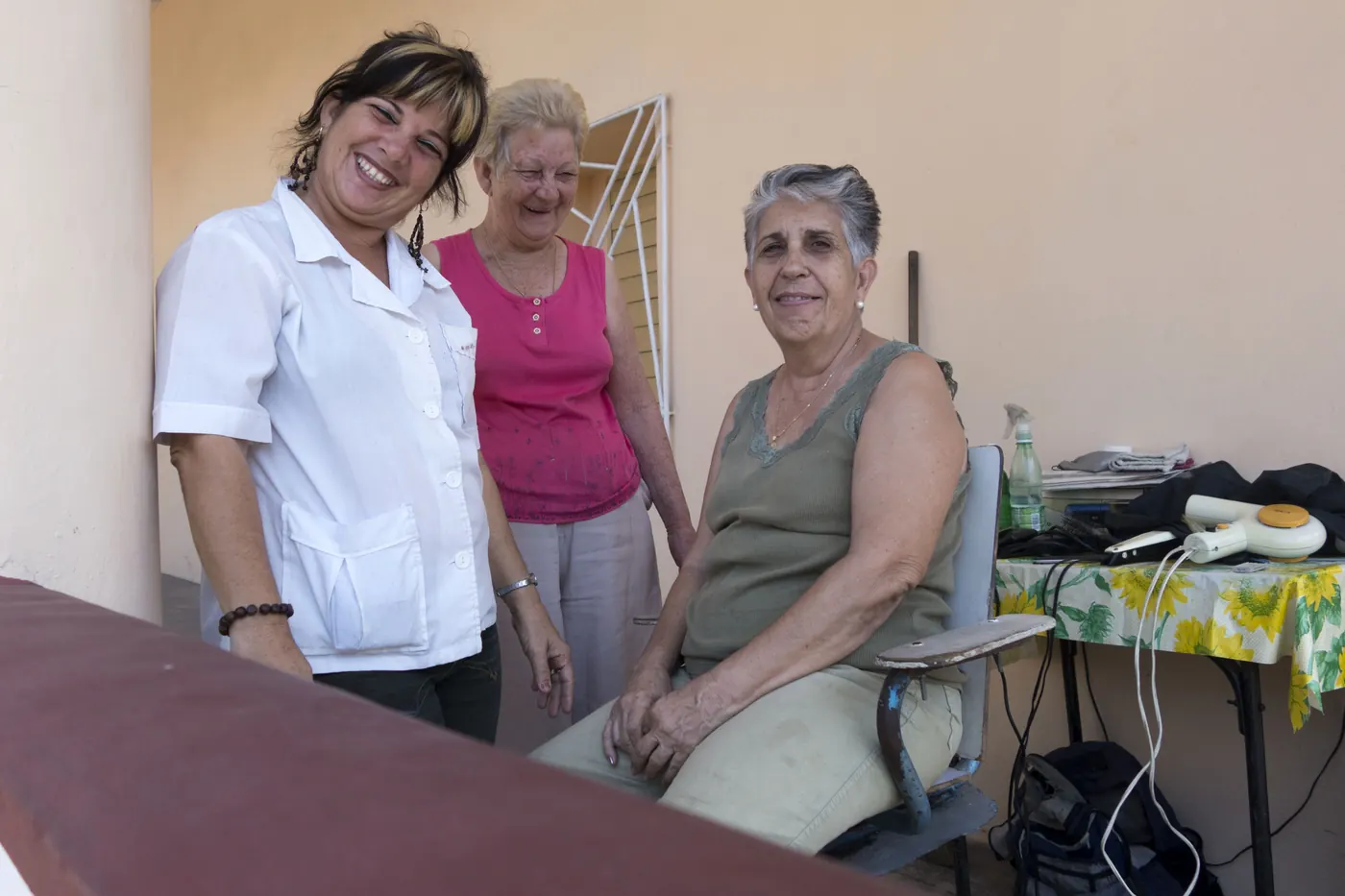
The search results show two needs at once. Product pages from Booksy, SuperSaaS, OctopusPro and Ovatu promise online booking, reminders, scheduling, payments, and client management. Operator discussions such as Salon Geek mobile hairdresser appointments expose the real question underneath: should the booking still live in a diary and messages, or should the system now carry more of the admin?
For Offlico, the commercial reason is clear. A mobile hairdresser choosing a booking system is already close to a scheduling, client record, reminder, and route planning problem. If Offlico can show what a good booking flow must capture, the article naturally connects search intent to the product workflow.
Collect the details that make a mobile appointment possible
A mobile hair appointment needs more than a name, service, and time. The system has to capture enough context to know whether the appointment can actually run.
Marketplaces such as Blys, Wecasa and Fantastic Services all frame mobile hair around the service coming to the client. That changes the booking data. The appointment record needs the address, access notes, parking risk, client contact details, service type, likely duration, equipment assumptions, and whether colour or consultation details are needed before the visit.
Mobile booking details to capture
- Client name, phone, email, and preferred contact channel
- Full appointment address with flat, gate, parking, and access notes
- Service choice with enough detail to estimate duration
- Hair length, colour history, or consultation requirement when relevant
- Whether the appointment is for the client, a child, a group, or an assisted visit
- Preferred appointment window and any timing constraint
- Deposit, cancellation, and preparation acknowledgement where needed
The aim is not to interrogate the client. It is to avoid accepting an appointment that later turns out to need a different time, a longer slot, a patch test, another address detail, or a policy conversation.
Keep the booking form short enough to finish
The danger is overcorrecting. If every useful question appears before the booking button, the client may never finish the booking.
Baymard research on checkout forms makes the wider UX lesson clear: the number of fields users must deal with matters more than the number of steps. W3C form guidance also stresses that instructions should help people understand what to enter and why. A mobile hair booking form should ask first for details that affect whether the appointment can be offered, then collect softer preferences after the slot exists.
| Ask before the slot | Ask after the slot |
|---|---|
| Service type and approximate duration | Detailed style inspiration |
| Address and travel area | Extra access notes if the address is unusual |
| Contact details | Marketing preference or review consent |
| Deposit or policy acknowledgement | Aftercare preference |
| Colour or patch test requirement | Photo upload if needed for consultation |
This is where a booking app should feel different from a static form. It can ask fewer questions at first, then trigger the right follow up only when the appointment type needs it.
Show the rules before the client chooses a slot
Mobile hairdressers often lose time when policy details appear only after the booking has been accepted.
Square salon cancellation policy guidance recommends explaining what the policy covers and how it is enforced. Alan Howard guidance on hairdresser cancellation fees gives practical examples such as reminders, deposits, and making the policy visible on the website, booking platform, and confirmations. That visibility matters more for mobile work because one late cancellation may leave both a diary gap and wasted travel time.
Rules to make visible in the booking flow
- How much notice is needed to cancel or move the appointment
- Whether a deposit is required and what it covers
- What happens if the client is not available at the address
- Whether colour work needs consultation or patch testing first
- What travel areas are covered and when extra travel charges apply
For UK service contracts, consumer rules can also affect cancellation rights and service terms. Citizens Advice explains cooling off rules for arranged services, while Business Companion covers supplying services to consumers. A booking page is not a substitute for legal advice, but it should not hide important terms until there is a disagreement.
Use reminders for the questions that change the day
Not every detail has to be collected during booking. Some details are better handled by reminders once the appointment is real.
Nielsen Norman Group describes transactional notifications as concise, timely messages for urgent or time sensitive information. For a mobile hairdresser, that means reminders should confirm the address, arrival window, parking or access notes, prep instructions, and any missing consultation step. They should not become long marketing messages.
Reminder jobs to separate
Each reminder should have one job, not five.
Lock the basics
Every booking
Confirm service, date, time, address, deposit status, and cancellation link.
Collect missing detail
Colour, new clients, complex visits
Ask only for the detail that changes whether the visit can run well.
Reduce access risk
Mobile appointments
Share ETA and ask the client to flag parking, gate, or access changes.
Build a booking page a hair client can trust
A good booking system is not only the back office diary. The public booking page has to make the client confident enough to choose a slot without messaging first.
Google Business Profile booking links can send clients from Search or Maps into a booking path, so the destination needs to answer the obvious questions quickly. Salons Direct highlights 24 hour booking as a benefit of salon booking apps, but always available booking only helps when the page gives enough context for the right appointment to be selected.
Booking page trust checks
- Services are named in client language, not internal shorthand
- Prices or price ranges are clear enough to prevent surprise messages
- Travel area and mobile visit rules are visible before checkout
- Cancellation, deposit, and reschedule policy is linked near the booking action
- Confirmation explains what happens next and when the hairdresser will contact the client
A reusable booking page checklist
Use this checklist before moving a mobile hair business from messages and a diary into an online booking system.
System checklist
- Does each service have a realistic duration and buffer for mobile work?
- Can new clients be asked for more information than returning clients?
- Can colour, consultation, or patch test services trigger extra steps?
- Can reminders ask for missing details without manual chasing?
- Can cancellation and deposit rules be shown before confirmation?
- Can the appointment record carry access notes, parking notes, and client preferences?
- Can the diary show enough travel context to avoid impossible back to back bookings?
Where Offlico fits
The point is not to make a booking form longer. The point is to make the booking workflow carry the details that protect the day.
Offlico is built around the connected parts of that workflow: bookings, online booking, smart scheduling, client records and automated reminders. For a mobile hairdresser, those pieces matter because the booking is not just a calendar entry. It is also the address, the service context, the route risk, the policy agreement, and the reminder plan.
Final takeaway
A mobile hairdresser booking system should make the appointment easier to say yes to and harder to misunderstand.
Choose a system that captures the details that affect the visit, keeps the first booking form light enough to finish, shows policies before the client commits, and turns reminders into practical checks. That is the difference between online booking as a calendar widget and online booking as an operating system for a mobile day.