Why mobile chiropody needs a different system
A mobile chiropodist booking system has to do more than put appointments into a diary. It needs to handle the reality of home visits: travel time, address quality, client preparation, clinical records, payment follow up, and the next appointment after care is delivered.
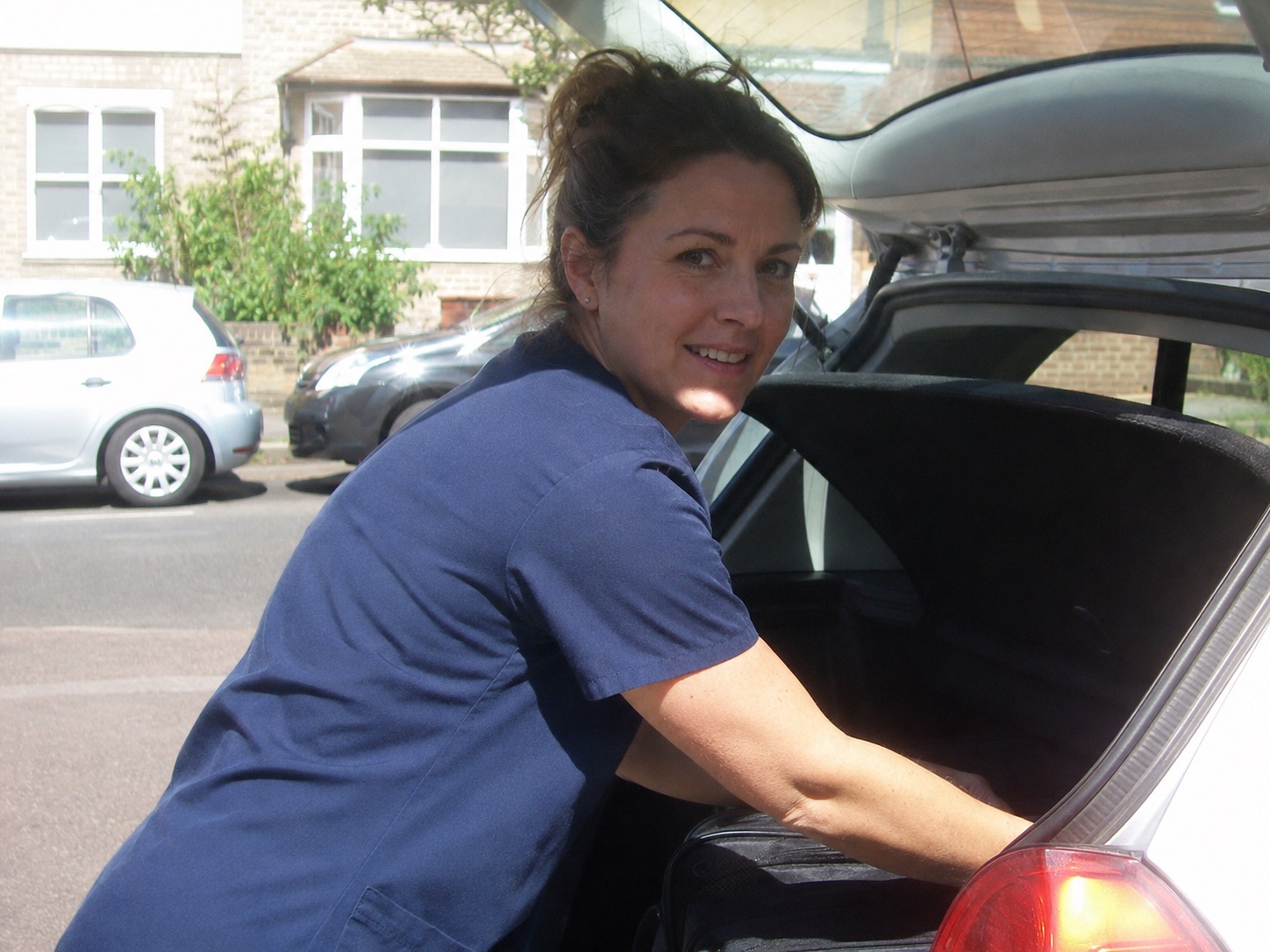
That distinction matters because chiropodists and podiatrists work in a profession where standards, records, and communication still matter outside a clinic. The HCPC standards of conduct and podiatry proficiency standards are a useful reminder that appointments are not only diary events. They also create expectations around consent, information, safe care, and documentation.
A normal salon style booking calendar can work for fixed premises. For mobile foot care, the booking system also has to ask whether the visit fits the route, whether the client can prepare safely, whether the practitioner has enough information before arrival, and whether the follow up record will still be easy to find later.
Start with the client journey
Most clients are not comparing software. They are trying to solve a personal problem: sore feet, difficulty cutting nails, a relative who needs care at home, or a regular appointment that has become hard to arrange by phone.
That is why the public booking page should be written around the client journey, not the software. Pages like NHS foot pain guidance and Diabetes UK foot care advice show how many people approach foot care with practical worries, not admin language. The booking page should make the next step feel clear and calm. Guidance from Age UK on looking after your feet adds another useful reminder: the person booking may be older, worried, or booking for a relative, so the path needs to be simple.
The page should explain who the service is for, where visits are available, what details are needed, and what happens after the request is sent. A client should not have to guess whether the appointment is confirmed, whether the practitioner will call, or whether they need to prepare anything before the visit.
A good client booking path should capture
- name and contact details
- full visit address and access notes
- reason for the appointment
- preferred day or time window
- mobility or preparation notes where relevant
- whether the booking is confirmed or needs review
Protect the route before you fill the diary
The biggest booking mistake for mobile chiropodists is treating every empty calendar space as equally available. Two visits may look possible in the diary, but become awkward once the route, parking, kit, visit length, and client needs are included.

A route aware setup can help by showing the times that make operational sense first. The principle is similar to good service design: reduce the number of choices people have to decode and keep the task focused. The GOV.UK service manual guidance on form structure is written for public services, but the lesson travels well to booking pages. Ask for what is needed, in the right order, without turning the form into a maze.
For home visits, that means the booking system should be able to favour nearby slots, add buffers, block impossible travel gaps, and let the practitioner review edge cases. It should also make location data useful later, because business mileage and travel records often need to be reconstructed if they are not captured close to the job. The GOV.UK business travel and mileage rules show why travel records should not be an afterthought.
Best slots
Show shortest travel times first
Let clients book into times that keep the day tight instead of spreading visits across awkward gaps.
- route fit
- travel time
- buffers
Edge cases
Review awkward requests
Keep manual control when a postcode, service length, or care need should be checked before confirmation.
- postcode
- service
- review
Admin trail
Keep travel linked to visits
Make mileage easier to review by keeping location and appointment context together.
- address
- journey
- record
Collect the details that prevent phone tag
Online booking should reduce back and forth, not simply move it from the phone into messages. The form has to ask for the details that decide whether the visit can safely go ahead.
For mobile chiropody, that usually means service need, address, access, contact preference, mobility notes, and any preparation the client should understand. Accessible form guidance from W3C form tutorials is useful here because many clients or relatives may be booking on mobile, under time pressure, or with assistive technology. Labels, instructions, and error messages matter.
The booking form should not become a clinical intake document unless that is genuinely needed at this stage. Keep the first action focused on booking the visit, then collect deeper treatment details in the right part of the workflow. A system that can separate booking questions from treatment records gives the client a lighter first step and gives the practitioner cleaner notes later.
Keep the form focused
- ask for location before showing travel sensitive slots
- use plain service names clients recognise
- make required fields obvious
- explain what happens after submission
- send the same details into the diary and client record
Connect booking, records, and payment
A good booking system does not stop when the appointment is accepted. It should carry the visit into reminders, records, payment, invoice status, and the next recommended appointment.
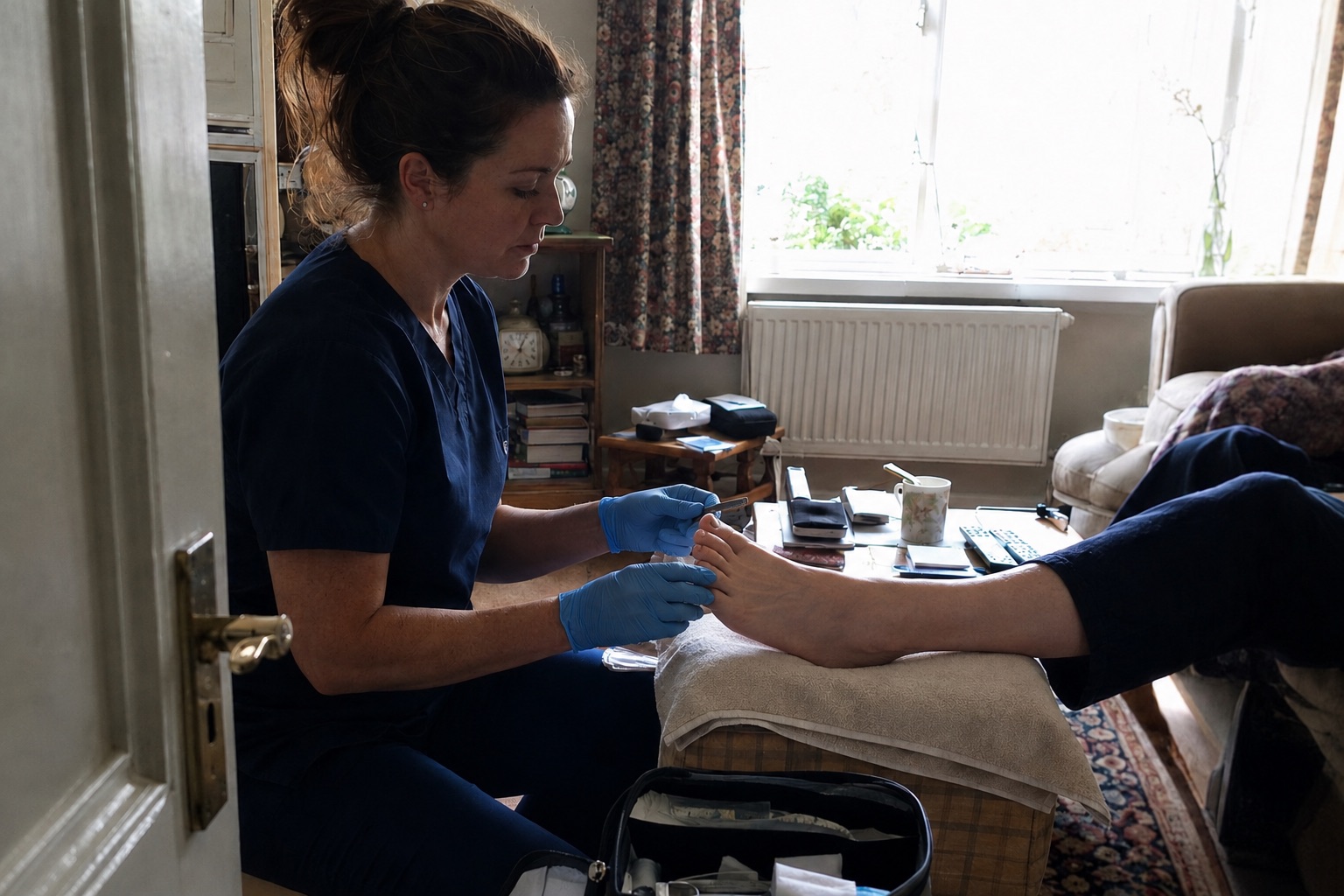
This matters for two reasons. First, regulated or clinical work needs reliable record habits, so client notes should not live in a mixture of texts, paper, and memory. The ICO UK GDPR guidance is the obvious place to start when thinking about personal data, because appointment details, health notes, and contact records need proper handling.
Second, mobile work creates small admin tasks after every visit. Payment may be taken at booking, on the doorstep, by link, or by invoice. Tools such as Stripe Payment Links show how familiar online payment routes have become, but the operational question is whether payment status stays attached to the booking and client. If it does not, the practitioner still has to chase, reconcile, and remember.
Record keeping also touches bookkeeping. The GOV.UK self employed records guidance makes the wider point that income and costs need a clear trail. For a mobile chiropodist, the cleanest trail starts at the appointment, not at the end of the month.
Use reminders with real visit context
Appointment reminders are more useful when they include the details that make the home visit work: date, time, address, access instructions, preparation notes, and a clear change route.
Reminder examples from platforms such as Twilio appointment reminders show the value of sending appointment messages from structured booking data rather than rewriting every reminder by hand. For a mobile chiropodist, the point is not just fewer no shows. It is fewer avoidable calls on the day.
The reminder should tell the client what they need to know and give the practitioner confidence that the visit details are still current. If the client needs to change the appointment, the path should be obvious. If the address is wrong, the system should make it easy to catch that before the practitioner has already driven there.
| Booking confirmation | service, address, date, time, and next step | sets expectations early |
| 24 hour reminder | visit time, access notes, and preparation | reduces forgotten or unclear appointments |
| On my way | estimated arrival and contact route | keeps the client ready without repeated calls |
Make the booking link easy to find
A booking system only helps if clients can find the link at the moment they are ready to act. For mobile chiropodists, that usually means search, local profiles, referrals, social pages, printed cards, and follow up messages.
A simple booking link can sit on the business website, in follow up messages, and on local discovery surfaces. Google Business Profile appointment link guidance is useful because many local clients start from search before they ever reach a website. The booking route should feel consistent wherever they find it.
Professional context matters too. The Royal College of Podiatry private practice resources point towards the broader reality of running a private service, where trust, clarity, and day to day operations sit together. The booking page is one visible part of that trust.
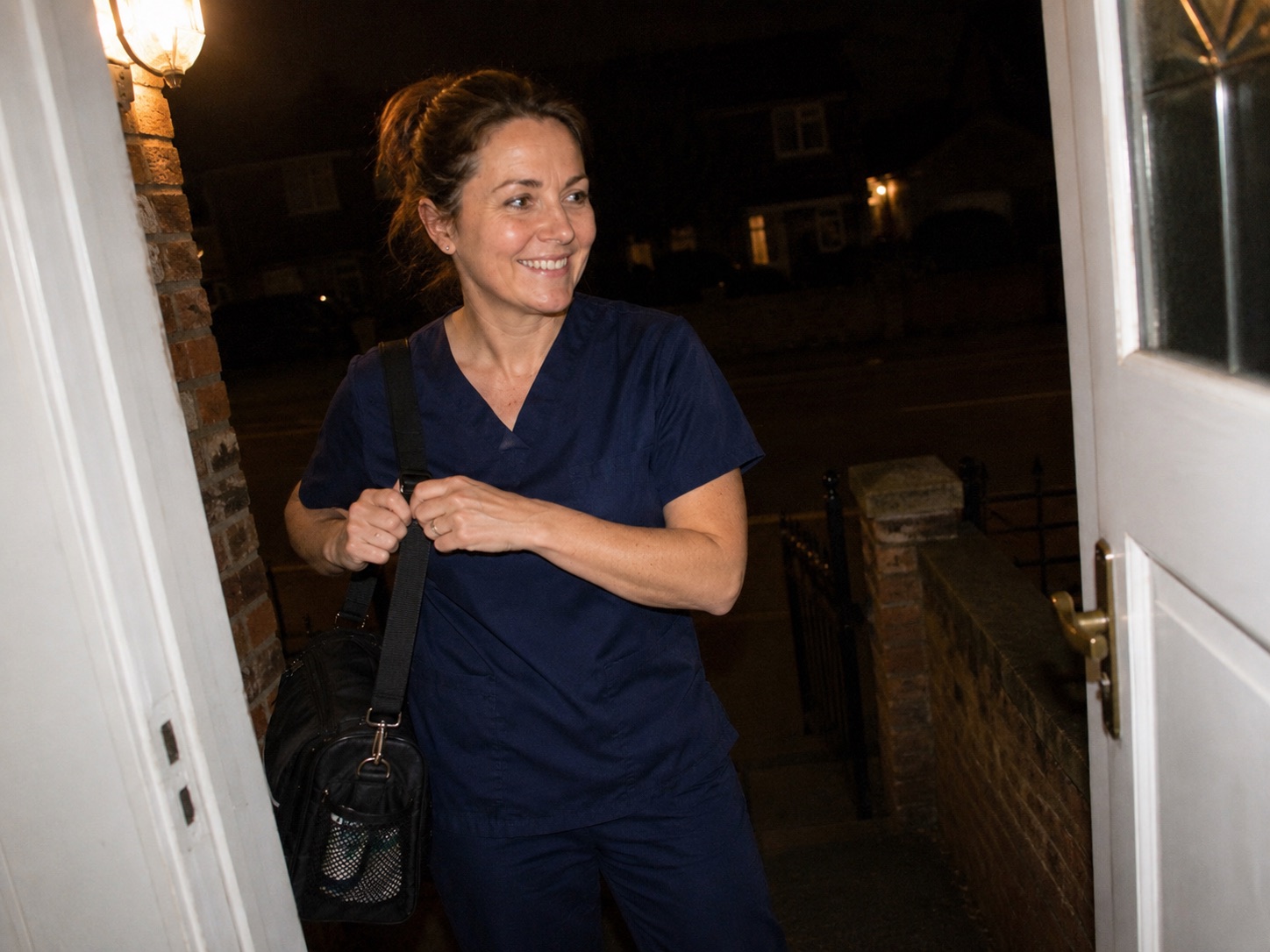
What to look for before you choose
The right system depends on how the business actually works. A newly qualified mobile chiropodist, a mixed clinic and home visit podiatry business, and a foot care provider covering several villages may need different rules. The comparison should still start with the same workflow questions.
Mobile chiropodist booking system checklist
- Can clients book or request appointments online without phoning?
- Can the page collect postcode, full address, access, and service details?
- Can availability favour the shortest travel times?
- Can awkward postcodes or longer visits be reviewed before acceptance?
- Can reminders use the real visit details?
- Can payment or deposit status stay attached to the appointment?
- Can treatment notes and client records stay close to the booking?
- Can mileage and travel context be reviewed later?
- Can repeat appointments be suggested without starting again?
Offlico is built around that connected home visit workflow. The point is not to add another booking widget. It is to let the public booking page feed the same system that manages the appointment, travel pressure, reminders, client record, payment, mileage, and next booking.
Final takeaway
A mobile chiropodist booking system should make the day easier after the client books. If it only shows available times, it is not doing enough for home visit work.
Look for a system that protects the route, asks clear questions, sends useful reminders, keeps records close to the appointment, handles payment context, and makes repeat care easier to manage. That is the difference between an online diary and a working system for mobile foot care.
What should a mobile chiropodist booking system include?
It should include online booking, address and access details, route aware availability, reminders, client records, payment or invoice tracking, mileage context, and repeat appointment support.
Should mobile chiropodists show every available appointment online?
Not always. It is usually better to show times that fit the route and keep awkward requests available for review, especially when travel time, access, or service length could affect the day.
Can clients book foot care home visits online?
Yes, but the booking page should be clear about service area, confirmation rules, preparation, and whether the appointment is instantly confirmed or reviewed first.