What this invoice tracker needs to solve
The practical search query this article answers is invoice tracker for small business. Live autocomplete also showed best invoice tracker for small business, how to keep track of invoices, and what to keep track of for small business.
The operator behind that search is not only looking for a spreadsheet. They need to know which invoices are sent, viewed, due soon, overdue, partly paid, disputed, written off, or ready for the next follow up.
That matters commercially for Offlico because invoice status is where bookkeeping meets real cash flow. If the appointment record, client note, payment evidence, and follow up message are separated, the owner loses time chasing facts before they can chase money.
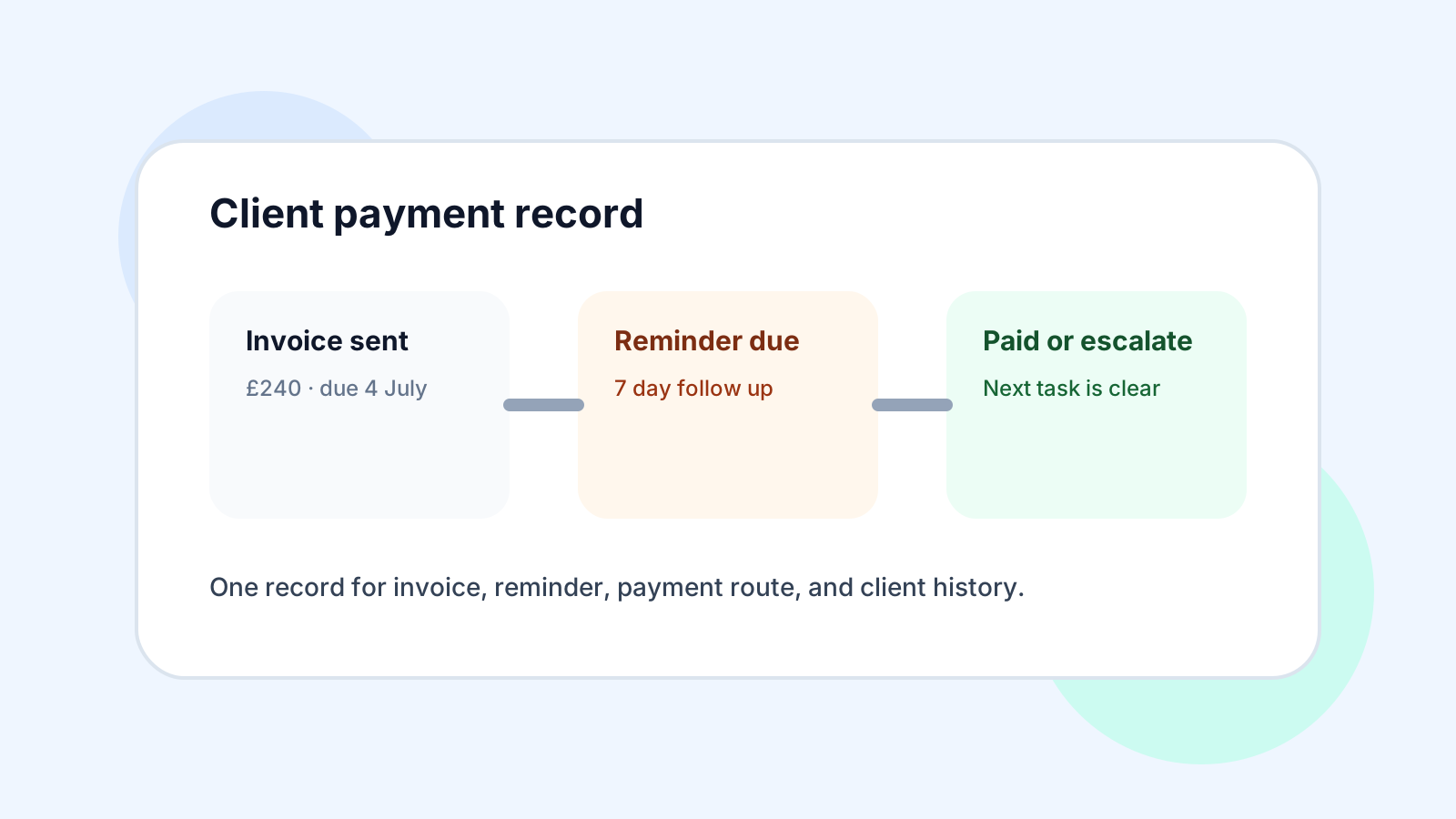
Track status not just numbers
A total unpaid amount is useful, but it is not enough. The tracker should separate normal waiting from a problem that needs action. A client who has not reached the due date, a client who promised to pay tomorrow, and a client disputing the work should not sit in the same vague unpaid pile.
| Status | Meaning | Next action |
|---|---|---|
| Draft | Invoice details are not ready | Check client, job, price, and payment terms |
| Sent | Invoice has gone to the client | Wait or confirm it reached the right person |
| Due soon | Payment deadline is close | Prepare a polite reminder |
| Overdue | Payment date has passed | Send follow up and record the response |
| Part paid | Some money arrived | Match the payment and chase the balance |
| Disputed | Client has queried the invoice | Attach notes and resolve before chasing again |
Keep payment evidence close to the invoice
GOV.UK invoicing guidance explains the information an invoice should contain, while GOV.UK record keeping guidance points to the need for accurate business records. For service businesses, the tracker should also keep the practical evidence nearby: the appointment, service delivered, client message, receipt, deposit, and payment reference.
This matters most when the owner is mobile. Payments may arrive by card, transfer, cash, link, or later invoice. If the bank feed says money came in but the tracker does not show which job it settled, bookkeeping still becomes detective work.
Fields worth tracking
- invoice number and client name
- appointment or job reference
- issue date and due date
- amount, VAT position, and payment terms
- status and last follow up date
- payment method and payment reference
- notes for disputes, part payments, or write offs
Review overdue invoices weekly
The Small Business Commissioner has dedicated help for unpaid invoices, and GOV.UK explains late commercial payment interest and debt recovery rules. Most small service businesses should not start with legal escalation. They should start with a calm weekly habit that catches overdue invoices early and records what happened.
A weekly review is also kinder to the client relationship. A reminder sent two days after a missed due date feels operational. A chase sent six weeks later often starts with confusion because nobody remembers the details.
Compare tools by workflow
Search results around invoice tracking lead to accounting tools, invoice apps, spreadsheets, payment processors, and template libraries. Xero, QuickBooks, Sage, Stripe, SumUp, FreshBooks, Zoho, and FreeAgent all show how crowded this tool category is.
The better buying question is not which tool has the longest feature list. It is whether the tracker helps the owner act before cash flow gets tight and before bookkeeping evidence gets messy.
Use this comparison test
- Can you see due soon and overdue invoices in seconds?
- Can payments be matched to the right client and job?
- Can part payments, deposits, and disputes be recorded clearly?
- Can reminders use the invoice and appointment context?
- Can records be exported or reviewed with an accountant?
- Can the workflow stay simple enough to use every week?
Where Offlico fits
Offlico fits this problem before invoice chasing becomes a separate admin project. The appointment creates the client and service context, the invoice records what is owed, the payment status shows what changed, and reminders or follow up notes keep the next action visible.
That does not replace accounting advice or specialist accounting software. It reduces the evidence leak that makes invoice tracking harder than it should be.

Final takeaway
An invoice tracker for a small business should make payment status obvious and action simple. Track the invoice, the client, the job, the due date, the evidence, the last follow up, and the next step.
If the tracker only stores totals, it will not stop admin drift. The useful version turns scattered payment information into a weekly control habit.
What should an invoice tracker include for a small business?
It should include invoice number, client, job reference, issue date, due date, amount, status, payment method, payment reference, last follow up, and next action.
How often should a small business review unpaid invoices?
A weekly review is usually enough for many small service businesses. Check due soon and overdue invoices, match recent payments, send reminders, and record responses.
Is a spreadsheet enough for invoice tracking?
A spreadsheet can work at low volume if it is reviewed consistently. As volume grows, the bigger issue is whether invoice status connects to bookings, client records, payments, reminders, and bookkeeping evidence.