Why this query matters
The practical search query this article answers is invoice app for mobile hairdresser UK. The real problem is not only making an invoice look professional. It is closing the visit while the details are still fresh.
A mobile hairdresser might finish a colour, take a card payment, note product used, promise a receipt, book a next visit, buy supplies on the way home, and then try to rebuild the numbers days later. That is where invoices, payments, receipts, expenses, and client history start to drift apart.
For Offlico, this matters commercially because the searcher is already looking for software. They feel the cost of disconnected admin and need a calmer way to turn each appointment into a clear bookkeeping trail.
Start from the appointment
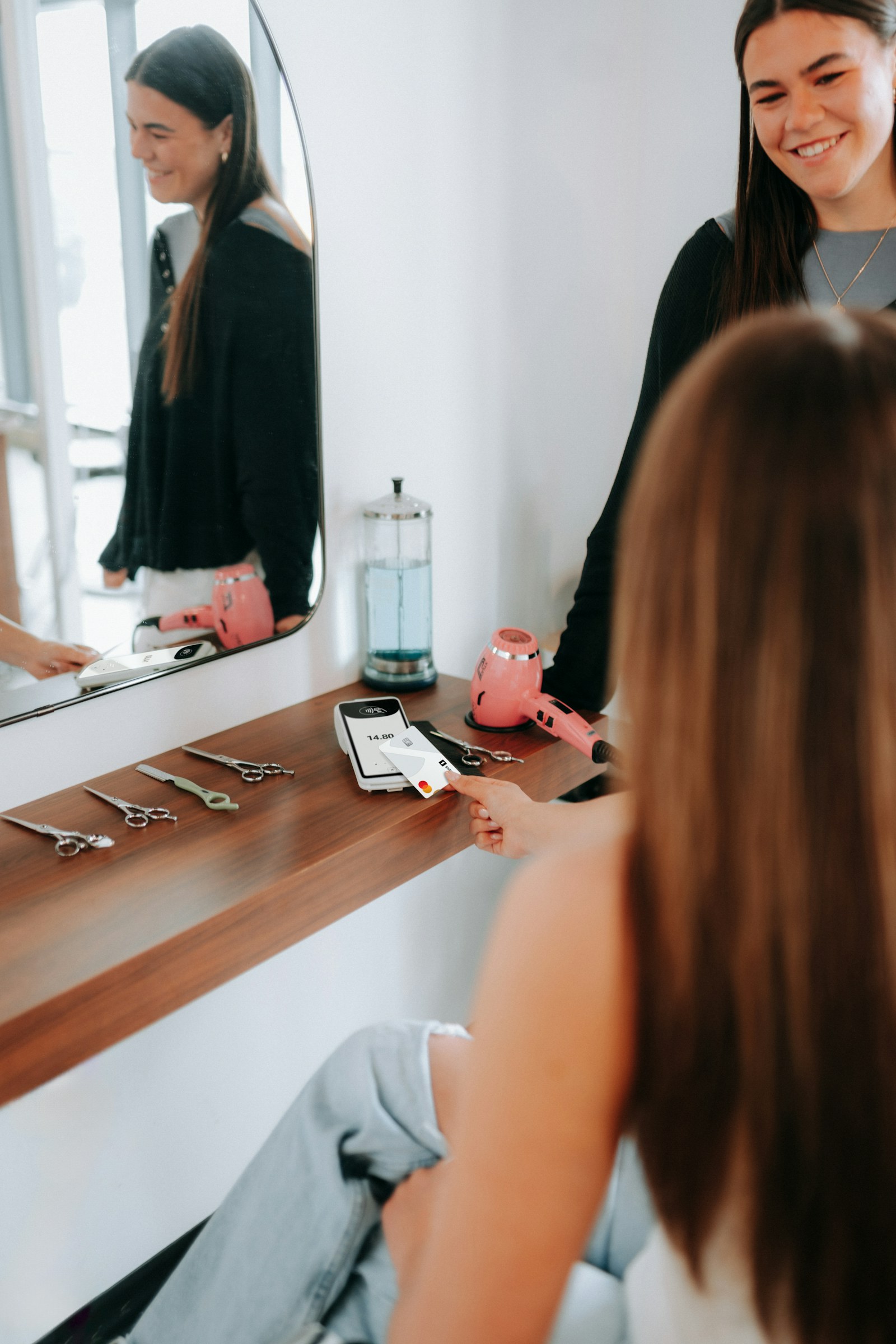
A blank invoice screen is useful, but it still asks the hairdresser to remember everything. A stronger workflow starts with the appointment record: client, date, service, price, notes, payment status, and any deposit already paid.
Real mobile hairdresser searches show this clearly. The research run surfaced a public operator question asking for an app to keep receipts, bank links, profit view, and records ready for Self Assessment. That is a bookkeeping problem wrapped around daily client work.
Trade bookkeeping guidance for hairdressers often starts with income, expenses, receipts, and tax returns. The missing operational step is connecting those records to the appointment before they become loose paperwork.
| If the app starts blank | If the app starts from the visit |
|---|---|
| Type the client and service again | Pull client and service from the appointment |
| Guess whether a deposit was paid | Show deposit and payment status beside the invoice |
| Add notes from memory later | Keep colour, product, travel, and follow up notes close |
| Review income at the end of the week | Leave each visit with a cleaner record |
Appointment details worth carrying into the invoice
- Client name and contact details
- Service date and location
- Cut, colour, treatment, styling, travel, or callout line
- Deposit or payment already received
- Amount still due
- Payment method
- Follow up or next appointment note
What records have to survive
Self employed hairdressers need records that explain income and business costs. GOV.UK says self employed people must keep records of business income and expenses, and its record keeping page explains what business records should include.
That does not mean the invoice app needs to feel like accounting software first. For a mobile hairdresser, it needs to make the daily record easy enough that it actually happens: service income, products sold, supplies bought, mileage context, card fees, deposits, refunds if relevant, and unpaid balances.
Practical guides on bookkeeping and tax returns for hairdressers and self employed hairdresser accounting make the same point from the other direction. The records matter, but the habit has to fit the working day.
- Income by appointment and service
- Receipts for stock, colour, tools, towels, software, payment fees, and insurance
- Mileage or travel context for home visits
- Client balances, deposits, and no show charges
- Notes that explain unusual discounts, refunds, corrections, or free fixes
Invoice fields that actually help
Invoice templates are useful because they reveal the minimum structure. Hairdresser invoice references usually include client details, service lines, dates, amounts, payment terms, tax treatment where relevant, and contact details. A mobile hairdresser needs the same base, plus visit context.
Useful invoice template examples show why itemised service lines matter. A cut, colour, toner, treatment, travel fee, product sale, and discount should not be buried in one vague total if the client may ask later or the business wants to understand margin.
Look at hairdresser invoice template fields and hair stylist invoice field examples as structure references, not as the whole operating system. The invoice still needs to connect back to the booking, payment, client, and records.
| Invoice field | Why it matters for mobile hairdressers |
|---|---|
| Service line | Shows what was done without digging through messages |
| Date and location | Connects the invoice to the visit and travel context |
| Deposit paid | Stops the same money being chased twice |
| Balance due | Makes follow up simpler and less awkward |
| Payment method | Helps reconcile card, cash, bank transfer, or link payments |
| Product or stock used | Supports pricing review and expense context |
Payments deposits and chasing
The invoice app has to handle the uncomfortable part: money that is promised, part paid, late, refunded, or disputed. Mobile hairdressers often work around deposits, late cancellations, travel, and repeat clients, so the invoice record should not live separately from the booking policy.
Trade guidance on hairdresser cancellation fees, practical deposit and cancellation tips, and salon cancellation policy examples all point to the same operational need. The policy has to be clear before the awkward moment arrives.
A good app should let the hairdresser see whether the client has paid a deposit, whether the appointment was completed, whether a receipt was sent, and whether a balance still needs follow up.
A calmer payment record flow
Confirm the booking
Store the service, expected price, location, and deposit rule.
Record the visit
Mark what was actually done and adjust the invoice before sending it.
Take or record payment
Capture card, cash, transfer, or payment link status without losing the appointment context.
Send the receipt
Leave a clear trail for the client and for your records.
Follow up unpaid balances
Chase from a record, not from memory or scattered messages.
Expenses and profit view
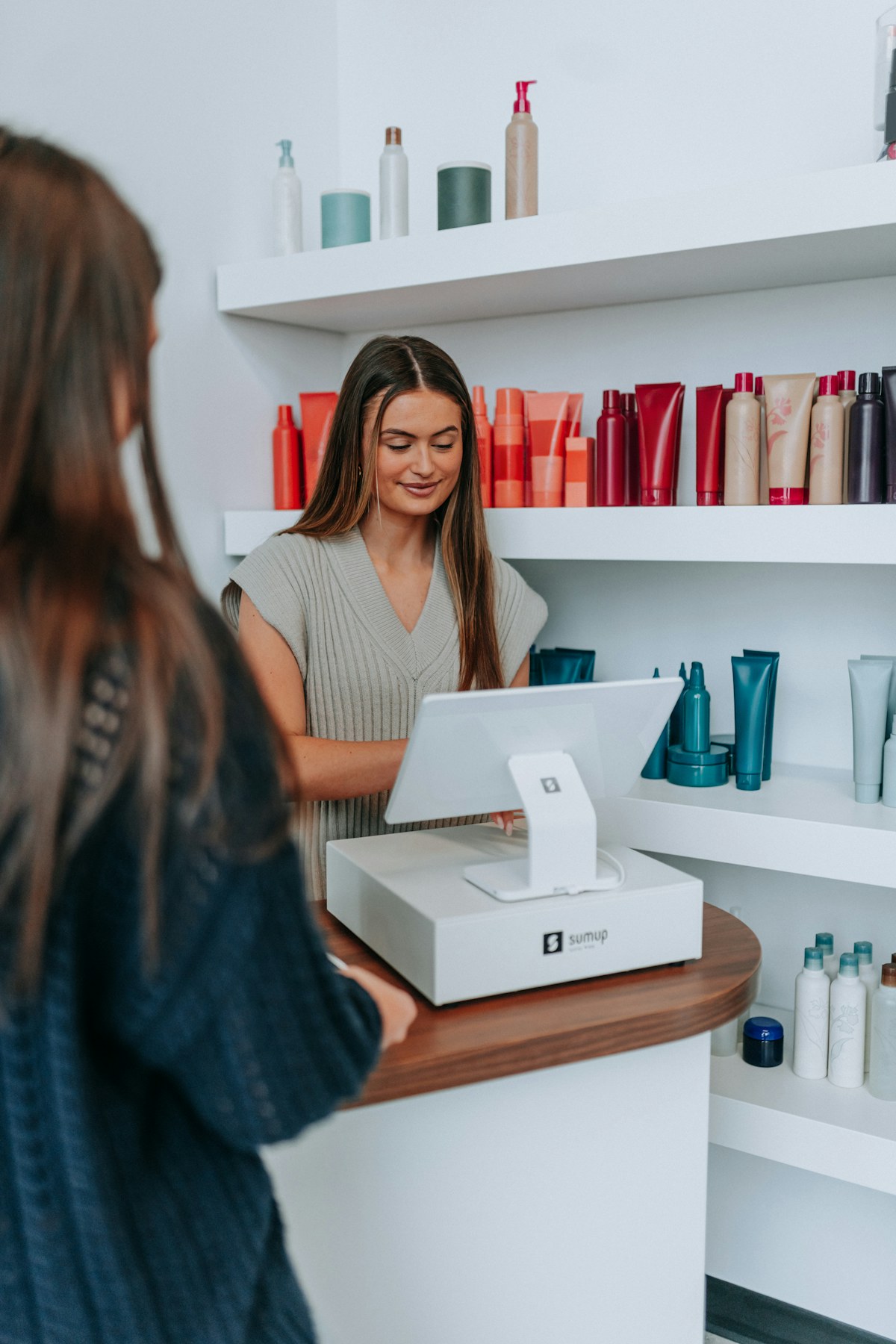
The research also showed a strong bookkeeping intent behind the invoice app query. Mobile hairdressers are not only asking how to send invoices. They want receipts, bank links, profit view, and tax ready records.
That is why the app should make expenses easy to attach while they still have context. Guidance on allowable expenses for hairdressers is useful because hairdressing costs can span stock, tools, insurance, training, travel, phone use, software, and payment fees.
Pricing context matters too. A mobile hairdresser price list or market guide can show service variation, but profit depends on what happens after the price is charged. The invoice app should help the owner see whether a service, route, or client pattern is worth repeating.
Expense context to keep near the invoice trail
- Colour and product stock used for the appointment
- Travel, parking, or congestion cost where relevant
- Card or platform fee
- Consumables such as towels, gloves, foils, and capes
- Training, insurance, software, and phone costs kept in the wider bookkeeping view
What to compare
Start with the day you actually run, not a feature grid. Mobile hairdressers need an invoice app that survives home visits, late changes, deposits, repeat clients, card fees, product costs, and simple Self Assessment preparation.
Operator discussions about software choices for a sole trader hairdresser show why this decision can feel unclear. Some tools are strong accounting systems. Some are quick invoice tools. Some are booking systems. The right choice depends on where the admin actually breaks.
For a mobile hairdresser, the safest shortlist question is this: after I finish the visit, can I close the client, payment, invoice, receipt, expense, and next appointment trail without rebuilding the job twice?
Shortlist criteria
- Can invoices start from appointments or client records
- Can deposits, partial payments, and balances be tracked
- Can receipts and expenses be captured quickly
- Can service lines show cut, colour, treatment, travel, product, and discount detail
- Can unpaid invoices be followed up without searching messages
- Can records support Self Assessment without end of year reconstruction
- Can client history survive busy weeks and repeat visits
Where Offlico fits
Offlico fits this problem when invoicing is treated as part of the mobile visit workflow. The appointment creates the context, the client record holds the history, reminders reduce missed work, and bookkeeping keeps the income and expense trail closer to the day it happened.
That does not mean every mobile hairdresser needs heavy accounting software on day one. It means the invoice app should not create another separate place to tidy later. The best setup makes the visit easier to close while the details are still fresh.
Final takeaway
An invoice app for mobile hairdressers should do more than send a neat PDF. It should help each visit become a clean business record.
Start with the practical job: client, service, location, price, deposit, payment, receipt, product cost, and follow up. Then choose the app that keeps those details together before the week has to be rebuilt from memory.
What should an invoice app for mobile hairdressers include?
It should include client details, service lines, appointment date, location context, deposit status, payment status, receipt sending, expense capture, and simple records for Self Assessment.
Do mobile hairdressers need invoices for every client?
They need records that explain business income and expenses. Invoices, receipts, payment logs, and appointment records make that easier to prove and review.
Is an invoice app enough for bookkeeping?
Only if it also supports the wider record trail. Mobile hairdressers usually need invoices, expenses, receipts, mileage context, payment status, and client history to stay connected.