Why mobile bookkeeping slips
The practical search query for this article is bookkeeping checklist for self employed mobile workers. The person behind that search is not usually trying to become an accountant. They are trying to stop invoices, receipts, mileage, payment notes, and client messages turning into a messy month end reconstruction.
Mobile work makes bookkeeping harder because the evidence of the day is scattered. One payment is taken at the door. Another invoice needs sending later. A receipt is in the van. Mileage is in the diary. A cancellation fee is mentioned in a message thread. By Friday, the operator knows they worked hard, but the record is already less clear than it should be.
This matters commercially for Offlico because bookkeeping pressure is rarely isolated. It is often a sign that bookings, payments, travel, reminders, and client history are living in separate places. A practical checklist helps the operator see where the admin is leaking time and where a connected operating system has value.

The weekly checklist
A weekly rhythm is the difference between bookkeeping as a small habit and bookkeeping as a monthly panic. The checklist below is designed for mobile workers who move between homes, sites, clinics, salons, studios, and local clients.
GOV.UK says self employed people must keep records of business income and expenses for Self Assessment. It also explains that self employed expenses must be related to business purchases, with separate guidance for allowable expenses. That is the compliance backdrop. The operational habit is simpler: do not let a completed visit become a mystery later.
Do this before Friday ends
- Mark every completed visit as paid, invoiced, unpaid, cancelled, or waiting for follow up.
- Check that each invoice or receipt is tied to the right client, service, date, and amount.
- Capture business mileage or travel notes while routes and detours are still fresh.
- Upload or photograph expense receipts before they fade, get lost, or stay in the vehicle.
- Review discounts, deposits, cancellation fees, refunds, and partial payments separately.
- List any work delivered but not yet invoiced so revenue does not vanish into messages.
- Flag client notes that affect the next visit, especially access, address, repeat preferences, or pricing changes.
What to record after each visit
The best time to record a mobile job is usually straight after the visit, before the next address, call, or errand takes over. You do not need a long note. You need enough context to explain what happened and what should happen next.
For a home visit, field service job, or appointment based service, the useful bookkeeping record is more than a payment line. It connects the job to the client, location, service, payment status, travel, and follow up.
| Record | Why it matters |
|---|---|
| Client and service | Helps match the income to the appointment rather than a vague bank line. |
| Visit date and location | Supports mileage review, route decisions, and client history. |
| Price and payment status | Shows what has been paid, what needs chasing, and what still needs invoicing. |
| Receipt or cost note | Keeps supplies, parking, tools, and ad hoc purchases visible. |
| Follow up action | Stops payment reminders, review requests, and next bookings staying in memory. |
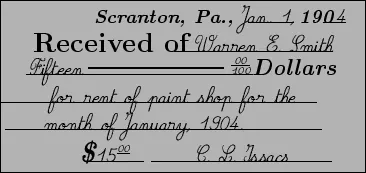
Match income to the work
A mobile worker can be busy and still lose track of income. Cash, card payments, bank transfers, deposits, invoice links, and late payments may all appear in different places. The weekly check is to match the money back to the work that created it.
TaxAid warns that poor records make tax returns harder and can leave people exposed if HMRC asks questions later. Its record keeping guidance is a useful reminder that the goal is not beautiful admin. It is accurate, complete, explainable records.
- Separate paid work from work that has only been completed.
- Check whether every deposit has a final invoice or balance payment.
- Record refunds, discounts, or waived fees so income does not look inconsistent later.
- Keep cancellation fees visible instead of leaving them buried in text messages.
- Run a weekly unpaid work list before clients forget the detail too.
Guides from FreeAgent, Xero, Sage, and QuickBooks all frame bookkeeping around keeping income, costs, records, and tax preparation organised. For mobile service work, the missing piece is making sure those records still connect back to the appointment that produced them.
Keep travel and receipts reviewable
Travel and small costs are where mobile bookkeeping often becomes vague. A fixed location business may have fewer daily journeys. A mobile business may have parking, fuel, cleaning stock, replacement tools, products, lunch during a long route, and client specific supplies all in the same week.
GOV.UK says simplified expenses can be used for some vehicle costs, working from home, and living at your business premises, but you still need to keep records for simplified expenses. The point for a mobile operator is to record the reason while it is obvious.
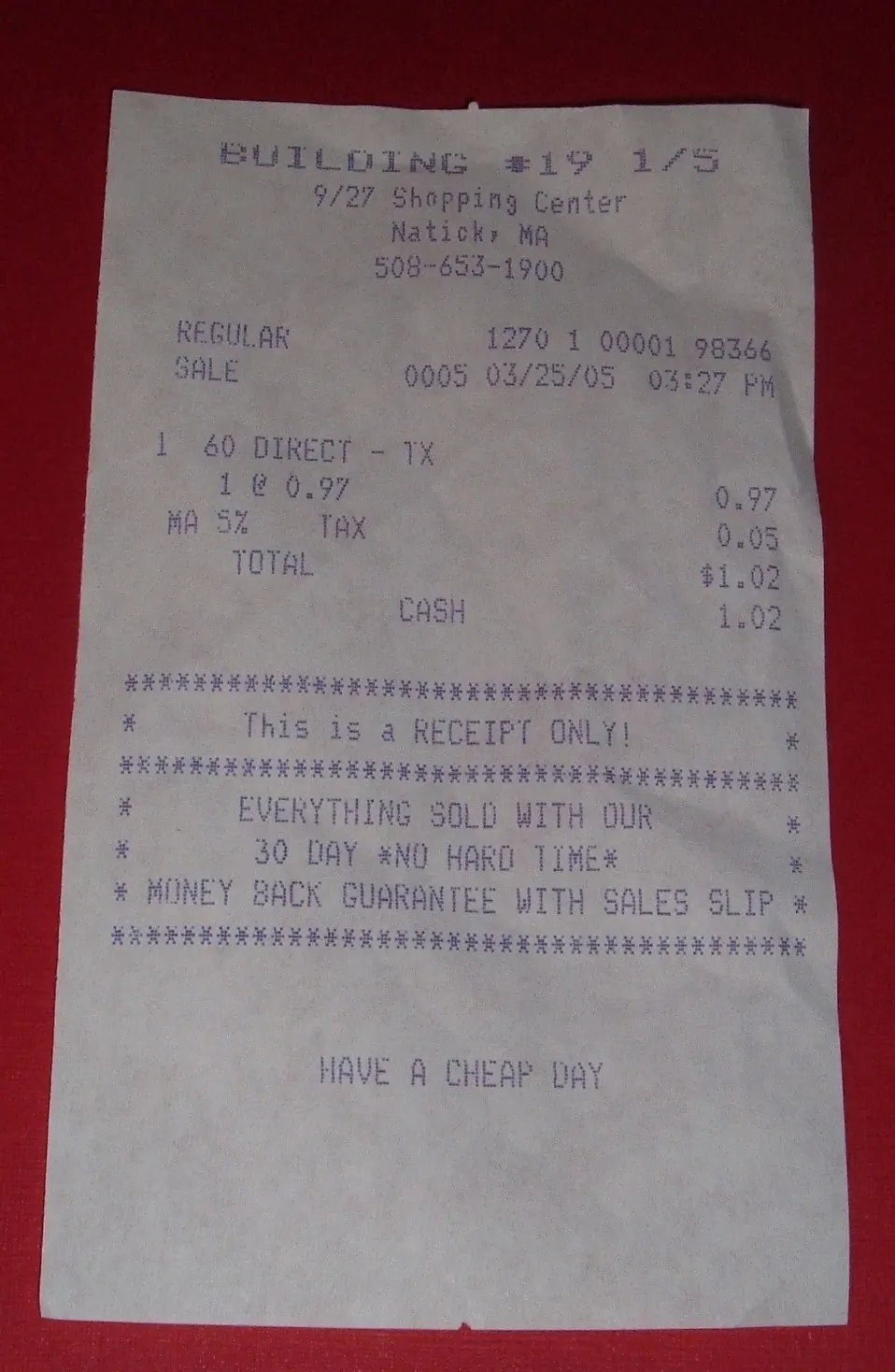
For each cost, capture
- What was bought
- Which client, job, route, or business need it relates to
- Whether it was paid personally, from the business account, or by card at the visit
- Whether the cost should be charged on, absorbed, or reviewed in pricing
- A photo or upload of the receipt before it is lost
The Low Incomes Tax Reform Group, MoneyHelper, and IPSE publish practical self employment and expenses guidance that can help operators understand the wider record keeping picture. Use them as signposts, then design your daily workflow so the evidence is captured as you work.
Choose tools around the workflow
A bookkeeping app is useful, but it cannot fix a workflow that never captures the right details. Before choosing tools, map the journey from booking to payment. Where does the appointment come from? Where is the price agreed? Where is mileage recorded? Where does the invoice go? Where do follow up reminders live?
For mobile businesses, the right setup normally needs a booking or appointment record, a client record, a payment or invoice process, a mileage or route note, and a weekly review habit. If those pieces do not talk to each other, the operator still has to act as the connector.
That is why generic bookkeeping advice from Crunch, Informi, ICAEW, ACCA, and ByteStart should be translated into a mobile working routine. The question is not only what records are required. It is when the record is easiest to capture accurately.
| If this keeps happening | Your system should make this easier |
|---|---|
| Invoices are sent days after the work | Create the invoice or payment action from the completed appointment. |
| Mileage is guessed later | Tie the journey note to the client, route, or visit day. |
| Receipts sit in the vehicle | Capture the receipt and business purpose before the end of the day. |
| Payment chases feel awkward | Use clear follow up status and reminder wording. |
| You forget why a price changed | Store the quote, visit note, or client context beside the booking. |
Where Offlico fits
Offlico is not trying to turn every mobile worker into a bookkeeper. It is built to keep the operational context closer together so bookkeeping does not need to be rebuilt from scratch.
When bookings, client notes, travel context, payment follow up, and reminders sit in one operating flow, the weekly bookkeeping checklist becomes easier. The operator can see what happened, what was paid, what needs chasing, and which details should be ready for the next visit.
That is where integrated payments, mileage logging, client management, and automated reminders support the same outcome: less disconnected admin and a clearer record of the working week.
Final takeaway
A useful bookkeeping checklist is not a pile of admin for later.
It is a weekly operating habit. Record the job, match the payment, capture the receipt, note the travel, and close the follow up while the week is still fresh. Do that consistently and bookkeeping becomes less about rescue work and more about running a mobile business with cleaner evidence, calmer review, and fewer missed payments.