What this searcher needs
The practical search query this article answers is booking form questions. Search discovery also showed appointment booking form template, appointment booking system for small business, client intake form, and service booking form variants.
The operator problem is specific. The business wants clients to book online, but the form either asks too little and creates manual follow up, or asks too much and scares away good clients before they choose a slot.
That matters commercially for Offlico because this is a booking setup moment. The business is deciding how to qualify clients, protect route time, collect useful job details, and connect the booking page to reminders and client records.
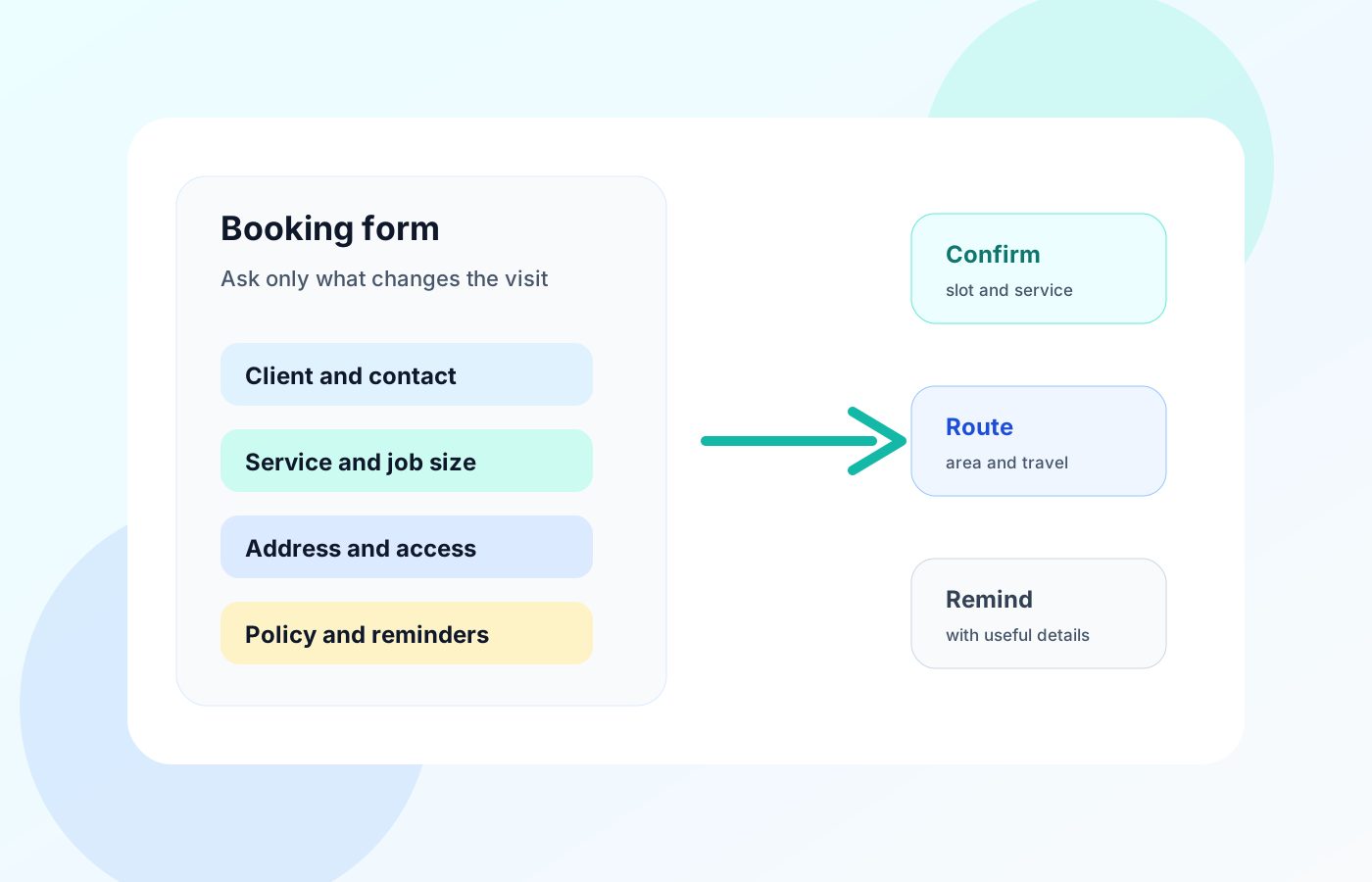
Start with the decision the form must support
Do not start by copying every question from a form builder template. Start with the decision the form must support: can this client book, can this job fit the diary, and what does the team need before confirming it?
This is where general form advice helps. GOV.UK form structure guidance recommends grouping questions around what users need to do. GOV.UK question page guidance is also useful because each question should have a clear purpose rather than becoming a hidden admin wish list.
| Decision | Question to ask | Why it matters |
|---|---|---|
| Can we contact the client | Name, mobile, and email | Confirmation and reminder messages need a reliable route |
| Can we serve the job | Postcode or full address | Travel, service area, and parking checks depend on location |
| Can we quote or allocate time | Service type and job size | The wrong service length breaks the diary |
| Can we arrive prepared | Access notes and special requirements | Mobile visits fail when key details are discovered at the door |
| Can we protect the slot | Policy acceptance and deposit status | No shows and late changes need clear expectations |
Essential questions for most service bookings
Every service business is different, but most booking forms need the same foundation. These questions are essential because they help the business confirm the booking without opening another back and forth thread.
Template libraries from Jotform appointment forms, YouCanBookMe booking form templates, and Acuity client intake form templates show the same pattern: collect contact details, service choice, timing, and context before the appointment starts.
Use these as the base set
- Client name
- Mobile number
- Email address if you send email confirmations
- Service or appointment type
- Preferred date and time or booking window
- Visit address or service postcode
- Brief job notes
- Access instructions where relevant
- Consent to receive appointment messages
- Cancellation or reschedule policy acknowledgement
Use conditional questions to keep the form short
The fastest way to make a booking form feel heavy is to ask everyone questions that only apply to some jobs. Conditional questions keep the main booking flow short while still collecting the details needed for complex appointments.
Tools such as Calendly routing forms have made routing questions familiar. For mobile service businesses, the same idea can protect the diary by sending different clients through different question paths.
| Trigger | Follow up question | Operational reason |
|---|---|---|
| New client | Have you used this type of service before | Helps the team explain preparation and timing |
| Home visit | Is parking or access restricted | Protects arrival time and avoids doorstep surprises |
| Large job | Upload photos or describe the size | Helps quote time and materials |
| Edge postcode | Are you flexible on day or time | Lets the team group visits by area |
| Pet, child, or vulnerability context | Anything we should know before arrival | Helps keep the visit safe and respectful |
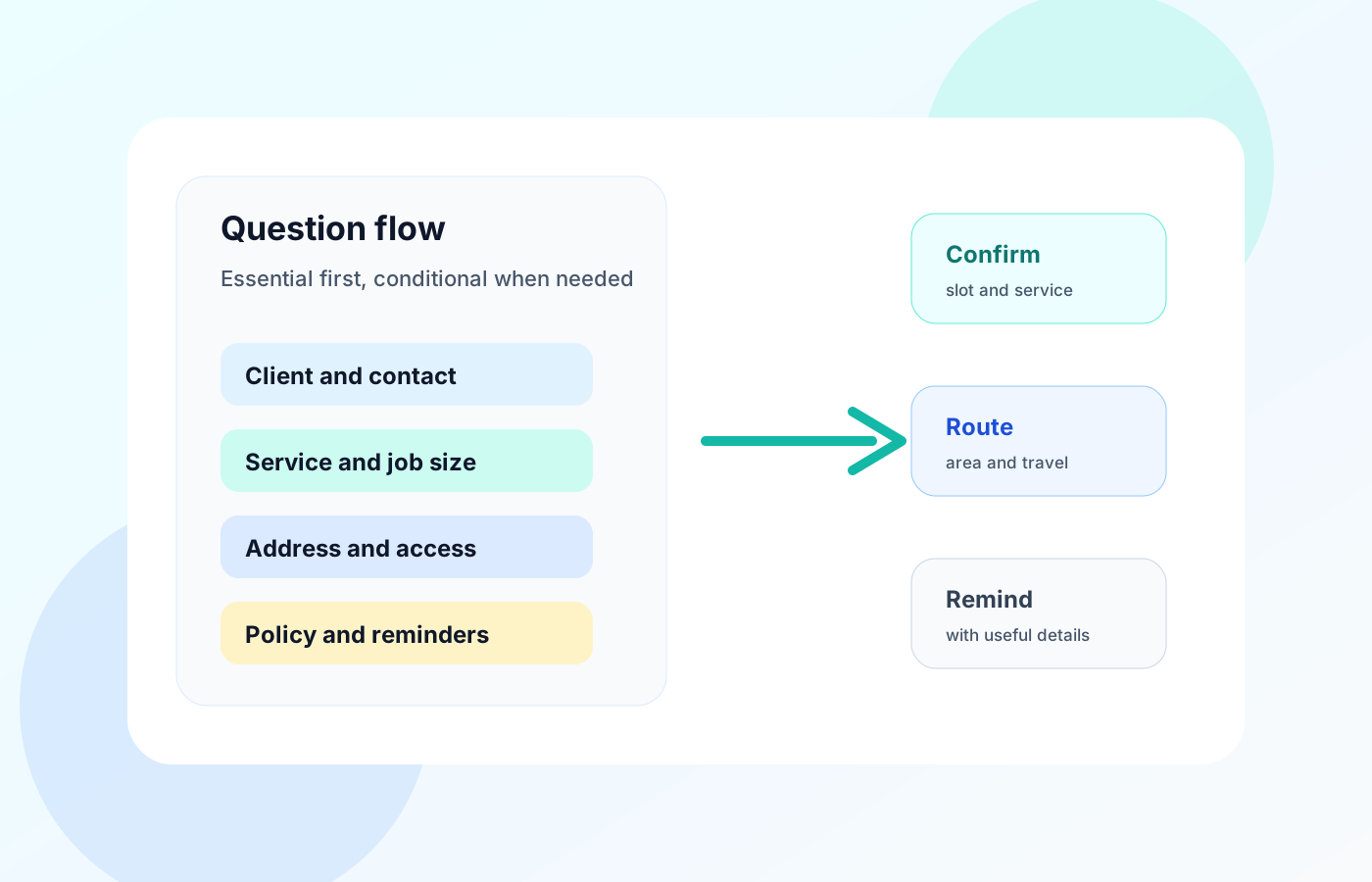
Avoid form friction that loses good bookings
Useful questions can still damage conversion if the form feels like work. W3C form instructions and Nielsen Norman Group form design research both point to the same practical lesson: labels, help text, and question order matter.
Research from Baymard on field descriptions is checkout focused, but the lesson carries into booking pages. Explain why a detail is needed when the client might hesitate. A postcode feels less intrusive when the form says it is used to check service area and travel time.
Friction checks before publishing
- Put easy identity and contact fields first
- Ask address details only when location changes the service
- Use plain labels instead of internal team wording
- Explain why sensitive or unusual details are needed
- Make optional questions clearly optional
- Let clients describe the job in their own words when a fixed menu is too narrow
- Keep policy text short and link to the full policy if needed
Questions by business type
A generic booking form is a starting point, not the finished system. The useful questions change when the service moves from a clinic room to a client home, site, garden, salon chair, or pet visit.
Use the examples below as prompts, then remove anything that does not change how you confirm, price, route, prepare, or remind.
| Business type | Questions worth adding |
|---|---|
| Mobile hairdresser | Hair length, colour history, allergies, parking, mirror or wash access |
| Cleaner | Property type, rooms, supplies provided, pets, access method |
| Dog groomer | Breed, coat condition, temperament, vaccination or health notes |
| Massage therapist | Treatment type, health notes, parking, room setup, consent |
| Window cleaner | Property height, rear access, conservatory, frequency, parking |
| Trades and repairs | Issue description, photos, model numbers, access, parking, preferred contact method |
Connect answers to the workflow
The booking form should not end in a lonely email notification. Form answers become valuable when they stay attached to the appointment, client, route, reminder, payment, and follow up record.
General platforms such as Square Appointments, Setmore online booking, and SimplyBook.me show how online booking can collect scheduling details. For mobile teams, the important question is what happens after the form is submitted.
Turn answers into actions
Create or update the client record
Keep contact details and preferences somewhere the team can reuse them.
Attach visit details to the appointment
Service type, address, access, and notes should travel with the booking.
Check the route before confirmation
Use area, address, and service length to decide whether the slot is workable.
Send a confirmation with useful details
Confirm time, location, service, preparation notes, and reply action.
Use the same answers in reminders
Reminders are clearer when they include the service and preparation details already collected.
Final takeaway
Booking form questions should make appointments easier to confirm, not simply collect more data. Start with the decision the form must support, keep the essential path short, and reveal conditional questions only when the answer changes the work.
For a mobile or appointment based service business, the best booking form is the one that helps the team say yes or no quickly, plan the day realistically, and send a confirmation the client can trust.
What questions should be on a booking form
Ask for the client name, contact details, service type, preferred time, location, job notes, access details where relevant, communication consent, and policy acknowledgement.
How many questions should a booking form ask
Ask the minimum needed to confirm, price, route, prepare, and remind. Put extra questions behind conditional logic or ask them after the slot is accepted.
Should a booking form ask for an address
For mobile services, yes. At least ask for postcode or service area before showing availability, because travel time and service area rules affect whether the appointment is workable.