What this searcher needs
The practical search query this article answers is booking app for mobile personal trainer UK. Query variants checked included online booking system for personal trainers, personal trainer booking form, PAR Q online booking, session package booking, reminders, payments, and cancellation policy wording.
The core problem is not simply letting a client pick a time. A mobile trainer needs to know where the session will happen, what type of session it is, whether the client has completed the right form, how the session is paid for, whether it uses a package credit, and what reminder or cancellation rule applies.
That matters commercially for Offlico because this is solution aware demand. The trainer is already comparing booking tools, but the real buying trigger is usually scattered admin across Instagram DMs, WhatsApp, forms, spreadsheets, calendar invites, and payment links.
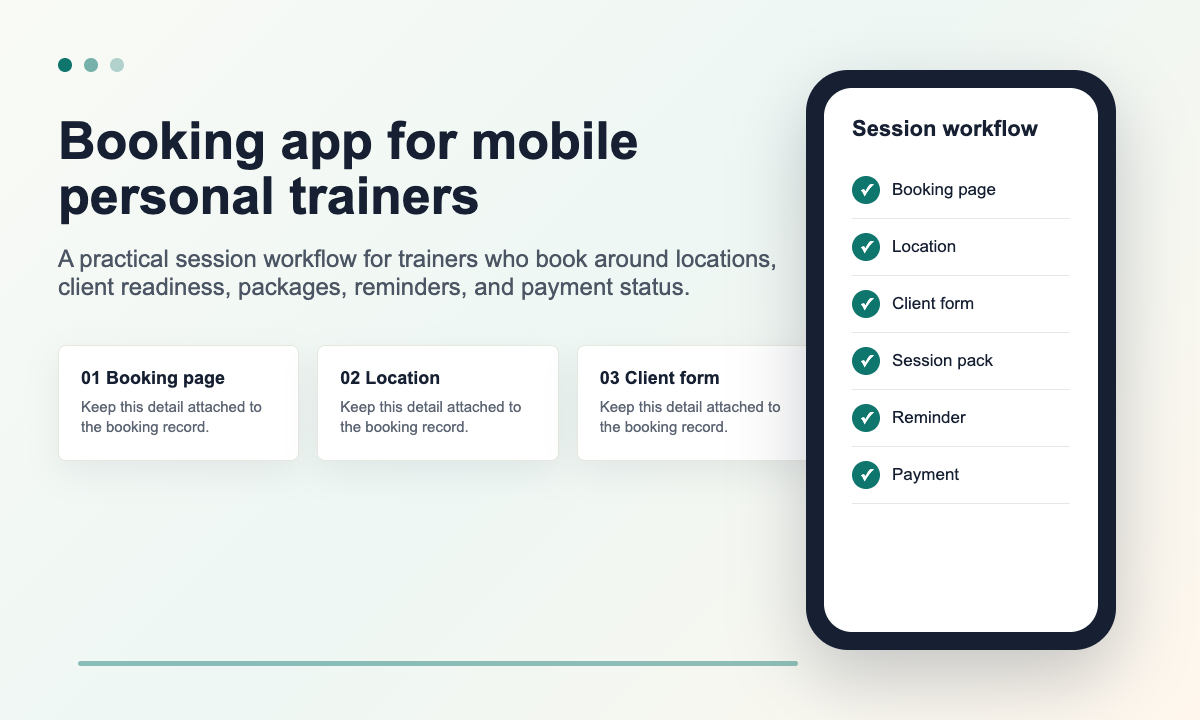
Why general calendars feel light for mobile training
A normal calendar can show free time, but a mobile trainer works with more conditions. A client may train at home, outdoors, in a shared gym, at a workplace, or online. Each setting changes travel, preparation, equipment, privacy, payment, and follow up.
Current search results show personal trainer booking pages selling reminders, recurring sessions, payments, rescheduling, and client forms. Those features are useful, but a mobile trainer should read them through the day they actually run: one session may need travel time, another may need a readiness form, and another may be part of a prepaid block.
Personal trainer form resources show why the booking cannot stop at time selection. A client may need a PAR Q or readiness questionnaire before exercise starts, and practical form libraries include consultation, cancellation, and client policy wording that affect whether the session can safely and commercially go ahead.
Broader coaching and fitness guidance reinforces the same point. Safe to Practice guidance asks coaches to think about participant readiness and appropriate support, and the official PAR Q+ documents give a standard route for physical activity readiness screening. A booking app should make that readiness step easier to track, not easier to forget.
That does not mean every client should face a long form before they can enquire. It means the booking app needs the right sequence: simple booking choice first, then only the health, location, access, and payment details that matter for that session.
The details a light calendar often loses
- Training location and travel buffer
- Session type and expected duration
- Client readiness or consultation form status
- Package credit or payment status
- Cancellation and reschedule window
- Equipment, access, parking, or outdoor meeting notes
- Follow up and repeat booking prompt
The booking page test
The booking page should make booking feel easy without hiding operational questions until it is too late. The best test is whether a new client can choose the right session and the trainer can decide what happens next without opening another message thread.
Good form design supports this. Clear form structure helps people answer questions in a sensible order, while accessible instructions help clients understand what a field means and why it is needed. For a trainer, that can mean explaining why a postcode, preferred training location, or readiness form is requested.
Practical fitness form guidance also points to the same pattern. Personal trainer forms often cover consultation details, cancellation terms, health questions, and client expectations. A booking app should help collect those details at the right point rather than leaving them in separate PDFs or forgotten DMs.
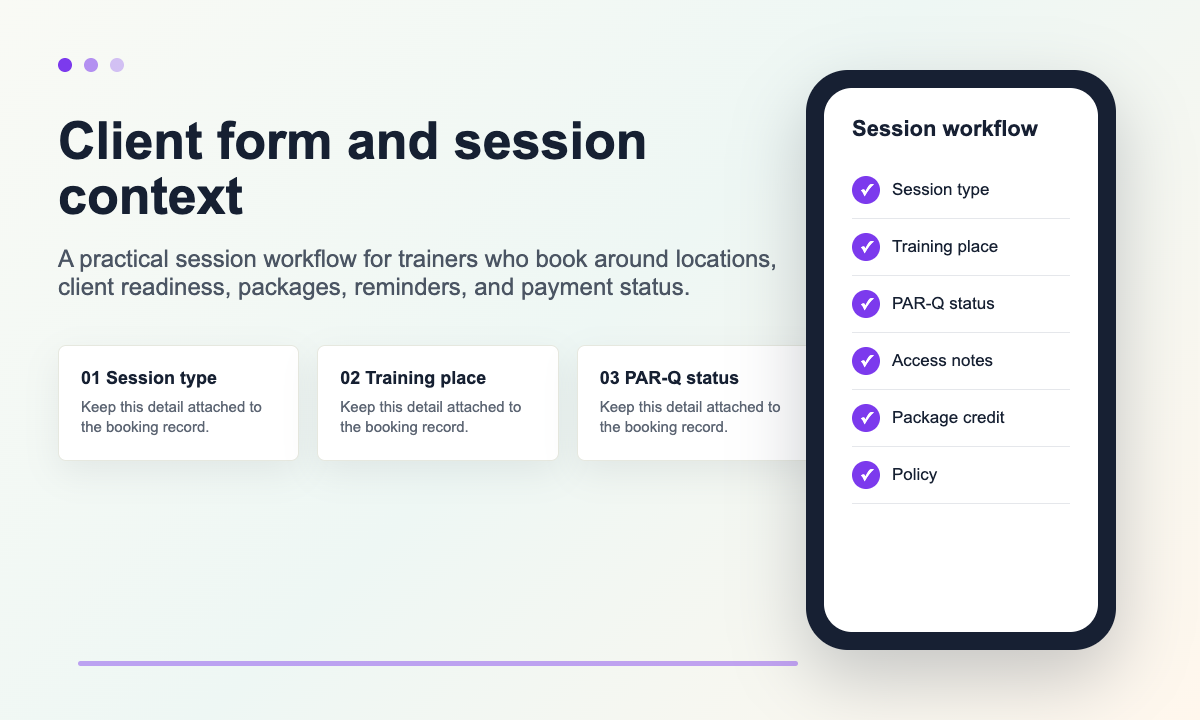
| Booking page area | What to check | Why it matters |
|---|---|---|
| Session menu | Can clients choose one to one, block booking, assessment, or online session clearly? | The wrong service length breaks the diary and the package record. |
| Location | Can the flow collect home, gym, workplace, park, or online details? | Mobile work needs travel and setup context before confirmation. |
| Client form | Can readiness or consultation forms be sent, completed, and tracked? | The trainer should not chase health and goal details manually. |
| Policy | Can cancellation, lateness, and reschedule rules be visible before payment? | Clear rules reduce awkward manual conversations later. |
| Payment | Can a session, package, deposit, or outstanding balance be tracked? | Booking and payment context should not split into separate admin trails. |
Session packages and payments
Many personal trainers sell blocks of sessions rather than single appointments. That changes what a booking app needs to do. It must know whether the client is booking a paid single session, using a package credit, booking an assessment, or rearranging a session that already belongs to a plan.
This is where the session record matters. If payment status lives in one app, the package count in a spreadsheet, and the appointment in a calendar, the trainer has to reconcile the day after every booking. A stronger setup keeps the booking, package, invoice or payment note, and client history close together.
Client agreement examples often include session fees, cancellation windows, health declarations, and session location details. Those are not just legal or admin details. They shape the booking decision, especially when a client wants to move a session at short notice or use a package credit.
A cleaner booking to payment flow
Client chooses the session type
Single session, consultation, online session, group session, or block booking.
The app checks the right details
Location, form status, contact preferences, and any access notes.
Payment or package status is recorded
The trainer can see paid, unpaid, deposit due, or package credit used.
Reminder goes from the same booking
The message uses the correct time, place, and client action.
Follow up updates the record
Notes, next session, invoice, receipt, and repeat booking prompts stay attached.
Reminders and cancellation rules
Personal training sessions often sit before work, at lunch, after school runs, or in the evening. A reminder needs to do more than say the time. It should help the client arrive ready or cancel early enough for the trainer to protect the gap.
Search results around personal trainer booking tools repeatedly mention reminders, no shows, rescheduling, and payments. That reflects a real operator problem: a late cancellation can waste prepared time, travel, and a slot that another client might have taken.
Real trainer policies show why the booking app needs cancellation context. One published agreement states that clients must complete a PAR Q before exercise and may be charged for missed sessions. Another fitness policy describes different outcomes depending on how close the cancellation is to the session. The practical lesson is to make the rule visible before the client books and reusable inside reminders.
Reminder wording should also respect privacy. The booking record may contain health, goal, injury, or location details, but the reminder itself can stay minimal. Privacy guidance around electronic messages separates useful service communication from promotional messaging, which is a helpful distinction for trainers sending appointment updates rather than marketing campaigns.
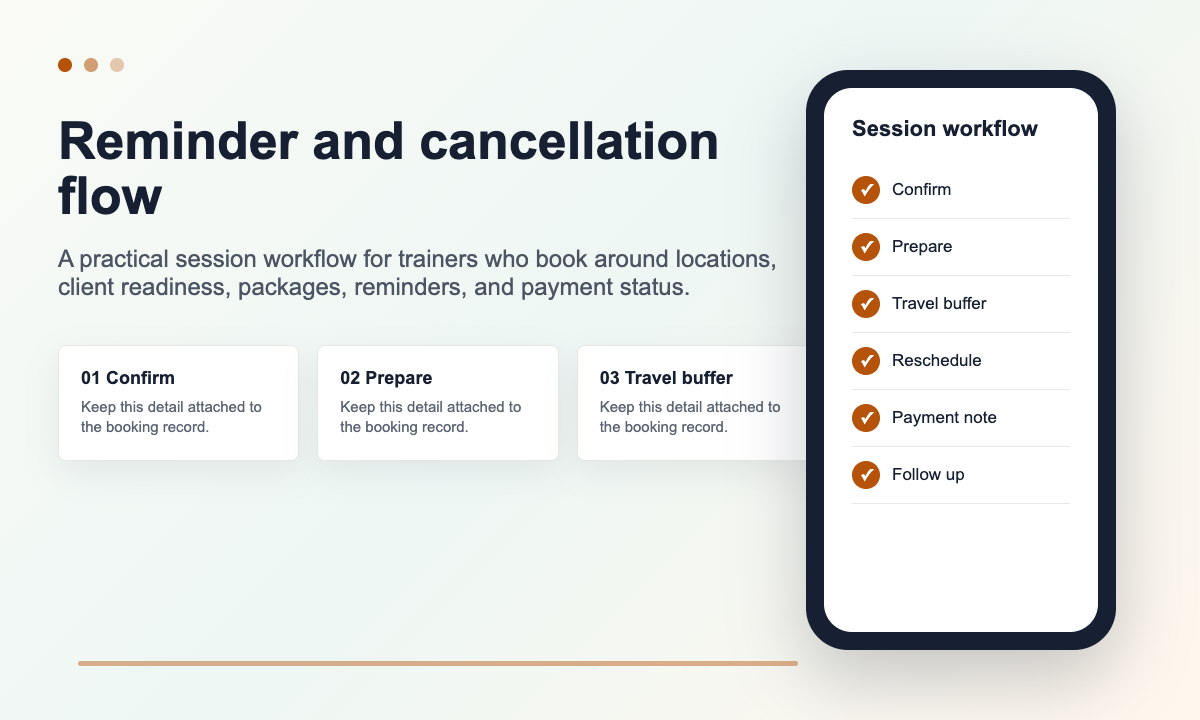
Reminder wording should usually include
- Client name and session type
- Date and time
- Training location or online link
- Anything the client must bring or complete
- Cancellation or reschedule action
- Payment or package reminder only when relevant
- Privacy safe wording that does not expose health details unnecessarily
Mobile location and route fit
A booking app for a mobile trainer should not treat every empty slot as equally available. A 7am home session, a lunchtime office visit, an evening park session, and an online check in all place different pressure on the day.
Location is not only a map detail. It affects travel buffer, equipment, privacy, weather backup, parking, and whether two clients can realistically book back to back. For mobile trainers, the booking app should allow buffers, service areas, manual approval, or request then confirm rules when travel matters.
This is also a bookkeeping issue. The same session record can support mileage context later, especially when the trainer drives between homes, gyms, parks, and workplaces. A booking app does not need to become full accounting software, but it should avoid losing the client and location trail that makes admin cleaner.
Booking app comparison checklist
Use this checklist before choosing or switching tools. It is deliberately practical: put one real training week through the app and see what still needs manual work.
| Area | Passes if | Warning sign |
|---|---|---|
| Booking page | Clients can choose the right session type and understand the next step. | Every session goes through one generic calendar link. |
| Client forms | Readiness and consultation details are tracked against the client or session. | Forms arrive in a separate inbox and must be checked by memory. |
| Payments | Single sessions, packages, deposits, and unpaid balances are visible. | The trainer has to compare bank, calendar, and spreadsheet manually. |
| Reminders | Messages are sent from the booking record with location and action details. | Reminders are copied manually or miss reschedule context. |
| Travel | The app supports buffers, areas, or manual confirmation where location matters. | Every free slot is shown as bookable without location checks. |
| Records | Notes, follow ups, invoices, and mileage context remain attached to the client. | The session disappears into the calendar once it is complete. |
Final takeaway
A booking app for mobile personal trainers should make booking feel simple for the client and make the working day easier for the trainer. That means the app must do more than publish availability.
Look for the system that keeps the session type, client form, location, package, payment, reminder, cancellation rule, and follow up together. If those details stay connected, the booking app becomes a calmer way to run the training business rather than another place to check.
What is the best booking app for a mobile personal trainer
The best option is the one that fits the trainer’s real workflow: session types, client forms, payments, packages, reminders, cancellation rules, and travel context. A simple calendar link may be enough at the start, but it often becomes weak once the trainer has repeat clients and mobile sessions.
Should a personal trainer booking form include PAR Q details
It should at least connect to the readiness or consultation process. Some trainers collect the full form before the first session, while others send it immediately after booking. The important point is that the booking record shows whether it has been completed.
Do mobile personal trainers need location checks before booking
Usually yes. A postcode, training location, or online session choice helps the trainer protect travel time, equipment planning, and realistic buffers before confirming the slot.
Can reminders reduce missed personal training sessions
Reminders help when they give the client a clear action: confirm, reschedule, complete a form, bring equipment, or check the location. They work best when they are connected to the booking rather than written manually each time.