What this searcher needs
The practical search query this article answers is booking app for mobile car valeters UK. Active search discovery also showed mobile valeting booking system UK, car detailing booking system deposits reminders UK, mobile car valeting booking page address vehicle details, and water, electricity, parking, deposit, cancellation, and no show phrases.
The core problem is simple. A mobile valeter can take an online booking that looks profitable on a calendar, then lose the margin because the address is awkward, the vehicle condition was understated, the route is poor, the customer expected water or power to be included, or the deposit and cancellation rule was unclear.
That matters commercially for Offlico because the searcher is not only looking for a calendar. They are looking for a booking flow that can protect travel time, collect job details, send reminders, connect payments, and leave a cleaner record after the visit.
Start with the booking questions
A mobile valeting booking form should ask for the details that change the job. That usually means the vehicle type, service package, vehicle condition, exact location, parking access, whether water or power is needed, and any preparation the customer must complete.
Good form structure starts with restraint. Question pages should only ask for information you really need, and clear form instructions help people enter required details in the right format. For valeters, that means fewer vague notes and fewer follow up texts before the appointment can be confirmed.
Real operator pages show why those questions matter. Safe parking close to the vehicle, fully self contained water and power, and customer supplied water and electricity are different operating models. Your booking app should make the requirement explicit before the slot is accepted.
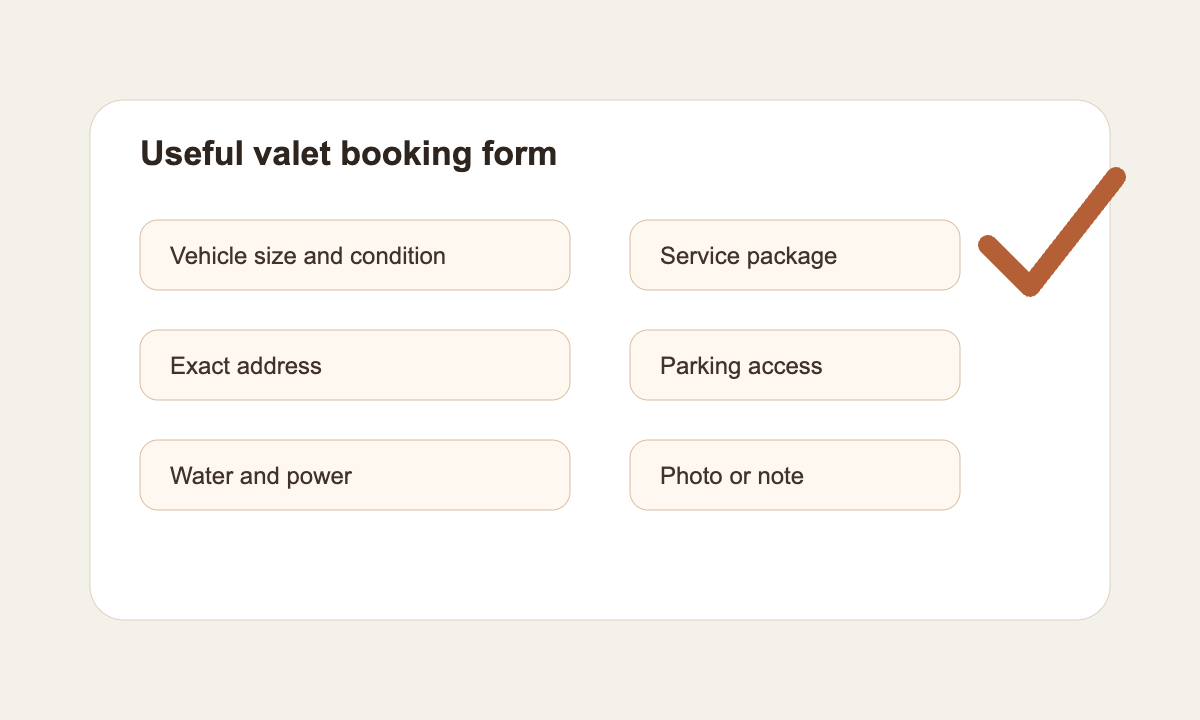
| Question | Why it matters | Booking rule |
|---|---|---|
| Vehicle size and condition | Time and price can change with size, pet hair, mould, or heavy staining | Use clear package choices and allow notes or photos for condition |
| Exact address and postcode | Route fit depends on the real location, not a town name | Check service area and travel time before instant confirmation |
| Parking and access | A van needs a safe place close enough to the vehicle | Ask for driveway, street, office car park, or restriction details |
| Water and power | Different operators are self contained to different levels | Show whether the customer must provide anything before they book |
| Customer preparation | Personal belongings, child seats, keys, and access can delay the job | Put preparation notes in the confirmation and reminder |
Protect the mobile day
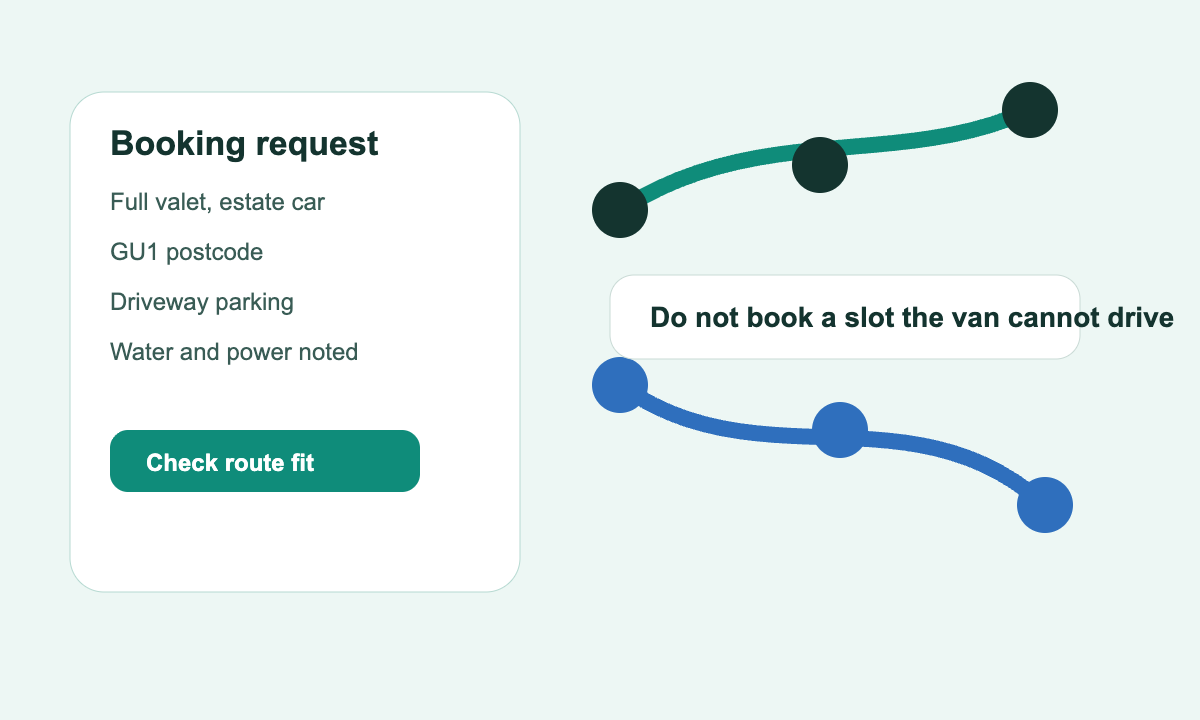
The biggest booking app mistake for mobile valeters is treating availability as a list of empty times. A 10am slot is not really available if it creates a long drive, blocks a better cluster, or puts a four hour detail too close to another postcode.
Search results repeatedly surfaced route and access friction. Mobile valeting to the chosen address works best when the app also understands service area, package length, and postcode coverage. Parking and vehicle movement need planned safe access, which is why access questions belong inside the booking flow rather than in a later text thread.
A good booking app should let you separate instant bookings from review bookings. Standard jobs inside a strong area can book online. Edge areas, long services, unknown access, and quote only jobs should move into manual confirmation rather than pretending every request is equal.
Route fit checks before instant booking
- Is the postcode inside a normal service area for that day?
- Does the service duration leave enough setup and pack down time?
- Will the route still work if traffic or weather slows the job?
- Is parking close enough for safe and practical access?
- Should the booking be confirmed instantly or reviewed first?
Use deposits without confusing clients
Deposits can be useful for higher value details, long appointments, and clients who are booking a scarce mobile slot. But the policy has to be visible before payment, not hidden after the customer has chosen a time.
Operator terms show the range. Short notice cancellation rules, bookings confirmed only after a deposit, and final prices based on size, condition, and location all point to the same need: payment wording should match the real job risk.
Payment flow matters too. Booking systems with payments can connect slot choice, payment, and confirmation. That sequence only works well when the customer knows what the payment covers, when the balance is due, and what happens if the job needs repricing after inspection.
| Payment moment | What to show | Why it matters |
|---|---|---|
| Before checkout | Deposit amount, balance due, and cancellation window | The customer should not discover the rule in a later message |
| After checkout | Paid amount, remaining balance, date, and service selected | The confirmation becomes a usable record |
| At the visit | Extras, condition changes, and final price notes | The valeter can explain why the invoice changed |
| After completion | Receipt, invoice, and follow up reminder | The booking becomes bookkeeping and customer history |
Keep reminders service based
Reminders for mobile valeting should do more than repeat the time. They should confirm where the vehicle will be, what the customer needs to prepare, whether parking is available, how access will work, and whether the operator is bringing water and power.
The ICO separates appointment reminders used as service messages from marketing messages when the message is genuinely about the appointment, while reminder workflows work best when they use real appointment data. That distinction matters because a useful reminder should reduce operational friction, not sneak in a promotion.
Write reminders around the job. For an exterior wash, the customer may need the vehicle accessible and enough space around it. For an interior detail, they may need to remove personal belongings. For a workplace booking, they may need permission to use the car park. Those are not nice to have details. They decide whether the visit starts on time.
Reminder templates for mobile valeters
Use the booking details already captured instead of writing every message from scratch.
Preparation reminder
Any mobile valet where access or preparation can delay the start
Hi [Name], your [service] is booked for [date] around [arrival window] at [address]. Please make sure the vehicle is accessible, personal items are removed, and parking is available nearby.
Route reminder
Busy mobile days with multiple postcodes
Hi [Name], we are due with you today for [service]. We will message if traffic changes the arrival window. Please reply if access or parking has changed.
Completion note
Jobs that need payment, invoice, or repeat care follow up
Thanks for booking. Your [service] is complete. Here are the payment details, invoice link, and recommended next clean window for your vehicle.
Connect bookings to records
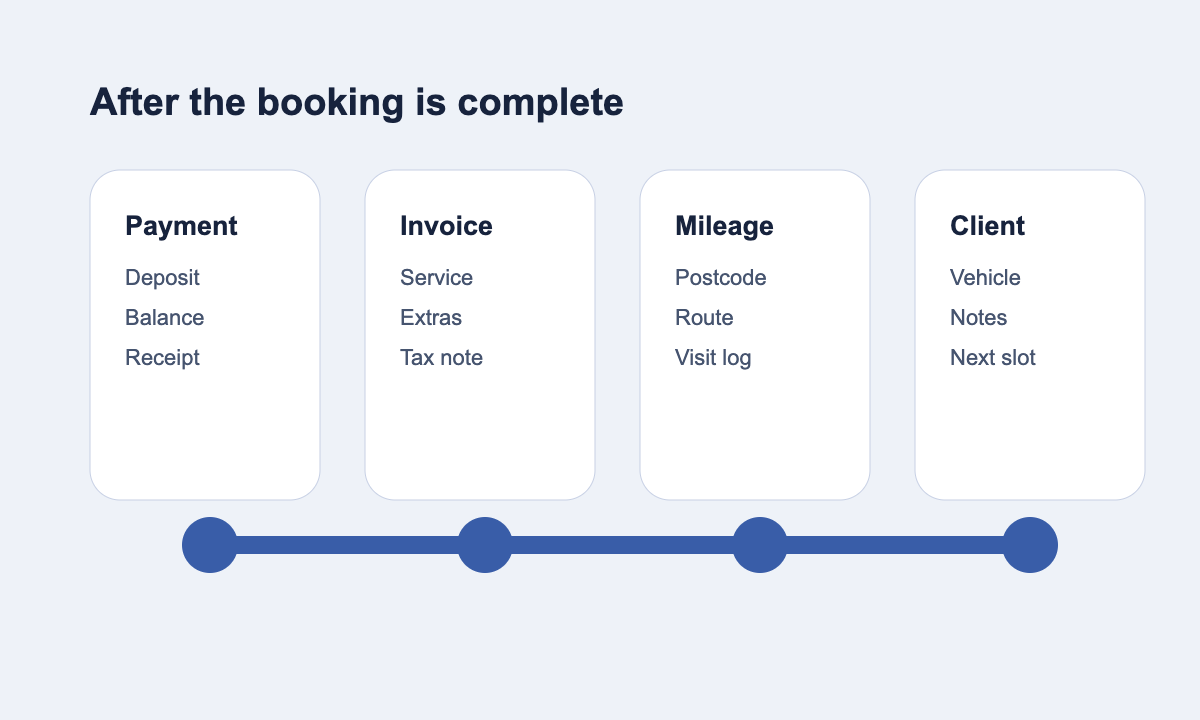
A mobile valeting booking app should not stop at the calendar. Every completed job can create useful records: payment status, invoice line items, customer history, vehicle notes, mileage context, and next appointment timing.
Self employed record keeping rules are written for self employed people generally, but the principle fits mobile valeters well. Income and expense records are easier to trust when the original job, customer, journey, and payment sit close together. A booking that becomes a clean record saves work later.
This is where Offlico fits the problem. Offlico is strongest when the booking, calendar, reminders, payments, invoices, mileage, and client records stay in one workflow. For a mobile valeter, that means the job can move from enquiry to visit to follow up without rebuilding the same details in separate tools.
Feature
Online booking
Give clients a booking page that captures useful visit details before the diary fills.
- service choices
- address and access notes
- client confirmation
Feature
Smart scheduling
Keep route fit, calendar pressure, and appointment timing visible while planning the day.
- route aware planning
- buffer time
- postcode context
Feature
Bookkeeping
Keep payment, invoice, mileage, and visit records closer to the work that created them.
- job linked records
- invoices
- mileage context
What to look for in the app
When you compare booking apps for mobile car valeters, start with the daily workflow rather than the longest feature list. The right app should make it harder to accept vague jobs, easier to protect mobile time, and simpler to follow up after the clean.
A normal appointment tool can still work if every booking is short, local, and simple. But mobile valeting often has variable vehicle sizes, different package lengths, unclear access, weather or parking constraints, deposits, and route pressure. Mobile car wash cost guides also show how location and vehicle factors change expectations, so the booking flow should make those factors visible early.
Shortlist criteria
- Public booking page that works well from social, Google profile, and website links
- Vehicle size, condition, location, access, and preparation questions
- Service area rules, travel buffers, and manual review for edge cases
- Deposit or full payment support with clear confirmation wording
- SMS or email reminders tied to the actual booking details
- Invoice, payment, mileage, and client records after the job is complete
- Simple mobile use while the operator is on the road
What is the best booking app for mobile car valeters?
The best app is the one that handles the mobile workflow: vehicle details, exact address, parking, water or power needs, service duration, deposit rules, reminders, and route fit. A generic calendar can be enough for simple local work, but it becomes weaker when jobs vary by location and condition.
Should mobile valeters take deposits online?
Deposits are useful for long or high value appointments, but only when the amount, refund rule, cancellation window, and balance due are clear before the customer pays. The booking confirmation should repeat those details.
What should a mobile valeting booking form ask?
Ask for the vehicle size, service package, condition notes, exact address, parking, access, water or power requirements, contact number, and any preparation needed. Avoid questions that do not change the job or confirmation decision.