What the query really means
The practical search query this article answers is booking app for dog walkers. The searcher is usually not asking for a generic calendar. They are trying to stop owner messages, walk capacity, pet notes, access details, payments, and route planning from living in separate places.
That matters commercially for Offlico because dog walkers are mobile operators with repeat visits, travel gaps, reminders, and client records. If Offlico can help them turn online booking into a controlled booking flow, the product becomes useful before the diary feels broken.
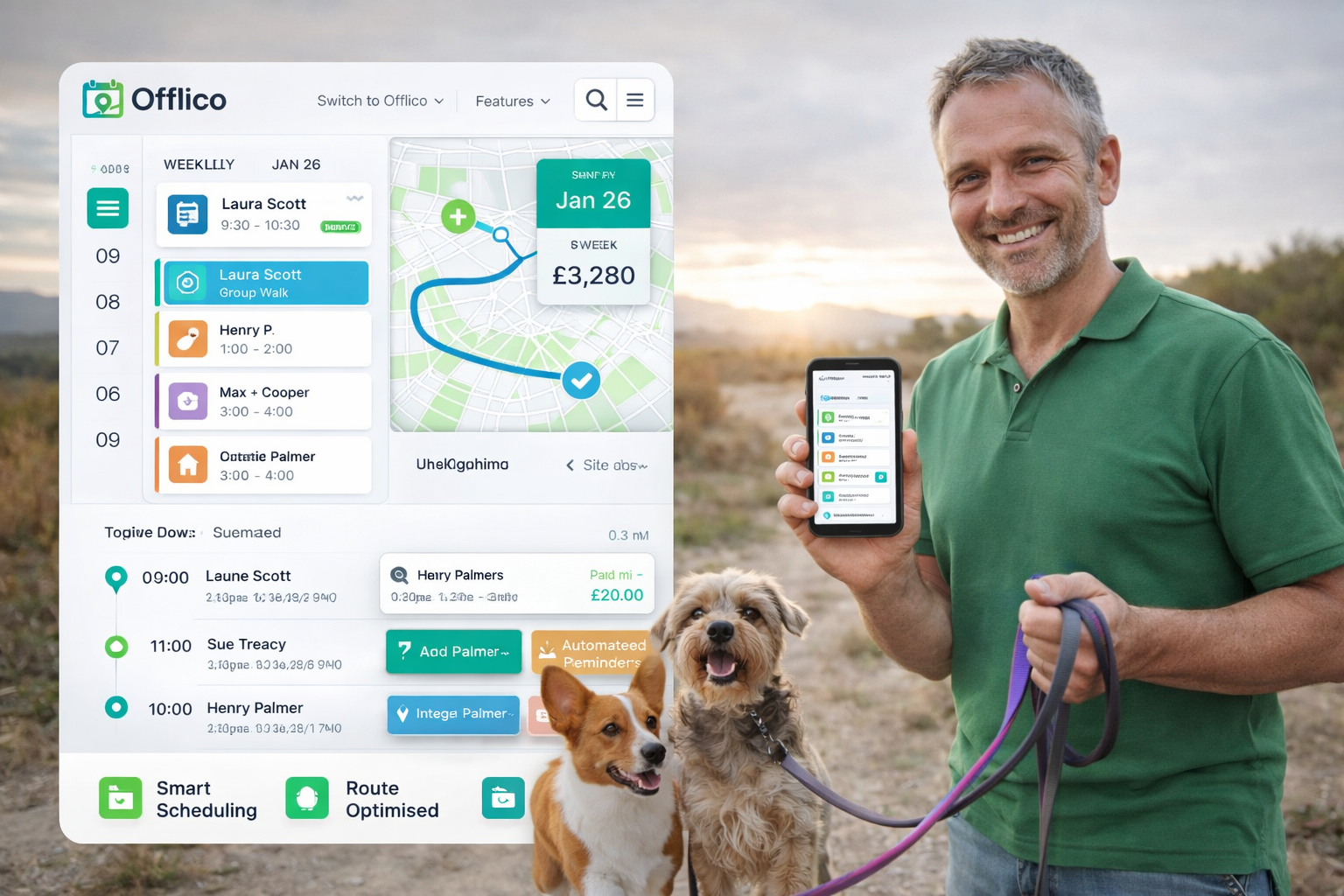
Active discovery found long tail variants such as booking apps for dog walkers, booking system for dog walkers, and online booking system for cleaners. The dog walking result set also showed vertical tools such as Vev dog walker booking software, GoWalkies, and Rover. That confirms the intent is practical and tool led.
Why a calendar link is not enough
A normal appointment scheduler can collect a name, time, and payment. Dog walking work needs more operational detail. One new client can affect group compatibility, route shape, key access, emergency contacts, dog behaviour notes, and the number of dogs already committed to that hour.
| Generic booking page | Dog walking booking flow |
|---|---|
| Shows open times | Shows capacity by walk type, area, dog count, and buffer |
| Collects contact details | Collects owner, dog, vet, access, behaviour, and consent notes |
| Confirms instantly | Holds requests until route and group fit are checked |
| Takes payment | Connects deposits, repeat billing notes, and missed payment follow up |
Tools like Acuity Scheduling, Setmore, and SimplyBook.me show how mature online scheduling has become. The dog walker question is narrower: can the booking flow protect the mobile day, not just fill a slot.
Control capacity before confirmation
The biggest mistake is letting every available time look bookable. A walker may have one free hour on paper, but that hour may be unusable if the dog is in the wrong area, needs solo handling, or creates a travel gap between existing walks.
Capacity checks before accepting a request
- Walk type such as solo, group, puppy visit, drop in, or trial walk
- Area or postcode fit against the existing route
- Maximum dogs already committed for that time window
- Buffer for pickup, drop off, keys, parking, and weather delays
- Dog compatibility, age, recall notes, reactivity, and insurance limits
- Whether the first booking should be a request rather than instant confirmation
Specialist systems such as Time To Pet and Pet Sitter Plus exist because pet care is not a simple service slot. Capacity decisions need client and pet context.
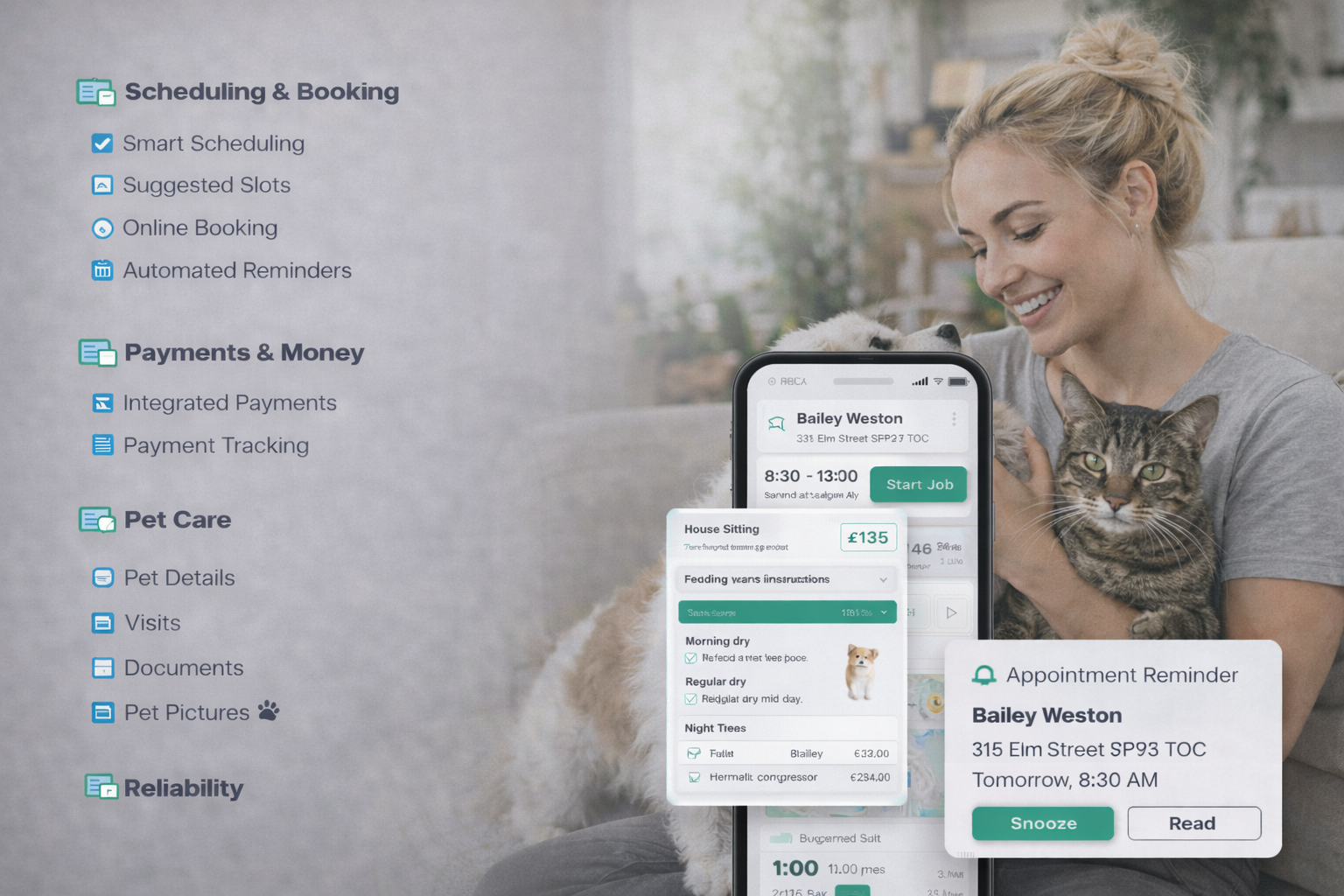
Build a better booking form
A useful dog walker booking form should reduce the messages that normally happen after enquiry. It should not be so long that good clients abandon it, but it must capture the information needed to decide whether the booking is safe, profitable, and practical.
| Form field | Why it matters |
|---|---|
| Owner details and preferred contact | Reduces back and forth before confirmation |
| Dog profile and behaviour notes | Helps decide solo versus group and trial walk needs |
| Address, access, keys, and alarm notes | Prevents avoidable arrival failures |
| Vet and emergency contact | Keeps critical information attached to the client record |
| Service type and repeat pattern | Separates one off walks from recurring route capacity |
| Payment preference and deposit policy | Makes billing clear before the walk is accepted |
For UK operators, licensing or local authority rules may also matter depending on the exact pet service. GOV.UK has guidance on running a pet business, which is a reminder that booking records can become compliance records too.
Connect bookings to payments and reminders
Once a walk is accepted, the system should trigger the next admin steps automatically. Confirmation, payment instruction, reminder, arrival note, walk update, and follow up should all come from the same booking record.
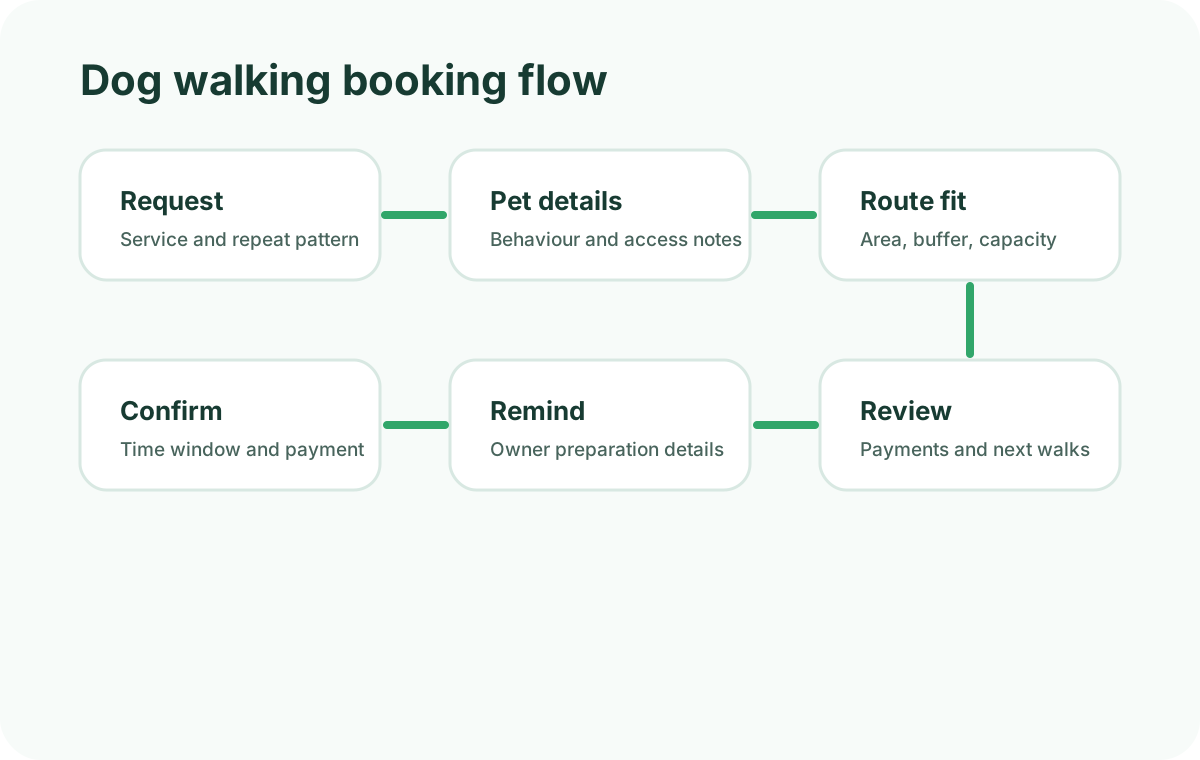
A cleaner confirmed booking flow
Request comes in
The owner chooses a walk type and shares pet, address, access, and contact details.
Walker reviews fit
Route, capacity, dog profile, and repeat pattern are checked before confirmation.
Confirmation is sent
The owner receives the confirmed time window, payment note, and any preparation details.
Reminder fires before the walk
The reminder uses the same booking record, so address and access notes stay consistent.
Payment and notes stay attached
The completed walk links back to payment status, owner record, and future repeat bookings.
Pet focused tools such as KennelBooker show how booking, records, and payment context often need to sit together. For Offlico, the opportunity is to make that same connected workflow simple for mobile service operators.
Where Offlico fits
Offlico should not promise to replace every specialist pet care tool. The stronger positioning is that dog walkers need the same operational backbone as other mobile service businesses: online booking, smart scheduling, reminders, client records, payments, and route aware decisions.
What Offlico should keep connected
- Booking request and client record
- Dog and owner notes
- Area, route, and buffer context
- Confirmation and reminder messages
- Payment status and follow up
- Repeat booking pattern and capacity review
Final takeaway
The best booking app for dog walkers is not just the one with the prettiest booking page. It is the one that stops a new request from breaking the day.
Start by controlling capacity, collecting the right pet and access details, and connecting confirmation, reminders, payment, and route review. That is the difference between online booking and a booking system a dog walker can trust.