What this searcher is trying to fix
The practical search query this article answers is best online booking system for mobile service business UK. Query variants checked included online booking system for small business UK, booking app with SMS reminders, booking page for self employed service business, booking form for home visits, and booking flow for service businesses.
The operator problem is not just taking bookings online. It is taking bookings without creating bad travel gaps, missing address details, manual confirmation threads, unclear payment status, and reminder work that should have been automatic.
That matters commercially for Offlico because this is comparison stage intent. The reader is close to replacing phone calls, DMs, spreadsheets, or a basic calendar link with a system that can hold booking, client, route, reminder, payment, invoice, and mileage context together.
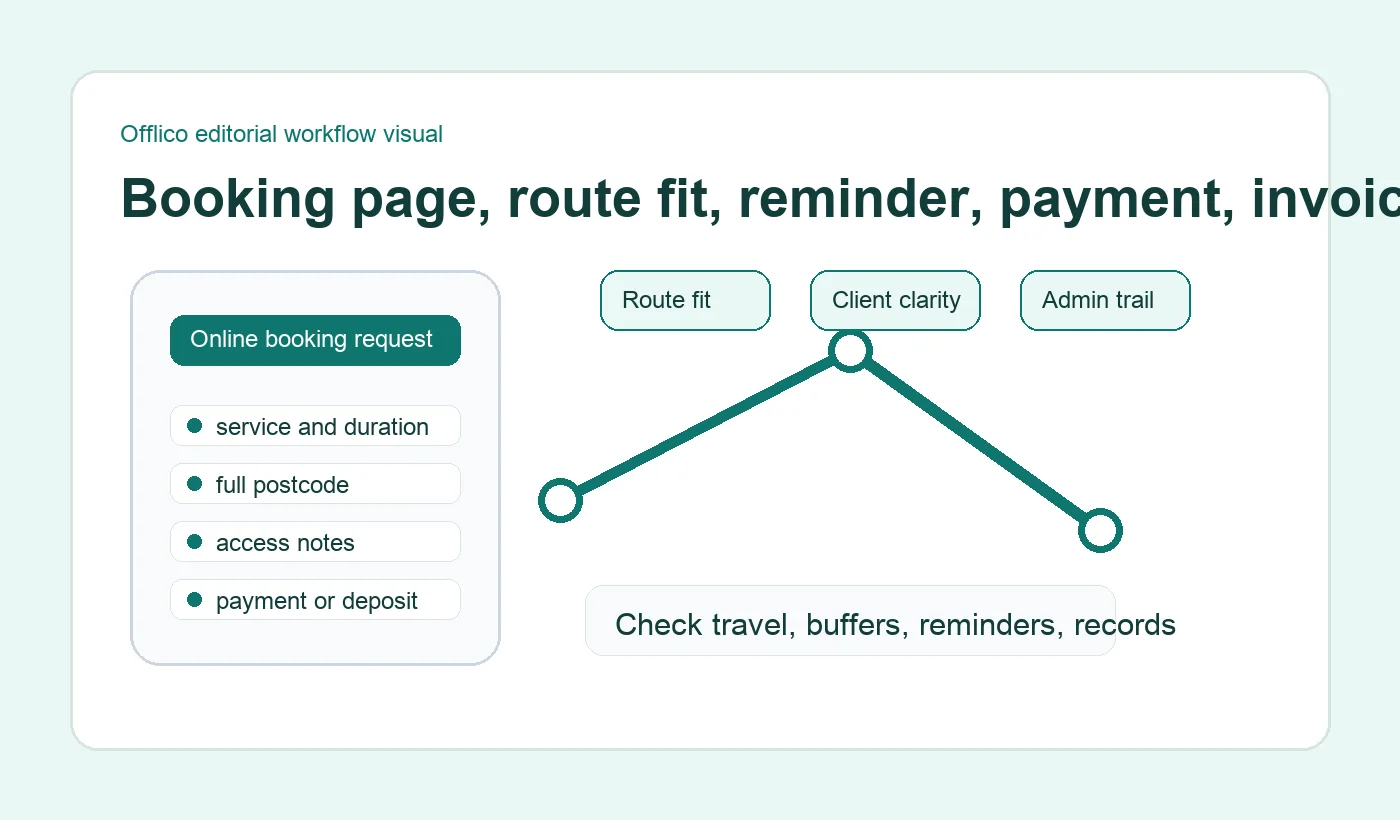
Why generic booking tools break mobile days
A fixed location business can usually treat an empty calendar slot as available. A mobile service business cannot. The appointment has to fit the previous postcode, the next postcode, the service duration, parking, access, and any preparation the client must complete.
Current search results around online booking systems repeatedly bundle booking pages, reminders, payments, deposits, and customer records. That tells you the market is not only looking for a calendar. Operators are looking for a quieter way to run the whole appointment workflow.
Small business guidance on creating an online booking system and comparing booking features shows how quickly the topic moves from basic online booking into reminders, payments, client history, and channel choice. For mobile work, add route fit and address quality to that list.
Dispatch and field planning sources make the same point from a bigger operational angle. Scheduling and routing guidance focused on travel, capacity, and territory constraints is enterprise language, but the smaller business version is familiar: do not let online demand scatter the day across places that do not work together.
Compare systems by workflow, not feature lists
The word best is risky because it can turn into a shallow software list. A better test is whether the system handles the workflow your mobile business actually runs.
Start by putting one normal busy day through the system. Add a short local visit, a longer job, an edge postcode, a client with access notes, a deposit or payment question, and a reschedule. Then look at what breaks.
| Comparison area | What to check |
|---|---|
| Booking page | Can clients choose the right service, see clear availability, and understand what happens next? |
| Booking form | Does it collect full address, access notes, service detail, and contact preferences without becoming heavy? |
| Route fit | Can the system use buffers, areas, request then confirm rules, or manual approval when travel matters? |
| Reminder flow | Are confirmations and reminders triggered from the booking record rather than copied by hand? |
| Admin trail | Can the booking connect to client notes, payment status, invoice follow up, and mileage context? |
Service design guidance supports this workflow view. Clear form structure helps people answer questions in a sensible order, and accessible form instructions help users understand required details and formats. A booking system that asks for address and access details should make those questions feel useful, not intrusive.
The booking page and form test
The booking page should feel quick for the customer and useful for the operator. Those goals are not opposites. The trick is to ask fewer vague questions and more decision making questions.
For a mobile service business, the form usually needs the service, preferred time or window, full address, access details, contact method, notes that affect duration, and any policy acceptance or deposit step that applies before the slot is held.
Practical form template pages show the common pattern clearly: an appointment request form usually collects contact details, preferred date or time, and the reason for the visit. The mobile version needs to go further by capturing the details that make the appointment workable before confirmation.
Other form examples describe booking forms as a way to reduce incomplete requests and improve coordination. That is useful, but the mobile operator should read appointment booking form setup as operational intake, not just lead capture.
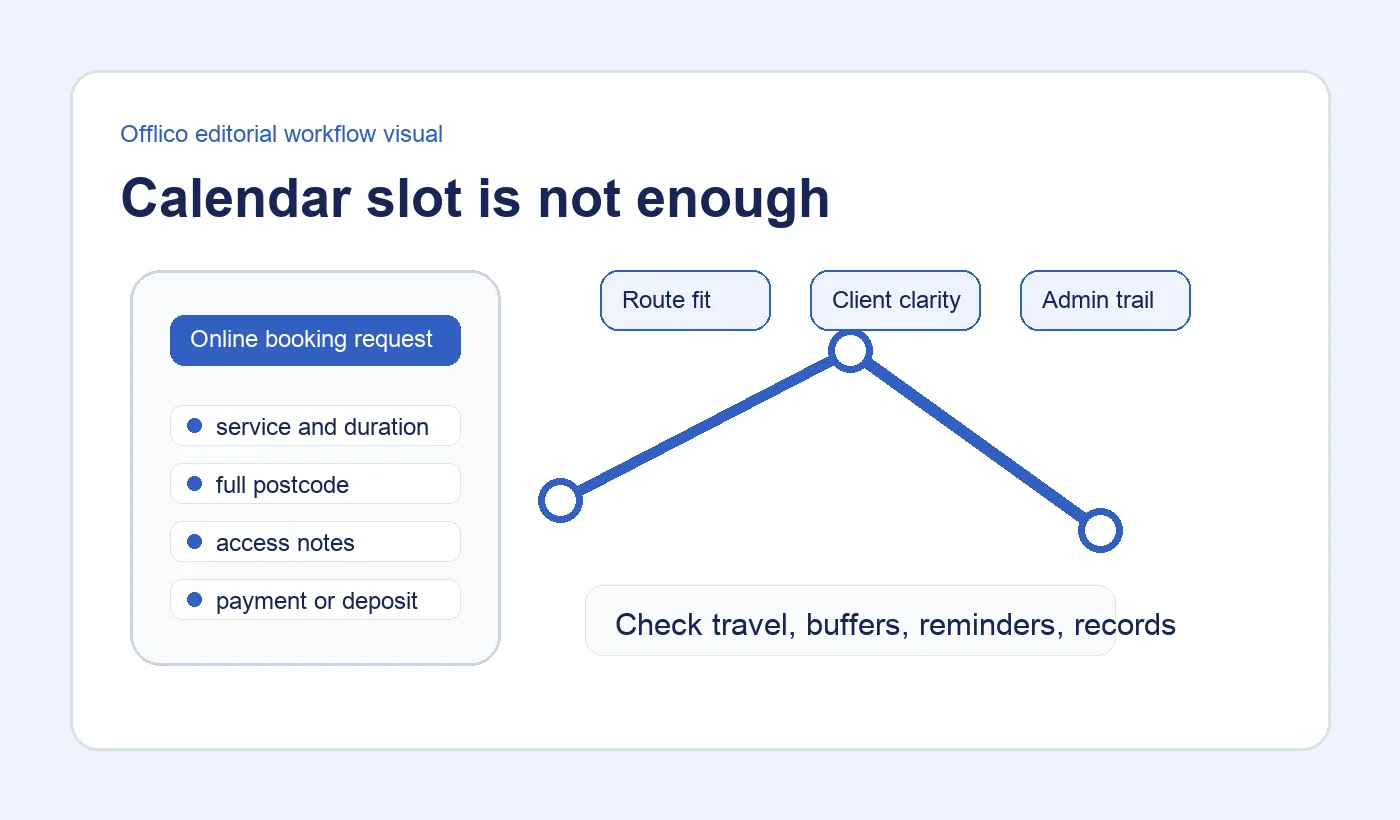
Check what happens after the booking
A weak system stops at the booked slot. A strong system carries the booking into confirmation, reminders, payment status, client notes, invoice follow up, and the next visit.
This is where many owners feel the admin cost. The booking looks online, but the business still chases deposits, sends manual reminder texts, asks for missing access notes, checks bank payments, and writes the same client detail into another place.
Reminder and booking searches now overlap heavily. That makes sense because a booking app with SMS reminders solves a more complete problem than a diary alone. Appointment reminder services describe booking, rescheduling, cancellation, and reminder workflows together because the customer experience does not stop at choosing a time.
Payments create the same dependency. General guidance on booking systems with payments and how payment status connects to reservations is useful background, but mobile service businesses should also ask where that proof sits after the visit: booking record, invoice, receipt, or separate payment dashboard.
Policy clarity matters too. Consumer guidance on cancelling a service that has been arranged and business guidance on supplying services fairly and setting expectations both point toward a practical rule: booking terms should be visible before they become a dispute.
Where Offlico fits
Offlico is a good fit when the booking is not meant to live on its own. The useful workflow is online booking feeding the mobile working day: service choice, address, route context, reminders, client record, payment or invoice follow up, and mileage notes.
That does not mean every mobile operator needs the most complex system. It means the best system is the one that removes the hidden admin after the booking, not the one with the longest feature page.
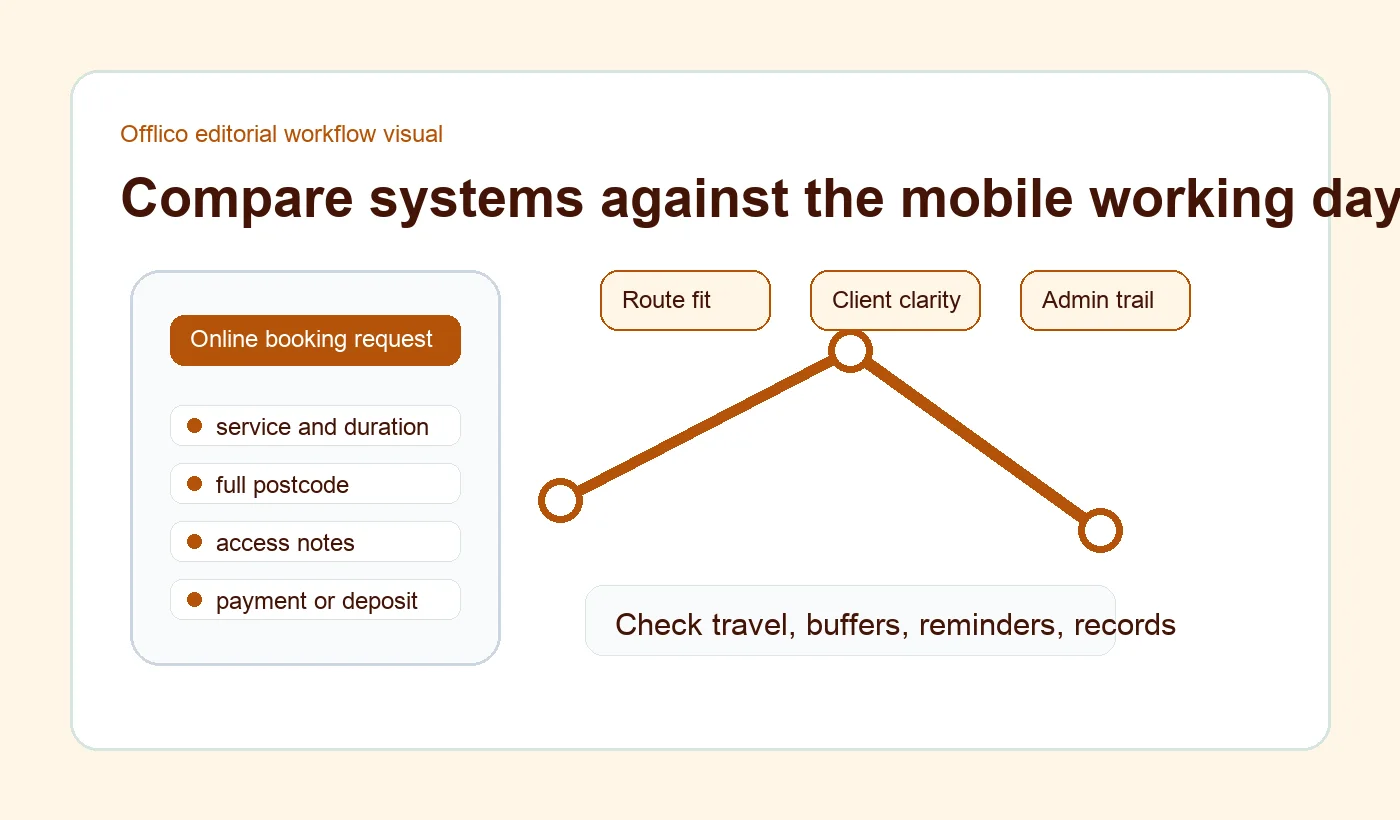
Use Offlico when you want online booking to stay close to smart scheduling, automatic reminders, payments, and bookkeeping instead of splitting each step into a separate app.
Frequently asked questions
What is the best online booking system for mobile services?
The best system is the one that fits the route as well as the diary. Look for full address capture, service duration, travel buffers, reminders, client records, and payment or invoice follow up.
Should a mobile business allow instant online booking?
Use instant booking for predictable jobs inside a known area. Use request then confirm when the appointment needs route judgement, photos, access checks, or a wider arrival window.
What should a booking form ask for?
Ask for the service, preferred time or window, full address, contact details, access notes, job details that affect duration, and any policy or payment step needed before confirmation.
Final takeaway
The best online booking system for mobile work is not the one that makes the booking page look clever. It is the one that turns a customer request into a day you can actually run.
If the system protects route fit, keeps the form clear, automates the right reminders, and carries payment, invoice, client, and mileage context forward, online booking becomes a working system rather than another admin channel.