What this searcher actually needs
The practical search query this article answers is appointment scheduling app for small business. The nearby language includes appointment booking app, online booking system for small business, booking app for service business, and scheduling software for small business.
The problem is not only finding an empty calendar slot. A small service business needs the booking request to become a realistic appointment with the right service, location, duration, confirmation, reminder, client record, and payment context.
That matters commercially for Offlico because this is a high intent workflow search. The operator is not browsing productivity tips. They are deciding whether software can remove manual booking admin without making the day harder to deliver.
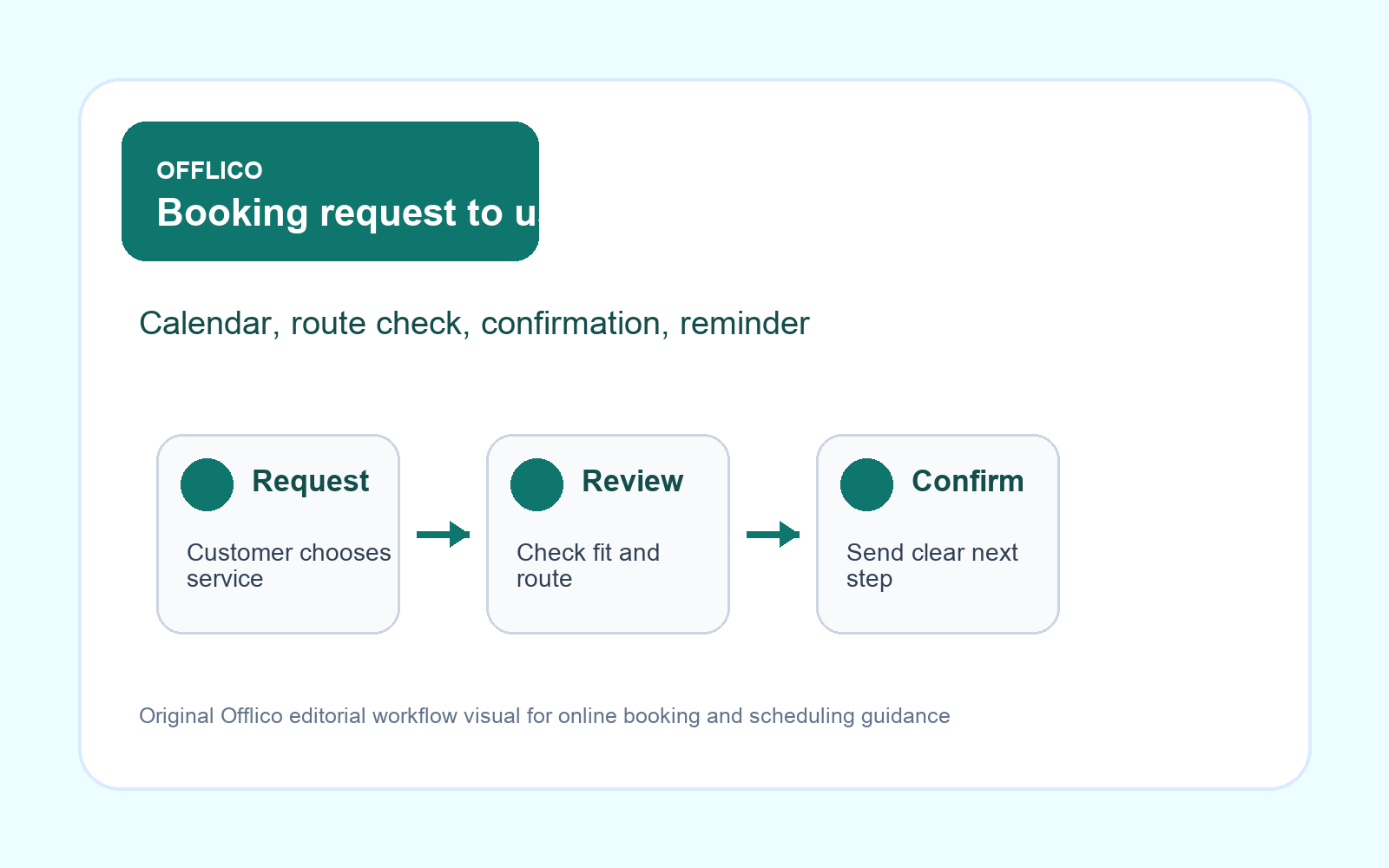
A calendar slot is not enough
Many appointment tools start by asking when the customer wants to book. That is necessary, but it is rarely sufficient for service work. The business still needs to know what is being booked, where it will happen, whether the job fits the area, and whether the customer has given enough detail to confirm.
The GOV.UK form structure guidance is useful because it says forms should be structured around why each question is being asked. For small service businesses, that means every field should help decide whether the appointment can be accepted, prepared, and reminded properly.
| Weak scheduling app | Useful scheduling app |
|---|---|
| Shows empty slots | Checks whether the slot fits the service |
| Collects name and email only | Collects service, location, contact, and access context |
| Creates a calendar event | Creates a record the business can confirm and follow up |
| Sends a generic message | Sends confirmation and reminders from the booking details |
Collect useful details without heavy forms
The best booking form feels short to the customer but complete enough for the operator. Ask for the few details that prevent follow up messages, wrong duration, wrong area, or unclear preparation.
W3C form label guidance, WebAIM accessible form guidance, and Nielsen Norman Group form usability recommendations all point toward the same practical rule: make labels specific, keep the path understandable, and do not make customers decode what the form wants.
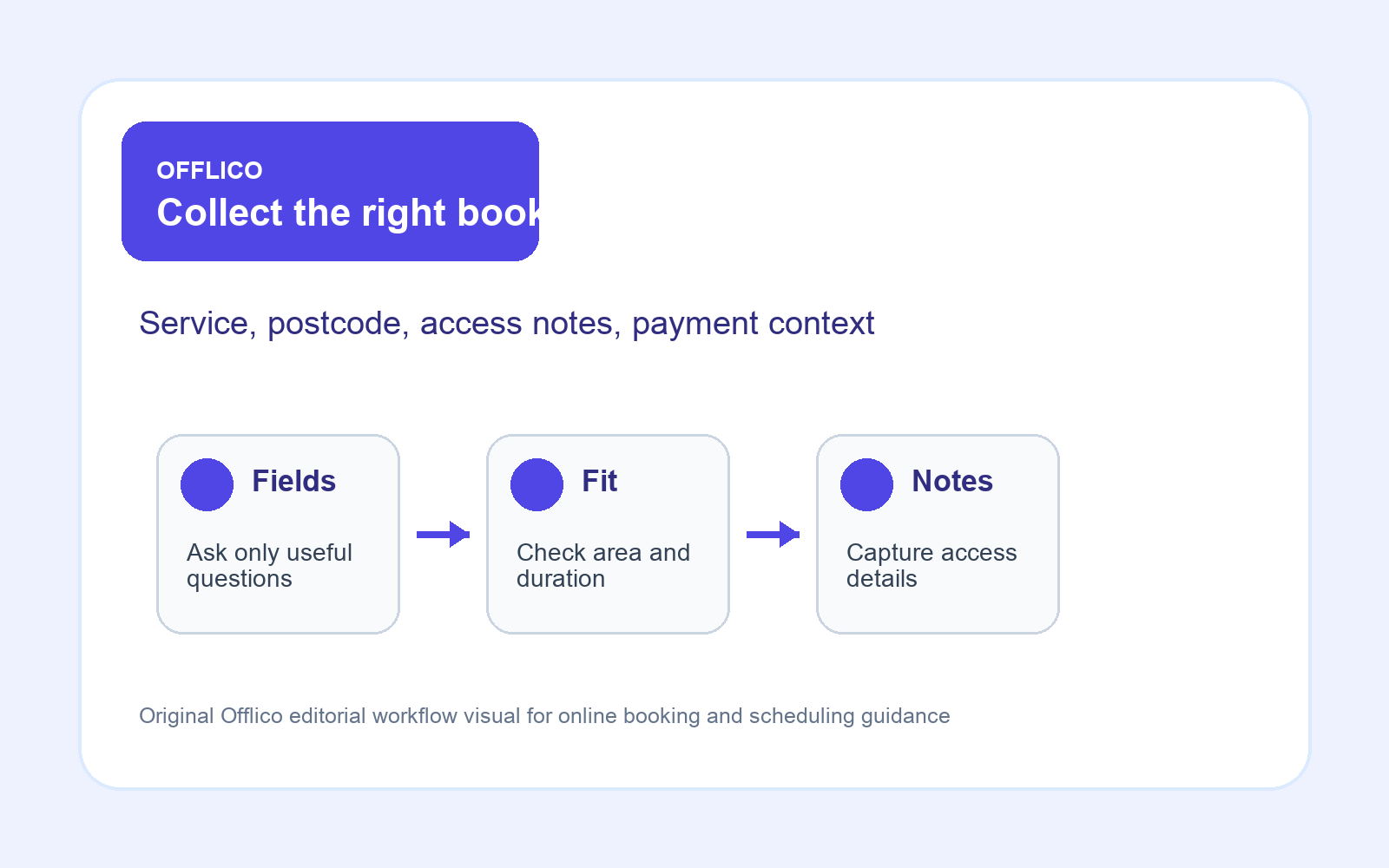
Fields that often matter
- service or appointment type
- preferred date and time
- postcode or service area signal
- visit address or location type
- access notes and preparation details
- anything that changes duration or price
- clear consent for operational messages
Protect route and service fit
For mobile services, a scheduling app can create problems if it accepts every available slot without geography. A cleaner, tutor, beauty professional, dog groomer, tradesperson, therapist, or home visit provider needs to know whether the appointment fits the real day.
This is where appointment scheduling overlaps with online booking and smart routing. A public booking flow should be able to collect postcode, flag out of area requests, leave room for manual review, and avoid promising a slot that looks free but breaks the route.
| Signal | Why it matters |
|---|---|
| Postcode or area | Stops bookings outside the working radius |
| Service duration | Prevents short slots hiding long jobs |
| Travel buffer | Protects the day from impossible gaps |
| Manual review rule | Catches jobs needing quote, access, or price judgement |
| Repeat customer context | Keeps known preferences close to the appointment |
Confirm and remind from context
The appointment is not safe just because the customer submitted a form. The app should say whether the booking is requested, held, confirmed, waiting for payment, or waiting for review. Then reminders should reuse the real booking details.
The GOV.UK guidance on emails and text messages is a useful reminder that messages should be timely, clear, and appropriate to the channel. If appointment updates drift into marketing, the ICO direct marketing guidance helps keep consent and expectations cleaner.
Tool pages and guides from Acuity Scheduling reminder settings, Calendly workflows, and Twilio appointment reminders show why reminders are part of the scheduling decision, not an afterthought.
A useful confirmation should include
- booking status
- service, date, time, and location
- preparation notes
- payment or deposit expectation where relevant
- how to change or cancel
- which reminders the customer should expect
Compare apps by workflow
Search results around this topic quickly lead to booking systems, form builders, website builders, payment tools, calendar apps, and automation platforms. Do not compare them only by feature count. Compare the work that disappears after the booking is made.
UK small business comparisons such as SmallBusiness.co.uk online booking systems and platform guides from Stripe, Jotform, and Square Appointments show the range of choices. For Offlico’s audience, the better question is whether booking data stays useful once it leaves the public form.
Discovery matters too. Google Business Profile appointment link guidance shows that booking links can sit directly where customers find the business, so the destination needs to feel trustworthy and operationally ready.
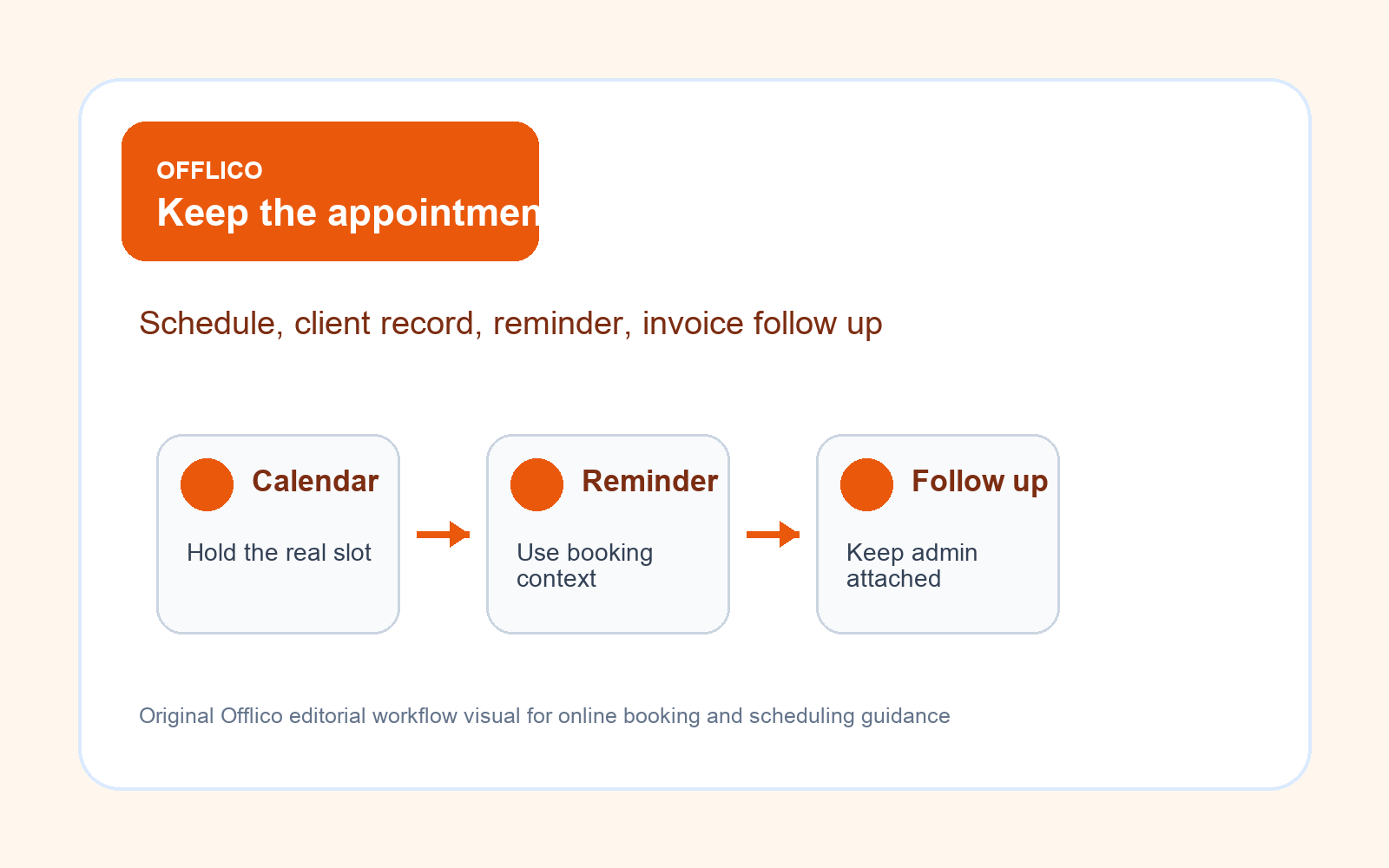
The comparison test
- Can customers choose the right service without back and forth?
- Can the app collect location and access details cleanly?
- Can the owner review bookings that need route or price judgement?
- Can confirmations and reminders use the booking details?
- Can payment, invoice, or deposit status stay close to the appointment?
- Can services and availability be changed without rebuilding the page?
Where Offlico fits
Offlico fits when appointment scheduling is treated as part of the operating workflow, not a separate calendar widget. The booking request should feed the same system that manages the appointment, route pressure, client details, reminders, payment context, and follow up tasks.
That matters commercially because every unclear booking creates work twice. The customer has already tried to book, but the operator still has to chase the postcode, clarify the service, judge the route, send preparation notes, and remember the reminder. A connected scheduling workflow protects paid time.
Final takeaway
An appointment scheduling app for a small business should do more than publish availability. It should help customers request the right service, give the operator enough detail to accept the appointment, protect the route, and move the booking into confirmation, reminders, and follow up admin.
Start with the practical question behind the search: does this app make the appointment easier to deliver, or does it just move the admin from the phone into another inbox?
What should an appointment scheduling app include for a small business?
It should include service choice, availability or request rules, customer contact details, location or access fields, confirmation status, reminder settings, and a path into client records and follow up admin.
Is an appointment scheduling app the same as an online booking system?
Not always. A scheduling app may focus on calendar availability. An online booking system should also manage the customer request, form details, confirmation, reminders, and follow up workflow.
What matters most for mobile service businesses?
Mobile services should check route fit, postcode or area rules, service duration, buffers, access notes, and whether the booking can be reviewed before it becomes a promise.