What a delivery report actually tells you
A reminder can leave your booking system without reaching the client. A delivery report narrows that gap. It records what happened as the message moved from the sending service towards the mobile network and handset.
The report is most useful when it changes what you do next. “Sent” should not end the investigation, “delivered” should not be treated as “read”, and one failed message should not trigger a stream of repeats.
A useful technical definition describes a delivery report as the network confirmation of a message status. A separate infrastructure guide explains that the carrier returns the result after attempting delivery. The labels vary by provider, but the operational questions stay the same: was the message accepted, did it reach the handset, is the result still pending, or did it fail?

Read the status before acting
- Check the exact message and client record.
- Check when the message was sent and when the status last changed.
- Separate a temporary delay from a confirmed failure.
- Choose one proportionate follow up instead of repeatedly resending.
Sent, delivered, delayed and failed
Status names are not perfectly standardised. Read the provider’s own definition before building an automated rule around a label. The public GOV.UK Notify status guide separates delivering, delivered, not delivered, phone unavailable and technical failure.
A practical starting point is to translate every technical label into an operational state.
| Status | What it normally means | What to do |
|---|---|---|
| Queued or pending | The reminder is waiting to be processed or the final result has not returned. | Wait for the normal status window before deciding it failed. |
| Sent | The sending service or carrier accepted the message for delivery. | Do not assume the handset received it. Check later if the appointment is time sensitive. |
| Delivered | The network reported delivery to the handset. | Treat it as delivered, not read or understood. |
| Delayed or temporary failure | The handset or network was not available at that moment. | Allow the stated retry window, then review the final result. |
| Failed, rejected or undelivered | The provider could not complete delivery. | Read the reason, check the number and choose a fallback. |
| Unknown or no report | The system has no final delivery evidence. | Treat certainty as unavailable. Do not silently convert unknown into delivered. |
Another provider’s plain language glossary explains that sent means submitted to the carrier while delivered means the phone was reached. This distinction is the centre of a useful delivery report.
Delivered is not the same as read
A delivered SMS tells you that the network reported the message reached the handset. It does not show that the client opened it, noticed the date, understood the instruction or plans to attend. GOV.UK Notify states directly that it does not tell users whether a text was opened or read.
That boundary protects the quality of your records. Write “delivered” when that is the evidence. Do not write “client saw reminder” unless the client replied or another channel provides that evidence.
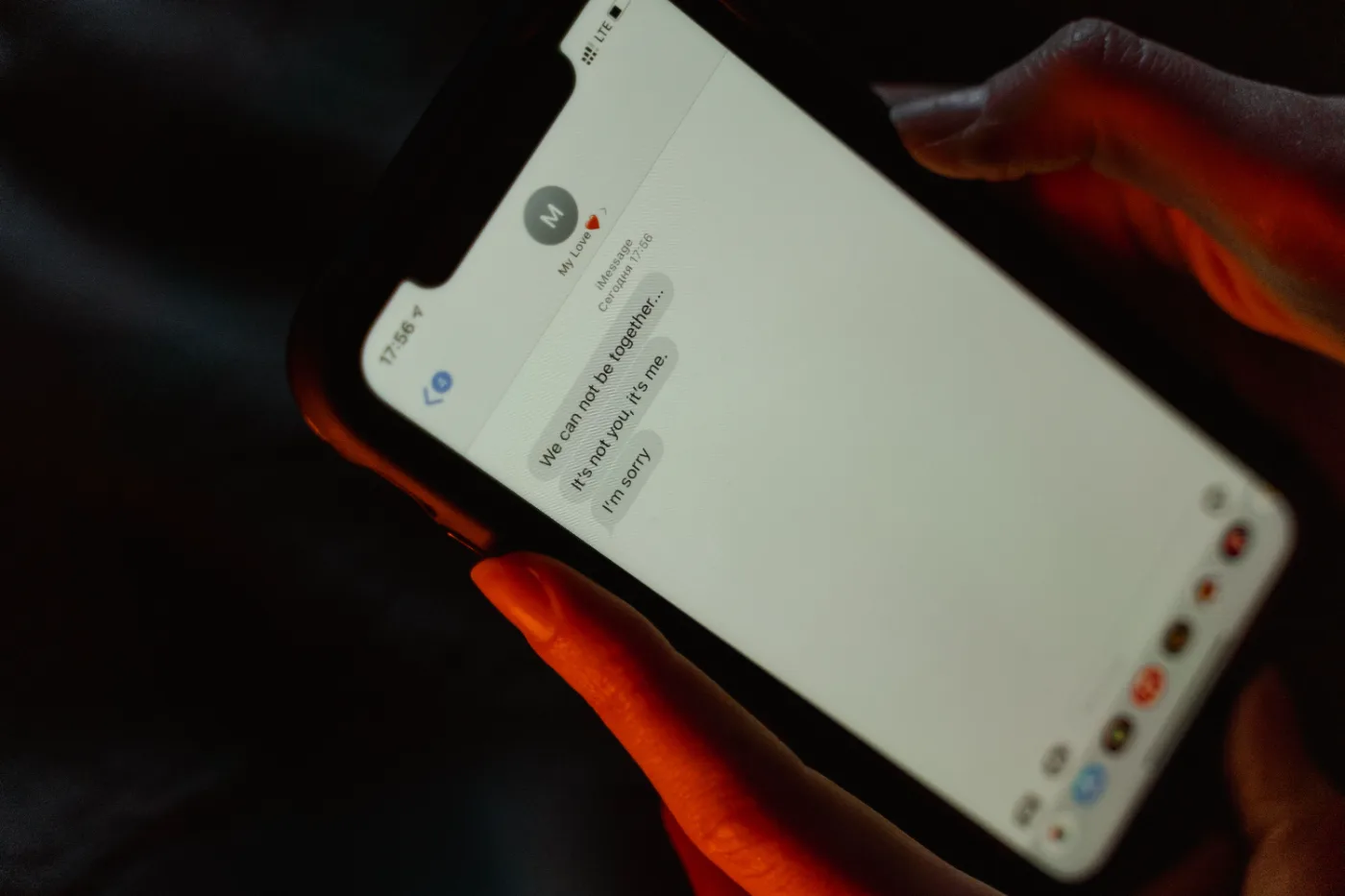
The interface should make this limit easy to understand. General usability guidance recommends plain language that helps people recognise the problem and recover, while a second design guide stresses that error messages should offer a way forward rather than only announce failure.
Triage a failed reminder in six steps
A failed message is a small incident, not a verdict on the client. Work through the evidence in order. The aim is to protect the appointment without creating duplicate messages or overwriting a good contact record.
Open the exact reminder
Confirm the client, appointment, destination number, send time and message type.
Read the provider reason
Distinguish invalid number, handset unavailable, carrier rejection, technical failure and no final report.
Check the client record
Compare the stored mobile number with the latest details supplied by the client. Do not guess a corrected digit.
Check the appointment timing
A visit tomorrow may justify a phone call. A routine reminder several weeks away may not.
Choose one fallback
Call, use an agreed alternative channel, or wait for a temporary status to resolve.
Record the outcome
Note the status, action and any verified contact update so the next reminder does not repeat the same failure.
A troubleshooting guide lists invalid numbers, landlines, unavailable handsets and sender restrictions among possible delivery problems. A separate UK provider overview advises investigating the root cause instead of repeatedly forcing another batch.
Check the client record before resending
Contact data becomes operationally important the moment a reminder fails. A wrong number wastes the message and may expose appointment information to the wrong person.
Use a verified update process. Ask the client to confirm the number through a trusted route, keep a note of when it changed, and make the corrected record the source for future reminders. Do not preserve several competing mobile numbers without explaining which one is current.

Real appointment services make this responsibility visible. One practice asks clients to report a changed mobile number so messages do not go to an old contact. Another service places contact detail updates beside its reminder instructions.
Contact record checks
- Is the destination a current mobile number?
- Was the number supplied by the client or an authorised contact?
- Is one person receiving reminders for several family members?
- Does the message reveal more appointment detail than necessary?
- Has the verified update been applied to the main client record?
Handle pending and unknown states calmly
Not every reminder produces an immediate final answer. The phone may be off, have no signal or be temporarily unable to accept messages. Some routes may not return a final delivery report at all.
Set a review point instead of treating every delay as failure. The GOV.UK Notify guide explains that a provider may continue trying while a message remains in a delivering state, and it separates temporary handset problems from technical failures. Its status descriptions show why the next action depends on the failure class.
| Situation | Reasonable response |
|---|---|
| Appointment is not close and status is pending | Wait for the normal provider window, then check again. |
| Appointment is close and attendance affects the route | Use one agreed fallback, such as a call. |
| Status says the number is invalid | Verify the number before sending another SMS. |
| Technical failure affected the sending service | Follow the provider instruction and retry once the service is available. |
| No final delivery report is available | Record the uncertainty and avoid claiming delivery. |
A failed message list used in practice settings gives teams a dedicated place to review exceptions. The failed SMS quick reference guide is a useful example of treating non delivery as a work queue rather than leaving it hidden in the sent log.
Turn failures into a short exception list
Most teams do not need to watch every successful reminder. They need a small, visible list of messages that need a decision. Review it at a predictable time and before the final appointment window closes.
A useful exception list shows
- Client and appointment, without unnecessary message detail.
- Destination number or a safely masked version.
- Send time and last status update.
- Plain English status and provider reason.
- Whether the failure appears temporary or final.
- The next action, owner and completion note.
Delivery visibility is not a theoretical extra. A UK SMS guide describes delivery reports as the way to identify reminders that did not arrive. The value comes from routing those exceptions to someone who can act.
Review patterns, not just individual failures
One failed message may be a stale number. A cluster can point to a wider problem. Review failures by reason, day, provider route and message type before changing your reminder policy.
Do not confuse a delivery problem with reminder effectiveness. A message can be delivered and still be ignored, while an unknown status does not prove the message failed. Keep delivery, replies, cancellations and attendance as separate measures.
- A rise in invalid numbers may mean contact details are not being checked.
- A group of technical failures at the same time may indicate a service incident.
- Repeated unknown states may require provider clarification.
- Failures concentrated in one message type may point to its sender setup or content.
- Delivered reminders with no response may need clearer wording or an easier change route, not more resends.
Broader reminder research concludes that supportive administrative processes matter alongside the reminder itself. That finding supports linking reminders with cancellation, rescheduling and reallocation workflows rather than treating the text as a complete process.
Public sector trials have also tested the wording of reminders, which shows that message content and delivery are separate design questions. First establish whether the reminder reached the handset. Then assess whether the wording and action path worked.
Appointment reminder software checklist
Use this checklist when comparing reminder software or auditing the workflow you already have. Ask for a demonstration using a failed message, not only the successful path.
- Can I see the difference between queued, sent, delivered, delayed and failed?
- Does the system explain each status in plain English?
- Can I see when the status last changed?
- Can I filter messages that need action?
- Does a failure show a reason or useful provider code?
- Can I open the related appointment and client record without copying details manually?
- Can I record a verified contact update?
- Can I assign a fallback action and mark it complete?
- Does the system avoid calling delivered messages read?
- Can I export or review failure patterns without exposing unnecessary client data?
- What happens when no final delivery report returns?
- How does support investigate a provider or carrier issue?
Test the whole loop: create a sample appointment, send to a valid mobile, try an invalid number, watch the status change and complete the follow up. The result should be understandable to the person running the diary, not only to a messaging engineer.
Write a simple reminder failure policy
A short policy helps the team act consistently without turning every failed text into an emergency. Keep it proportionate to the service and the importance of the appointment.
| Question | Policy decision |
|---|---|
| When is the exception list checked? | Choose a time that protects upcoming appointments. |
| Which statuses require action? | Define temporary, final and unknown states using provider wording. |
| When is a phone call justified? | Set a clear appointment window or service risk threshold. |
| Who can change a contact number? | Require verification and record the source of the update. |
| How many resend attempts are allowed? | Limit repeats and require the cause to be checked first. |
| What is recorded? | Keep status, action, outcome and any verified update. |
Keep the policy short enough to use between visits. Review it when providers change status labels, when the failure pattern changes, or when staff keep asking the same question.
Keep reminder follow up close to the booking
Delivery status is only useful when it leads to a clear decision. Keep the reminder, appointment and current client details close enough that the operator can understand the problem without rebuilding the story from several tools.
For the next step, use these appointment reminder message examples to improve the copy, then review reminder timing for home visits to decide when the message should go out.
Review Offlico reminder features or compare plans when you are assessing how reminders fit alongside the rest of your booking workflow.